
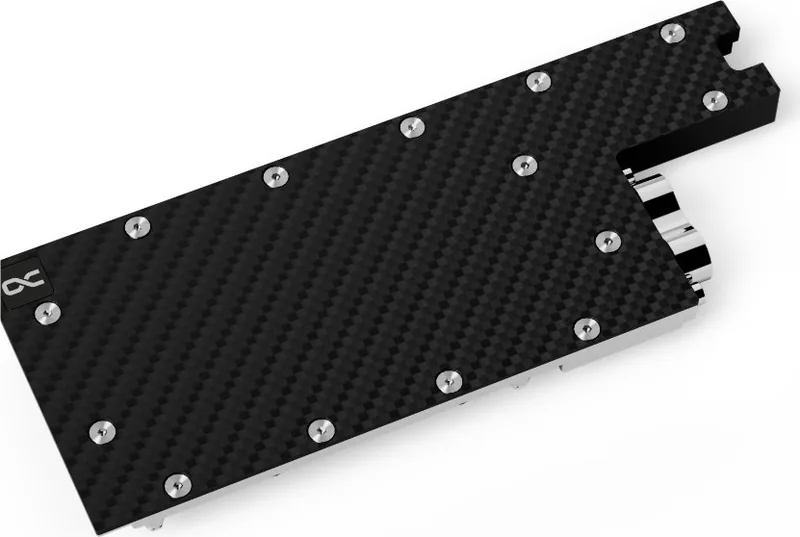
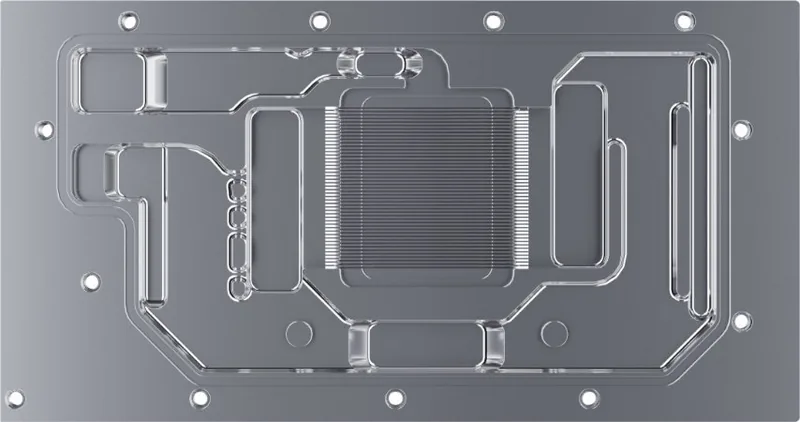
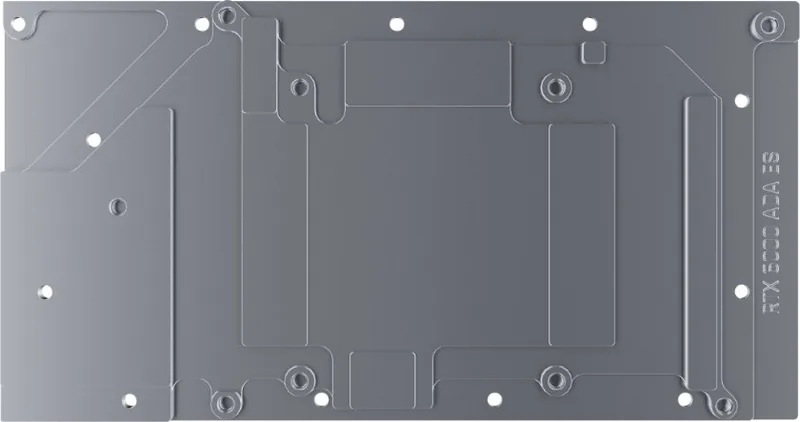
Alphacool ES RTX 6000 Ada 48GB Manual
PDF manual · 4 Pages
English



Quick check
Incorrect answer, please try again.
Chat with your Alphacool ES RTX 6000 Ada 48GB manual using AI
Get instant AI answers from your Alphacool ES RTX 6000 Ada 48GB manual
Ask anything about the Alphacool ES RTX 6000 Ada 48GB. Answers come from this manual, with the pages they are based on.
Ask a Question
Do you recommend ES RTX 6000 Ada 48GB?
Yes NoFrequently Asked Questions
Visit the online configurator and search for your graphics card model. You can also compare the PCB number for definitive confirmation to ensure the cooler fits your specific hardware.
Is this answer helpful?
Place it on an antistatic mat, remove the original cooler, and clean residues with isopropanol alcohol to prepare the surface for new thermal pads.
Is this answer helpful?
Alphacool International GmbH is not liable for errors occurring due to negligence or incompatible cooler selection. The assembler bears responsibility.
Is this answer helpful?
Extreme care should be taken because removing glued coolers can easily damage sensitive electronic parts or circuit components.
Is this answer helpful?
Contact Alphacool International GmbH via email at [email protected] or call their support line for direct assistance.
Is this answer helpful?
It ensures definitive identification because manufacturers may revise card designs slightly, causing fitment issues on later models.
Is this answer helpful?
Advantages and Disadvantages
Advantages

- Detailed accessory kit includes various thermal pads and screws with specific dimensions.
- Compatibility verification tool available online to check PCB layouts before purchase.
- Clear safety instructions provided to prevent damage during assembly process.
- Includes M2 screws and EVA washers tailored for precise installation.
Disadvantages

- Risk of damage exists if thermal glue removal is not handled with extreme care.
- Specific PCB layout required which may not fit slightly revised card models later.
- Manufacturer liability disclaimer covers negligence or incompatible cooler selection errors.
- Requires cleaning residue thoroughly or heat transfer might suffer.
Product Specification
Type
GPU
Material
Copper (chromium-plated), Aluminum, Carbon
Compatibility
PNY Radeon RTX 6000 Ada Generation 48GB
Connectors
G1/4"
Dimensions (LxWxH)
9.70x3.81x0.81in
Features
Voltage regulator cooled (GPU), incl. Backplate
Product Description
Optimizing Performance with the Alphacool Enterprise ES RTX 6000 Ada 48GB Manual
When managing high end workstations, maintaining optimal temperatures is vital for stability and longevity. The Alphacool Enterprise ES RTX 6000 Ada 48GB Manual serves as your comprehensive guide for installing this advanced water cooling solution. Enterprise grade graphics cards demand superior thermal regulation to handle continuous loads without throttling. This guide outlines precise assembly procedures to ensure maximum efficiency and safety during the process.
Accurate compatibility verification must be the very first priority before starting any physical work. The cooling block is designed for a specific PCB layout which implies strict adherence to hardware specifications. Manufacturers sometimes modify circuit board designs slightly over time. If you skip checking compatibility using the provided configurator tool, the cooler might not fit later model revisions. Identify your card using the PCB number for definitive confirmation. During the physical assembly stage, always check that taller components have enough clearance and do not get damaged by the block itself. Failure to do so can result in broken capacitors or damaged traces on the circuit board.
Preparing the graphics card requires a clean and safe environment. Always place hardware on an antistatic mat to prevent electrostatic discharge damage. Begin by dismantling the factory cooler carefully. Remove fan screws and disconnect connectors gently. Thermal glue cases require extreme care because removing them cleanly is difficult. Damaged parts can result in permanent failure of the electronics. Once the old cooler is off, clean the board thoroughly. Use a solvent such as isopropanol alcohol to remove all residue from pads or paste. Negligence here often leads to voided warranties on the card itself.
The accessory kit contains various thermal pads and screws with specific dimensions to fit this exact hardware. The included items range from thermal greases to specific M2 screws and EVA washers. Pad A through Pad E and thermal grease are included in the box for thermal interface management. Each piece serves a distinct thermal management function on the cooling block and PCB backside. Applying the correct thermal grease ensures heat moves efficiently from the GPUdie to the cooling medium. After installing the PCB components, mount the PCI bracket and backplate securely. This completes the mechanical build of the cooling unit.
Support for installation issues is available through the manufacturer directly. Alphacool International GmbH handles support inquiries for compatibility or assembly concerns. Their team can assist if you have questions about the kit contents or procedures. Reading the safety instructions prevents accidents and product damage. Liability for negligence or selecting incompatible coolers remains with the assembler. Companies explicitly state they are not responsible for assembly errors. Proper preparation leads to reliable operation in critical professional environments. This guide ensures you have the necessary knowledge to succeed with your upgrade.
Search for 67,706 Manuals online


Type-in Brand or Model