
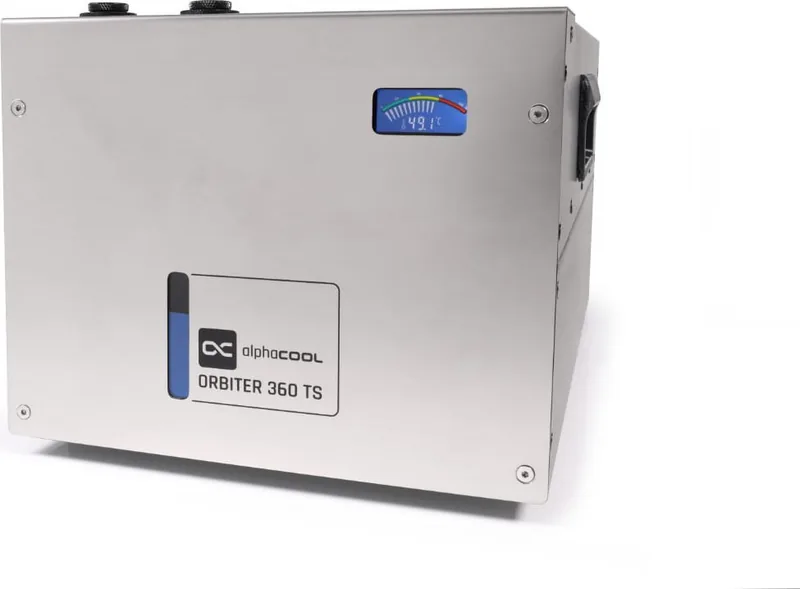
Alphacool ES Orbiter 360 TS Manual
PDF manual · 12 Pages
English



Quick check
Incorrect answer, please try again.
Chat with your Alphacool ES Orbiter 360 TS manual using AI
Get instant AI answers from your Alphacool ES Orbiter 360 TS manual
Ask anything about the Alphacool ES Orbiter 360 TS. Answers come from this manual, with the pages they are based on.
Ask a Question
Do you recommend ES Orbiter 360 TS?
Yes NoFrequently Asked Questions
It supports up to 1500 watts of cooling power continuously.
Is this answer helpful?
No, operating without coolant causes significant damage to the pump and must be avoided.
Is this answer helpful?
Open vent port and refill coolant to remove air volumes causing the noise.
Is this answer helpful?
Switch off device instantly and check connections or tighten hoses to fix leaks.
Is this answer helpful?
Check if the pump is defective and return the part for repair if needed.
Is this answer helpful?
Clean ventilation from dust or connect a second orbiter to manage higher loads.
Is this answer helpful?
Advantages and Disadvantages
Advantages

- Handles up to 1500 watts of cooling power effectively.
- Includes necessary accessories like power supply and funnel.
- Quick startup when connected to the power supply directly.
- Clear error messages help users identify specific faults quickly.
- Simple installation process with identified parts for assembly.
Disadvantages

- Must operate without coolant causes immediate damage risks.
- Air volume in system can cause noticeable noise issues.
- Requires power supply replacement if defective unit fails.
- High temperatures occur if air supply is impeded or blocked.
- Water leaks may require tightening connections to fix.
Product Specification
Type
External (Open System)
Heatsink
CPU, GPU, Copper
Radiator
14.17 inches (Radiator Class), 1.18 inches (Radiator Height), Aluminum
Fan
3x 4.72x4.72 inches, 2500rpm, 49.02 CFM
Reservoir
15.05 fl oz
Pump
12V, 89.82 gal/h, 10.24 ft
Connectors
G1/4"
TDP Rating
1300 W
Product Description
Performance Meets Precision
The Alphacool ES Orbiter 360 TS represents a significant advancement in liquid cooling solutions designed for high-performance computing environments. This all-in-one cooling system ensures that thermal throttling is eliminated during intensive tasks. Engineers and enthusiasts prioritize reliability when managing heat loads effectively.
Key Features
Users installing this unit will notice immediate benefits regarding airflow and temperature stability across their hardware. The design integrates specific components to handle up to 1500 watts of cooling power continuously. Effective air supply is essential for operation within safe thermal limits. If ventilation is impeded, temperature issues may arise quickly. Proper setup ensures the pump operates silently and efficiently without drawing excessive power. The power supply connects directly for immediate activation upon linking wires.
Safety and Maintenance
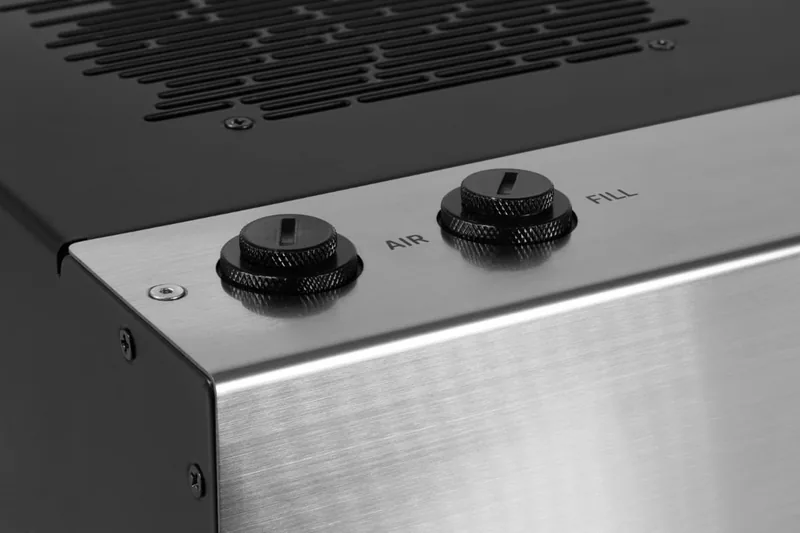
Operational safety is paramount for longevity. Users must ensure sufficient coolant levels before startup occurs. Running the orbiter without liquid can cause permanent damage to internal pumps. The system includes indicators for air volume issues within the loop. If noise occurs, it often suggests trapped air or missing fluid requires attention. Refilling the system maintains optimal performance standards. Regular checks prevent overheating and component failure in demanding conditions.
Troubleshooting
When using the Alphacool ES Orbiter 360 TS Manual for guidance, understanding error messages becomes vital for maintenance protocols. Faults such as leaks or pump failures require specific corrective actions immediately. Leaks often indicate loose connections or defective hoses need replacement. Switching off the device instantly prevents water damage to nearby electronics. Checking the power plug ensures the system starts correctly each time. Temperature spikes might mean the fan failed or air intake is blocked. These steps maintain system integrity over long periods.
Installation Notes
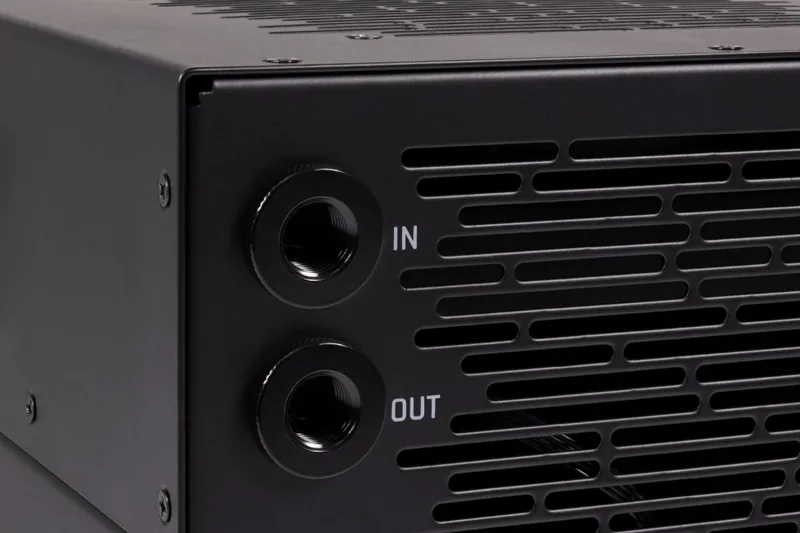
Installation of the water connections requires care and precision tools. Fill coolant before power application to avoid dry running risks. Check minimum filling level during commissioning phases carefully. Watch the fill level and refill with coolant if necessary during the first setup. Drain the water if the pump or fan has failed for repair. Clean the ventilation from dust regularly to reduce heat source power needs. Connect a second orbiter if necessary for larger thermal loads. Dimensions are provided in millimeters to ensure compatibility with standard cases. Dimensions in mm help users verify space requirements accurately before final assembly. Accessories such as funnels aid in efficient fluid transfer processes during installation.
Search for 67,706 Manuals online


Type-in Brand or Model