
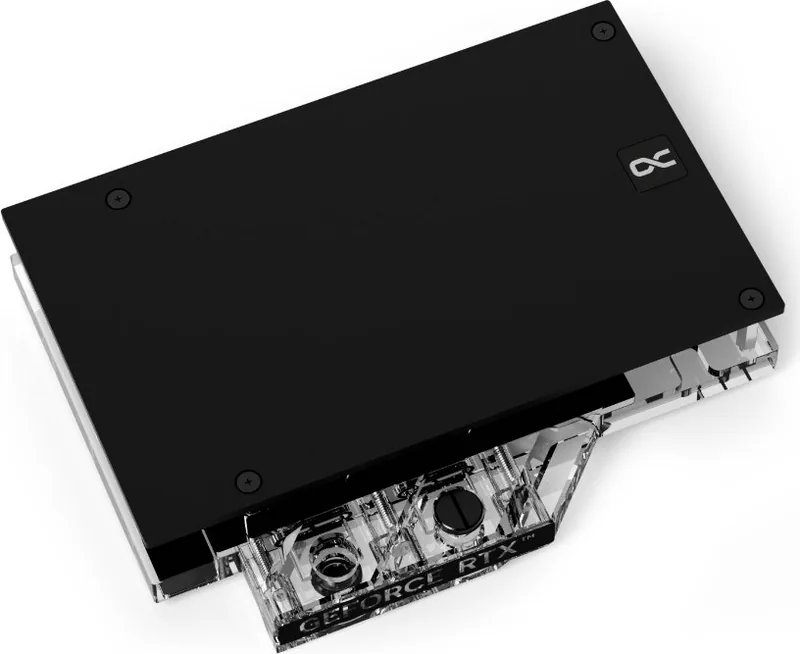
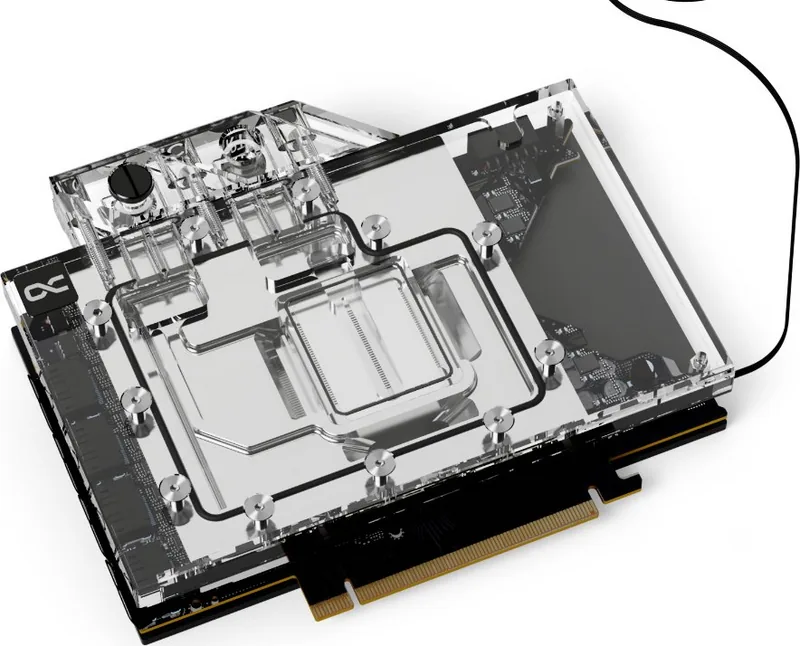
Alphacool Eisblock Aurora RTX 4070 Ti Ventus 3X Manual
PDF manual · 4 Pages
English



Quick check
Incorrect answer, please try again.
Chat with your Alphacool Eisblock Aurora RTX 4070 Ti Ventus 3X manual using AI
Get instant AI answers from your Alphacool Eisblock Aurora RTX 4070 Ti Ventus 3X manual
Ask anything about the Alphacool Eisblock Aurora RTX 4070 Ti Ventus 3X. Answers come from this manual, with the pages they are based on.
Ask a Question
Do you recommend Eisblock Aurora RTX 4070 Ti Ventus 3X?
Yes NoFrequently Asked Questions
Visit the Alphacool configurator online and search for your specific graphics card model. You can also compare the PCB number printed on your card to ensure it matches the design specifications required for the cooler.
Is this answer helpful?
You will need a screwdriver set, a putty tool provided in the kit, and a solvent like isopropanol alcohol for cleaning thermal paste. Ensure you have an antistatic mat available for safety.
Is this answer helpful?
No, you should always use the new thermal pads included in the Alphacool kit. Reusing old pads may lead to improper contact and reduced cooling efficiency due to wear and compression.
Is this answer helpful?
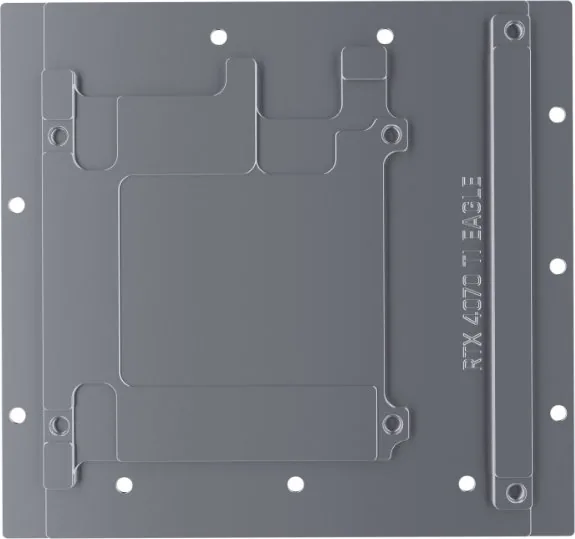
Yes, the package includes a dedicated backplate designed to protect the rear of the graphics card and improve overall structural rigidity during the water block installation.
Is this answer helpful?
Stop immediately and re-verify your PCB model number against the compatibility list. Do not force the cooler, as this may damage the card. Contact support if discrepancies persist.
Is this answer helpful?
Advantages and Disadvantages
Advantages

- Comprehensive step-by-step instructions reduce installation errors
- Includes a full set of varied thermal pads for perfect fitment
- ARGB lighting integration enhances system aesthetics
- Designed for specific PCB layouts to ensure stability
Disadvantages

- Requires careful verification of PCB revision compatibility
- Installation demands precision and patience during disassembly
- Not suitable for older GPU models without manual checking
Product Specification
Type
GPU
Connectors
G1/4"
Features
Voltage converter with GPU cooling, includes backplate
Product Description
Alphacool Ice Block Aurora NVIDIA RTX 4070 Manual: A Comprehensive Guide to Premium Cooling
Upgrading your graphics card cooling system is a critical step for enthusiasts seeking maximum performance and silence. The Alphacool Ice Block Aurora NVIDIA RTX 4070 Manual serves as the essential companion for installing this high-performance water block. Designed specifically for the NVIDIA RTX 4070 series, this manual ensures that users can achieve optimal thermal dissipation while maintaining the aesthetic appeal of their custom loop builds.
The installation process begins with rigorous compatibility checks. Users are advised to verify their specific graphics card model against the manufacturer's configurator before proceeding. This step is vital because slight PCB revisions by different manufacturers can affect fitment. Once compatibility is confirmed, the guide walks you through the careful removal of the factory cooler. It emphasizes the importance of working on an antistatic mat and handling components with extreme care, especially when dealing with thermal glue or delicate connectors.
Preparation involves cleaning all old thermal paste residues using isopropanol alcohol. The manual then details the precise placement of various thermal pads and grease application points. These materials are crucial for transferring heat efficiently from the GPU core and memory modules to the copper base of the water block. The included kit contains a wide array of pads in different dimensions, ensuring a perfect seal across the entire surface area of the card.
Assembly continues with mounting the backplate and securing the unit using original screws where possible. The guide also covers the connection of ARGB lighting, allowing users to sync the cooler's illumination with their rest of the system. Finally, the installation concludes with screwing in the G1/4 plugs and connecting the tubing. Following these steps meticulously guarantees a leak-free and efficient cooling solution that extends the lifespan of your hardware.
Search for 67,706 Manuals online


Type-in Brand or Model