

Free ATEN Manuals – Read, Download & Print
53 Manuals
Manuals
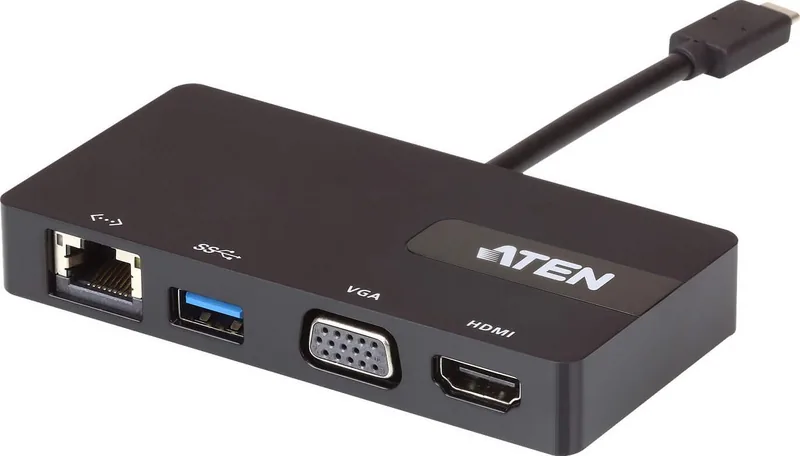
13 Pages

24 Pages
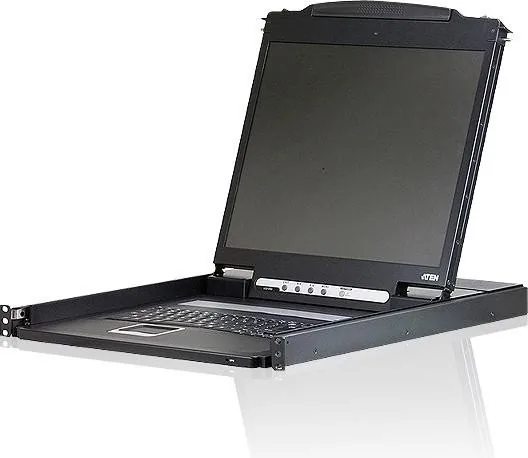
42 Pages

31 Pages

76 Pages

31 Pages
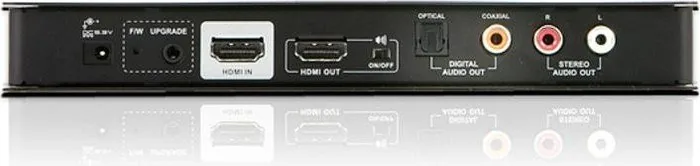
2 Pages
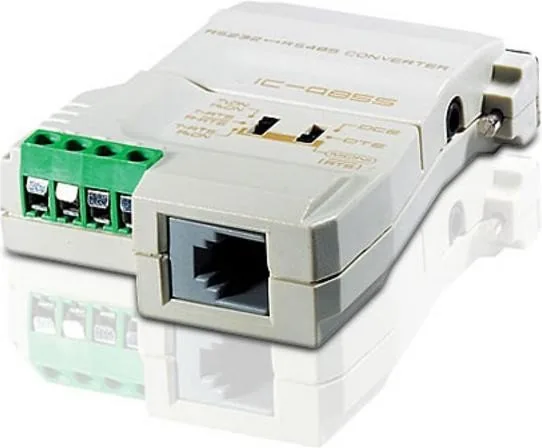
18 Pages
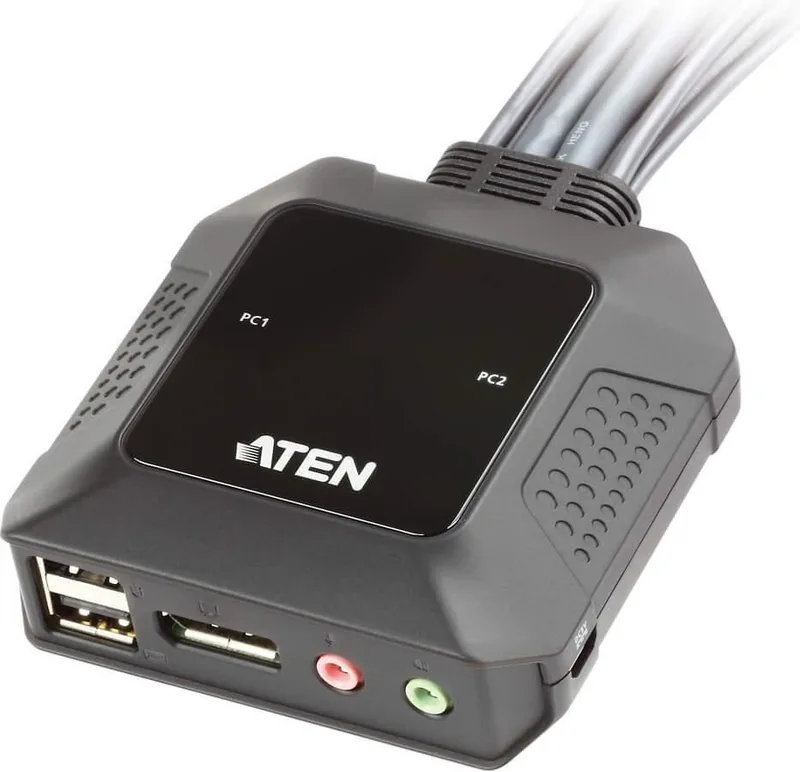
2 Pages
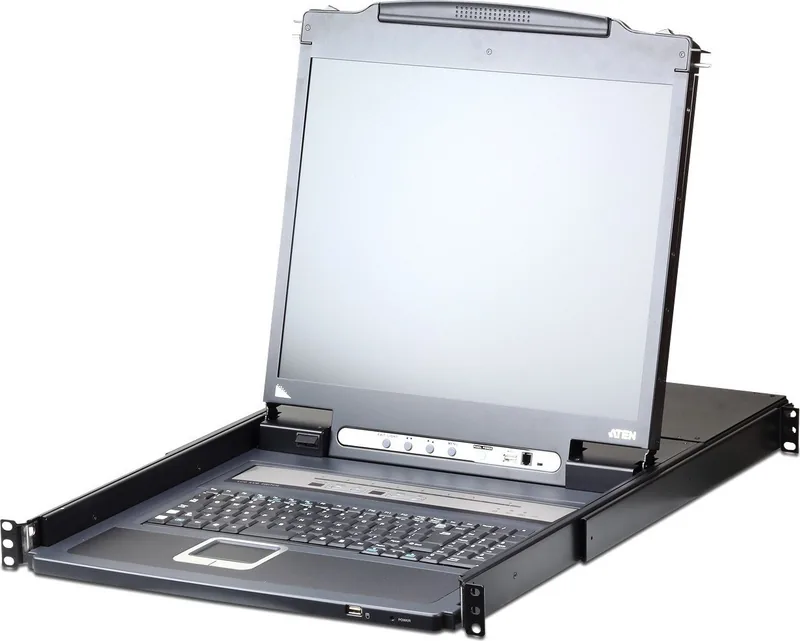
261 Pages

16 Pages
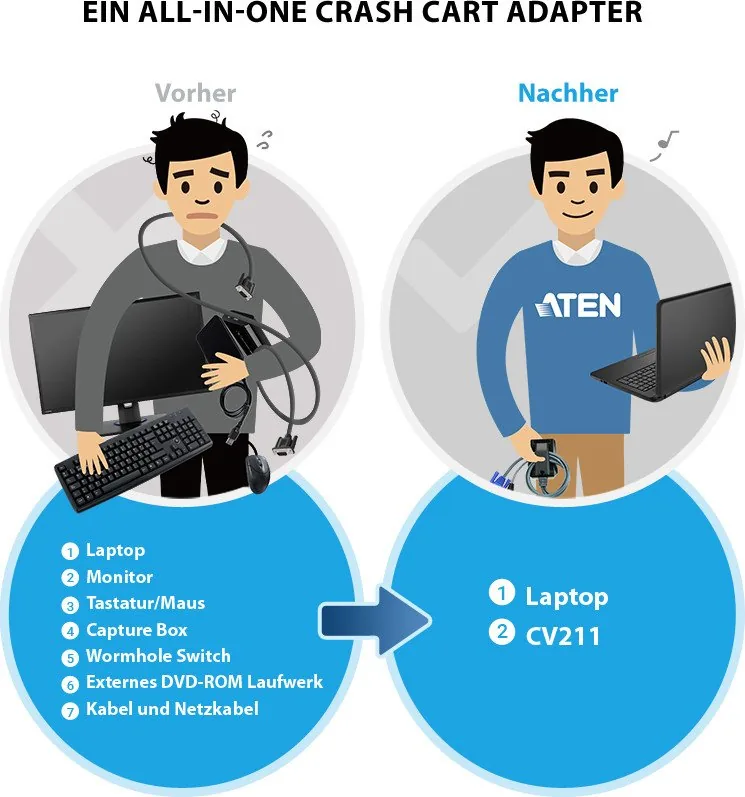
47 Pages
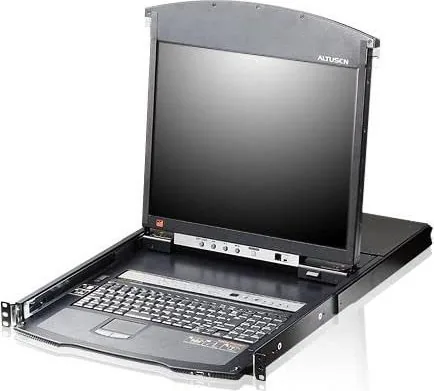
239 Pages
2 Pages
90 Pages
2 Pages

29 Pages

45 Pages
2 Pages
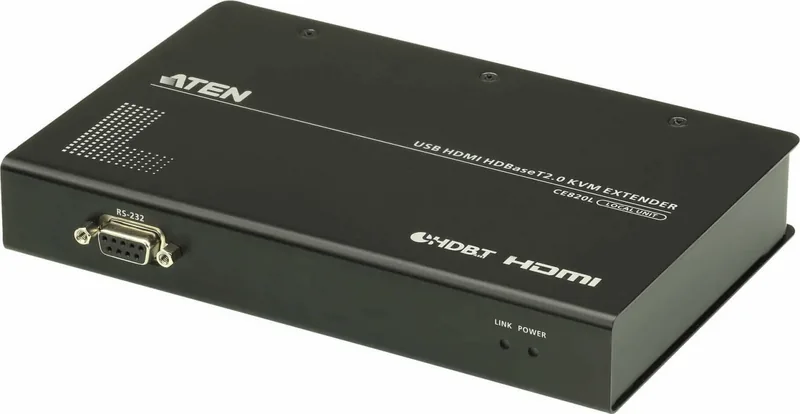
34 Pages
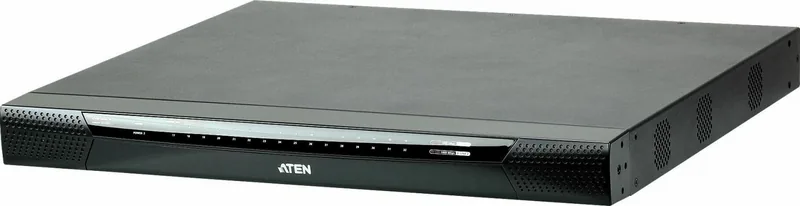
2 Pages
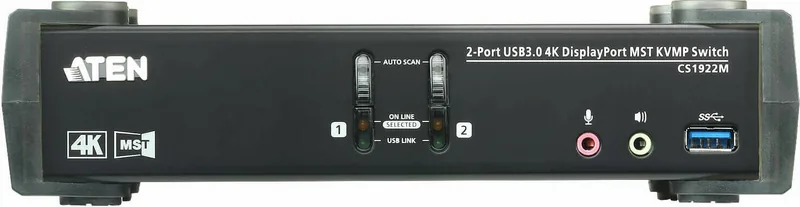
55 Pages
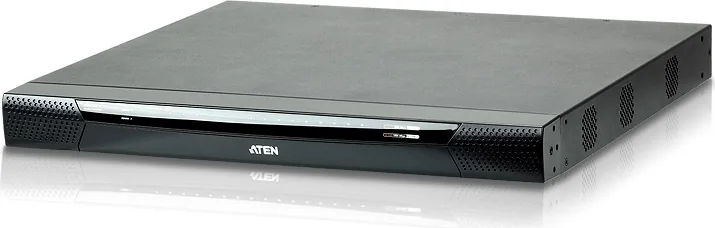
315 Pages

315 Pages
315 Pages
209 Pages
56 Pages

90 Pages

222 Pages
1 Pages
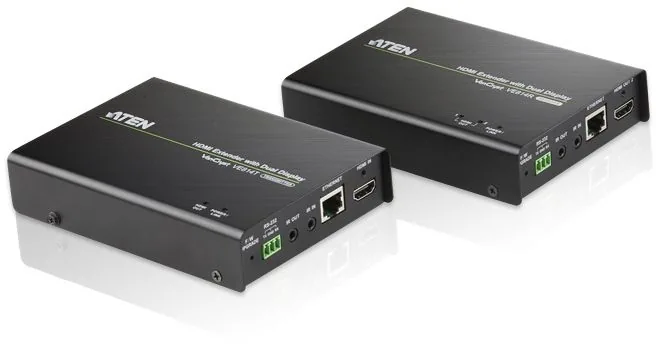
2 Pages
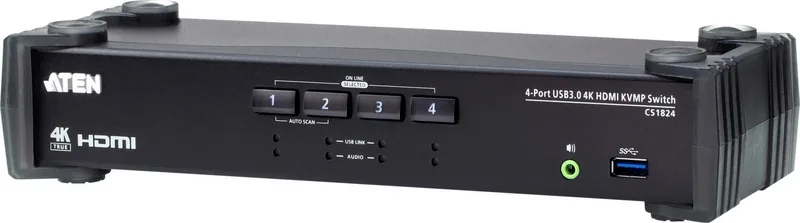
17 Pages

55 Pages
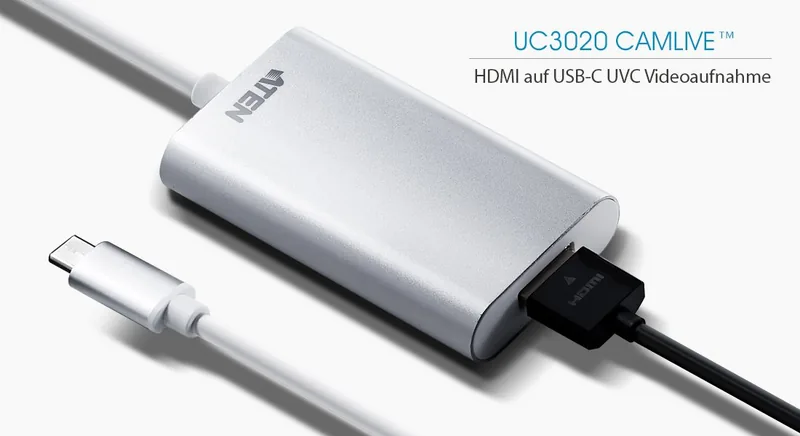
38 Pages
65 Pages

205 Pages
40 Pages

27 Pages
39 Pages
2 Pages
99 Pages
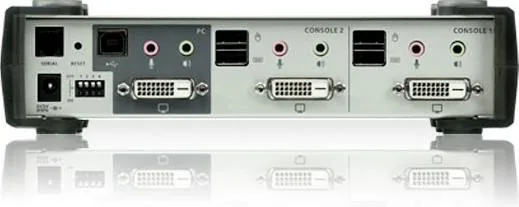
22 Pages
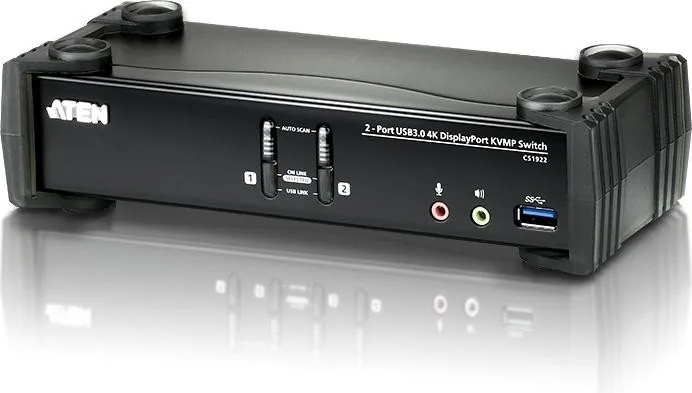
51 Pages
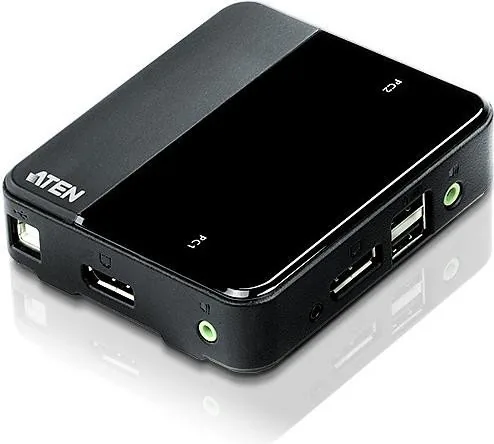
20 Pages

14 Pages
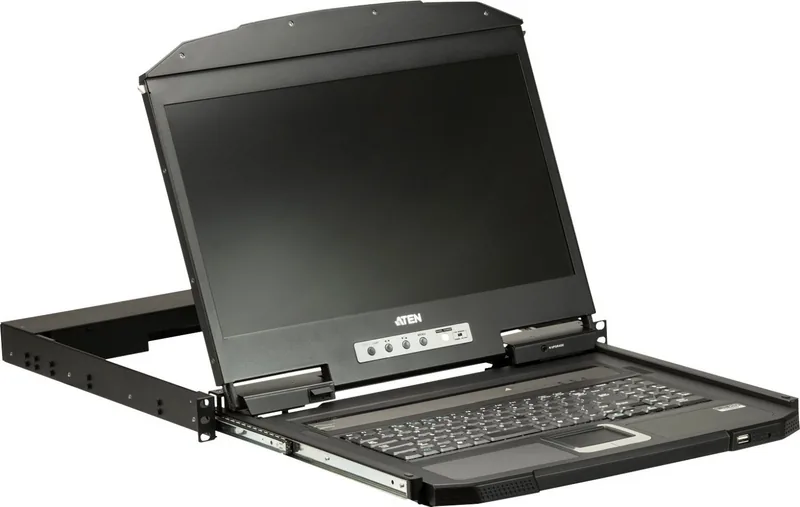
78 Pages
2 Pages
21 Pages

15 Pages
56 Pages
Categories


Free ATEN Manuals - Read, Download & Print
Find Official ATEN Product Documentation
Access a wide selection of free ATEN manuals for professional connectivity, IT infrastructure, audiovisual, and control solutions. Whether you need help setting up a KVM switch, configuring a video extender, installing a matrix switch, connecting a docking station, or managing a power distribution unit, the right manual can make every step easier. ATEN documentation provides practical guidance for installation, operation, maintenance, troubleshooting, and technical specifications.
ATEN products are widely used in server rooms, offices, classrooms, control centers, studios, retail environments, and home workspaces. Because these devices often support advanced connection methods and multiple hardware configurations, having the correct user manual is important. Manuals can help identify ports, understand LED indicators, select compatible cables, update firmware, configure network settings, and use device features safely.
Read ATEN Manuals Online
Reading an ATEN manual online is a convenient way to find essential information without saving a file first. Online manuals are useful when you want to quickly check a connection diagram, review a supported resolution, locate a reset button, or understand a menu setting. Product guides commonly include illustrations, tables, safety notices, package contents, and step-by-step instructions.
Many ATEN manuals begin with an overview of the product and its intended use. This section may explain whether the device supports USB, HDMI, DisplayPort, VGA, DVI, serial communication, Ethernet, audio, or power management. It can also list supported operating systems, display resolutions, cable distances, and environmental requirements.
Use the table of contents to move directly to the information you need. Common manual sections include:
- Product introduction and features
- Hardware requirements and compatibility
- Front and rear panel descriptions
- Installation and wiring instructions
- Operating procedures and hotkey commands
- Web interface or software configuration
- Firmware upgrade instructions
- Troubleshooting and technical support
- Specifications and compliance information
Download ATEN User Guides for Offline Access
Downloading an ATEN manual gives you access to important product information when an internet connection is unavailable. A saved PDF is especially helpful during equipment installation, field service, rack deployment, conference room setup, or maintenance work. You can keep manuals on a laptop, tablet, phone, or shared technical documentation folder for convenient reference.
Offline manuals also make it easier to search for specific terms such as IP address, EDID, baud rate, hotkey, resolution, cascade, grounding, firmware, or factory default. Most PDF readers provide search, zoom, bookmarks, page navigation, and print options. This can save time when working through larger manuals for enterprise KVM systems, video matrix switchers, or network-managed devices.
Before downloading, confirm the exact ATEN model number shown on the device label or packaging. Similar-looking products may have different ports, capabilities, power requirements, firmware versions, and installation procedures. A model number can include letters and numbers that identify a specific series, interface type, port count, generation, or regional variation. Using the right document helps avoid configuration errors and compatibility issues.
Print Setup Instructions and Reference Pages
Printed ATEN manuals are useful for technicians and users who prefer a physical reference during setup. You may print the full guide or select only the pages most relevant to your task. For example, a quick installation guide, port layout diagram, safety section, cable connection illustration, or troubleshooting chart may be enough for a straightforward installation.
Printing selected pages can be practical when working in locations where electronic devices are inconvenient or restricted. A paper copy can remain near a server rack, AV cabinet, classroom podium, or equipment storage area. It also provides a useful handoff document for installers, support teams, and facility staff.
For best results, print diagrams and wiring instructions at a size that keeps labels readable. Color printing can help distinguish cables, status LEDs, and port groups, though black-and-white printing is often sufficient for text instructions. If a document contains large foldout-style diagrams, use landscape orientation or scale the page to fit your printer settings.
Manuals for KVM Switches and Console Solutions
ATEN is well known for KVM technology, which allows users to control multiple computers from one keyboard, video display, and mouse setup. Manuals for KVM switches can explain local and remote access, port selection, hotkey operations, console connections, cable requirements, firmware updates, and security settings.
KVM documentation may also cover advanced functions such as multi-display support, USB peripheral sharing, audio switching, cascading, daisy chaining, virtual media, network access, user accounts, authentication, and logging. These features are common in professional environments where administrators need efficient access to multiple servers or workstations.
When reviewing a KVM manual, pay close attention to the supported video interfaces and maximum resolution. Also verify the difference between console ports and computer ports. Some models require specific ATEN cable sets or adapters, while others use standard USB and video cables. The manual will usually identify supported cable types and recommended connection sequences.
Documentation for Video, AV, and Presentation Equipment
ATEN manuals are also valuable for audiovisual systems. Documentation may be available for video splitters, extenders, switches, matrix switchers, wireless presentation devices, converters, scalers, control processors, and collaborative workspace solutions. These products can be used to distribute video signals across meeting rooms, digital signage systems, classrooms, auditoriums, and control rooms.
AV manuals often include connection examples for displays, projectors, media players, computers, cameras, speakers, and control systems. They may describe how to set input priorities, switch sources, manage audio output, configure EDID, use RS-232 control, connect over IP, or adjust video settings. Installation diagrams are especially useful when several sources and displays are involved.
For extenders, confirm the maximum cable distance and the required cable category. For matrix switchers, review the input and output mapping process. For video splitters, check supported resolutions and HDCP compatibility. These details can affect image quality, signal stability, and whether the equipment works correctly with connected displays.
Power, Networking, and Control Product Manuals
ATEN documentation may include manuals for intelligent power distribution units, serial connectivity products, USB peripherals, network devices, and centralized control systems. These guides can help users configure monitoring, scheduled power control, remote access, alerts, user permissions, and network communication.
Power device manuals may provide details about outlet groups, input ratings, current limits, load monitoring, environmental sensors, and emergency procedures. Network-enabled product guides can explain DHCP, static IP configuration, browser access, default login procedures, encryption options, and system logs. For control solutions, manuals may describe programming workflows, keypad functions, automation rules, and device drivers.
Always follow electrical and safety instructions carefully. Use the correct power source, observe load ratings, provide adequate ventilation, and avoid servicing internal components unless the documentation specifically instructs you to do so. Proper installation protects equipment and helps maintain reliable operation.
Troubleshooting with the Right Manual
An ATEN manual is often the best starting point when a device does not power on, a display shows no signal, USB peripherals are not detected, remote access fails, or a connected source is not switching correctly. Troubleshooting sections commonly list likely causes and suggested solutions in a clear format.
Start by checking power connections, cable seating, port assignments, display input selection, and device status indicators. Then confirm that the selected configuration is supported by the model. If the issue involves network management, verify IP settings, Ethernet connectivity, user credentials, firewall rules, and firmware compatibility. Reset procedures should be used only after reviewing the manual, since a reset can erase customized settings.
Get More Value from Your ATEN Equipment
Free ATEN manuals provide the information needed to install, operate, and maintain your equipment with confidence. Reading online is ideal for fast answers, downloading supports offline access, and printing gives you a dependable reference during setup and service. Search by the exact model number to locate the most relevant user guide, quick start guide, installation manual, or technical documentation.
With clear product documentation at hand, you can spend less time guessing about connections and settings and more time using your ATEN solution effectively. From simple desktop switches to advanced enterprise control and AV systems, the correct manual is an essential tool for dependable performance.
Search for 67,706 Manuals online


Type-in Brand or Model