
ATEN CV211 Manual
PDF manual · 47 Pages
English



Quick check
Incorrect answer, please try again.
Chat with your ATEN CV211 manual using AI
Get instant AI answers from your ATEN CV211 manual
Ask anything about the ATEN CV211. Answers come from this manual, with the pages they are based on.
Ask a Question
Do you recommend CV211?
Yes NoFrequently Asked Questions
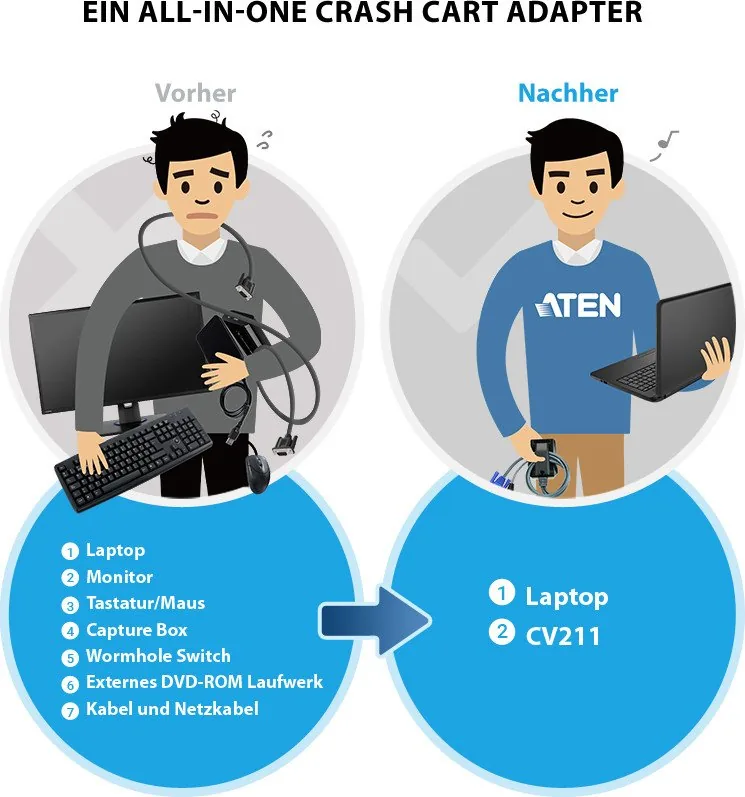
It turns a laptop into a temporary KVM console for direct access to a computer or server. It is commonly used for maintenance, recovery, diagnostics, and crash cart support.
Is this answer helpful?
No software installation is required on the target side for basic operation. The adapter is designed for plug-and-play direct access through USB and VGA connections.
Is this answer helpful?
Yes. The virtual media function allows bi-directional file transfers, so you can move installers, logs, patches, and other files between the laptop and target computer.
Is this answer helpful?
It supports analog video resolutions up to 1920 x 1200 at 60 Hz, which is suitable for many admin and support environments.
Is this answer helpful?
Yes. You can take screenshots and record remote desktop video, which is useful for documentation, training, and troubleshooting.
Is this answer helpful?
It is primarily designed for direct USB and VGA console access. If a target system lacks VGA or uses only newer video standards, compatibility may be limited.
Is this answer helpful?
Advantages and Disadvantages
Advantages

- Fast plug-and-play laptop-to-computer access with no software install on the target side.
- Virtual media supports file transfer, patching, and basic maintenance tasks.
- Capture, record, zoom, and auto-sync tools improve troubleshooting efficiency.
- Portable design is well suited for crash cart use and field support.
Disadvantages

- Works as a direct one-to-one console, not a multi-PC switching solution.
- Requires VGA on the target system, which may limit use with newer hardware.
- Some tasks depend on the laptop and target having compatible access rights.
- Best results may require manual tuning for video or mouse sync in certain setups.
Product Specification
Monitor
VGA
Keyboard/Mouse
USB
Audio
N/A
LAN
N/A
Resolution
1920x1200@60Hz
Product Description
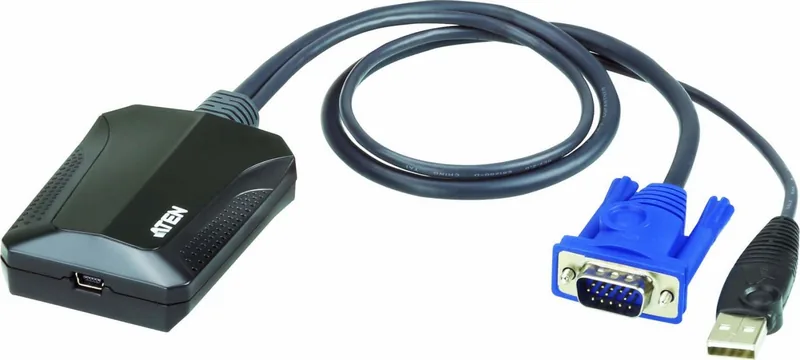
ATEN CV211 Laptop USB KVM Console Crash Cart Adapter
The ATEN CV211 Laptop USB KVM Console Crash Cart Adapter is a compact, practical tool built for IT teams that need fast access to a server or desktop without carrying a full console setup. With a simple laptop-to-computer connection, it gives technicians direct control over a target machine through USB and VGA, making it especially useful for crash cart work, diagnostics, and on-site recovery.
Why it stands out
This adapter is designed for speed and convenience. It supports plug-and-play operation with no software installation required on the target side, which helps reduce downtime when every minute matters. Once connected, the laptop can act as a temporary console for keyboard, video, and mouse control, while also enabling bi-directional file transfer through virtual media. That means patches, installers, logs, and support tools can move quickly between systems.
The CV211 also includes features that make remote troubleshooting smoother. Video capture, screenshots, desktop scaling, and mouse synchronization help users work with clarity and precision. The on-screen keyboard is especially helpful when language layouts differ, and macro support can speed up repetitive admin tasks. For long-distance support or evidence collection, the video recording function adds another layer of value.
A smart fit for field support
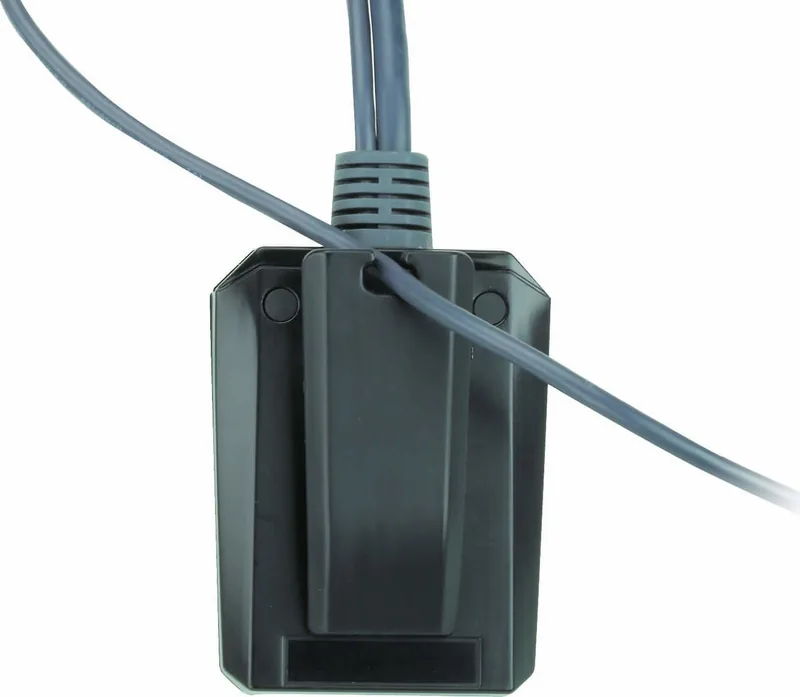
This adapter is most valuable in environments where technicians need a lightweight, dependable way to access a machine directly. It supports common Windows platforms and offers a straightforward workflow: connect the cables, launch the client, and begin managing the target system. The LED status indicator and cable clip add small but helpful touches for reliable everyday use.
If you're comparing recovery tools or researching the ATEN CV211 Laptop USB KVM Console Crash Cart Adapter Manual, the main takeaway is simple: this device is built to turn a laptop into an efficient service console. It combines accessibility, file handling, and display control in one portable solution that fits the pace of modern IT support.
Notes
- Best suited for one-to-one direct console access
- Requires the target computer’s login credentials when authentication is needed
- VGA and USB Type-A connections are part of the setup
- Useful for server maintenance, repair, and emergency access
Search for 67,706 Manuals online


Type-in Brand or Model