
ATEN CAMLIVE Manual
PDF manual · 38 Pages
English



Quick check
Incorrect answer, please try again.
Chat with your ATEN CAMLIVE manual using AI
Get instant AI answers from your ATEN CAMLIVE manual
Ask anything about the ATEN CAMLIVE. Answers come from this manual, with the pages they are based on.
Ask a Question
Do you recommend CAMLIVE?
Yes NoFrequently Asked Questions
No, the device cannot display or capture HDCP protected content from connected sources. It is designed for unencrypted HDMI video signals only.
Is this answer helpful?
The device supports Windows 7 and above, OS X 10.13 and above, and Android 5.0.1 and above with UVC support.
Is this answer helpful?
No, plug and play UVC support is included for Windows 10. Windows 7 users must download and install the Win7_driver from the website.
Is this answer helpful?
If detecting MJPG, disconnect the USB-C head from the adapter, flip it around, and reconnect it to unlock USB3.1 capabilities.
Is this answer helpful?
Yes, it includes a two-year limited warranty against materials flaws and workmanship commencing on the date of original purchase.
Is this answer helpful?
It up to 1080P at 60 frames per second for both video input and output stream.
Is this answer helpful?
Advantages and Disadvantages
Advantages

- Plug and Play UVC/UAC support compatible with Windows 10, Mac, and Android
- Captures unencrypted HDMI video up to 1080P at 60 frames per second
- Slim aluminum aesthetic design suitable for mobile and stationary setups
- Firmware upgrade utility allows switching modes between PC and Android
- Compatible with popular streaming software like OBS, Xsplit, and Twitch
Disadvantages

- Cannot display or capture HDCP protected content from connected sources
- Windows 7 users must download and install additional driver support
- USB-A adapter may limit video format detection unless USB-C head is flipped
- Indoor use only with specific temperature and ventilation requirements
- Android support requires specific hardware and firmware upgrade
Product Specification
Input
HDMI 1.4b
Output
USB-C 3.0
Resolution
max. 1920x1080@60Hz
Features
UVC/UAC v1.1
Product Description
Discover Your Creative Potential with the ATEN Camlive
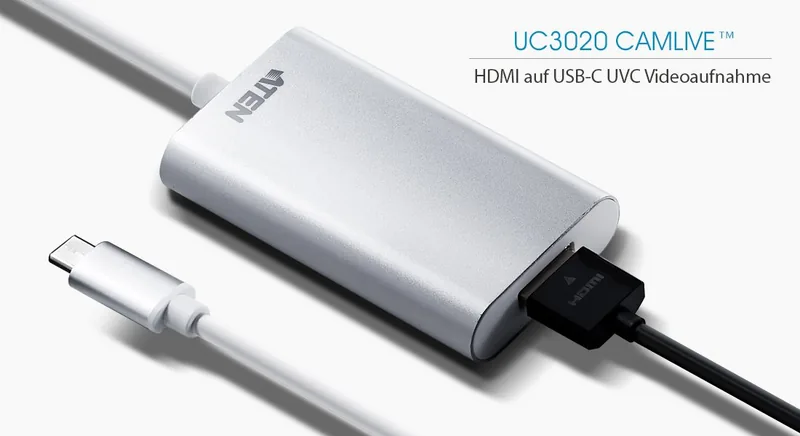
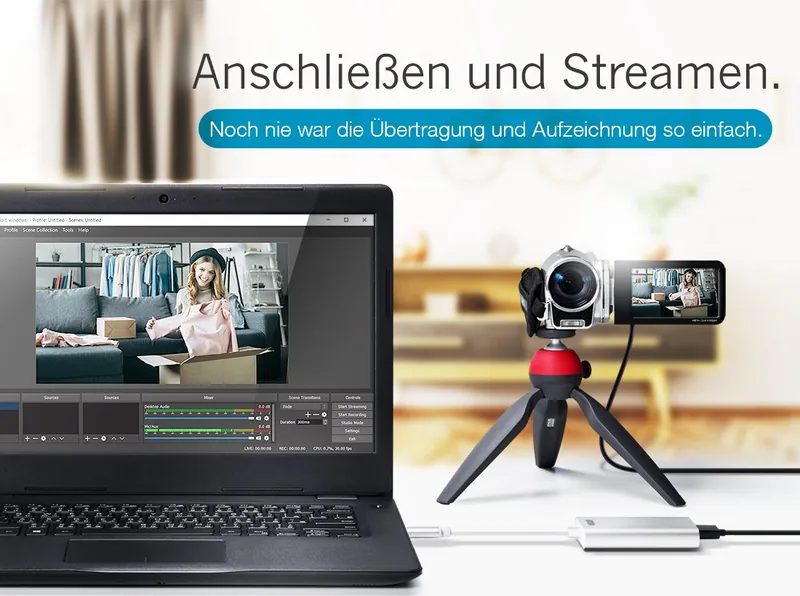
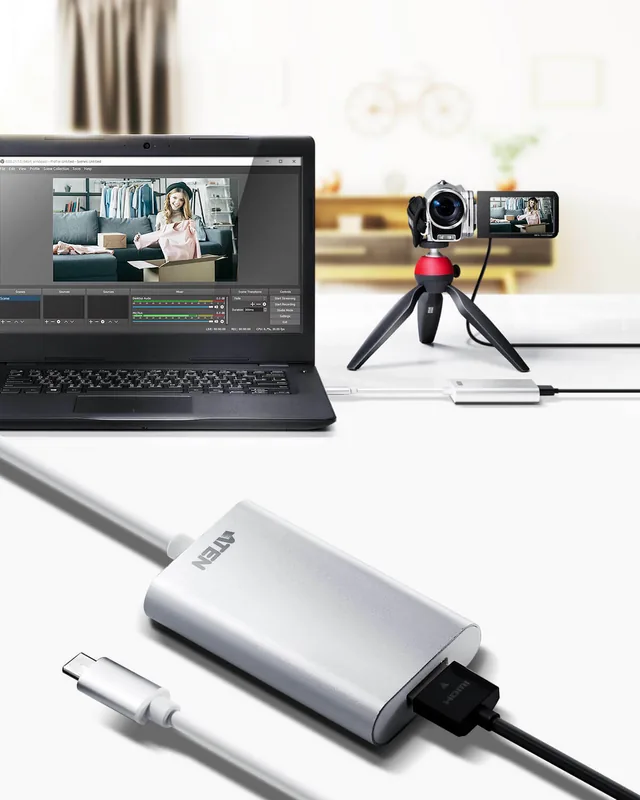
The ATEN Camlive HDMI to USB-C UVC Video Capture device brings high-quality video streaming and recording capabilities directly to your computer or smartphone. Designed for content creators, streamers, and presenters, this compact tool captures unencrypted HDMI video signals from camcorders or DSLRs up to 1080P at 60 frames per second. Its sleek aluminum housing ensures it fits easily into any mobile setup without adding bulk.
Seamless Connectivity
Connection is straightforward thanks to the UVC and UAC standard support. This means no drivers are required for Windows 10, Mac OS X 10.13, or Android devices running 5.0.1 or later. Simply plug the USB-C connector into your laptop or smartphone to begin using the product immediately. The package includes a USB-C to USB-A adapter for systems that lack native USB-C ports.
Software Integration
Users can enjoy video editing or live streaming with popular third-party platforms. The Camlive works seamlessly with Open Broadcaster Software, Xsplit, Twitch, YouTube, and Facebook. It is ideal for webcasting and video conferencing applications requiring high fidelity visuals. For Windows 7 users, a specific driver download is required after the initial firmware setup. This ensures you can broadcast live events or record high-definition tutorials with minimal latency issues.
System Requirements
To get the most performance out of this capture unit, ensure your processor meets minimum standards. Intel i3 Dual Core at 2.8Ghz or higher is recommended along with 4GB of RAM or more. This ensures smooth handling of raw video data during processing. Whether capturing from a PC or an Android smartphone, the device adapts to your available hardware resources efficiently. When connecting to a PC, you can utilize system information tools to verify the USB discovery for troubleshooting purposes.
Important Usage Details
Please note that the unit does not support or capture HDCP protected content. This restriction applies to all connected displays and sources utilizing copyright protection, common in streaming services and Blu-ray players. When using the USB-A adapter, users might detect MJPG video formats initially. If RAW video is needed, simply flip the USB-C head and reconnect the device to unlock USB3.1 capabilities. The firmware upgrade utility allows switching modes between PC and Android support.
Reliability and Support
ATEN provides extensive warranty coverage and technical support. The device is RoHS compliant and follows safety standards for indoor use. It carries a two-year limited warranty against flaws in materials. Regular firmware updates are available to enhance compatibility with new operating systems and devices. Always verify voltage settings before operation to avoid damage. Contact support for specific warranty claims if issues arise during the warranty period.
Search for 67,706 Manuals online


Type-in Brand or Model