
ATEN IC485S Manual
PDF manual · 18 Pages
English



Quick check
Incorrect answer, please try again.
Chat with your ATEN IC485S manual using AI
Get instant AI answers from your ATEN IC485S manual
Ask anything about the ATEN IC485S. Answers come from this manual, with the pages they are based on.
Ask a Question
Do you recommend IC485S?
Yes NoFrequently Asked Questions
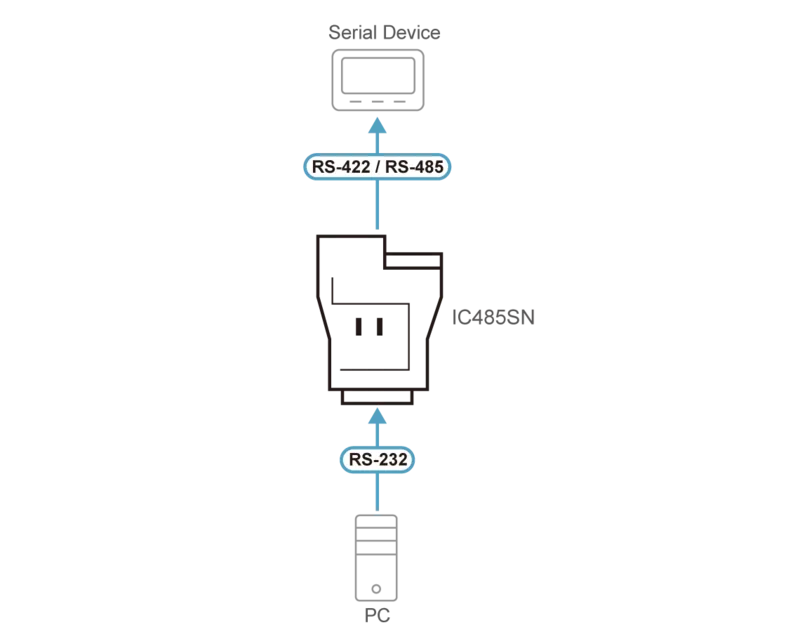
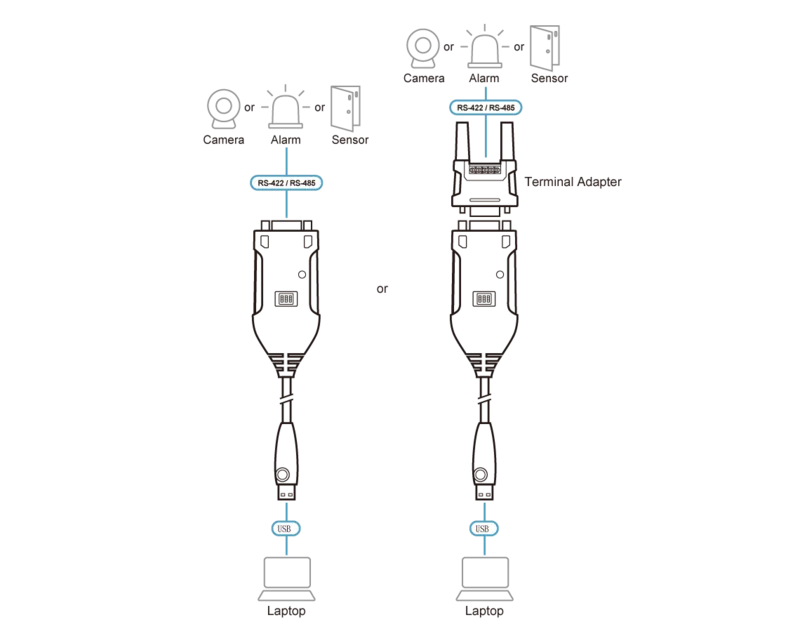
It converts RS-232 signals to RS-485 and back again so serial devices can communicate over much longer distances. This makes it useful for industrial links, legacy equipment, and multi-device serial setups.
Is this answer helpful?
The IC485S supports communication distances of up to 1200 m, or about 4000 ft., depending on the operating mode, cable quality, and the devices connected to it.
Is this answer helpful?
It supports point-to-point, multidrop, simplex, and monitor operation. Point-to-point and multidrop can also be configured for full duplex or half duplex where applicable.
Is this answer helpful?
DCE and DTE define how the converter matches the device it connects to. If it plugs into a DCE device, the converter should be set to DTE, and vice versa, so signal polarity and communication lines align correctly.
Is this answer helpful?
Yes, in some modes. Half-duplex and multidrop configurations rely on RTS handling from external software commands. The converter itself does not manage RTS automatically in those cases.
Is this answer helpful?
Check the power adapter, confirm the serial port connection, verify cable wiring, and make sure SW1 and SW2 are set correctly. If data is still faulty, compare baud rate and data format settings across all devices.
Is this answer helpful?
Advantages and Disadvantages
Advantages

- Converts RS-232 to RS-485 bidirectionally for longer-distance serial communication.
- Supports point-to-point, multidrop, simplex, and monitor modes for flexible deployment.
- Allows DCE/DTE and transmit/receive configuration through simple slide switches.
- Offers practical wiring choices, with RJ-11 or terminal block support and grounding on the IC485SI.
Disadvantages

- Requires careful switch setup, so incorrect DCE/DTE or mode selection can stop communication.
- Half-duplex and multidrop operation depend on external RTS control from software.
- Wiring mistakes, cable polarity issues, or poor connections can cause data loss or failure.
- Monitor mode is available only on the IC485S, not on the IC485SI model.
Product Specification
Type
Adapter
Plug
N/A
Socket
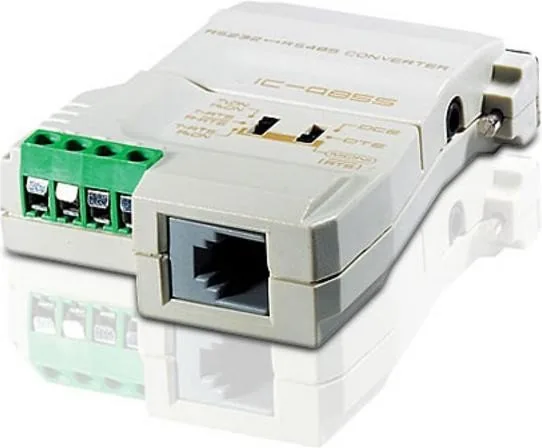
1x serial DB-25 (RS-232), 1x Terminal Block (RS-485/RS-422), 1x RJ-11
Cable length
N/A
Product Description
ATEN IC485S RS-232/RS-485 Interface Converter Manual
If you work with older serial equipment, the ATEN IC485S RS-232/RS-485 Interface Converter Manual highlights a practical solution for a common networking challenge: extending communication beyond the short reach of standard RS-232. The IC485S is a bidirectional converter that translates RS-232 signals to RS-485 and back again, making it a smart bridge between legacy computers and long-distance industrial devices.
What makes this converter especially useful is its flexibility. It supports point-to-point, multidrop, simplex, and monitor operation, so it can adapt to a wide range of serial environments. Whether you need a direct link between two devices or a larger master-and-slave setup, the IC485S is built to keep data moving reliably over distances of up to 1200 m. That kind of range is valuable in factories, labs, control systems, and other places where stable serial communication still matters.
The unit is also designed with configuration in mind. Two slide switches control device mode and transmit/receive behavior, allowing users to match the converter to DCE or DTE equipment and to the communication style required by the setup. The IC485S can be wired through RJ-11 or a terminal block, while the IC485SI adds grounding support for installations that need it. These details may seem small, but they help the converter fit into real-world systems without unnecessary complexity.
Beyond the hardware itself, the manual emphasizes careful installation, cable polarity, and troubleshooting. It explains how to test the internal circuit, how to confirm the correct switch positions, and what to check if transmission fails or data becomes unreliable. That makes the IC485S more than just an adapter; it becomes a dependable tool for keeping serial networks organized, testable, and scalable.
Notes
- Half-duplex and multidrop modes depend on external RTS control.
- Monitor mode is available on the IC485S only.
- Correct DCE/DTE pairing is essential for proper communication.
- Cable wiring and polarity directly affect signal stability.
For teams maintaining older machines or expanding serial links across larger spaces, the IC485S offers a compact way to improve reach without replacing proven hardware. It balances compatibility, range, and configuration options in a way that makes serial communication easier to manage and more reliable in demanding setups.
Search for 67,706 Manuals online


Type-in Brand or Model