

Free Tenda Manuals – Read, Download & Print
38 Manuals
Manuals
157 Pages
211 Pages
16 Pages
32 Pages
161 Pages
210 Pages
43 Pages

28 Pages
32 Pages
76 Pages
2 Pages
2 Pages
48 Pages
41 Pages
10 Pages

94 Pages
20 Pages
15 Pages
146 Pages
1 Pages
94 Pages
2 Pages
195 Pages

86 Pages
1 Pages
41 Pages
71 Pages
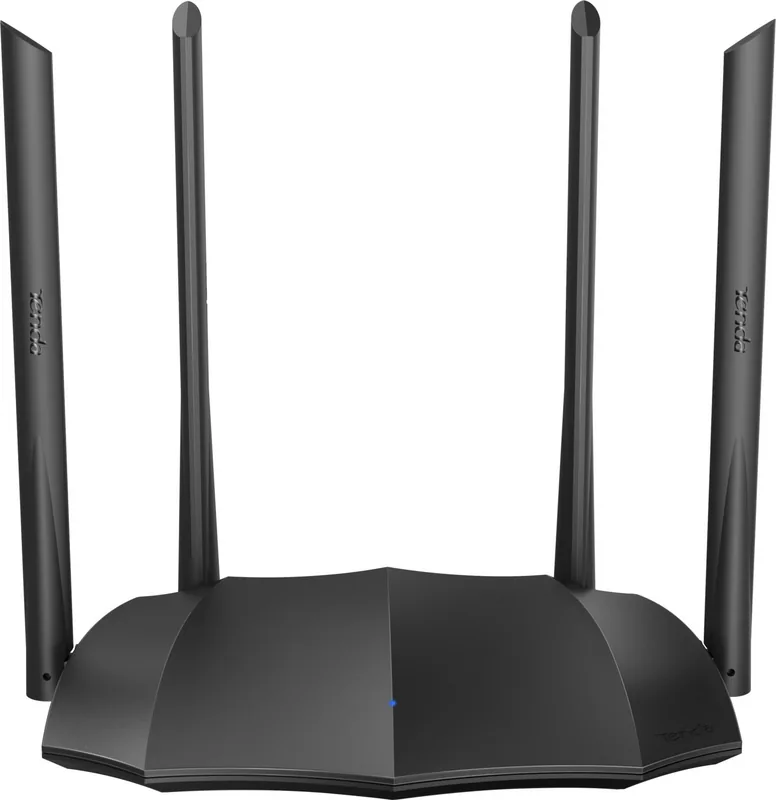
90 Pages
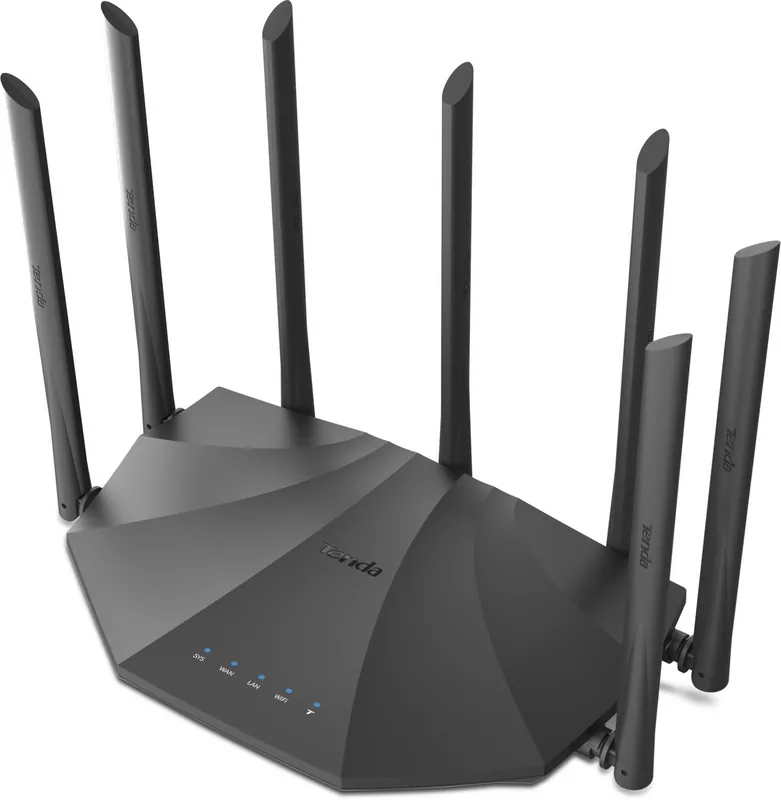
196 Pages
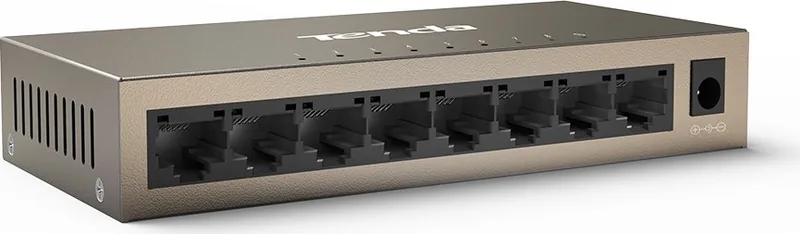
1 Pages
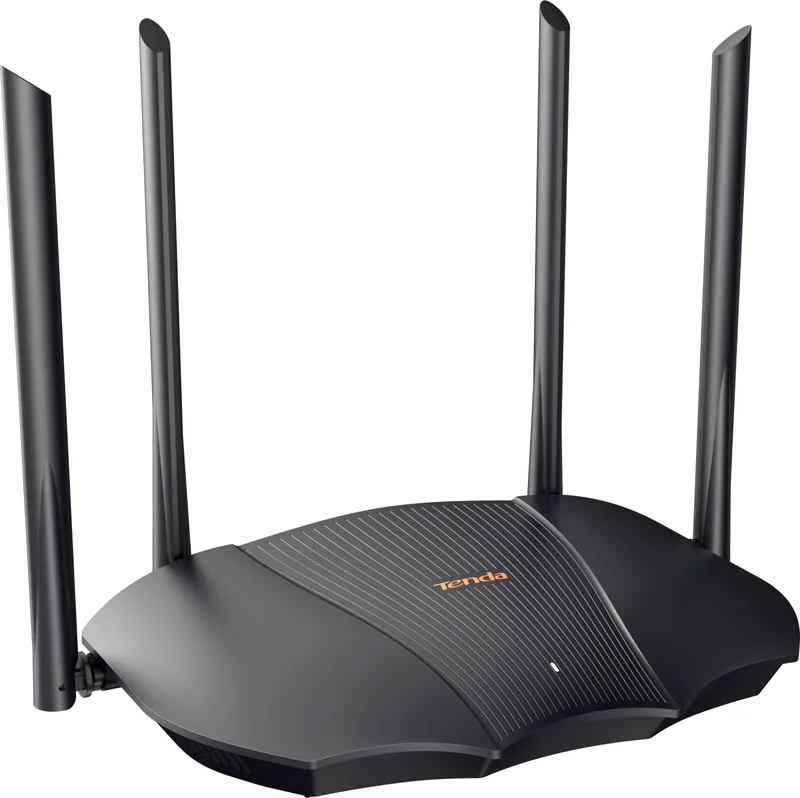
165 Pages
1 Pages
15 Pages
93 Pages
1 Pages
52 Pages
118 Pages
106 Pages
Categories


Free Tenda Manuals - Read, Download & Print
Find free Tenda manuals for routers, Wi-Fi extenders, mesh systems, switches, adapters, cameras, and other networking products. Read product documentation online, download a copy for later, or print the pages you need for setup, troubleshooting, maintenance, and everyday reference. Clear manuals can make it easier to install a new device, connect it to your internet service, improve wireless coverage, and understand available settings.
Access Tenda Product Documentation
Tenda manuals are useful for both first-time installation and ongoing device management. A product guide typically includes the information needed to identify ports, buttons, LED indicators, package contents, and supported connection methods. It may also explain how to access the web-based management interface or mobile app, create a wireless network, change security settings, and update device firmware.
Whether you are setting up a home network or supporting a small office, having the correct manual helps reduce guesswork. Search for the model number printed on the device label, retail box, or original receipt, then use the matching documentation to review instructions specific to that product.
Read Manuals Online
Reading a Tenda manual online is convenient when you need a quick answer. Open the guide in your browser to check connection diagrams, default settings, indicator meanings, or reset instructions without saving a file first. Online access is especially helpful when you are working near the router, extender, or switch and need to compare the instructions with the physical device.
Many manuals include illustrations that show where to connect Ethernet cables, power adapters, and internet modem connections. They may also provide step-by-step screenshots for the setup page, helping users recognize important menus and fields.
Download Manuals for Offline Use
Downloading a Tenda manual lets you keep product information available even when your internet connection is unavailable. Save the file to a computer, tablet, or phone for quick access during installation, network changes, or travel. An offline copy is useful when replacing a router, reconfiguring a mesh system, or troubleshooting a connection after a service interruption.
Downloaded documentation can also be organized with other network records, such as your internet provider details, device purchase information, warranty documents, and notes about custom network settings. Keeping these resources together can simplify future maintenance.
Print Important Setup Pages
Printing selected pages can be practical for users who prefer a paper reference. Consider printing the quick installation section, cable connection diagram, LED status chart, reset procedure, and troubleshooting table. A printed guide can be kept near networking equipment or included with household technology records.
For security, avoid printing pages that contain passwords, Wi-Fi keys, or personally identifiable network information. If you write notes on a printed manual, store it somewhere secure.
Types of Tenda Manuals You May Need
Tenda produces a range of networking devices, and each category has its own setup requirements. Choosing the right manual is important because connection steps and available features can differ between models.
Router Manuals
Router manuals commonly cover internet setup, wireless network configuration, administrator access, parental controls, guest Wi-Fi, port forwarding, and security options. They may explain how to connect the router to a modem, select a connection type provided by an internet service provider, and create separate 2.4 GHz and 5 GHz wireless networks when supported.
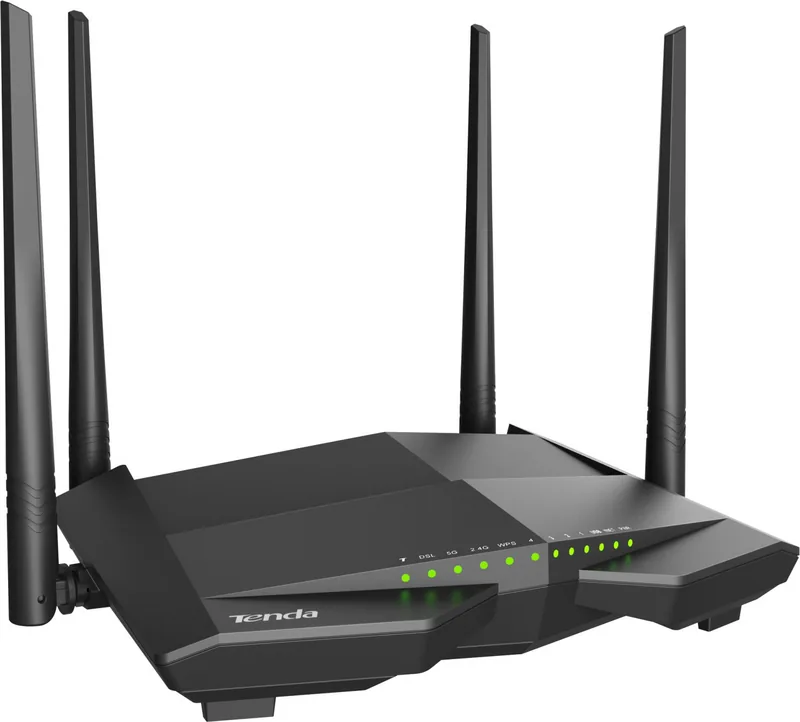
A router guide can also help explain common LED patterns. For example, indicator lights may show power status, internet connectivity, wireless activity, or WAN and LAN cable connections. Always refer to the model-specific manual because light behavior varies by product.
Wi-Fi Range Extender Manuals
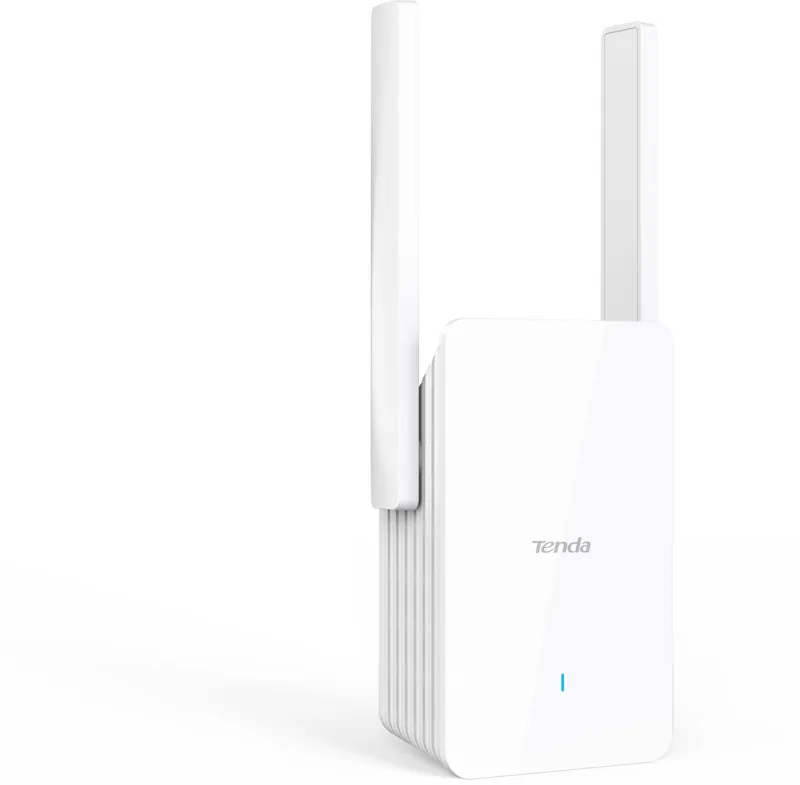
A Tenda range extender manual can help you place and configure a device that expands wireless coverage. Typical instructions include connecting with WPS, using a browser-based setup page, selecting the existing Wi-Fi network, and choosing an extended network name. Placement advice may help you find a location between the main router and the area with weak signal.
The guide may also describe signal indicators and operating modes. Checking these details can help determine whether the extender is too far from the router or needs to be repositioned.
Mesh Wi-Fi System Manuals
Mesh system documentation generally explains how to install a primary node, add satellite nodes, and manage the network through a compatible app or web interface. Manuals may cover node placement, wired backhaul connections, roaming behavior, guest networks, firmware updates, and basic administration.
For best results, use the manual when planning node locations. Walls, floors, appliances, and other sources of interference can affect wireless performance. A guide can provide product-specific recommendations for achieving reliable coverage.
Switch and Network Adapter Manuals
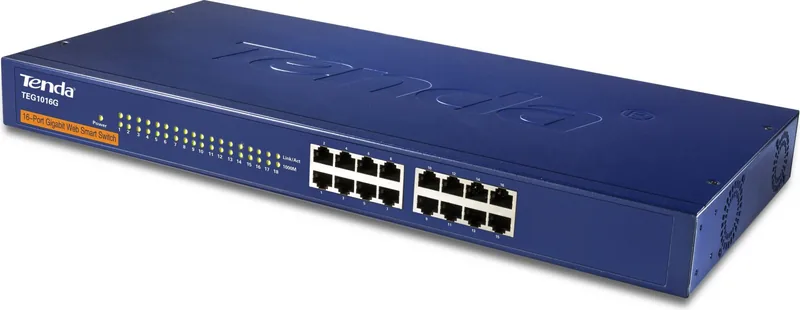
Switch manuals can provide port information, power requirements, mounting guidance, and details about managed or unmanaged operation. Documentation for power-over-Ethernet models may also include power budgets and compatible device considerations.
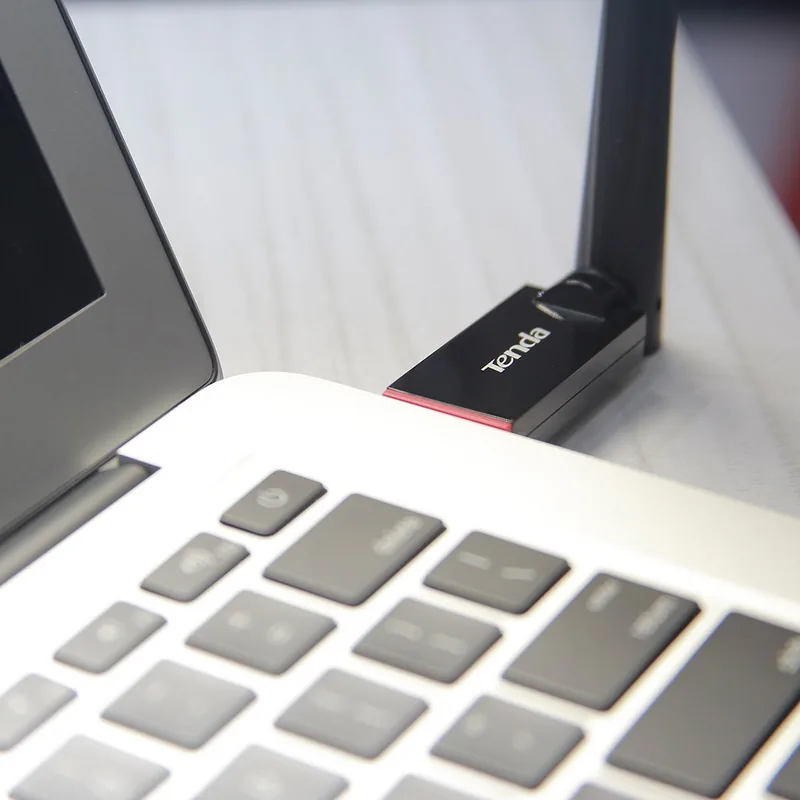
Network adapter manuals may explain driver installation, USB or PCIe connection steps, wireless settings, Bluetooth functions where applicable, and compatibility notes. Consult the appropriate manual before installing hardware or changing system network settings.
How to Find the Correct Manual
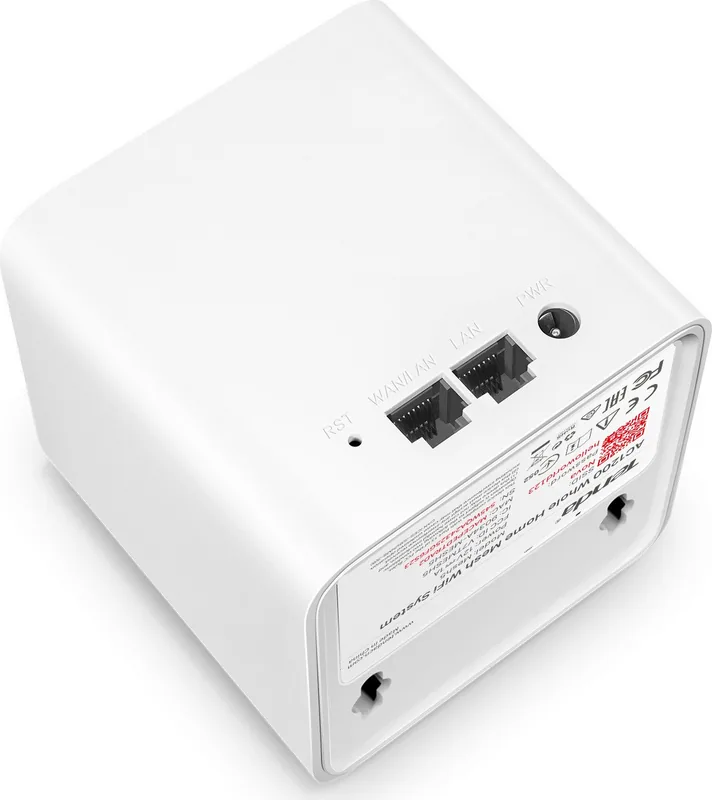
The fastest way to locate the right Tenda manual is to identify the complete model number. This is often found on a sticker on the bottom or back of the device. It may include letters, numbers, hardware version details, or regional identifiers. Record the model exactly as shown.
Check the Product Label
Look for a label containing the model name, serial number, MAC address, power input, and regulatory information. The model number is the most useful detail when searching for documentation. Do not rely only on the product family name, since similar devices can have different ports, firmware, and setup procedures.
Confirm Hardware Version When Available
Some products are released in multiple hardware versions. If a manual or firmware guide lists version-specific information, match it to the version printed on your device label. Using the correct version helps ensure that screen layouts, button locations, and feature descriptions match your equipment.
What You Can Learn From a Manual
A detailed Tenda manual can answer many common questions. It can show the difference between WAN and LAN ports, explain which cable connects to a modem, identify the reset button, and describe how to restore factory settings. It may also provide default login details, although changing default credentials after setup is strongly recommended.
Documentation can also help with advanced configuration. Depending on the model, this may include DHCP settings, static IP information, DNS options, VPN-related settings, traffic controls, firewall options, wireless channels, and Quality of Service features. Read each section carefully before making changes, and note your existing settings when possible.
Setup and Security Basics
When installing a Tenda networking product, begin by following the manual's connection order. Confirm that the power adapter is compatible with the device and that Ethernet cables are securely connected. After accessing the setup interface, create a strong administrator password and use a secure Wi-Fi password.
Choose WPA2 or WPA3 security when supported, keep firmware current, and disable remote administration if it is not needed. It is also wise to review connected devices periodically and remove access for devices you no longer recognize or use.
Troubleshooting With the Manual
If a device is not working as expected, the manual can provide structured troubleshooting steps. Start with the basics: verify power, inspect cable connections, confirm that the modem is online, and check LED indicators. Restarting the modem and router in the recommended order may resolve temporary connection issues.
For weak Wi-Fi coverage, consult placement guidance and move the router or extender away from dense walls, large metal objects, cordless phone bases, and other potential sources of interference. If problems continue, review the reset instructions carefully before restoring factory settings, as a reset can erase custom configuration.
Keep Your Network Information Organized
Save the manual for each Tenda device along with a simple record of its location, model number, and purchase date. You may also keep notes about which device is connected to the modem, where mesh nodes are placed, and which Ethernet ports serve important equipment. These records make replacement, expansion, and troubleshooting easier.
Free Tenda manuals provide a practical reference for reading, downloading, and printing the information needed to set up and manage compatible networking products. By using the documentation that matches your exact model, you can work through installation confidently, maintain better network security, and find clear guidance whenever a connection issue appears.
Search for 67,732 Manuals online


Type-in Brand or Model