
Tenda P200 Manual
PDF manual · 43 Pages
English



Quick check
Incorrect answer, please try again.
Chat with your Tenda P200 manual using AI
Get instant AI answers from your Tenda P200 manual
Ask anything about the Tenda P200. Answers come from this manual, with the pages they are based on.
Ask a Question
Do you recommend P200?
Yes NoFrequently Asked Questions
It extends a wired network through a building’s electrical wiring. One adapter connects to the router, and the other connects to a device like a PC, TV, or game console.
Is this answer helpful?
No. It works over standard household electrical circuits. For best results, plug the adapters directly into wall outlets rather than power strips or surge protectors.
Is this answer helpful?
This version is a 2-pack, meaning it includes two powerline adapters for creating a basic network link right away.
Is this answer helpful?
Yes. The device supports 128-bit AES encryption, and the Pair button can be used to create a private powerline network between compatible adapters.
Is this answer helpful?
Yes. It is compatible with other HomePlug AV-compliant devices, so it can often join mixed-brand powerline networks.
Is this answer helpful?
QoS can prioritize latency-sensitive traffic such as streaming, IPTV, voice calls, and online gaming, helping those tasks remain smoother when the network is busy.
Is this answer helpful?
Advantages and Disadvantages
Advantages

- Uses existing electrical wiring, so it avoids new cable runs and reduces installation effort.
- Up to 200 Mbps powerline speed and 300 m range make it suitable for many rooms and floors.
- 128-bit AES encryption and Pair button support a secure, private network with simple setup.
- QoS prioritization helps streaming, calls, and gaming stay responsive on busy connections.
Disadvantages

- Performance can vary depending on the quality of the building’s electrical wiring and interference.
- Powerline networking may be less effective if outlets share heavy appliances or unstable power.
- Advanced setup may require the utility software, which adds extra steps for some users.
Product Specification
Type
Powerline adapter (standalone), Bundle
Design
2x Socket adapter
Connectivity
1x RJ-45 (10/100Base-T, 2 devices)
Connection
1x HomePlug AV (2-30MHz, 2 devices)
Transmission
1x HomePlug AV (200Mb/s, OFDM, 128bit AES, 2 devices)
Dimensions
2.09x2.09x1.06in (WxHxD)
Compatibility
HomePlug AV
Features
Bundle (2x Powerline adapter)
Product Description
Tenda P200 Kit: Simple Powerline Networking for Home and Office
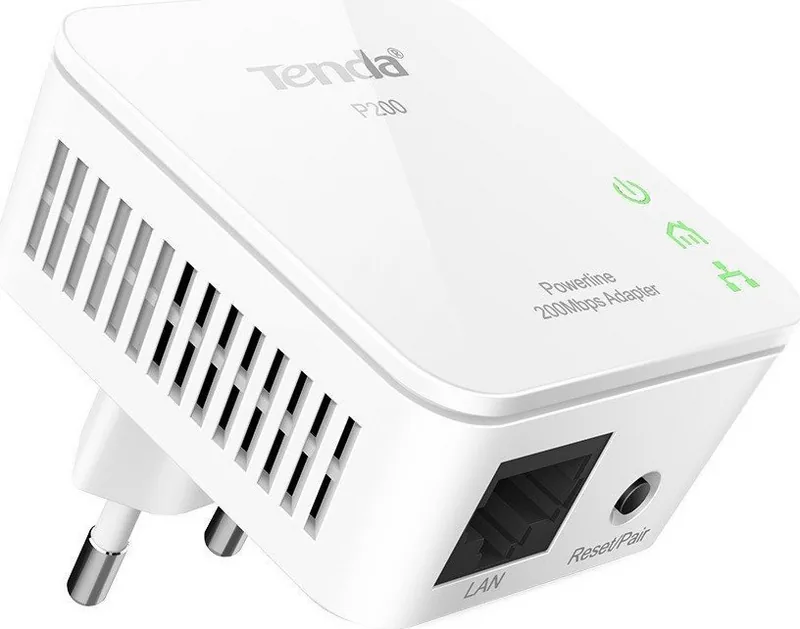
The Tenda P200 Kit is a practical way to extend wired internet access without running new cables through walls. Using existing electrical wiring, this 2-pack of HomePlug AV adapters turns ordinary power outlets into network endpoints, making it easier to connect desktops, smart TVs, IPTV boxes, game consoles, and other Ethernet devices wherever a wall socket is available.
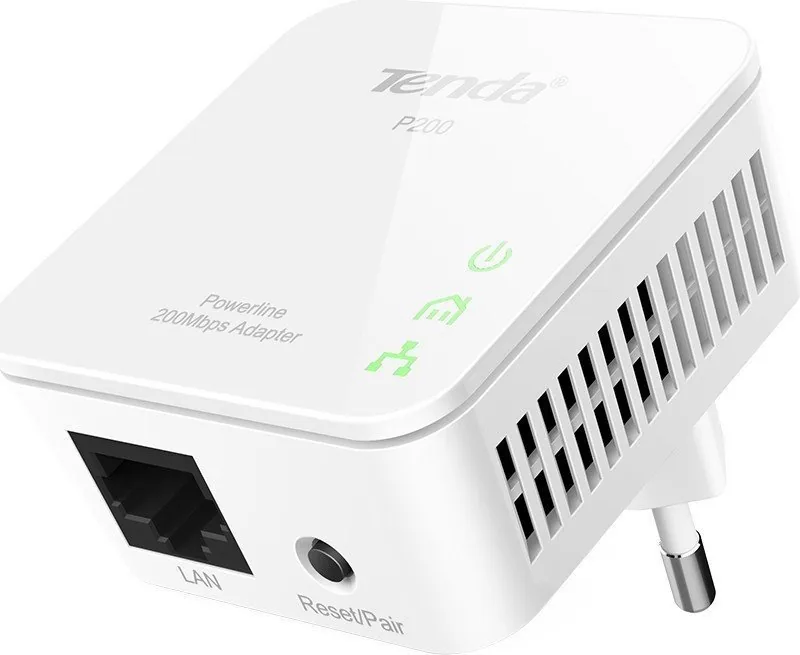
Each adapter includes an RJ-45 port and supports up to 200 Mbps over the powerline channel, with distances reaching up to 300 meters in ideal conditions. That makes the P200 especially appealing for apartments, multi-room homes, or offices where Wi-Fi signals may be weak or where a stable cable-like connection is preferred. Because the kit works through the electrical circuit already installed in the building, setup is often as simple as plugging one adapter near the router and the other near the device you want to connect.
Beyond basic connectivity, the P200 adds features that matter for everyday use. QoS support helps prioritize traffic such as streaming, voice calls, online games, and web browsing, while 128-bit AES encryption protects data on the powerline link. The included Pair/Reset button also makes it possible to create a private network between multiple adapters with minimal effort. For users who want more control, the utility software provides options for changing device names, managing network names, checking link status, viewing logs, and updating firmware.
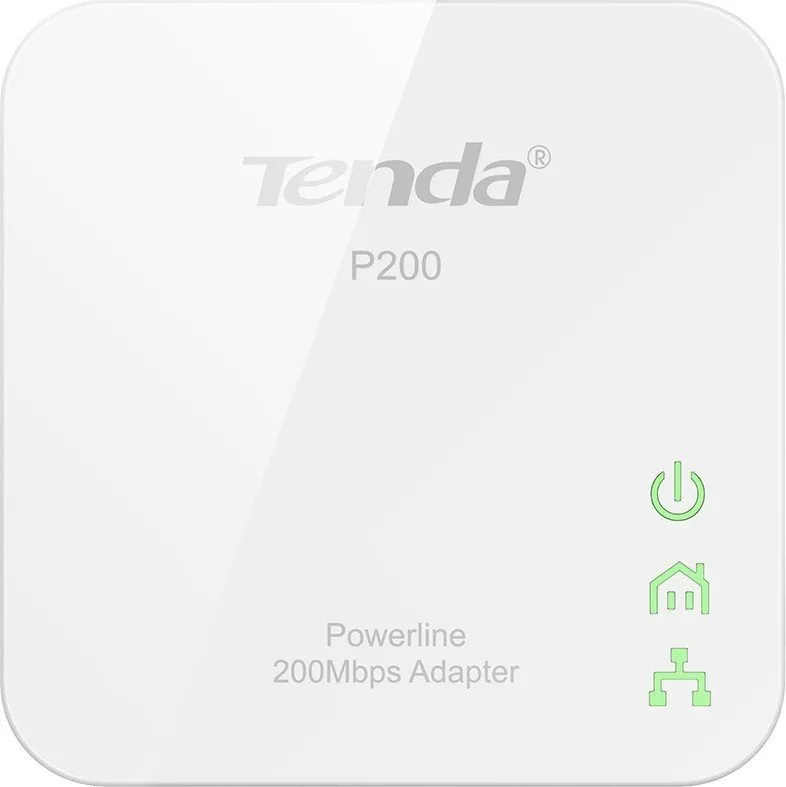
The kit is designed to be straightforward, but it still offers useful flexibility. It is compatible with other HomePlug AV-compliant devices, which is helpful if you already own powerline gear from a different brand. At the same time, the LEDs on the unit give quick feedback for power, powerline status, and Ethernet connectivity, so troubleshooting is less confusing. A power-saving mode and compact mini-adapter design round out the experience, making the P200 a tidy networking solution for spaces where convenience and reliability matter.
Notes
- Best results usually come from plugging both adapters directly into wall outlets.
- For private networking, the Pair button is faster than manual configuration.
- QoS helps prioritize traffic, but it does not increase total bandwidth.
- The system is most useful where Wi-Fi coverage is inconsistent or unwanted.
Search for 67,732 Manuals online


Type-in Brand or Model
Lena Hoffmann
8 months ago
Is it okay to leave the powerline adapter plugged in all the time, or should I unplug it when not using it?
Manual.ly
8 months ago
It generally works reliably when left plugged in, but leaving electronics in the socket permanently can increase heat and unnecessary power use. If you are not actively using the connection, it is reasonable to unplug it to reduce wear and standby consumption. Make sure the adapter is plugged into a properly rated wall outlet (not a damaged or overloaded power strip) with good ventilation. For everyday use, using a quality surge-protected power strip can also help. Always follow the safety notes and operating limits in the included manual for your specific model.