
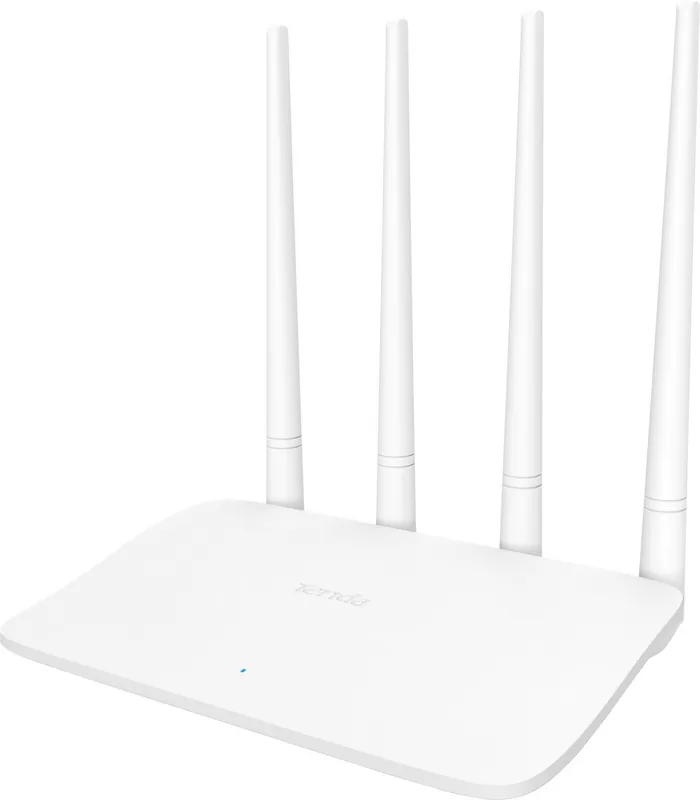
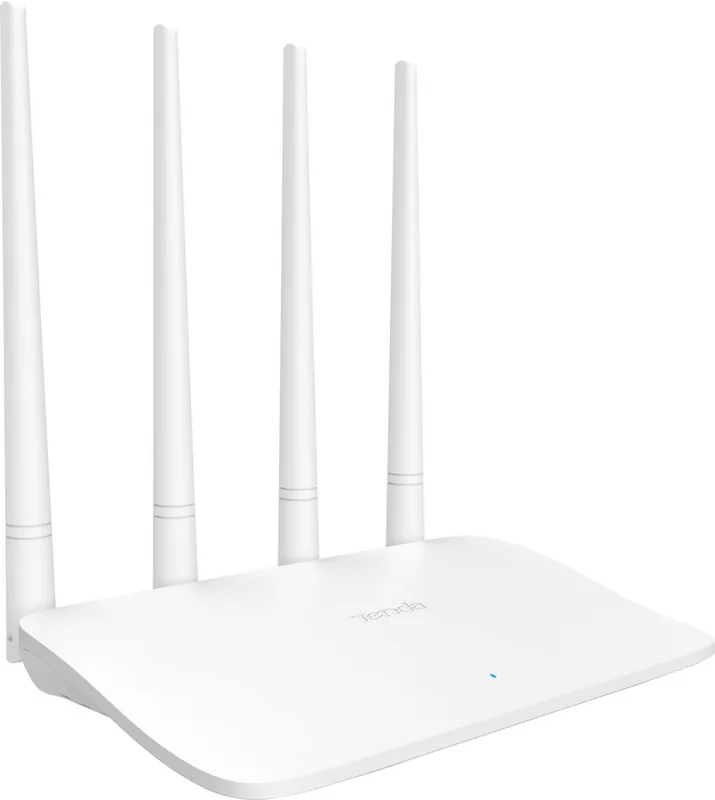
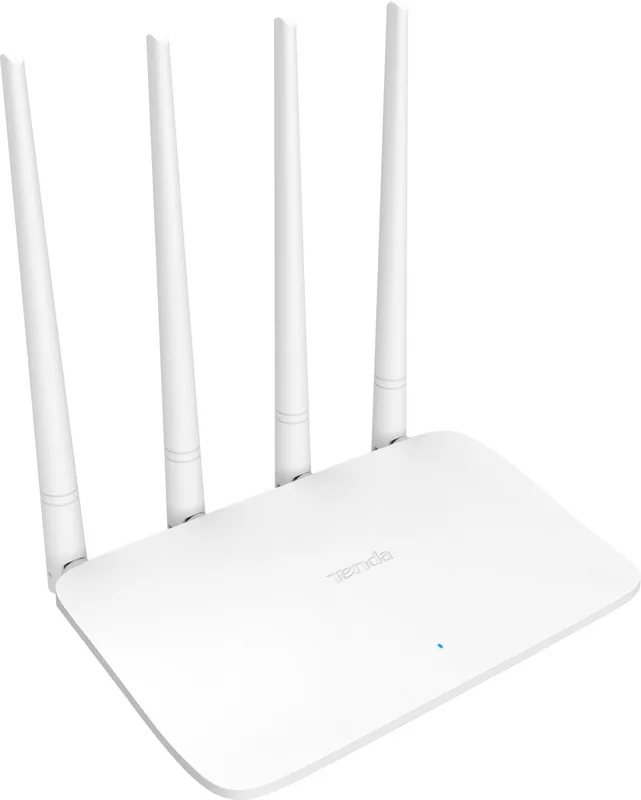
Tenda F6 Manual
PDF manual · 71 Pages
English



Quick check
Incorrect answer, please try again.
Chat with your Tenda F6 manual using AI
Get instant AI answers from your Tenda F6 manual
Ask anything about the Tenda F6. Answers come from this manual, with the pages they are based on.
Ask a Question
Do you recommend F6?
Yes NoFrequently Asked Questions
Connect your modem to the WAN port using an Ethernet cable. Power on the router, then visit tendawifi.com or 192.168.0.1 in a browser. Follow the quick setup wizard to select your connection type, such as PPPoE, and enter your ISP credentials.
Is this answer helpful?
Yes, you can enable Universal Repeater mode. Go to Internet Settings, select Operating Mode as Universal Repeater, choose your main WiFi network, enter its password, and click Connect. This will bridge and expand your wireless coverage.
Is this answer helpful?
Navigate to Bandwidth Control. Find the device in the Online Devices list, click the status icon to change it to blocked, and click OK. The device will appear in the Blacklisted Devices section and lose internet access.
Is this answer helpful?
By default, the router has no WiFi password, but the admin login password is typically 'admin'. If you have reset the device, use 'admin' to log in to the web interface at 192.168.0.1.
Is this answer helpful?
Absolutely. You can access Parental Controls to create rules based on time and website restrictions. Bind an IP address to a child's device first, then set allowed access times and block specific sites like YouTube during homework hours.
Is this answer helpful?
Enable Remote Web-based Management under Administration. Set the Management IP Address to Specific and enter your trusted public IP, then choose a port number. Access the router via http://WAN_IP:Port from outside your network.
Is this answer helpful?
Advantages and Disadvantages
Advantages

- Four external 5 dBi antennas provide strong and stable wireless signal coverage throughout small to medium homes.
- Versatile operating modes including Router, WISP, Universal Repeater, and AP suit diverse networking needs.
- Built-in parental controls and bandwidth management offer excellent family safety and traffic optimization.
- User-friendly web interface simplifies complex configurations like port forwarding and DDNS setup.
- WiFi schedule function helps reduce power consumption by automating on/off times for the network.
Disadvantages

- Lacks support for the newer 5 GHz frequency band, limiting speed potential compared to dual-band routers.
- WPS feature is not explicitly detailed, which may hinder quick setup for some older devices.
- Default WiFi password is None, requiring immediate configuration to prevent unauthorized access.
- Remote management requires manual IP specification, which can be tricky for users without public IPs.
- Firmware upgrade process recommends a factory reset afterward, adding extra steps for users.
Product Specification
Modem
N/A
WAN
1x 100Base-TX
LAN
3x 100Base-TX
Wireless
WLAN 802.11b/g/n (Wi-Fi 4)
Transfer Rate
300Mbps (2.4GHz)
Security
64/128bit WEP, WPA, WPA2
Antennas
4x external
Connectors
N/A
Power Consumption
No specification (consumption, operation), no specification (max. power supply rating)
Dimensions
8.31x8.03x5.83in
Band Capability
Single Band
Product Description
Tenda F6: Your Gateway to Reliable Home Connectivity
The Tenda F6 Wireless N300 Home Router stands as a robust solution designed specifically for small to medium-sized apartments and homes. Engineered with four external 5 dBi antennas and powered by an internal Qualcomm WiFi chip, this device delivers a stable and eco-friendly internet experience. It seamlessly integrates with modern mobile phones and laptops, ensuring that your living space is blanketed with consistent coverage. The router offers versatile operational modes, including Router, WISP, Universal Repeater, and AP mode, allowing you to adapt the network to various scenarios, from direct broadband connections to extending existing wireless signals.
One of the standout features of the Tenda F6 is its user-friendly interface and flexible configuration options. Whether you need to set up a PPPoE connection, utilize a dynamic IP, or configure a static IP, the quick setup wizard guides you through the process effortlessly. The web-based management system provides deep control over your network environment. You can customize your WiFi name and password, implement a WiFi schedule to save power by turning off the network during specific hours, and manage bandwidth for connected devices. Advanced security features like parental controls allow parents to restrict access to inappropriate websites or limit online time for children, while MAC address filtering ensures only authorized devices can join the network.
For users requiring extended range, the Universal Repeater mode transforms the F6 into a powerful signal booster, bridging upstream wireless signals to eliminate dead zones in dining rooms or balconies. The AP mode further enhances flexibility by converting wired internet connections into wireless networks, perfect for offices or larger spaces where additional access points are needed. With built-in tools for port forwarding, DDNS, and DMZ hosting, the Tenda F6 also caters to tech-savvy users who host local servers or require remote management capabilities. Its comprehensive administration panel allows for firmware upgrades, system log exports, and automatic maintenance routines to keep the device running at peak performance.
Notes:
- Ensure your computer obtains an IP address automatically before accessing the web UI.
- Use complex passwords for both WiFi and admin login to maximize security.
- Regularly update firmware to benefit from the latest stability improvements.
Search for 67,732 Manuals online


Type-in Brand or Model