
Tenda O3 Manual
PDF manual · 76 Pages
English



Quick check
Incorrect answer, please try again.
Chat with your Tenda O3 manual using AI
Get instant AI answers from your Tenda O3 manual
Ask anything about the Tenda O3. Answers come from this manual, with the pages they are based on.
Ask a Question
Do you recommend O3?
Yes NoFrequently Asked Questions
It is mainly used for long-range wireless access, outdoor connectivity, and network bridging. It is especially useful for data transmission, video surveillance, and wireless Internet sharing in areas where coverage is weak.
Is this answer helpful?
It supports seven modes: AP, Station (Client), Universal Repeater, WISP, Repeater, P2MP, and Router. This gives it flexibility for both simple and advanced network setups.
Is this answer helpful?
It includes a waterproof housing, a flexible mounting design, and PoE support. These features help it work reliably in harsh outdoor environments and simplify installation on poles or rooftops.
Is this answer helpful?
Connect your PC, set it to obtain an IP address automatically, then open 192.168.2.1 in a browser. Use admin for both the username and password to log in.
Is this answer helpful?
Yes. Universal Repeater and Repeater modes are designed to extend wireless coverage. P2MP mode is also available for point-to-multipoint bridging between multiple devices.
Is this answer helpful?
Use WPA2-PSK with AES, change the default login password, and enable MAC filtering if needed. You can also limit remote access and adjust timeout settings for better protection.
Is this answer helpful?
You can reset it through the web interface or hold the RST button for over 7 seconds. This restores factory defaults, including the default login credentials and IP address.
Is this answer helpful?
Advantages and Disadvantages
Advantages

- Long-range outdoor coverage with a directional 12dBi antenna.
- Supports many modes, including AP, Repeater, WISP, P2MP, and Router.
- PoE-powered design simplifies installation in outdoor locations.
- Web management includes security, diagnostics, backup, and scheduling tools.
Disadvantages

- Advanced setup can be confusing for users new to networking.
- Some modes require careful IP planning and matching wireless settings.
- Best performance depends on proper mounting, alignment, and environment.
- Changing defaults like DHCP and IP settings can interrupt access if done incorrectly.
Product Specification
LAN
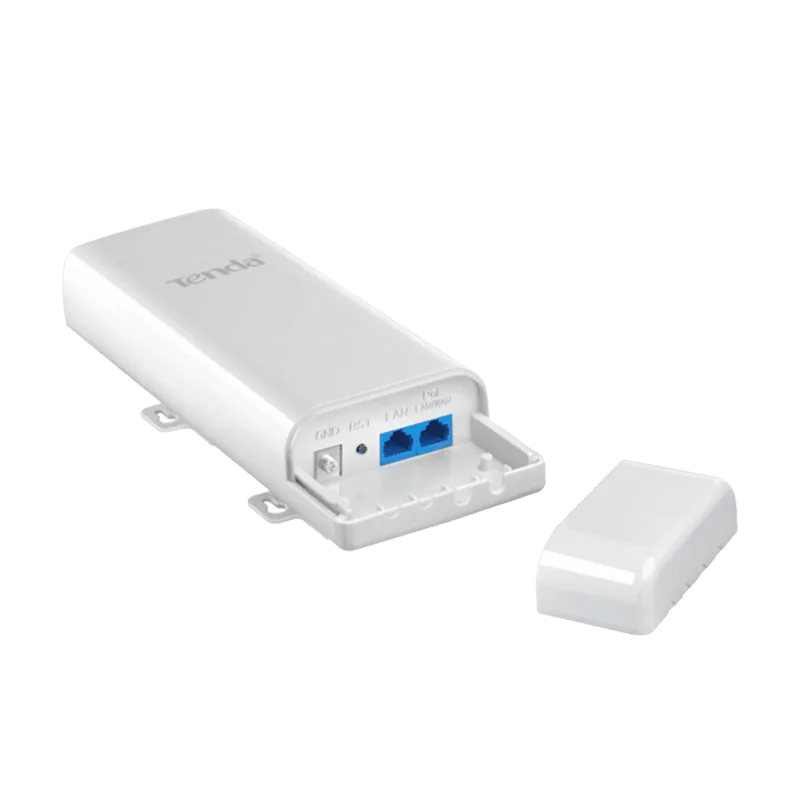
2x 100Base-TX (1x PoE PD)
Wireless
WLAN 802.11b/g/n (Wi-Fi 4)
Transfer rate
150Mbps (2.4GHz)
Security
WEP, WPA, WPA2
Antennas
internal, 1x external (optional)
Connections
N/A
Power consumption
not specified (consumption, operation), not specified (max. power supply output)
Dimensions
10.63x3.74x2.68in
Special features
VPN passthrough (PPTP/L2TP), Outdoor, IP64
Band capability
Single Band
Product Description
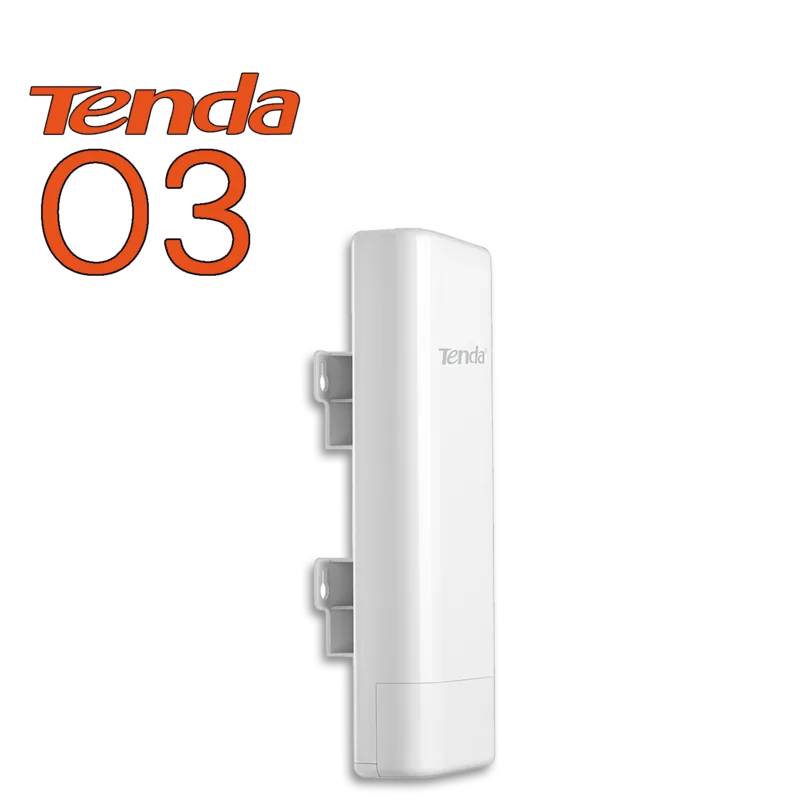
Tenda O3 Manual: A Practical Guide to a Long-Range Outdoor Wireless AP
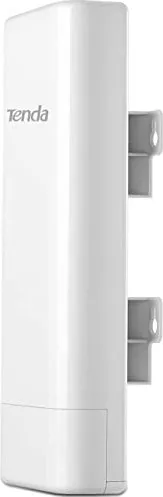
The Tenda O3 is designed for users who need reliable wireless coverage beyond the limits of a typical indoor router. Built as a high-performance outdoor access point, it combines a directional 12dBi dual-polarized antenna with up to 800mW transmission power, helping deliver stable connectivity over long distances. According to the setup guidance in the Tenda O3 Manual, the device can support wireless links of up to 5km under suitable conditions, making it a strong fit for rural properties, outdoor surveillance, and point-to-point or point-to-multipoint deployments.
What stands out most is its flexibility. The O3 supports multiple operating modes, including AP, Station (Client), Universal Repeater, WISP, Repeater, P2MP, and Router. That means it can act as a primary wireless access point, a wireless bridge for wired devices, a range extender, or even a router for shared Internet access. This versatility makes it useful in both simple home extensions and more specialized network setups where wired infrastructure is limited.
The manual also emphasizes practical installation details. The device uses a PoE injector, which simplifies outdoor deployment by sending both power and data through Ethernet. Its waterproof housing and mounting design are built for harsh environments, while the grounding connection helps improve surge and lightning protection. Once installed, the web-based interface provides access to quick setup, wireless controls, DHCP, MAC filtering, traffic control, port forwarding, DDNS, system logs, and diagnostic tools.
For administrators, the Tenda O3 offers a wide range of management features. You can adjust LAN IP settings, configure wireless security, limit access by MAC address, clone MAC addresses for ISP compatibility, and even schedule regular reboots. The device also supports firmware upgrades, backup and restore options, and account changes for stronger login security. These tools make ongoing maintenance easier and help the O3 adapt to different environments over time.
Notes
- Default login credentials are typically admin/admin.
- The default management IP is 192.168.2.1.
- After setup, connected devices may need to use automatic IP assignment.
- For best security, use WPA2-PSK with AES whenever possible.
Overall, the Tenda O3 is a capable outdoor wireless solution for users who need distance, durability, and flexible configuration in one compact device.
Search for 67,732 Manuals online


Type-in Brand or Model