
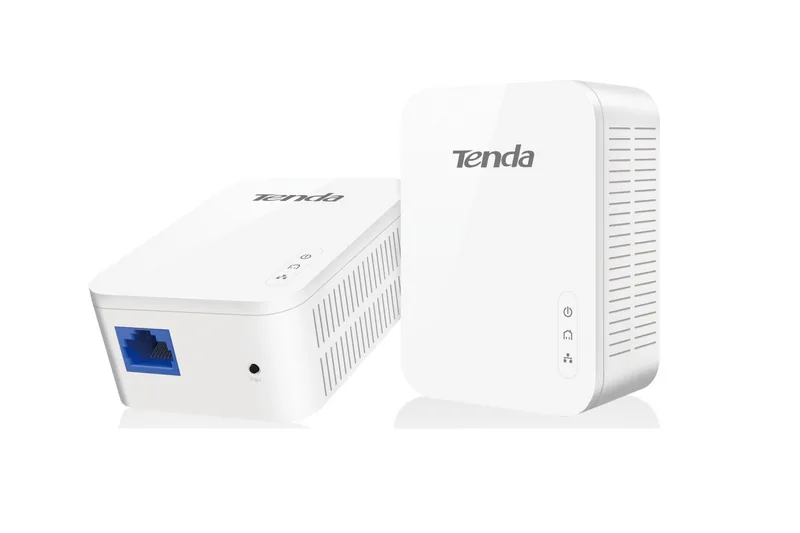
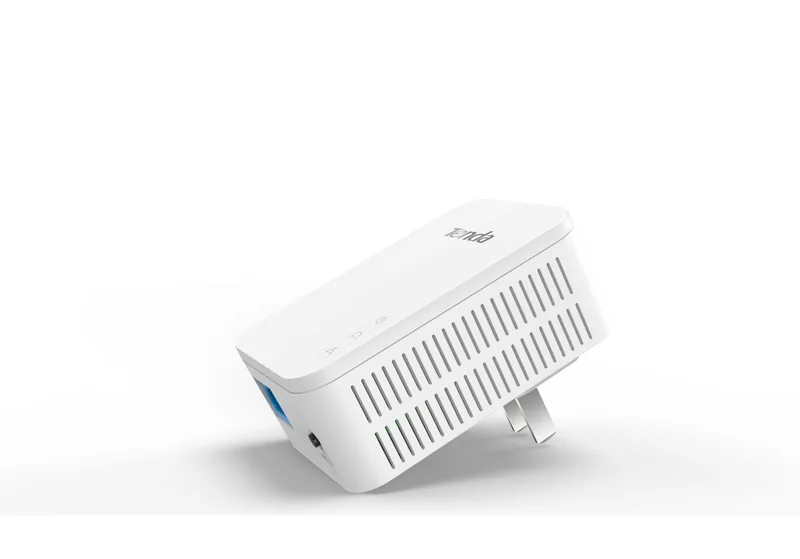
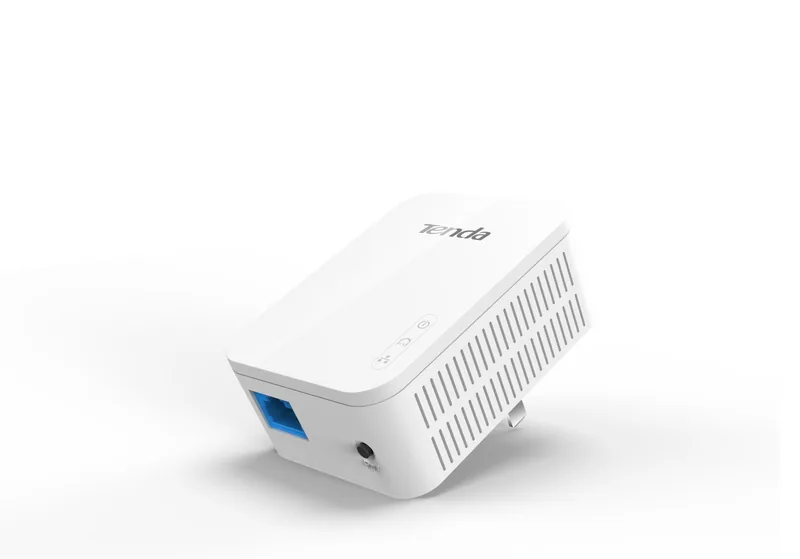
Tenda PH3 Manual
PDF manual · 32 Pages
English



Quick check
Incorrect answer, please try again.
Chat with your Tenda PH3 manual using AI
Get instant AI answers from your Tenda PH3 manual
Ask anything about the Tenda PH3. Answers come from this manual, with the pages they are based on.
Ask a Question
Do you recommend PH3?
Yes NoFrequently Asked Questions
It sends network data through your home’s electrical wiring, helping extend internet access to another room using the included powerline adapters and Ethernet ports.
Is this answer helpful?
Yes. Basic setup is designed to be plug and play. Connect one adapter to the router, plug in the second adapter near the device you want to connect, and wait for the PLC lights to turn solid.
Is this answer helpful?
No, not for basic internet access. The adapters can work without extra software. The utility is mainly for advanced options like renaming devices, changing the network name, resetting, and upgrading firmware.
Is this answer helpful?
Use the Pair button on both adapters within two minutes. This creates a secure encrypted network instead of the default public HomePlugAV network.
Is this answer helpful?
A red PLC light usually means the signal quality is poor. Try moving the adapter to another wall outlet, preferably closer to the router or modem, until the PLC light becomes green.
Is this answer helpful?
Yes. You can expand a private powerline network by pairing additional adapters one at a time, as long as they are compatible and on the same electrical circuit.
Is this answer helpful?
Advantages and Disadvantages
Advantages

- Fast AV1000-class powerline networking for streaming, IPTV, and everyday wired access.
- Simple plug-and-play setup with a pair button for quick secure pairing.
- 128-bit AES encryption supports a more private and protected home network.
- Management software adds rename, reset, and firmware upgrade options.
Disadvantages

- Performance depends on home wiring quality and the same electrical circuit.
- The adapter must be used in a vertical wall outlet position.
- A red PLC indicator means placement may need adjustment for better signal.
- Advanced features may require software installation on a computer.
Product Specification
Type
Powerline Adapter (Standalone), Bundle
Form factor
2x Power outlet adapter
Connectivity
1x RJ-45 (10/100/1000Base-T, 2 devices)
Connection
1x HomePlug AV2 (2-86MHz, IEEE 1901, 2 devices)
Transmission
1x HomePlug AV2 (1000Mb/s, OFDM, 128bit AES, 2 devices)
Dimensions
2.36x3.23x1.26in (WxHxD)
Compatibility
HomePlug AV2
Special features
Bundle (2x Powerline adapter)
Product Description
Tenda PH3 HomePlug AV2, RJ-45, 2-Pack: A Practical Way to Extend Home Networking
The Tenda PH3 HomePlug AV2, RJ-45, 2-Pack Manual highlights a simple idea: use your home’s electrical wiring to carry network data where Wi‑Fi may struggle. This AV1000 powerline kit is designed for everyday streaming, online gaming, IPTV, video calls, and other bandwidth-hungry tasks that benefit from a steadier wired connection. With two adapters in the box, it offers an easy path to bring internet access to another room without running long Ethernet cables.
At its core, the PH3 focuses on convenience. One adapter connects to your router or modem with an Ethernet cable, while the second adapter plugs into a distant room and links your device back to the network through the wall outlet. The setup is meant to be plug and play, so most users can get started quickly. For households with multiple devices, the unit’s HomePlug AV2 standard and up to 1000 Mbps theoretical rate make it a strong fit for practical home coverage.
The included Pair button adds another layer of control. You can create a private, encrypted powerline network by pairing the adapters, which is useful when you want a more secure setup than the default shared network. The utility software also gives you additional management options, such as renaming devices, changing the network name, resetting adapters, and upgrading firmware for improved stability.
LED indicators make troubleshooting easier at a glance. Power, PLC, and Ethernet lights show whether the adapter is powered, connected to the powerline network, or linked through an Ethernet cable. If the PLC light turns red, the manual suggests moving the adapter closer to the router or changing its outlet location until the signal improves. The compact design is meant for vertical wall outlet use and supports flexible placement around the home.
Another useful detail is compatibility. The PH3 can work with other HomePlugAV-compliant devices, and the manual notes that up to eight adapters can be used on a single electricity meter. That makes it a scalable option for users who want to expand coverage room by room.
Notes
- Best results come from plugging both adapters into wall outlets on the same electrical circuit.
- The utility is optional for basic use, but helpful for advanced settings.
- A red PLC light usually means weak powerline quality, not a broken device.
- Secure pairing is recommended if you want a private network.
Search for 67,732 Manuals online


Type-in Brand or Model
Lena Koch
11 months ago
How stable is the network connection, and is the speed sufficient for daily use?
Manual.ly
11 months ago
Based on customer feedback, the connection is reported as stable during normal use. Reviews also mention that the speed is adequate for everyday tasks, so you should not expect frequent drops or major performance issues under typical home usage. For best results, we recommend placing the device in a location with good signal coverage and using the correct network settings during setup.