
Tenda AC8 Manual
PDF manual · 90 Pages
English



Quick check
Incorrect answer, please try again.
Chat with your Tenda AC8 manual using AI
Get instant AI answers from your Tenda AC8 manual
Ask anything about the Tenda AC8. Answers come from this manual, with the pages they are based on.
Ask a Question
Do you recommend AC8?
Yes NoFrequently Asked Questions
Connect your device to the router's WiFi or LAN port, open a browser, and visit tendawifi.com. Enter the default username and password found on the product label.
Is this answer helpful?
Yes, you can enable Universal Repeater mode in the Internet Settings menu to wirelessly connect to and extend the signal of your existing router.
Is this answer helpful?
The default LAN IP address is typically 192.168.0.1, which you can enter into your browser to access the administration panel.
Is this answer helpful?
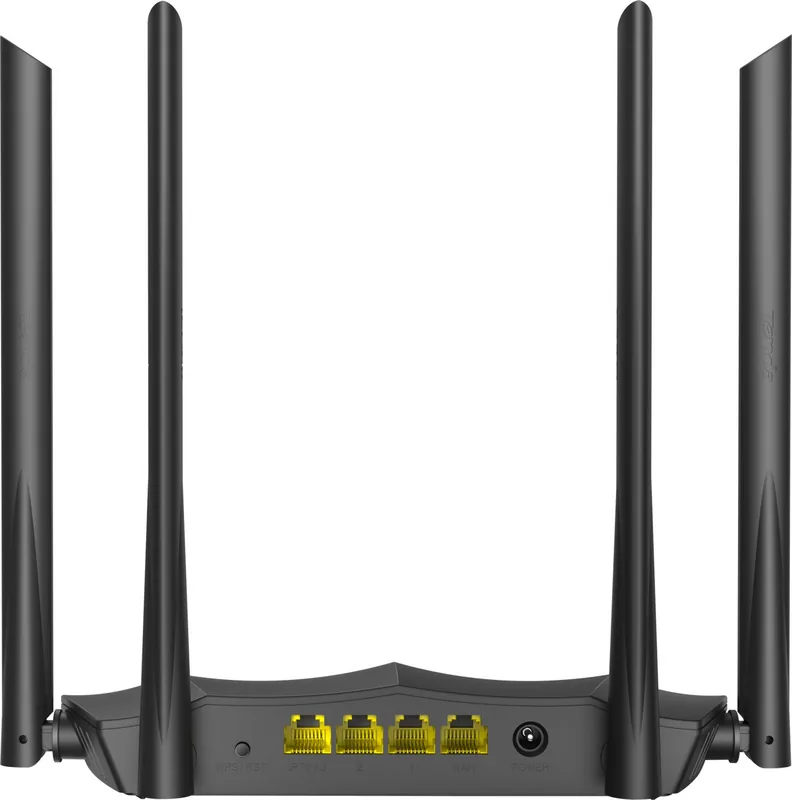
Yes, the router has a dedicated IPTV/3 port that can be configured to work alongside internet access when enabled in the Advanced settings.
Is this answer helpful?
Locate the RST button on the back, hold it down for about 8 seconds until the LED blinks fast, then release. This restores factory defaults.
Is this answer helpful?
Yes, the Beamforming function is enabled by default to optimize signal direction and improve connection stability for all connected devices.
Is this answer helpful?
Advantages and Disadvantages
Advantages

- Dual-band AC1200 speeds offer excellent balance between range and throughput
- Beamforming technology significantly improves signal strength and stability
- Multiple operating modes (Router, WISP, Repeater, AP) provide versatile deployment options
- Comprehensive parental controls allow precise scheduling and website blocking
- Guest network feature isolates visitors while protecting main network security
Disadvantages

- No USB port available for storage sharing or printer connection
- Web interface requires manual configuration for some advanced features
- LED indicators cannot be completely disabled without using scheduled mode
- Firmware updates must be performed manually or rely on auto-detection
- WAN port speed is limited to 1Gbps which may bottleneck fiber plans above 1Gbps
Product Specification
Modem
N/A
WAN
1x 100Base-T
LAN
3x 100Base-T
Wireless
WLAN 802.11a/b/g/n/ac (Wi-Fi 5), simultaneous
Data Rate
300Mbps (2.4GHz), 867Mbps (5GHz)
Security
64/128bit WEP, WPA, WPA2, WPS
Antennas
4x external
Connectors
N/A
Power Consumption
Not specified (consumption, operation), not specified (max. power supply output)
Dimensions
7.87x5.00x1.34 inches
Features
MU-MIMO, VPN passthrough (PPTP/L2TP/IPSec), IPv6
Band Capability
Dual Band (simultaneous)
Product Description
Tenda AC8: The Ultimate Dual-Band Gigabit Router for Seamless Connectivity
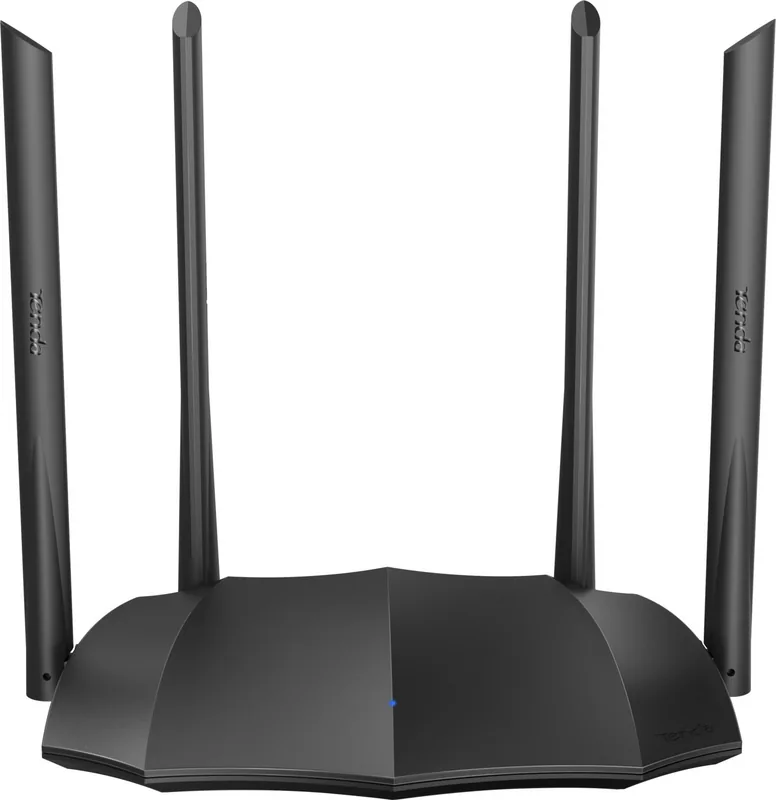
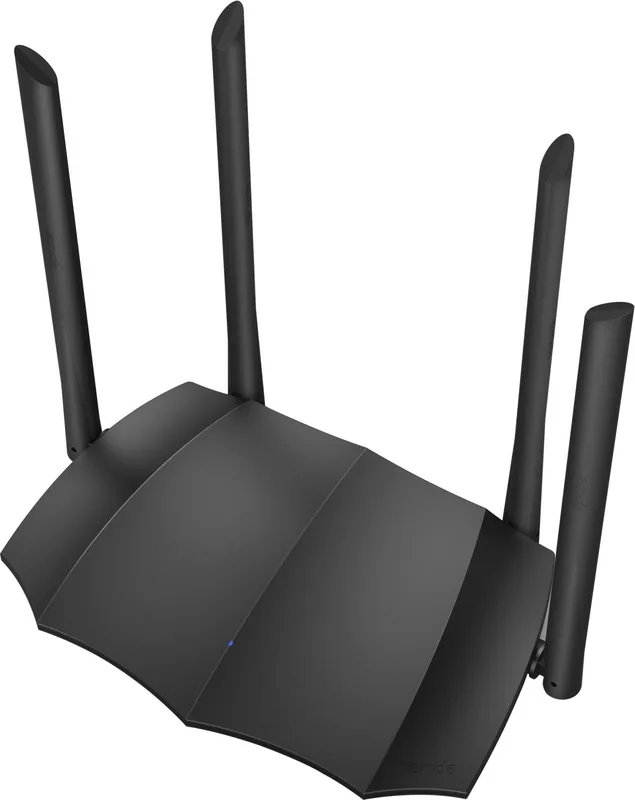
The Tenda AC8 stands as a robust solution for modern home networking needs, delivering high-speed performance through its dual-band AC1200 wireless technology. This device is designed to eliminate dead zones and provide stable connections for streaming, gaming, and heavy browsing tasks across multiple devices simultaneously. By leveraging advanced beamforming technology, the AC8 focuses WiFi signals directly toward connected clients rather than broadcasting in all directions, ensuring stronger coverage and faster data transfer rates even in environments with physical barriers.
Setting up the Tenda AC8 is an intuitive process managed entirely through a user-friendly web interface accessible via tendawifi.com. Users can quickly configure various operating modes including standard router mode, WISP mode for connecting to existing hotspots, universal repeater mode to extend range, or AP mode to convert wired networks into wireless ones. The interface allows for granular control over network settings, enabling users to customize SSIDs, set strong encryption protocols like WPA2-PSK, and manage guest networks with specific bandwidth limits and time restrictions.
Security and parental controls are central to the AC8's feature set. Parents can easily restrict internet access during specific hours or block inappropriate websites, ensuring a safe online environment for children. The built-in MAC address filtering provides an additional layer of security by allowing only trusted devices to connect. For those needing remote access, the router supports DDNS and remote management features, making it possible to monitor and adjust network settings from anywhere in the world.
With dedicated ports for IPTV and support for IPv6, the Tenda AC8 future-proofs your home network against evolving connectivity standards. Whether you are expanding coverage in a large apartment or securing a busy household, this router offers the flexibility and power required for today's digital lifestyle.
Search for 67,732 Manuals online


Type-in Brand or Model