
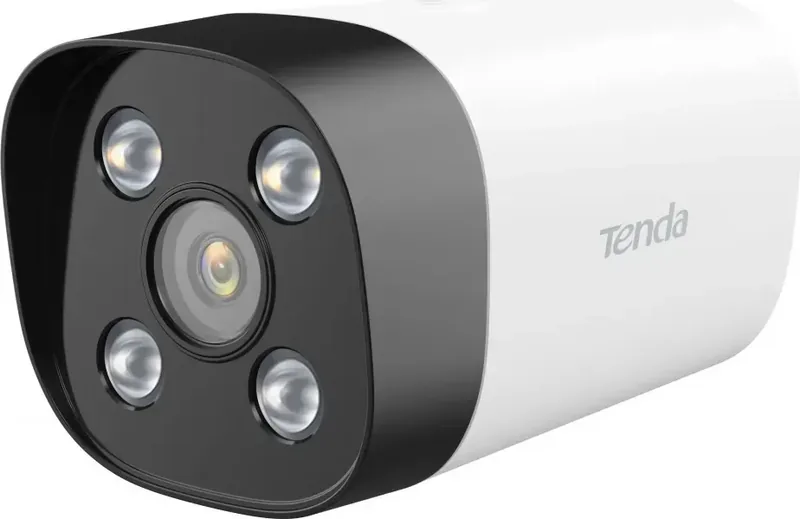
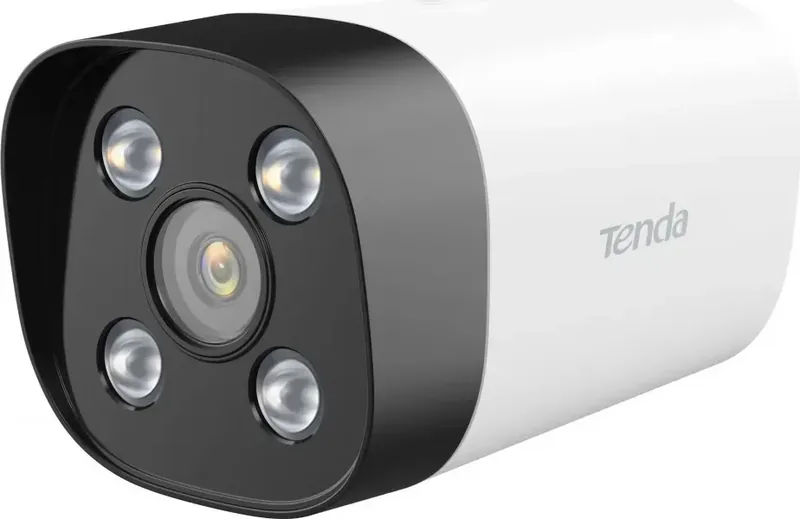
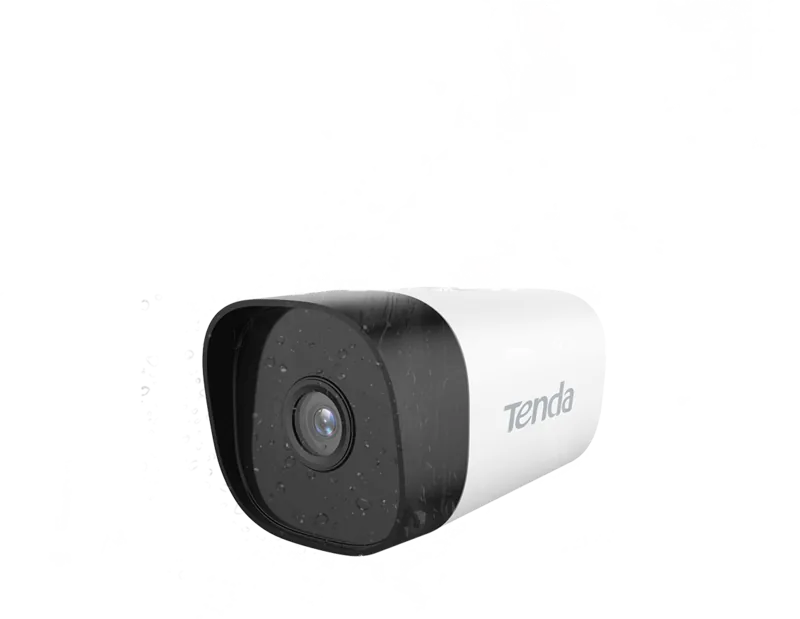
Tenda IT7-LCS Manual
PDF manual · 15 Pages
English



Quick check
Incorrect answer, please try again.
Chat with your Tenda IT7-LCS manual using AI
Get instant AI answers from your Tenda IT7-LCS manual
Ask anything about the Tenda IT7-LCS. Answers come from this manual, with the pages they are based on.
Ask a Question
Do you recommend IT7-LCS?
Yes NoFrequently Asked Questions
Admin123456 is the standard password for the admin username upon initial login. Ensure to change this immediately after first access.
Is this answer helpful?
Set computer to 192.168.1.102 and camera at 192.168.1.203 for initial setup access. Use DHCP if automatic assignment is available on your network.
Is this answer helpful?
Yes, the PoE version complies with IEEE 802.3af standard to send data and power via one cable for simplified installation.
Is this answer helpful?
You need a DC adapter with a 5.5-2.1 mm port specification if not using PoE power over ethernet connection.
Is this answer helpful?
Mount using a bracket on wall or ceiling with tools like a drill. Ensure the bracket is purchased separately as it is not in the box.
Is this answer helpful?
Yes, with included waterproof kit and tape for ports to protect from rain and environmental damage effectively.
Is this answer helpful?
Yes, add cameras on NVR web UI for centralized management and video storage across the network infrastructure.
Is this answer helpful?
Advantages and Disadvantages
Advantages

- 4MP Resolution delivers high detailed video recording for clear identification of subjects in low or high light.
- PoE and DC power support offers flexibility in wiring options for different site requirements and power availability.
- Supports both wall and ceiling installation with adjustable mounting brackets for optimal viewing angles.
- Compatible with NVR systems for centralized recording and management of multiple camera feeds.
- Includes web UI access allowing remote configuration without needing specific client software.
Disadvantages

- Mounting bracket is not included in the package requiring separate purchase and additional costs.
- Power adapter is not included for DC powered models requiring users to buy compatible hardware separately.
- Default IP address might cause conflicts if the network already uses 192.168.1.203.
- Waterproof kit is not compatible with Ethernet cables that have protection covers on connectors.
- Default login credentials must be changed immediately to prevent unauthorized access attempts.
Product Specification
Type
Bullet
Image Sensor
CMOS
Resolution
2560x1440 pixels
Compression / Codecs
H.264, H.265, H.265+
Ports
1x RJ-45 100 Mbps LAN
Microphone
Built-in
Illumination
IR Illumination (98.43 ft)
Ingress Protection
IP67
Housing
Suitable for outdoor use
System Control & Operation
Mobile App
System Compatibility
ONVIF
Zone & Analysis Functions
Motion detection, Person detection, IR filter
Product Description
Tenda IT7-LCS Bullet Security Camera Review
The Tenda IT7-LCS represents a significant step forward in modern home and business security systems. This 4MP bullet camera delivers crisp video quality suitable for various commercial and residential environments. It belongs to the robust IT Series, designed specifically for durability and high performance in challenging conditions. Refer to every detail in the Tenda IT7-LCS Manual to understand the full capabilities and technical specifications required for optimal operation. Ensure proper lighting conditions for best clarity.
Flexible Installation Options
Flexible Installation Options
Mounting this device is flexible with support for both wall and ceiling locations. Note that the mounting bracket is not included in the box, so you must prepare tools like a hammer drill and ladder beforehand. Prepare screws and rubber hammer for secure fastening during the process. Ensure the surface supports three times the weight of the camera to prevent accidents. You can adjust the monitoring direction horizontally and vertically for the perfect angle.
Power and Connectivity Variations
This unit supports both PoE and DC power sources effectively. PoE utilizes the IEEE 802.3af standard for data and power over a single ethernet cable. For DC configurations, you must use a 5.5-2.1 mm adapter which is sold separately. Cabling must be secured to prevent strain on connectors. The ethernet port supports 10/100 Mbps auto-negotiation. It works seamlessly with regular routers or PoE switches for network video recording.
Security and Web Access
Connect to an NVR for central management or use the web interface directly. The default IP address is 192.168.1.203 but DHCP changes this. Change default passwords immediately after setup for security. The user name is admin and the password is admin123456. Do not modify these settings if the NVR is already connected. Log in through a browser on an unused IP address in the same segment.
Weatherproofing and Compliance
Use the included waterproof kit for outdoor ports to protect against rain. Wrap the Ethernet port and power jack with waterproof tape for extra safety. The kit might not fit cables with existing protection covers. This device complies with FCC rules for commercial use. Residential use may require extra measures regarding interference. Always shield cables to reduce unnecessary radiation.
Technical Specifications and Support
Check specs for temperature and humidity ranges before placement. Operating temperature ranges from negative thirty to sixty degrees Celsius. Humidity tolerance is between ten to ninety-five percent without condensing. Contact support if issues arise regarding radio interference. Keep records of serial numbers for warranty claims.
Search for 67,732 Manuals online


Type-in Brand or Model