
Tenda AC23 Manual
PDF manual · 196 Pages
English



Quick check
Incorrect answer, please try again.
Chat with your Tenda AC23 manual using AI
Get instant AI answers from your Tenda AC23 manual
Ask anything about the Tenda AC23. Answers come from this manual, with the pages they are based on.
Ask a Question
Do you recommend AC23?
Yes NoFrequently Asked Questions
Connect an Ethernet cable from your modem's LAN port to the WAN port on the AC23 router. Power on both devices and log in to tendawifi.com via a browser to configure your internet settings based on your ISP requirements.
Is this answer helpful?
Yes, you can use the Wireless Repeating function. Enable this in the WiFi Settings menu and choose either WISP mode or Client+AP mode to bridge your existing network and extend coverage to areas with weak signals.
Is this answer helpful?
Absolutely. The router supports IPv6 dual stack protocols. You can configure it to obtain IPv6 addresses via DHCPv6, PPPoEv6, or Static IPv6 depending on your ISP's service type.
Is this answer helpful?
Navigate to the Guest Network section in the web UI. Enable the function, set a unique name and password, and optionally define a validity period and shared bandwidth limit to isolate visitor traffic from your main network.
Is this answer helpful?
The AC23 supports None, WPA-PSK, WPA2-PSK, and the recommended WPA/WPA2-PSK mixed mode. These options ensure compatibility with various devices while maintaining strong security standards.
Is this answer helpful?
Locate the WPS/RST button on the back of the device. Hold it down for about 8 seconds until all LED indicators blink once. This will restore factory settings, allowing you to log in with the default credentials found on the label.
Is this answer helpful?
Advantages and Disadvantages
Advantages

- Supports high-speed AC2100 dual-band concurrent wireless rates up to 2033 Mbps
- Offers flexible internet connection types including PPPoE, Dynamic IP, and Static IP
- Includes advanced parental control and guest network isolation features
- Beamforming+ technology enhances signal strength and reliability
- Supports IPv6 for seamless future-proof internet connectivity
Disadvantages

- USB storage sharing functions are limited or unavailable compared to other models like AC19
- Wireless repeating disables some features like IPTV and WPS simultaneously
- Guest network bandwidth limits require manual configuration per session
- VPN setup requires a public WAN IP address for external access
- Default channel settings may need adjustment in highly congested areas
Product Specification
Modem
N/A
WAN
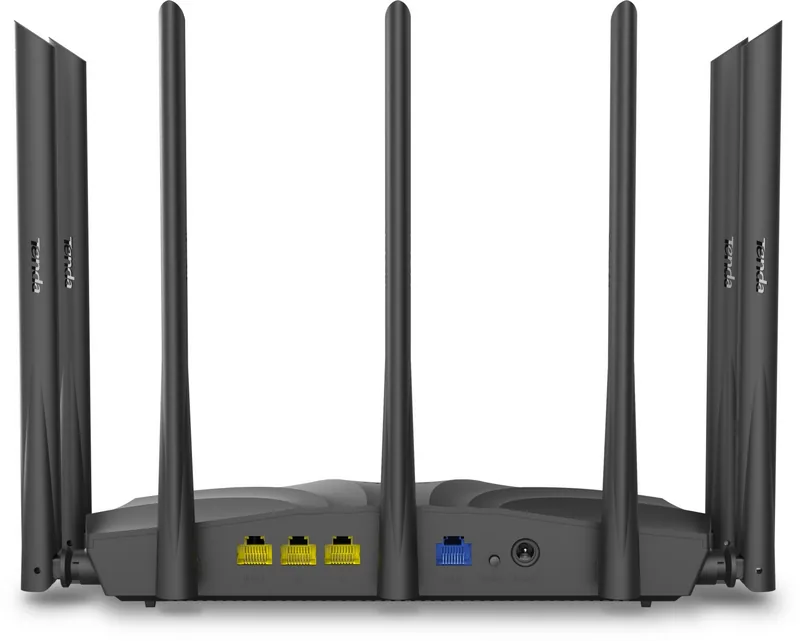
1x 1000Base-T
LAN
3x 1000Base-T
Wireless
WLAN 802.11a/b/g/n/ac (Wi-Fi 5), simultaneous
Data Rate
300Mbps (2.4GHz), 1733Mbps (5GHz)
Security
64/128bit WEP, WPA, WPA2, WPS
Antennas
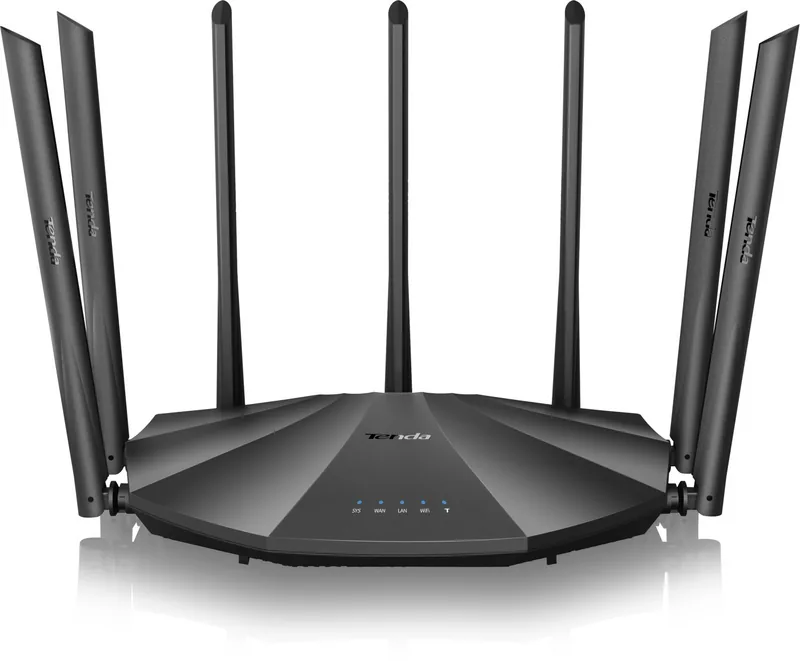
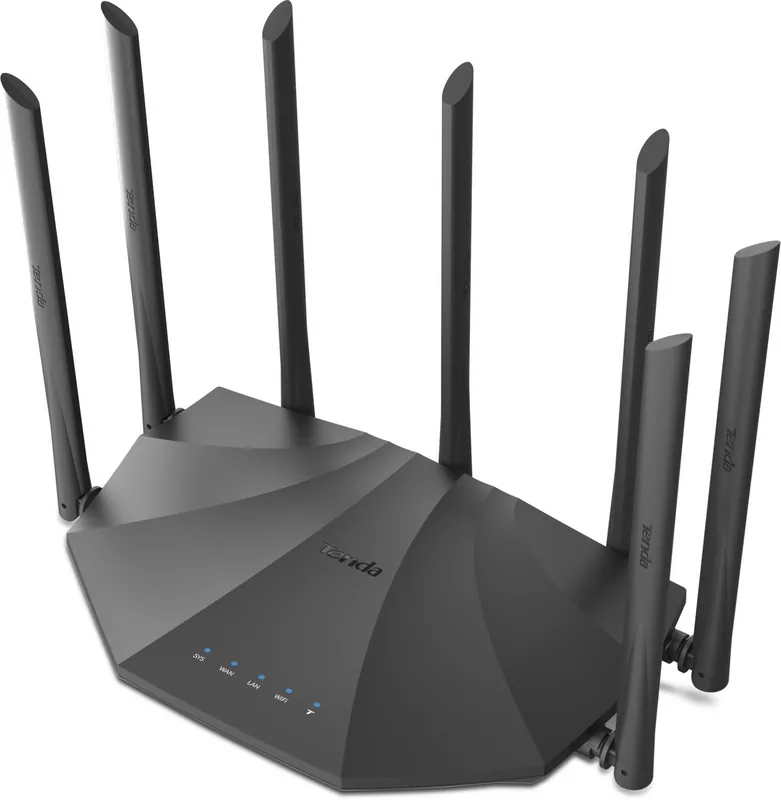
7x external
Connectors
N/A
Power Consumption
No data provided (consumption, operation), no data provided (max. power supply output)
Dimensions
9.41 x 5.67 x 1.57 in
Features
MU-MIMO, VPN passthrough (PPTP/L2TP/IPSec), IPv6
Band Capability
Dual Band (simultaneous)
Product Description
Tenda AC23 Dual Band Gigabit WiFi Router Overview
The Tenda AC23 is a powerful networking solution designed to deliver high-speed internet connectivity throughout your home or office. As an AC2100 Dual Band Gigabit WiFi Router, it leverages advanced 802.11ac Wave2 technology to provide a combined wireless speed of up to 2033 Mbps. This device operates efficiently on both the 2.4 GHz and 5 GHz frequency bands, ensuring that you can stream 4K videos, play online games, and download large files without interruption.
One of the standout features of the AC23 is its flexibility in network configuration. Whether your Internet Service Provider uses PPPoE, Dynamic IP, or Static IP connections, this router adapts seamlessly. It also supports IPv6, offering a future-proof connection method that eliminates the need for traditional network address translation. For users looking to expand their coverage, the router includes robust wireless repeating capabilities. You can easily extend your existing network using either WISP mode or Client+AP mode, placing the unit in areas with weak signals to eliminate dead zones.
Security and management are top priorities with the Tenda AC23. The web-based interface allows you to customize your WiFi name and password, hide networks for added privacy, and set up guest networks with specific bandwidth limits. Parental control tools enable you to restrict internet access for specific devices during certain hours or block particular websites, giving you full control over who accesses your network. Additionally, the router supports Beamforming+ technology, which directs signal strength directly toward connected devices for faster and more reliable communication.
For those needing remote access, the built-in VPN functionality allows you to create a secure tunnel to access resources within your local area network from anywhere in the world. While the USB port feature is primarily highlighted for the AC19 model, the AC23 offers extensive system settings including firmware upgrades, backup options, and detailed status monitoring. With its intuitive design and comprehensive feature set, the Tenda AC23 stands out as a reliable choice for modern connectivity needs.
Key Notes
- Ensure your ISP supports the connection type you select before configuring.
- Use the Guest Network feature to keep visitors separate from your main secure network.
- Regularly update the firmware to maintain optimal performance and security.
Search for 67,706 Manuals online


Type-in Brand or Model