
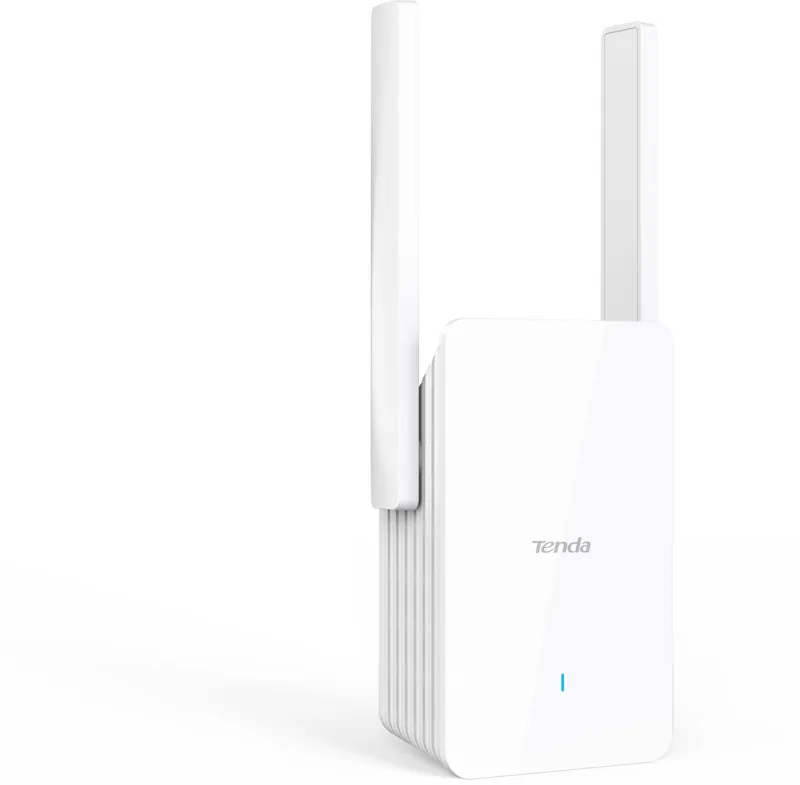
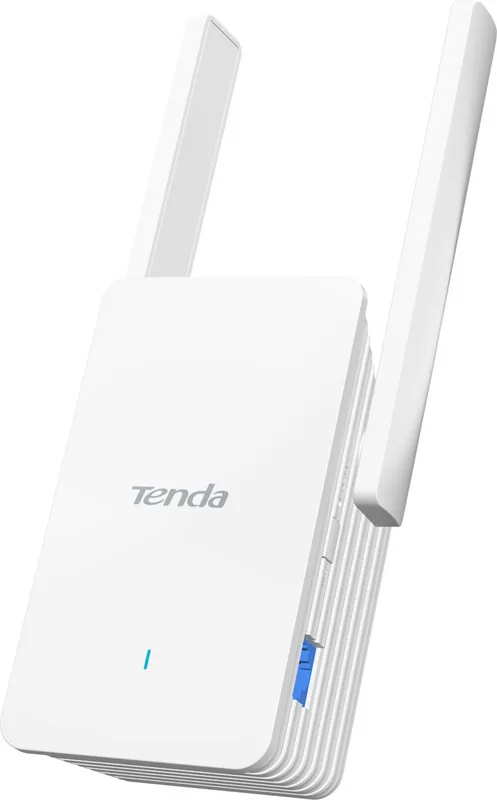
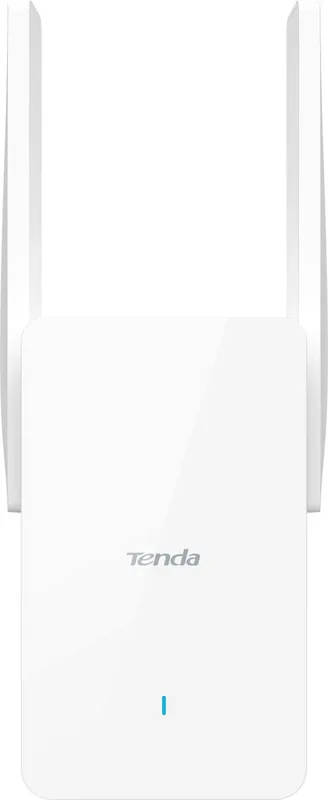
Tenda A27 Manual
PDF manual · 93 Pages
English



Quick check
Incorrect answer, please try again.
Chat with your Tenda A27 manual using AI
Get instant AI answers from your Tenda A27 manual
Ask anything about the Tenda A27. Answers come from this manual, with the pages they are based on.
Ask a Question
Do you recommend A27?
Yes NoFrequently Asked Questions
You can connect wirelessly using the WPS button or via the Web UI. Plug the extender near your router, wait for the red blinking light, then connect your phone to 'Tenda_EXT'. Enter re.tenda.cn in your browser, select Extender Mode, choose your router's WiFi, and enter the password.
Is this answer helpful?
Solid blue means the extender is in a proper position. Solid yellow indicates a fair position where you should move closer to the router. Solid red means it is too far away. Blinking red quickly shows it is connecting via WPS, while slow blinking means it failed to extend the network.
Is this answer helpful?
Yes, the Tenda A27 supports AP Mode. Connect it to your router using an Ethernet cable, log in to the Web UI, switch the operating mode to AP, and configure a new WiFi name and password. This converts the wired connection into a wireless network.
Is this answer helpful?
Log in to the Web UI at re.tenda.cn, navigate to WiFi Settings, and enable the Hide option next to the WiFi Name field. Click Save. Devices will then need to manually enter the exact network name and password to connect.
Is this answer helpful?
OFDMA stands for Orthogonal Frequency Division Multiple Access. It allows the extender to send data to multiple devices simultaneously rather than waiting in line. This reduces time delay and improves the internet experience for users streaming video or gaming while others browse.
Is this answer helpful?
While the device is powered on, press and hold the RESET button with a needle-like object for 1 to 3 seconds. The LED indicator will blink blue when the reset is complete. You will then need to reconfigure the device from scratch.
Is this answer helpful?
Yes, the Tenda A27 supports WPA3-SAE/WPA2-PSK security modes. This provides enhanced protection against dictionary attacks and information leakage. However, if your devices do not support WPA3, you can switch back to the recommended WPA2-PSK setting.
Is this answer helpful?
Advantages and Disadvantages
Advantages

- Supports WiFi 6 (802.11ax) for faster speeds and lower latency
- Dual-band integration unifies 2.4 GHz and 5 GHz under one SSID
- Easy setup via Web UI or WPS button for quick installation
- OFDMA technology improves efficiency for multiple connected devices
- Flexible operating modes including Extender and Access Point
Disadvantages

- LED indicator cannot be permanently disabled without scheduling
- Requires physical relocation to achieve optimal signal strength
- Default login has no password until user creates one manually
- WPA3 security may not be compatible with older client devices
- Cannot extend networks on different subnets without manual configuration
Product Specification
LAN
1x 1000Base-T
Wireless
WLAN 802.11a/b/g/n/ac/ax (Wi-Fi 6), simultaneous
Transfer Rate
574Mbps (2.4GHz), 1201Mbps (5GHz)
Security
WPA, WPA2, WPA3, WPS
Antennas
2x external
Power Consumption
11W (operating consumption), not specified (max. power supply output)
Dimensions
4.84x2.83x1.87 inches
Features
MU-MIMO
Band Capability
Dual Band (simultaneous)
Transfer Rate 802.11ax (Wi-Fi 6 / Wi-Fi 6E) 2.4GHz
574Mbps (Spatial Streams: 2x2, Bandwidth: 40MHz, Modulation: 1024-QAM)
Transfer Rate 802.11ax (Wi-Fi 6 / Wi-Fi 6E) 5GHz
1201Mbps (Spatial Streams: 2x2, Bandwidth: 80MHz, Modulation: 1024-QAM)
Note
Transfer rate specification for 802.11ax at 2.4GHz and 5GHz. (802.11ax (2.4GHz) 2x2 40MHz 1024-QAM: 574Mbps, 802.11ax (5GHz) 2x2 80MHz 1024-QAM: 1201Mbps)
Product Description
Tenda A27 AX1800: Expand Your Wireless World
The Tenda A27 AX1800 is a powerful WiFi 6 dual-band range extender designed to eliminate dead zones and deliver superspeed connectivity throughout your home. By leveraging advanced dual-band antennas, this device ensures seamless internet access in every corner of your living space. It supports dual-band integration technology, allowing both the 2.4 GHz and 5 GHz frequency bands to share the same network name and password. This smart feature automatically selects the best available signal for your devices, maximizing performance without manual intervention.
Setting up the Tenda A27 AX1800 is an intuitive process that caters to various user needs. You can choose between Extender Mode to wirelessly boost your existing router's signal or AP Mode to convert a wired connection into a robust wireless network. The setup wizard guides you through connecting to the temporary network, selecting your target router, and configuring security settings with ease. For those who prefer simplicity, the WPS button allows for a one-touch connection if your main router supports it.
Once configured, the device provides clear visual feedback through its LED indicators. A solid blue light signifies a proper location near the router, while yellow or red lights indicate that the unit should be moved closer for optimal performance. The web interface offers deep customization options, including the ability to unify or separate frequency bands, hide networks for added privacy, and manage connected clients via a blacklist feature.
Beyond basic extension, the Tenda A27 AX1800 supports OFDMA technology, which significantly reduces latency by allowing multiple devices to transmit data simultaneously. Users can also schedule LED lighting to turn off during specific hours, ensuring a peaceful environment at night. With support for WPA3-SAE security protocols, your network remains protected against modern threats. Whether you are streaming 4K video, gaming online, or working from home, this extender provides the reliability and speed required for a seamless digital experience.
Important Notes
- Always place the extender within the range of your existing WiFi network for best results.
- Keep the device away from strong interference sources like microwaves and refrigerators.
- Reset the device if you forget your login password using the physical reset button.
Search for 67,732 Manuals online


Type-in Brand or Model