
Tenda A15 Manual
PDF manual · 2 Pages
English



Quick check
Incorrect answer, please try again.
Chat with your Tenda A15 manual using AI
Get instant AI answers from your Tenda A15 manual
Ask anything about the Tenda A15. Answers come from this manual, with the pages they are based on.
Ask a Question
Do you recommend A15?
Yes No
MagnamEx10
10 months ago
Will the Tenda repeater work on all 5 GHz (AC) Wi-Fi channels, or is it limited? I heard it only forwards certain channels - do I need to configure my router?

Manual.ly
10 months ago
The repeater's 5 GHz (AC) reception/transmission is limited to channels 36-48. If your router uses the full AC range or auto-selects a higher channel (for example 100), the repeater may only receive/forward the 2.4 GHz signal. To avoid this, set your router to a fixed 5 GHz channel within 36-48 before setup. Then check the repeater status in its web interface (re.tenda.cn) to confirm both channels are being received, and extend again if needed. Note: the device can run warm, with operating temperatures up to around 40 C as stated in the manual.
Frequently Asked Questions
The Tenda A15 is designed to extend WiFi coverage and reduce dead zones. It can also work in AP mode to create WiFi from a wired Ethernet connection, making it useful in homes or small offices that need stronger wireless access.
Is this answer helpful?
Plug it in near your router, connect to the default Tenda_EXT network, and open re.tenda.cn in a browser. From there, you can create a login password, choose the network to extend, and complete the setup.
Is this answer helpful?
Blue means the repeater is in a good position and connected well. Red means the signal is weak and the repeater should be moved closer to the router. Off means it is not connected to the upstream WiFi network.
Is this answer helpful?
Yes. It can work in AP mode, where you connect it to a router or modem with an Ethernet cable. In that mode, it turns a wired internet connection into a new WiFi network.
Is this answer helpful?
Make sure your device is connected to the repeater’s WiFi, disable mobile data on phones if needed, and confirm your computer is set to obtain IP and DNS automatically. If needed, try 192.168.0.254 or reset the unit.
Is this answer helpful?
Press and hold the RESET button with a paper clip while the power LED is on. The LEDs will blink and the unit will restart. After about 40 seconds, it should return to its default settings.
Is this answer helpful?
Yes. It supports dual-band operation and can extend both bands. During setup, you can choose the network(s) you want to re-extend and keep the same or customized SSID names.
Is this answer helpful?
Advantages and Disadvantages
Advantages

- Dual-band support helps improve both speed and compatibility across modern home networks.
- Web setup and WPS pairing make installation simple for different user comfort levels.
- AP mode adds flexibility by turning a wired connection into a new wireless hotspot.
- Signal LEDs make placement easier and help users find a strong connection zone.
Disadvantages

- Performance depends heavily on placement, so poor positioning can reduce signal quality.
- Some setup steps require a browser-based interface, which may feel less convenient on first use.
- The default network may appear without a password until configured, which is less secure.
- Advanced users may find the feature set basic compared with full mesh networking systems.
Product Specification
LAN
1x 100Base-TX
Wireless
WLAN 802.11a/b/g/n/ac (Wi-Fi 5)
Transfer Rate
300Mbps (2.4GHz), 433Mbps (5GHz)
Security
64/128bit WEP, WPA, WPA2, WPS
Antennas
2x external
Power Consumption
no info (consumption, operation), no info (max. power supply capacity)
Dimensions
3.15x2.24x1.77in
Band Capability
Dual Band
Product Description
Tenda A15 Manual: A Practical Way to Improve Wireless Coverage
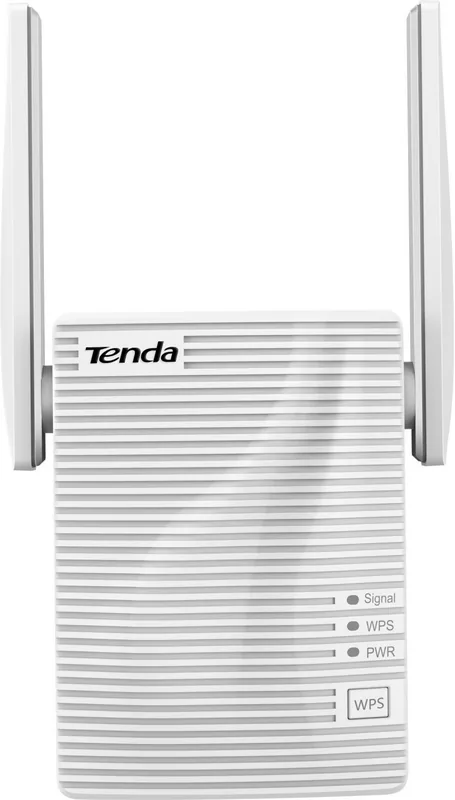
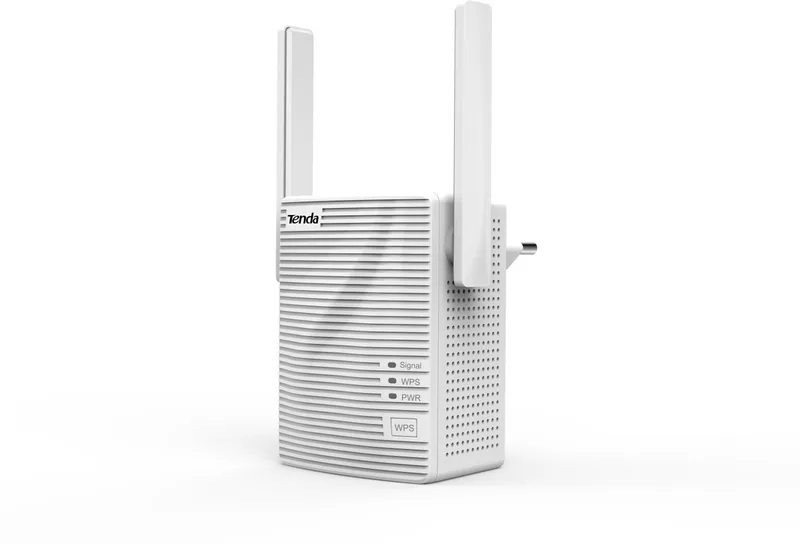
The Tenda A15 is a compact AC750 dual-band WiFi repeater made for homes that struggle with weak corners, unstable streaming, or rooms that sit just beyond the router’s reach. It works across both 2.4 GHz and 5 GHz bands, delivering up to 750 Mbps in combined wireless speed, which makes it a solid fit for everyday browsing, video calls, online classes, and light entertainment. For a small device, it offers a surprisingly flexible set of options that help turn an uneven network into something easier to use.
One of the biggest strengths of the Tenda A15 Manual is how clearly it supports different setup styles. Users can extend an existing network through the web interface or use WPS for a faster pairing process when the router supports it. The repeater can also be used in AP mode, where a wired connection is transformed into a new WiFi signal. That makes the A15 useful not only as a range extender, but also as a simple way to build wireless access from an Ethernet line.
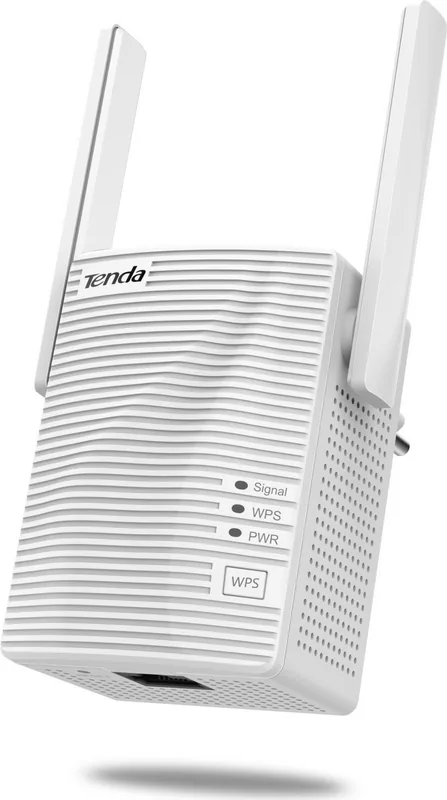
The device is designed with usability in mind. Its LED indicators show whether the connection is strong, weak, or not established at all, which helps users place the repeater in the right location. A solid blue signal light suggests a good spot, while red means the unit should be moved closer to the router. The LAN port adds even more value, allowing wired devices like desktop PCs or game consoles to connect directly, or helping the unit serve as an access point in AP mode.
Beyond setup, the A15 includes management tools that make the experience more practical over time. Users can check status information, view connected devices, block unwanted clients through a blacklist, change WiFi names and passwords, hide the SSID, reboot the unit, reset it if needed, export system logs, and upgrade firmware. These functions make the product feel more like a lightweight network tool than a basic extender.
Overall, the Tenda A15 is a helpful choice for users who want an affordable, easy-to-manage repeater that can improve coverage without adding complexity. It is especially appealing for small households, apartments, or workspaces where a stronger signal in one extra room can make a noticeable difference.
Notes
- Best performance usually comes from placing the repeater halfway between the router and the weak-signal area.
- Keep the device away from interference sources like microwaves, Bluetooth devices, and refrigerators.
- The default SSID often appears as Tenda_EXT unless changed during setup.
Search for 67,732 Manuals online


Type-in Brand or Model
jovany12
10 months ago
Does the Tenda repeater repeat both bands automatically, or do I need to set specific Wi-Fi channels in my router (for example only 36-48)?
Manual.ly
10 months ago
The repeater does not repeat the full 5 GHz (AC) range. For 5 GHz it works only on channels 36-48. If your router uses “auto” and selects a channel outside that range (e.g., 100), the repeater will typically only receive and repeat the 2.4 GHz band, even though it may still broadcast on two channels. To fix this, set your router's 5 GHz to a fixed channel within 36-48. You can then verify reception in the repeater's web interface (re.tenda.cn) and confirm that both channels are detected. Also note it can run warm (up to about 40 C) during use, which is normal.