
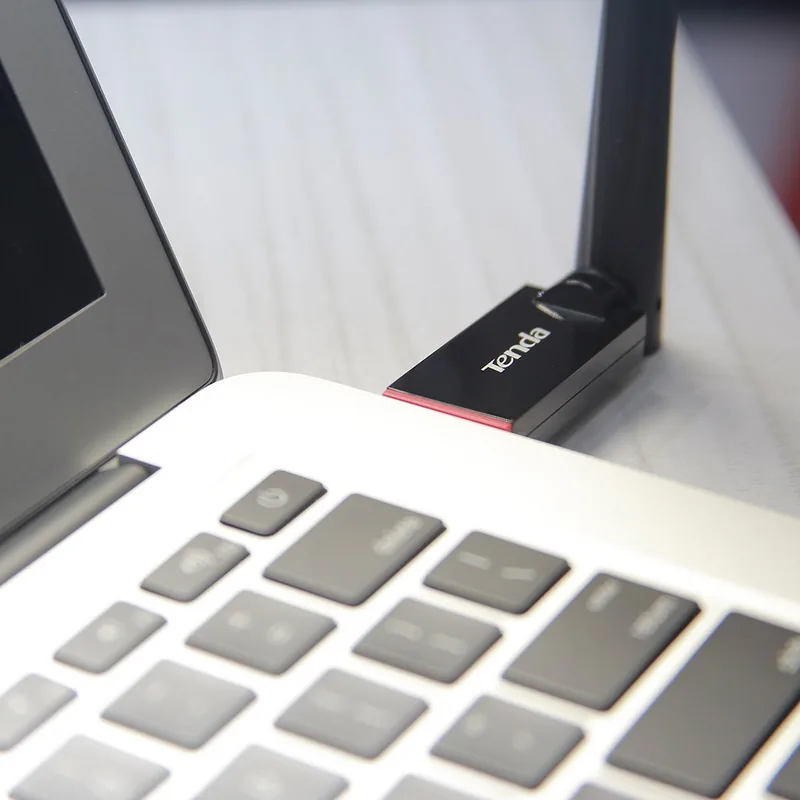
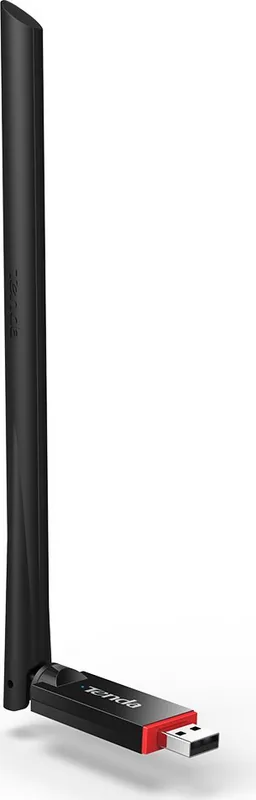
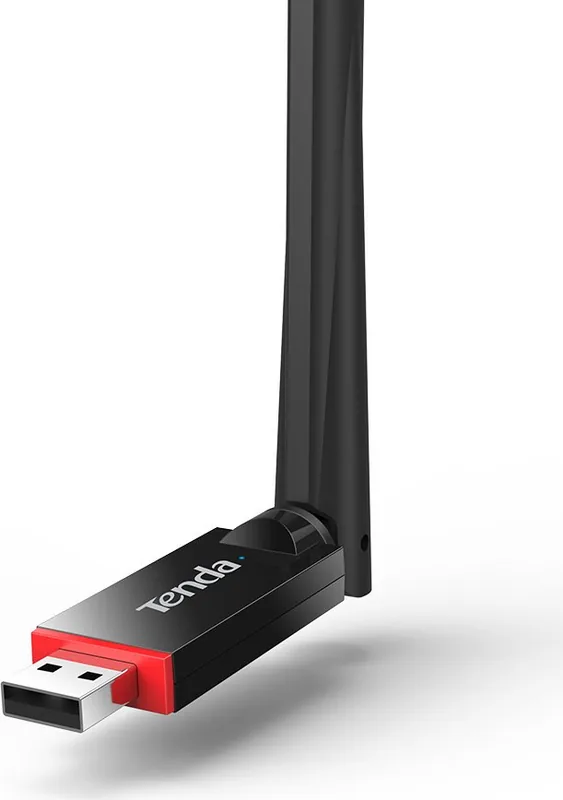
Tenda U6 Manual
PDF manual · 20 Pages
English



Quick check
Incorrect answer, please try again.
Chat with your Tenda U6 manual using AI
Get instant AI answers from your Tenda U6 manual
Ask anything about the Tenda U6. Answers come from this manual, with the pages they are based on.
Ask a Question
Do you recommend U6?
Yes NoFrequently Asked Questions
The maximum transmission rate is 300 Mbps, ensuring minimal latency for smooth online activities.
Is this answer helpful?
Windows 10 supports automatic installation. Windows XP, 7, and 8 require manual driver installation from the website.
Is this answer helpful?
Yes, it supports SoftAP mode to convert wired connections into wireless networks for other devices.
Is this answer helpful?
This adapter works with Windows XP through 10, Linux, and Mac OS systems effectively.
Is this answer helpful?
Yes, it supports Wi-Fi Protected Setup using a physical button or PIN code method.
Is this answer helpful?
No, this device operates only on the 2.4GHz frequency band.
Is this answer helpful?
Advantages and Disadvantages
Advantages

- High 300 Mbps wireless transmission rate minimizes delay effectively.
- Supports SoftAP mode to share internet connection easily.
- Compatible with Windows XP through 10, Linux, and Mac OS.
- WPS button enables quick connection without typing complex passwords.
Disadvantages

- Limited to 2.4GHz frequency band with no 5GHz support.
- Range might be limited without external high gain antennas.
- USB 2.0 port may bottleneck speeds on some setups.
- Driver needed for older operating system versions.
Product Specification
Type
Wireless Adapter
Form Factor
1x USB Stick
Interface
1x USB-A 2.0 (Connector)
Connectivity
1x WLAN 802.11b/g/n (1x 2.4GHz), 1x Power Amplifier (20dBm), 1x Antenna (non-detachable, individually adjustable, 2x electrical, 6dBi)
Transfer Rate
1x 2.4GHz WLAN (300Mb/s, 2x2)
Power
Powered via connection only
Dimensions
0.79x0.31x1.89in (WxHxD, without antenna)
Casing Color
black
Compatibility
Universal
USB Marking
Left
Product Description
Advanced Wireless Networking with Tenda U6
Tenda U6 represents a significant leap in wireless networking accessibility for personal computers and laptops. This device operates on the robust 2.4GHz frequency band, ensuring broad compatibility with existing routers. Designed with a compact USB-A 2.0 plug form factor, it ensures immediate portability and ease of installation without bulky dongles. Users seeking reliable internet access without built-in wireless capabilities will find this adapter an essential for connectivity.
Performance and Speed Specifications
Equipped with high-gain antenna technology, this wireless adapter delivers a maximum transmission rate of 300 Mbps. This speed effectively minimizes latency, making it suitable for streaming videos and gaming without noticeable lag. The compatibility with IEEE 802.11n standards ensures that you remain compatible with modern security protocols. Secure connections are rigorously maintained through WEP, WPA-PSK, and WPA2-PSK encryption methods.
Versatile Modes of Operation
One of the standout features distinguishing this product is its versatility in operation modes. It functions primarily as a standard network adapter, allowing your computer to connect to a standard wireless router. However, it also supports SoftAP mode. This feature transforms your wired computer connection into a dedicated wireless hotspot. Neighbors, guests, or family members can connect their smartphones or tablets to your computer. This is perfect for travel scenarios or business situations where mobile hotspot availability is limited.
WPS Connectivity Options
The device supports Wi-Fi Protected Setup. You can utilize the physical WPS button on the adapter or use a PIN code method to connect to the router securely without typing in complex passwords. This reduces the friction of initial setup significantly. The LED indicator provides visual feedback throughout the process. A slow blink indicates the wireless unit is working properly, while a fast blink confirms active data transmission. If the light remains off, it indicates a potential hardware fault or driver installation requirement.
System Compatibility and Maintenance
Setup is designed to be user-friendly. It supports multiple operating systems, including Windows XP through 10, as well as Linux and Mac OS platforms. If you are running Windows 10, the driver installation process is handled automatically by the system, requiring no intervention. For older systems, users download software from website. Always maintain 20cm separation for safety.
Important Safety Note
Always maintain 20cm separation for safety. Use shielded cables to prevent interference.
Search for 67,732 Manuals online


Type-in Brand or Model
Sven Weber
8 months ago
Is the included antenna too bulky for laptops, and is driver installation required for Windows 10 compatibility?
Manual.ly
7 months ago
Hello. The antenna is large to ensure strong signal strength, making it better suited for desktop setups, though it can be used with laptops on a desk. Windows 10 recognizes the hardware immediately without complex drivers. However, a companion program is recommended for monitoring Mbps. Some users found it necessary to disable the program's autostart in the Task Manager. For the price, it delivers reliable speeds suitable for online gaming.