
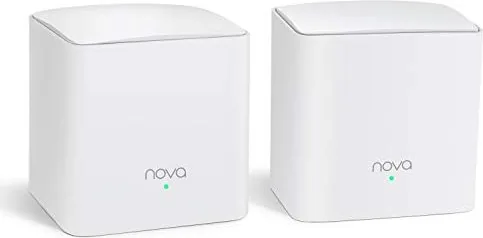
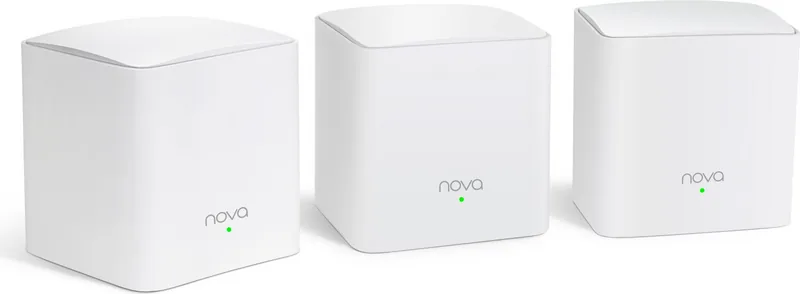
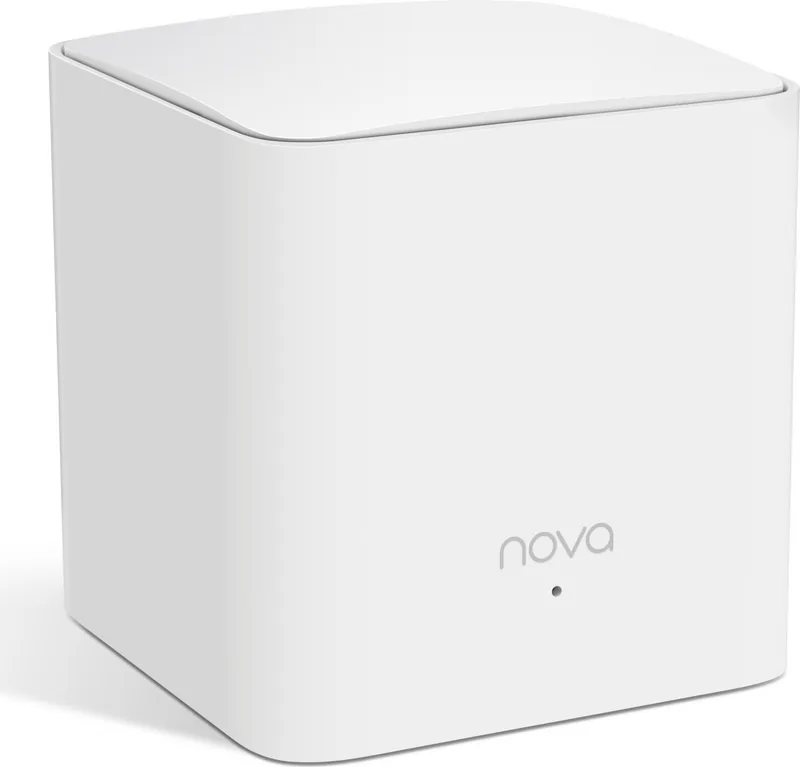
Tenda nova MW5c Manual
PDF manual · 41 Pages
English



Quick check
Incorrect answer, please try again.
Chat with your Tenda nova MW5c manual using AI
Get instant AI answers from your Tenda nova MW5c manual
Ask anything about the Tenda nova MW5c. Answers come from this manual, with the pages they are based on.
Ask a Question
Do you recommend nova MW5c?
Yes NoFrequently Asked Questions
Run the Tenda WiFi App, tap the profile icon, select Login, then choose Register. Enter a valid email address and create a password. Check your inbox for a confirmation email to activate the account.
Is this answer helpful?
Yes, you can manage your Tenda nova network remotely anytime and anywhere using the Tenda WiFi App, provided your nodes are connected to the internet and you are logged into your bound account.
Is this answer helpful?
The Tenda nova MW5c supports a maximum of six nova nodes within a single network to ensure optimal performance and coverage across your home.
Is this answer helpful?
Parental Control allows you to create groups of devices and set specific time rules. You can schedule when these devices are allowed or blocked from accessing the internet to protect your family.
Is this answer helpful?
Yes, you can add various nova node models like MW2, MW3, MW6, or MW12 to your existing network to expand coverage, though the total number of nodes depends on the specific model limits.
Is this answer helpful?
When Bridge Mode is enabled, the nova node acts as a pass-through device. Consequently, features like Guest Network, Parental Control, Port Forwarding, and DHCP Server become unavailable.
Is this answer helpful?
Advantages and Disadvantages
Advantages

- Seamless whole-home coverage with automatic fast roaming
- Intuitive mobile app for easy local and remote management
- Advanced parental controls with customizable time schedules
- Supports adding multiple nodes to expand network capacity
- Guest network feature keeps main network secure
Disadvantages

- Some advanced features like port forwarding require technical knowledge
- Bridge mode disables several functions including guest network
- Remote management requires a bound administrator account
- Firmware updates must be completed without power interruption
- Initial setup may take longer if multiple nodes are added
Product Specification
Modem
N/A
Wireless
WLAN 802.11a/b/g/n/ac (Wi-Fi 5), simultaneous
Transfer Rate
300Mbps (2.4GHz), 867Mbps (5GHz)
Security
WPA, WPA2
Antennas
Internal
Connections
N/A
Power Consumption
12W (operating consumption), no data provided (max. power supply output)
Dimensions
3.66x3.58x3.58 in
Features
MU-MIMO, VPN passthrough (PPTP/L2TP/IPSec), Mesh (shared band), Roaming
Band Capability
Dual Band (simultaneous), Mesh (shared band)
Mesh Base
1x Router (Mesh5/MW5), Total base connections: 1x 1000Base-T WAN, 1x 1000Base-T LAN
Manufacturer Warranty
Two years
Product Description
Discover the Tenda nova MW5c Mesh WiFi System
The Tenda nova MW5c represents a significant leap in home networking, designed to eliminate dead zones and provide seamless connectivity throughout your entire living space. This whole-home mesh WiFi system utilizes multiple nodes that work together to create a unified network, ensuring that every corner of your house enjoys high-speed internet access. Whether you are streaming 4K video, gaming online, or working from home, the Tenda nova MW5c delivers the stability and speed required for modern digital lifestyles.
Setting up this advanced system is incredibly straightforward thanks to the intuitive Tenda WiFi App. The app guides you through every step, from initial registration to binding your network with a secure account. You can manage your network locally while connected to the WiFi or remotely from anywhere in the world, provided you have an active internet connection. The interface allows you to monitor real-time upload and download speeds, view connected devices, and adjust settings with just a few taps.
Security and control are paramount features of the Tenda nova MW5c. The Parental Control function lets you create specific time schedules for family members, ensuring a healthy balance between screen time and other activities. You can also set up a separate Guest Network to keep your main network secure while still providing internet access to visitors. For those who need to host servers or play online games, the system supports Port Forwarding and UPnP for optimized traffic management.
Expanding your coverage is effortless as the system supports adding more nova nodes to increase the network size. The Smart Assistant feature simplifies the setup of smart home devices by temporarily connecting your mobile phone to the 2.4 GHz band during configuration. Additionally, the Maintenance Schedule ensures your nodes reboot automatically at optimal times to maintain peak performance without disrupting your daily routine. With its robust firmware upgrade capabilities and comprehensive QoS settings, the Tenda nova MW5c stands out as a reliable solution for any home seeking superior wireless performance.
Search for 67,732 Manuals online


Type-in Brand or Model