
Tenda 4G09 Manual
PDF manual · 211 Pages
English



Quick check
Incorrect answer, please try again.
Chat with your Tenda 4G09 manual using AI
Get instant AI answers from your Tenda 4G09 manual
Ask anything about the Tenda 4G09. Answers come from this manual, with the pages they are based on.
Ask a Question
Do you recommend 4G09?
Yes NoFrequently Asked Questions
Connect a device to the router’s Wi‑Fi or LAN, open a browser and go to tendawifi.com. Enter the router login password shown or set during setup. If unreachable, ensure the device has an IP from the router or reset the router and retry.
Is this answer helpful?
The 4G09 supports both SIM-based 3G/4G mode and a wired WAN in wireless router mode, but behavior depends on the selected operating mode. Configure Operating Mode in the web UI to select how the router uses SIM or WAN connections and to enable failover or dedicated mode.
Is this answer helpful?
In the web UI go to Guest Network, enable it, set distinct SSID and password for 2.4/5 GHz, choose a validity period and configure Shared Bandwidth for Guests to cap combined upload/download speeds for guest users.
Is this answer helpful?
Go to Internet Settings > Create a Profile and enter APN, PDP type, username and password provided by your carrier. Save and connect. Contact your ISP if you lack APN details or if connection still fails.
Is this answer helpful?
Log into the web UI, choose IPv6, enable IPv6 and select the WAN IPv6 connection type provided by your ISP (DHCPv6, PPPoEv6, or Static IPv6). Save settings and verify connectivity at test-ipv6.com.
Is this answer helpful?
Set the router to wireless router mode, then enable Wireless Repeating and choose WISP or Client+AP. Select the upstream SSID, enter its password, save and reboot. Place the router between the original router and the coverage gap.
Is this answer helpful?
Yes. Press the RST/WPS button briefly to start WPS and then enable WPS on the client within 2 minutes. Alternatively use the web UI WPS page or the router’s PIN method for compatible adapters.
Is this answer helpful?
Advantages and Disadvantages
Advantages

- Dual-band AC1200 Wi‑Fi (2.4 GHz + 5 GHz) with dual external 5 dBi antennas for better coverage and throughput.
- Built-in CAT6 4G LTE modem for instant SIM-based internet and failover capability.
- Supports versatile modes: router, AP, WISP (repeater), client+AP for flexible deployment.
- Comprehensive management: web UI (tendawifi.com), Tenda app, parental controls, guest networks, and QoS.
- Advanced features: IPv6 (DHCPv6/PPPoE/static), IPv6 tunnels, PPTP/L2TP VPN client/server, DDNS, static routes.
Disadvantages

- Some advanced features (e.g., IPTV, certain router modes) are unavailable in specific operating modes like repeating or AP.
- PPTP VPN has known security limitations compared to modern VPN protocols (use with caution).
- Some functions (SMS, TEL voice) work only in 3G/4G mode and depend on carrier support and SIM capabilities.
- IPv6 tunneling and certain advanced configs require ISP support and a public IPv4 address for full functionality.
- Unified SSID default may confuse users wanting separate 2.4/5 GHz networks unless explicitly changed.
Product Specification
Modem
UMTS (850/900/1900/2100), LTE (B1/B2/B3/B4/B5/B7/B8/B20/B28/B38/B40)
Network Standards
HSDPA, HSUPA, HSPA+, LTE-A
Bandwidth
300Mbps/50Mbps (LTE), 42Mbps/5.76Mbps (UMTS)
Interfaces
Wi-Fi 5 (WLAN 802.11a/b/g/n/ac), 2x LAN (1x shared), 1x WAN (shared)
Dimensions
7.28x4.96x2.36in
Weight
0.77 lb
SIM Form Factor
Mini-SIM
Power Supply
external power supply
Special Features
Hotspot
Product Description
Tenda 4G09 Manual — Tenda 4G09 LTE AC1200 Router Overview
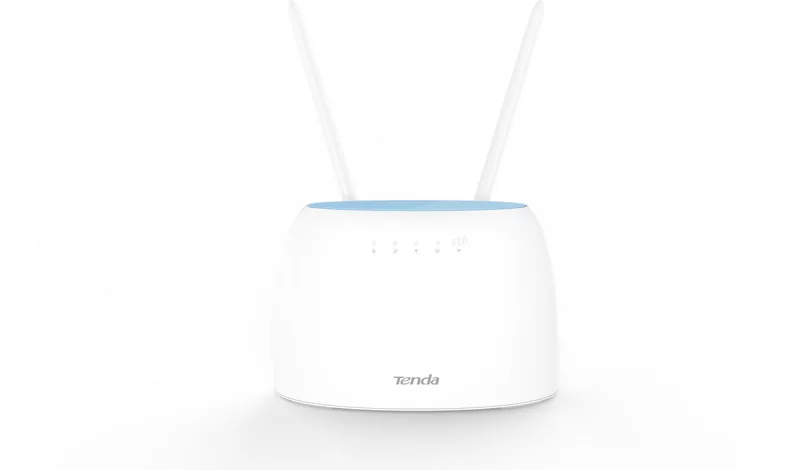
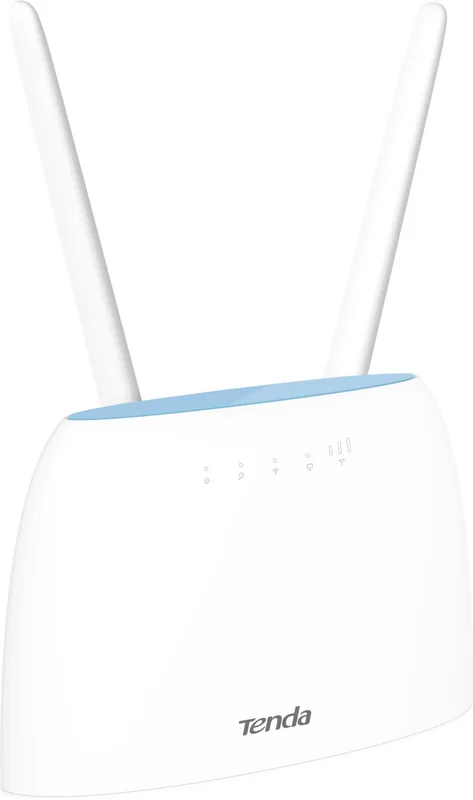
The Tenda 4G09 is an AC1200 dual-band 4G+ LTE router designed to provide flexible home and small-office connectivity using a SIM card or a wired WAN connection. Equipped with dual 5 dBi external antennas, dual-band Wi‑Fi (2.4 GHz at 300 Mbps and 5 GHz at 867 Mbps), and two Gigabit Ethernet ports, the 4G09 balances mobile broadband convenience with strong local wireless performance. Its hardware and firmware offer features typically needed for modern networks: WPS, Beamforming+, guest networks, parental controls, VPN support, IPv6 compatibility, and advanced routing options.
Key Features and Use Cases
The 4G09 supports instant 4G internet access via a SIM card (CAT6 modem), making it ideal for locations without fixed broadband or as a failover/backup connection. It also works as a conventional wireless router using a WAN connection and can be switched into AP, WISP (repeating), or client+AP modes to extend existing Wi‑Fi. The router’s web UI (tendawifi.com) and Tenda app enable straightforward setup, Wi‑Fi naming and security management, and remote administration.
Security and traffic controls include WPA/WPA2 encryption, configurable SSIDs for 2.4/5 GHz (or unified SSID), transmit power adjustment, channel and bandwidth settings, MAC filtering, firewall, QoS (bandwidth control), and guest network isolation with optional shared bandwidth limits. Parental controls allow scheduling and site black/whitelists per device. For business or secure remote access, the 4G09 supports PPTP server/client and L2TP client modes.
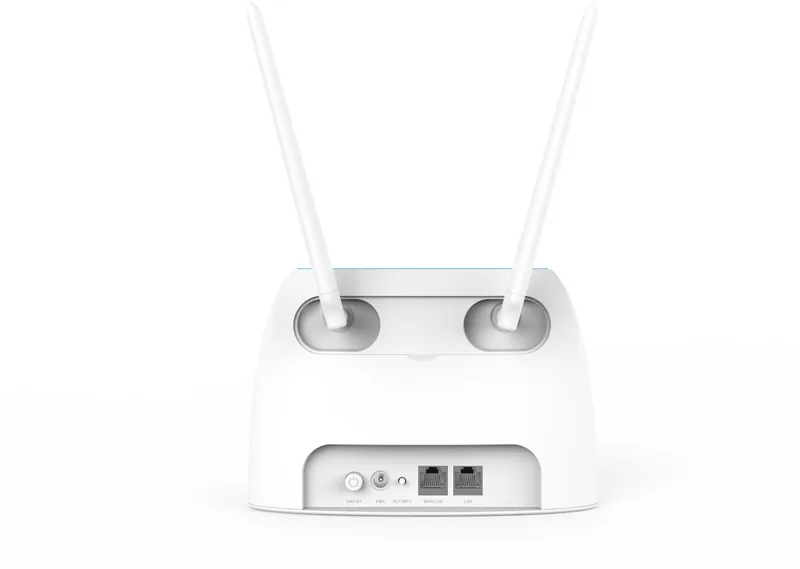
Advanced networking is supported as well: IPv6 (DHCPv6, PPPoEv6, static IPv6), IPv6 tunneling (6in4, 6to4, 6RD), static routes, DDNS, virtual server/DMZ, UPnP, TR-069, and scheduled firmware upgrades and backups. SMS management, SIM PIN control, and USSD support are built in for 3G/4G mode. LED indicators, clear port/button labeling, and a bottom label with IMEI/SSID/MAC ease deployment and troubleshooting.
Performance and Management
Beamforming+ improves client signal focus and reliability. WPS and PIN methods simplify device pairing. Wireless repeating and AP modes let the 4G09 extend or bridge networks, while AP mode disables some router-only features to serve as a pure wireless access point. Wi‑Fi scheduling and transmit power tuning help manage coverage, interference, and off-hours access. The router provides granular system status panels (internet, LAN, Wi‑Fi, IPv6, online devices) and allows blacklisting of devices for instant access blocking.
Notes
- Use tendawifi.com to log into the web UI and configure settings; default info is on the router label.
- For SIM-based internet, ensure APN/profile parameters from your carrier if auto-detection fails.
- Some functions (SMS, SIM PIN, voice/TEL) apply only in 3G/4G router mode and require a compatible SIM.
- For IPv6 or VPN setups, confirm public WAN addresses and ISP support before configuring.
Search for 67,732 Manuals online


Type-in Brand or Model