

Free QNAP Manuals – Read, Download & Print
44 Manuals
Manuals
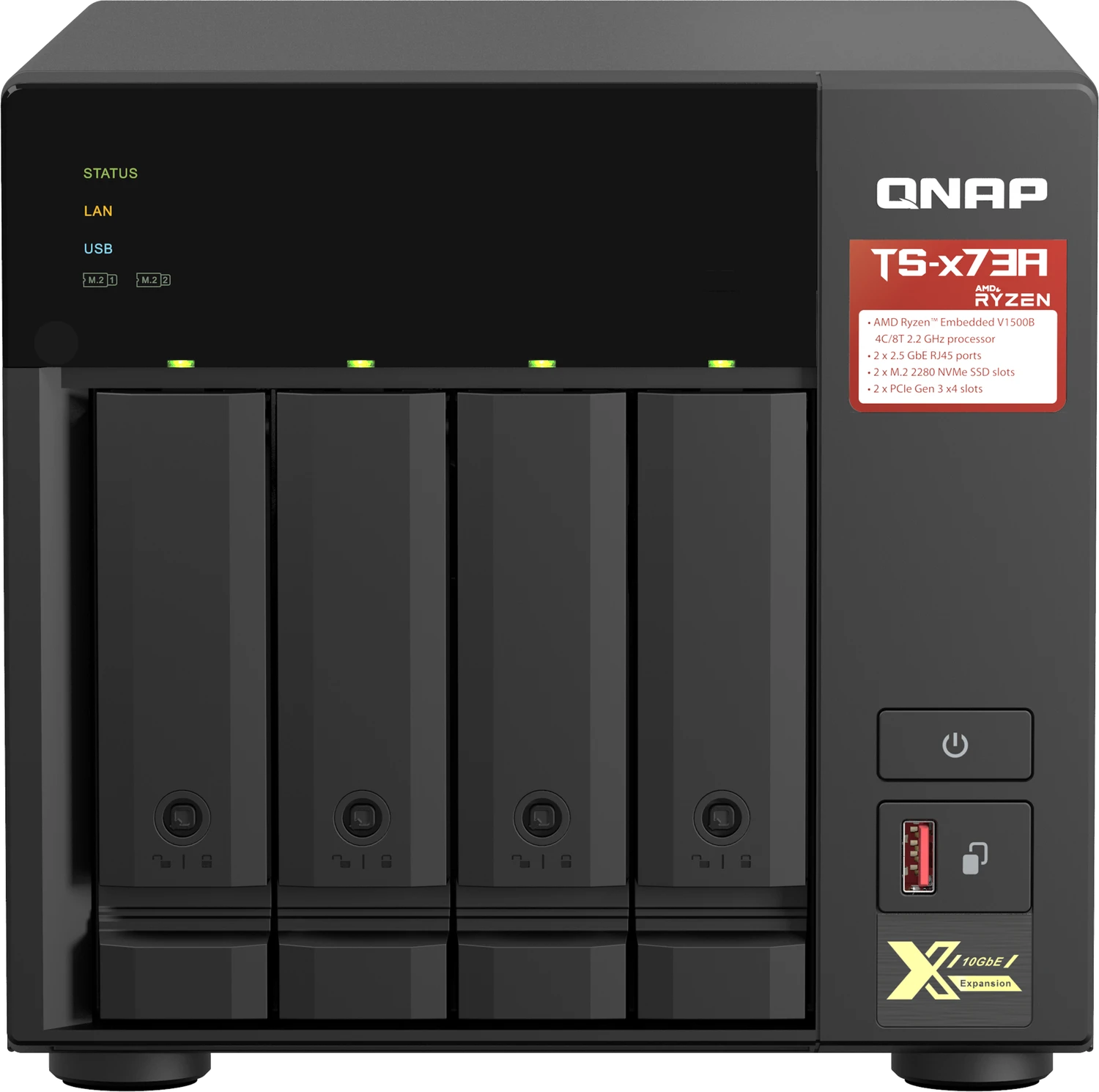
60 Pages
52 Pages
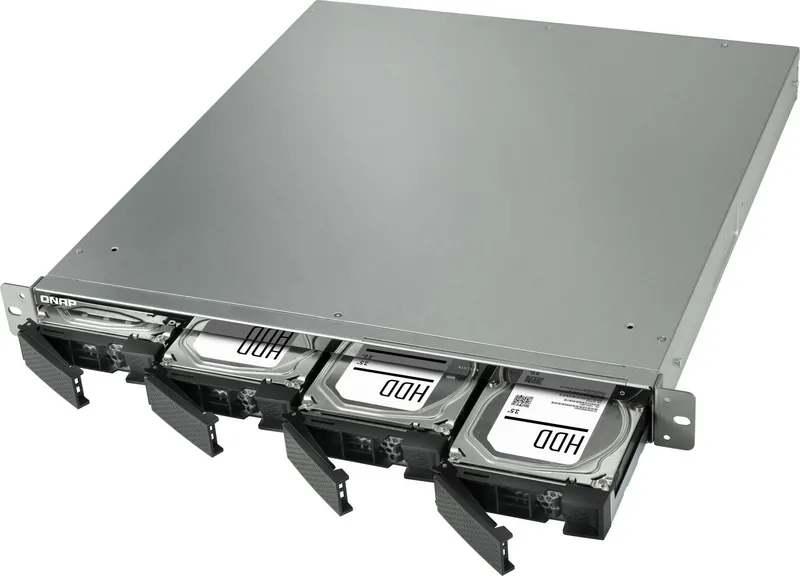
58 Pages
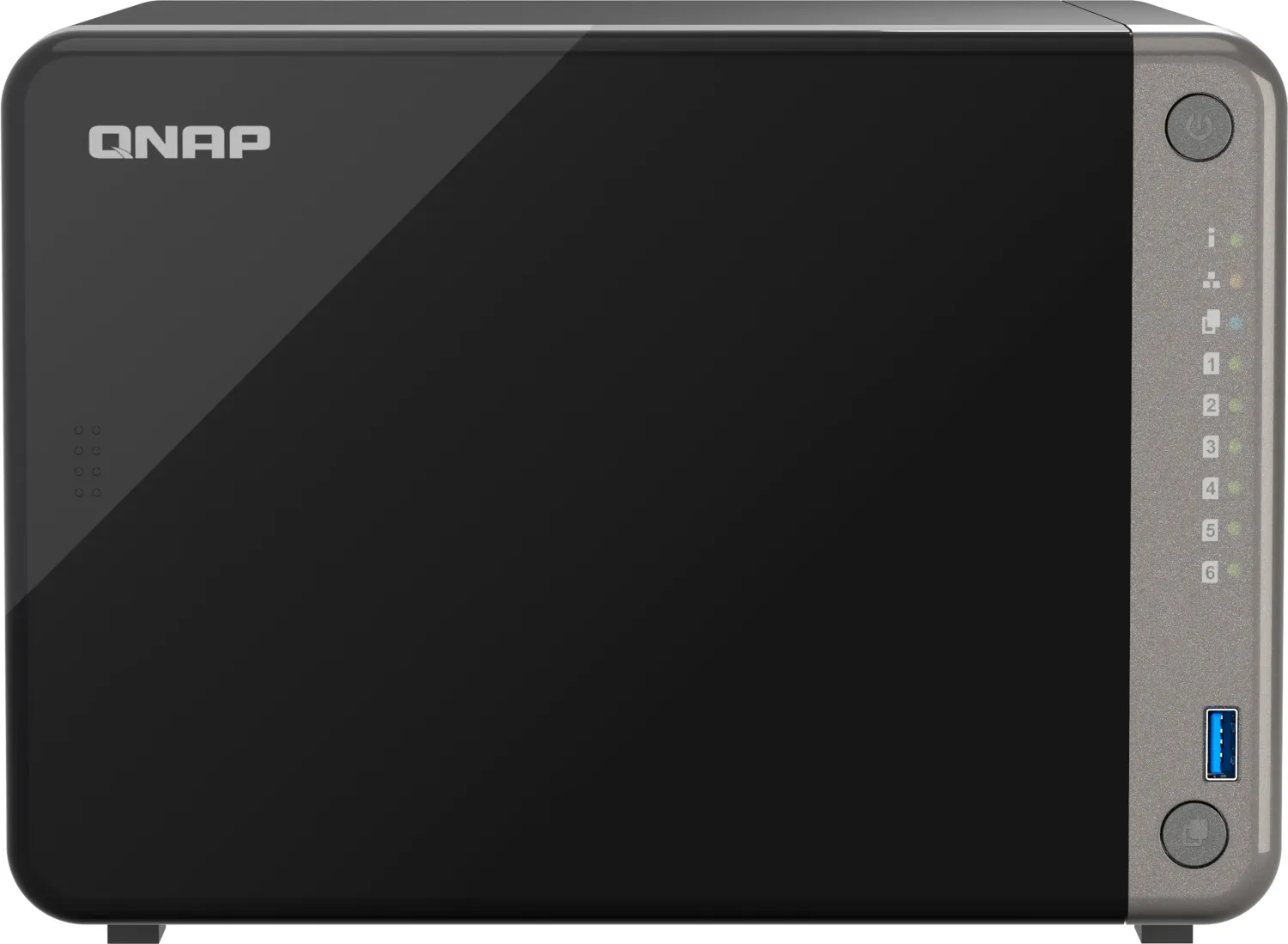
50 Pages
63 Pages
43 Pages

71 Pages
81 Pages
37 Pages
62 Pages
50 Pages
49 Pages
61 Pages
70 Pages
48 Pages
71 Pages
63 Pages
39 Pages
59 Pages
57 Pages
59 Pages
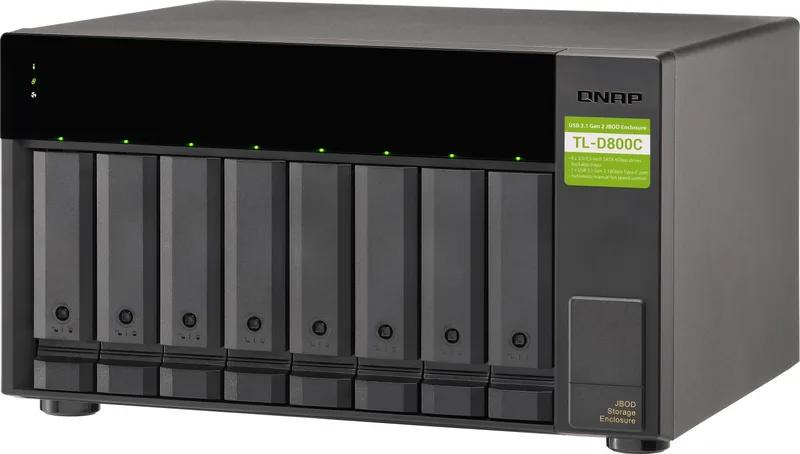
29 Pages
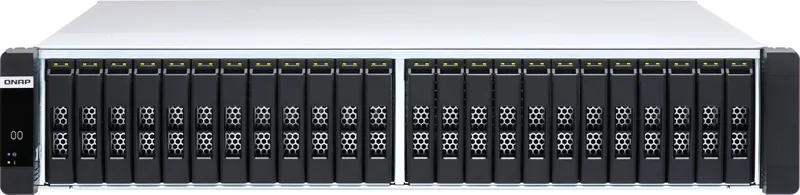
61 Pages

49 Pages
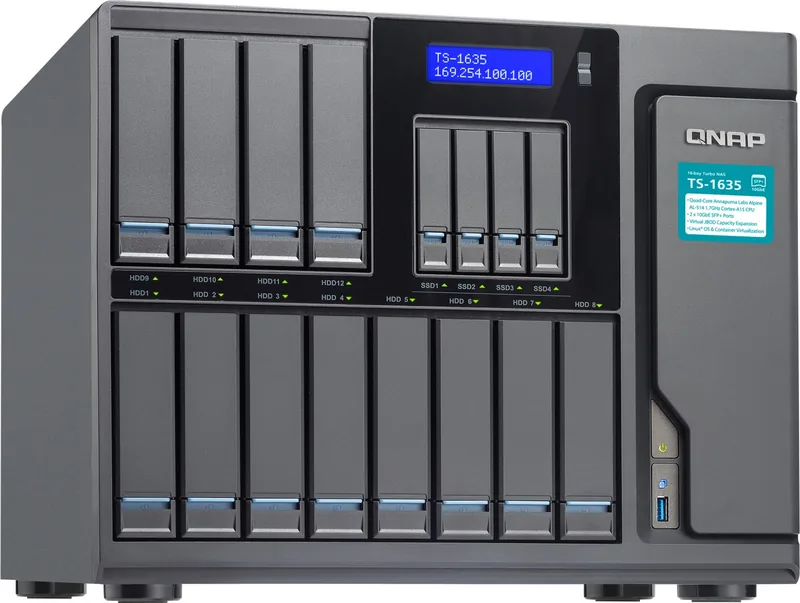
135 Pages
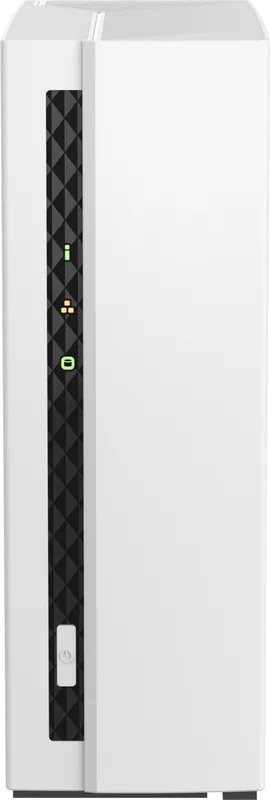
42 Pages
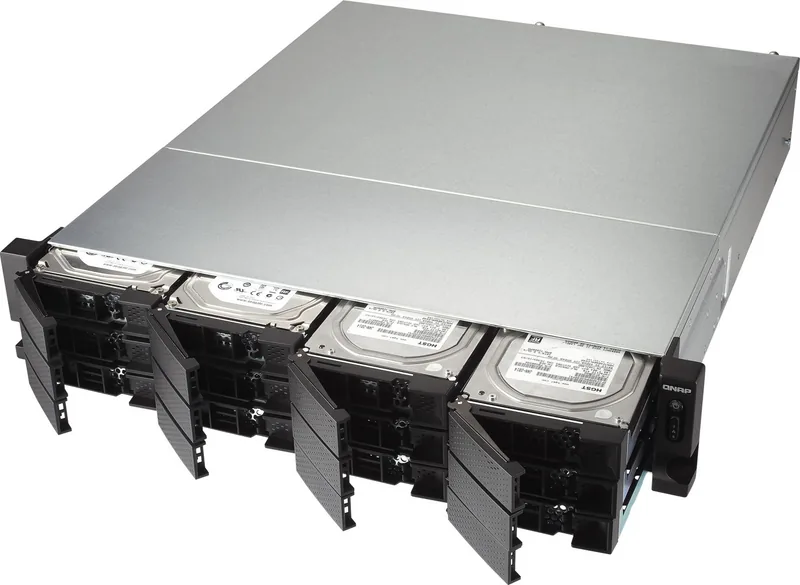
57 Pages
47 Pages
48 Pages
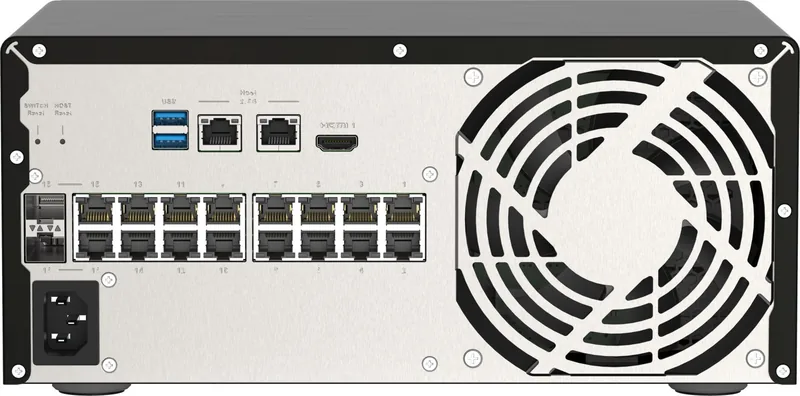
58 Pages
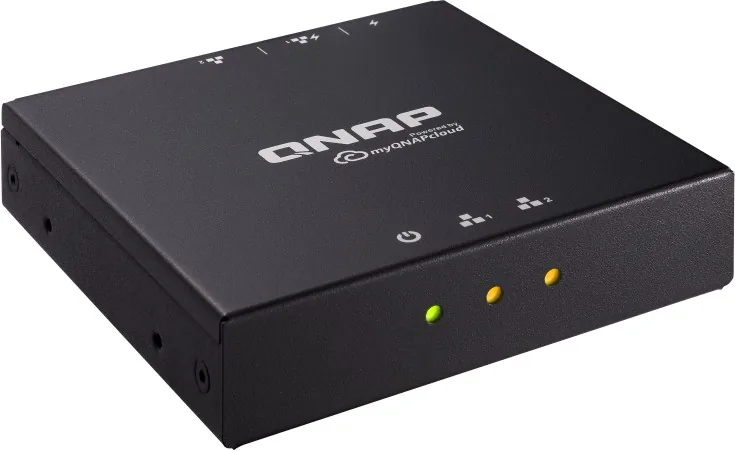
7 Pages
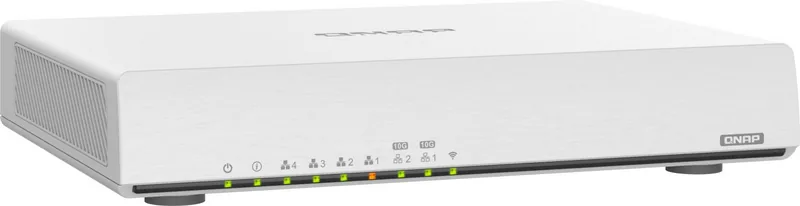
63 Pages
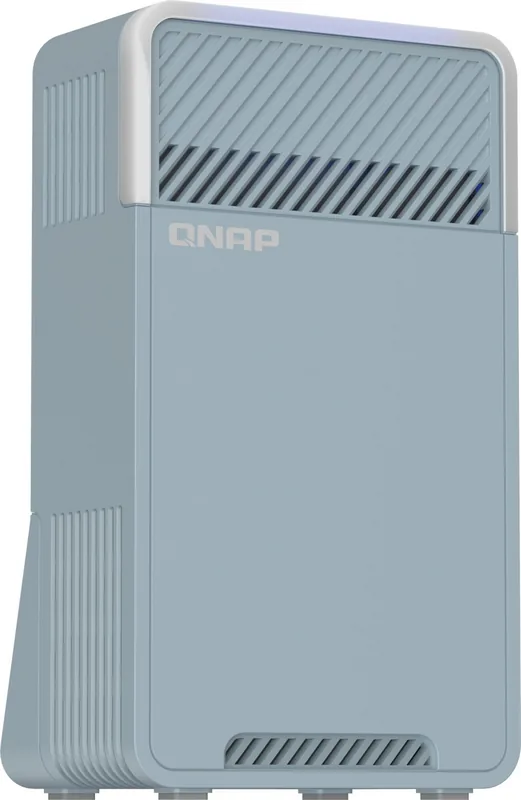
57 Pages
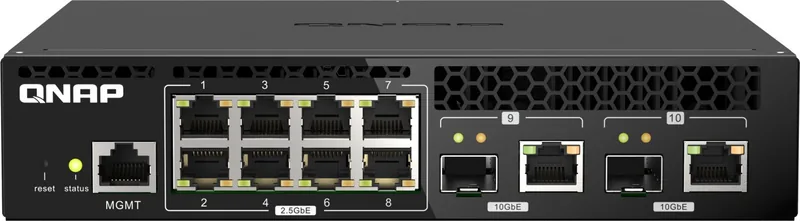
28 Pages
162 Pages

43 Pages

45 Pages
32 Pages
46 Pages
64 Pages
2 Pages
28 Pages
77 Pages
70 Pages
Categories


Free QNAP Manuals - Read, Download and Print
Looking for a QNAP manual for your NAS, network storage device, expansion enclosure, router, switch, or surveillance solution? This page helps you locate free QNAP manuals in one convenient place. Browse documentation for setup, installation, configuration, maintenance, troubleshooting, and everyday operation. Whether you are setting up your first QNAP NAS or managing a larger storage environment, the right manual can make each task clearer and faster.
QNAP products are designed for home users, creative professionals, small businesses, and IT teams. Because the available functions can vary by model, operating system version, installed applications, and hardware configuration, consulting the correct manual is an important first step. Product documentation provides model-specific details that can help you understand ports, drive bays, indicator lights, supported accessories, safety requirements, and software features.
Find Documentation for Your QNAP Product
QNAP manuals cover a broad range of products and product families. You may find guides for desktop and rackmount NAS units, all-flash systems, direct-attached storage devices, network expansion cards, storage expansion units, managed switches, routers, cameras, NVR solutions, and related accessories. Each document is intended to explain the capabilities and operating requirements of a particular device or platform.
To find the most relevant manual, begin with the exact model number printed on the device label, packaging, or purchase documentation. A QNAP model number may include letters, numbers, and suffixes that identify the chassis type, processor family, drive-bay count, connectivity options, or generation. Selecting the exact version is useful because similar-looking models can have different ports, memory layouts, button locations, installation procedures, and supported components.
Common Types of QNAP Manuals
QNAP documentation may be available in several formats, each serving a different purpose. Reviewing the document title can help you choose the guide that best fits your current need.
Quick Installation Guides
Quick installation guides are helpful when you need to unpack and connect a device quickly. They often cover the basic hardware workflow, including installing drives, connecting power and network cables, identifying status LEDs, and starting the initial setup process. These guides are useful for first-time installation, but they may not include detailed explanations of advanced settings.
User Manuals
A user manual generally provides more complete instructions for using a QNAP device. It may explain hardware specifications, control buttons, supported drive types, storage installation, system initialization, replacement procedures, and basic administration. User manuals can also include warnings and best practices for safe use, ventilation, electrical connections, and handling storage drives.
Software and Application Guides
Many QNAP features are managed through software, so documentation for QTS, QuTS hero, myQNAPcloud, Hybrid Backup Sync, File Station, Multimedia Console, Container Station, Virtualization Station, QVR Pro, and other applications can be especially valuable. These guides can explain dashboard navigation, permissions, storage pools, shared folders, snapshots, backup jobs, remote access, media management, and virtualization tasks.
Hardware Installation and Compatibility Documents
Some projects require documentation beyond the main user manual. Hardware guides may explain how to install memory modules, PCIe cards, M.2 SSDs, expansion units, or network adapters. Compatibility lists and technical specifications can help confirm supported drive models, accessory requirements, network standards, power limits, and firmware dependencies before you make changes to a system.
Read QNAP Manuals Online
Reading a QNAP manual online is a practical option when you need an answer during installation or while working in the administration interface. Digital manuals can be searched for specific terms, such as RAID, snapshots, port trunking, reset button, DHCP, remote access, firmware, or drive replacement. Searchable documentation saves time compared with scanning printed pages, especially when resolving a specific warning message or configuration question.
When reading online, check the product name and software version shown in the document. Instructions for older QTS releases may look different from current interfaces, and features can change after firmware updates. If a menu item or setting does not match what you see on your screen, look for documentation that corresponds to your installed operating system version and application release.
Download Manuals for Offline Access
Downloading a QNAP manual can be useful when setting up equipment in a server room, office, workshop, or other location with limited internet access. Keeping a local copy also makes it easier to refer to installation steps while the NAS is powered off, being moved, or disconnected from the network. PDF manuals are commonly convenient for saving, searching, zooming, and sharing with authorized team members.
Before downloading, verify that the document applies to your exact model. If the manual covers a product series, review its supported-model list and note any sections that apply only to certain variants. For example, the number of drive bays, supported expansion ports, LCD controls, and available PCIe slots may differ across models within the same family.
Print the Pages You Need
Printing a manual or selected pages can be helpful during hands-on installation and maintenance. A printed checklist beside the equipment can reduce the need to switch repeatedly between a computer screen and the device. Consider printing pages that cover drive installation, cable connections, LED definitions, reset procedures, safety notices, or replacement instructions.
For larger manuals, printing only the relevant sections helps save paper and keeps the information manageable. If you are preparing for a scheduled maintenance window, print the steps in advance and include any required backup, shutdown, and verification procedures. Keep printed documentation updated when you change hardware or significantly update firmware.
Use Manuals for Setup and Configuration
A QNAP manual can guide you through the essential stages of deployment. Initial setup often includes installing compatible drives, connecting the NAS to a network, locating the device, creating an administrator account, updating firmware, and configuring storage. Depending on the system, you may need to choose between RAID options, create storage pools or volumes, set up shared folders, and assign user permissions.
Documentation can also help with network configuration. You may need to understand Ethernet ports, link aggregation, VLAN settings, static IP addresses, DNS servers, gateway settings, and secure remote access options. For business and advanced home environments, manuals can provide useful terminology and step-by-step guidance for connecting QNAP equipment to existing network infrastructure.
Backup, Security and Data Protection
Storage documentation is especially important because configuration choices can affect the availability and protection of valuable data. Manuals and software guides can explain how to create backup jobs, connect external drives, use cloud destinations, synchronize folders, and schedule recurring tasks. They may also describe snapshots, replication, retention policies, and restore options.
Security guidance deserves the same level of attention. Review documentation for account management, strong passwords, multi-factor authentication, access permissions, firewall tools, malware protection, firmware updates, encrypted connections, and remote access settings. A NAS should not be treated as a simple plug-and-play drive when it contains important files or is connected to the internet. Following documented security recommendations can help reduce avoidable risks.
Troubleshooting with the Right Manual
When a QNAP device displays an unexpected LED pattern, makes an alert sound, fails to detect a drive, loses a network connection, or reports a storage warning, the manual is often a useful place to start. Look for troubleshooting sections that describe status indicators, error messages, reset behavior, drive health checks, power requirements, cooling recommendations, and recovery steps.
Avoid making major changes before confirming the instructions for your model. Restarting, resetting, removing drives, rebuilding a RAID group, or changing network settings can have consequences if done incorrectly. Manuals can help distinguish between a basic configuration issue and a condition that requires more careful action, such as a degraded storage pool or a failed drive.
Keep Your Documentation Current
QNAP systems evolve through firmware updates, app updates, and hardware changes. For the best results, use documentation that matches your device and current environment. Check version dates, release notes, compatibility information, and updated guides whenever you plan a significant upgrade or add-on installation.
Free QNAP manuals make it easier to read, download, and print the instructions you need for installation, administration, maintenance, and troubleshooting. Find the correct model documentation, review the applicable software guides, and keep important reference pages available whenever you work with your QNAP equipment.
Search for 67,706 Manuals online


Type-in Brand or Model