
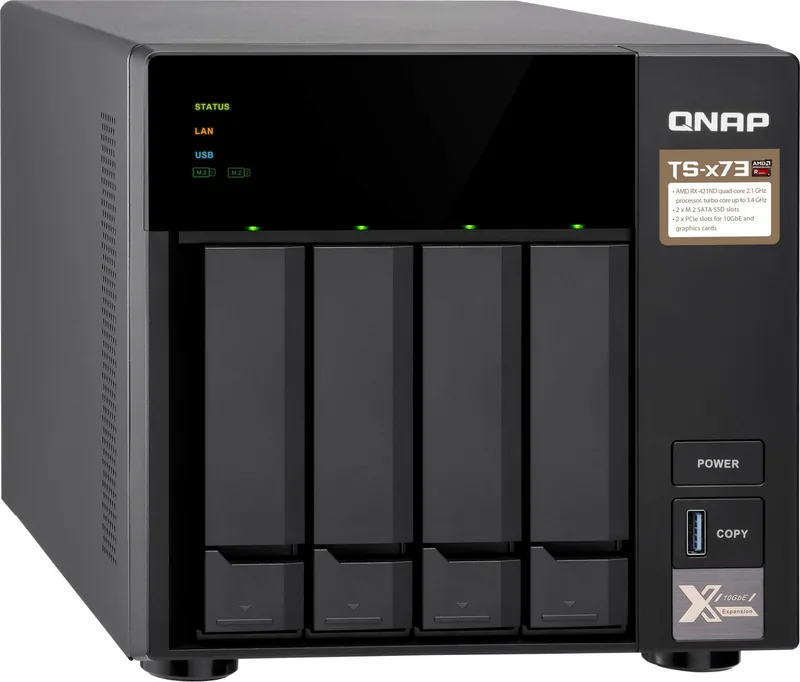
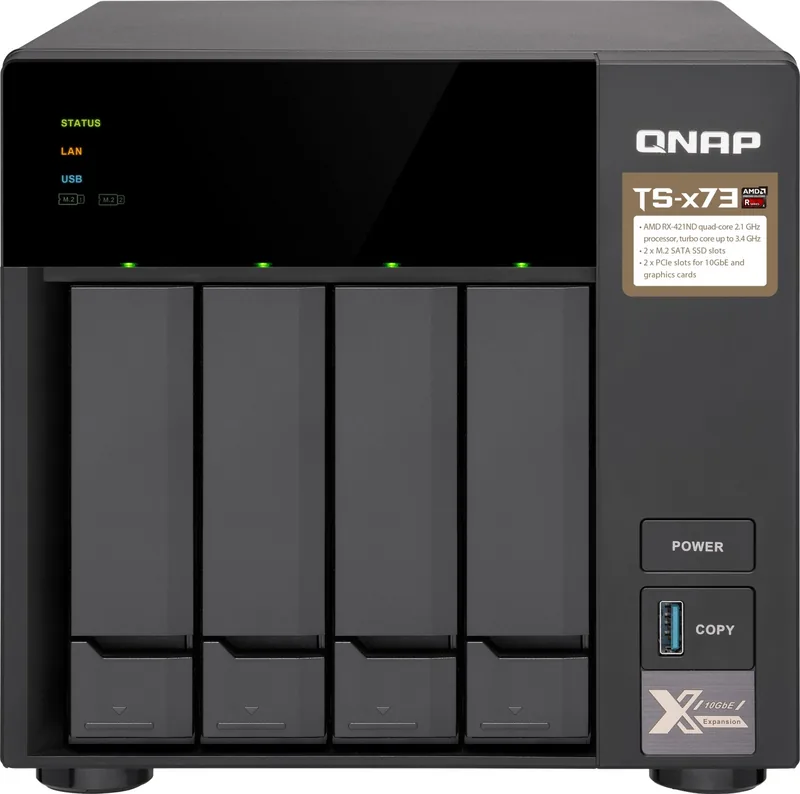
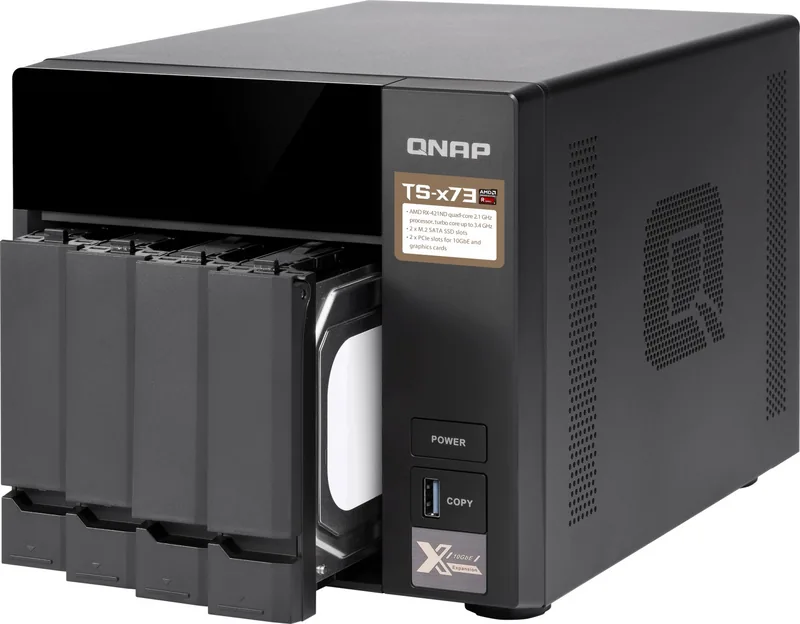
QNAP TS-473-8G Manual
PDF manual · 57 Pages
English



Quick check
Incorrect answer, please try again.
Chat with your QNAP TS-473-8G manual using AI
Get instant AI answers from your QNAP TS-473-8G manual
Ask anything about the QNAP TS-473-8G. Answers come from this manual, with the pages they are based on.
Ask a Question
Do you recommend TS-473-8G?
Yes NoFrequently Asked Questions
It is a strong fit for power users, small offices, and advanced home users who need shared storage, backup space, and upgrade options. Its networking and expansion features make it useful where multiple users or services need stable access.
Is this answer helpful?
Four Ethernet ports can improve network flexibility. They may be used for link aggregation, failover, or separating traffic depending on the setup. This helps the NAS serve multiple users more smoothly and with better redundancy.
Is this answer helpful?
Yes. It supports PCIe expansion cards and M.2 SSDs, and memory can be upgraded as well. This makes it easy to add performance, storage acceleration, or extra connectivity as needs grow.
Is this answer helpful?
Yes. The system includes audio-related features and can serve as a central media hub. Its hardware and storage options make it suitable for streaming, shared libraries, and other media-focused workloads.
Is this answer helpful?
QTS can be installed with Qfinder Pro on a local network or through the cloud installation flow using myQNAPcloud and CloudLink. Both methods use a guided setup process that finishes with device initialization.
Is this answer helpful?
Drive installation and QTS setup can delete existing data, so backups are important. It is also recommended to follow electrostatic safety practices and use compatible hardware for the best stability.
Is this answer helpful?
Advantages and Disadvantages
Advantages

- 8GB RAM and a quad-core AMD processor provide solid multitasking performance.
- 4x Gigabit LAN adds flexible networking options for redundancy or higher throughput.
- M.2 SSD slots and PCIe expansion make the NAS easy to upgrade over time.
- Hot-swappable bays simplify drive replacement and reduce downtime.
Disadvantages

- Initial setup can be technical for users unfamiliar with RAID, QTS, or NAS hardware.
- Installing QTS or swapping drives can erase data if backups are not made first.
- M.2 SSD installation requires opening the chassis and following careful handling steps.
Product Specification
Hard Drive
N/A
Internal
4x 2.5"/3.5", SATA 6Gb/s, Hot-Swap
External
4x Gb LAN
Additional Ports
4x USB-A 3.0 (Host), 2x PCIe 3.0 x4, 1x Line-Out, 2x Line-In, 2x M.2/M-Key (SATA, 2280/2260)
RAID Level
0/1/5/6/10/JBOD
CPU
AMD RX-421ND, 4C/4T, 2.10-3.40GHz, 2MB Cache, 35W TDP, 12W cTDP, Codename "Merlin Falcon" (Excavator, GF 28nm)
RAM
8GB DDR4 SO-DIMM (2x 4GB, 2 Slots free, max. 64GB), 512MB Flash
Fan
1x 4.72in, 1x 2.36in, 21.7dB(A)
Power Consumption
56.23W (Operation), 33.24W (Idle)
Dimensions
7.85x7.41x11.02in (WxHxD)
Weight
10.80lbs
Special Features
LCD, iSCSI, FTP Server, DLNA Server, iTunes Server, 256bit AES Encryption, WebDAV, IR Sensor
Warranty
24 Months
USB Designation
Link
Product Description
QNAP Turbo Station TS-473-8G: A Flexible NAS for Home and Small Office Workflows
The QNAP Turbo Station TS-473-8G is built for users who want fast network storage, room to grow, and reliable day-to-day performance. With 8GB of RAM, an AMD quad-core processor, and 4x Gigabit LAN, it is well suited for shared file access, backup tasks, media streaming, and multi-user environments. It balances performance and energy efficiency in a tower design that fits neatly into a workroom or server corner.
One of its strongest qualities is expandability. The system supports four drive bays, hot-swappable storage, M.2 SSD slots for cache acceleration, and dual PCIe expansion slots for adding network or storage-focused upgrades. That makes it more than a simple file box. It can evolve into a central platform for collaboration, virtualization support, or a media hub with audio and IR features.
The QNAP Turbo Station TS-473-8G also stands out for its practical setup path. Users can install QTS through Qfinder Pro on a local network or use the cloud-based method with myQNAPcloud and CloudLink for remote-friendly onboarding. The guide emphasizes careful drive handling, memory upgrades, and ESD safety, which is especially important when installing storage, M.2 SSDs, or expansion cards.
Day-to-day operation is designed to stay straightforward. Dedicated buttons handle power, reset, and one-touch USB copy tasks, while LEDs and beep alerts help identify system status, drive health, and network activity. The platform also includes RAID recovery guidance, hot-swapping support for failed drives, and troubleshooting steps for initialization problems.
For businesses or advanced home users, this NAS offers a strong mix of capacity, speed, and administration features. It is especially appealing if you want four-network-port flexibility for link aggregation, redundancy, or busy shared storage access. The TS-473-8G is not only about raw storage; it is about building a scalable data center in a compact footprint.
Notes
- Using QNAP-approved memory and compatible drives helps maintain stability.
- Installing QTS will erase drive contents, so backups should be made first.
- M.2 SSDs improve performance, but they are not hot-swappable.
Search for 67,706 Manuals online


Type-in Brand or Model