
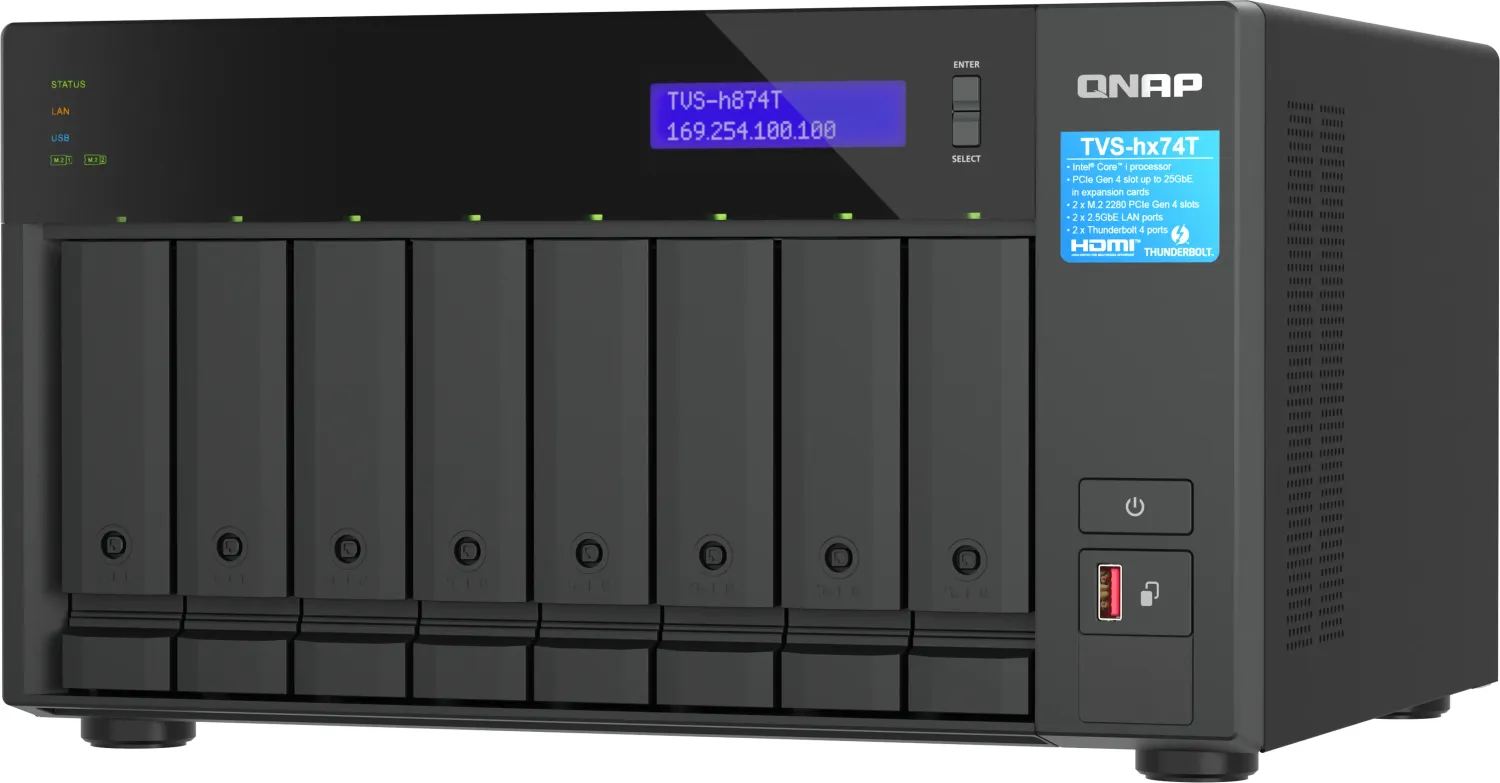
QNAP SMB Thunderbolt Series Manual
PDF manual · 71 Pages
English



Quick check
Incorrect answer, please try again.
Chat with your QNAP SMB Thunderbolt Series manual using AI
Get instant AI answers from your QNAP SMB Thunderbolt Series manual
Ask anything about the QNAP SMB Thunderbolt Series. Answers come from this manual, with the pages they are based on.
Ask a Question
Do you recommend SMB Thunderbolt Series?
Yes NoFrequently Asked Questions
No, the working memory is pre-installed and not extendable. You must select the correct capacity version at the time of purchase.
Is this answer helpful?
It supports E1.S NVMe SSDs up to 15 mm height and M.2 2280 PCIe NVMe SSDs. It does not support SATA HDDs.
Is this answer helpful?
The NAS supports exclusive RAID recovery to restore active RAID groups from reduced mode if drives were removed unintentionally.
Is this answer helpful?
Yes, you can use the cloud installation website or scan the QR code to initialize the operating system remotely.
Is this answer helpful?
Yes, you can migrate volumes between QNAP models, but some settings like licenses and passwords need manual configuration.
Is this answer helpful?
The system emits audio alarms and alerts. The LED status will indicate issues, and the device continues running with caution.
Is this answer helpful?
Advantages and Disadvantages
Advantages

- Dual Thunderbolt 4 ports enable ultra-fast data transfers
- Five NVMe SSD bays ensure high performance storage
- QuTS hero OS provides ZFS data integrity and snapshots
- Compact form factor fits well in modern office spaces
- HDMI port allows direct display connection for media
Disadvantages

- System memory is pre-installed and not upgradeable
- No support for traditional spinning hard disk drives
- Licenses do not migrate automatically to new units
- Limited to specific NVMe form factors like E1.S or M.2
- Requires careful backup before initial OS initialization
Product Specification
Hard Drive
N/A
Warranty
24 Months
USB Designation
Link
Product Description
Explore the Next Generation of Enterprise Storage Solutions
Businesses seeking robust storage solutions often look for high-speed connectivity and reliable performance. The TBS-h574TX stands out as a premier choice for small and medium enterprises requiring mobility alongside enterprise-grade data management. Utilizing advanced Intel processors, this device ensures smooth operation for demanding applications. The architecture supports x86 64-bit computing, providing compatibility with a wide range of professional software applications used in modern offices. This device is highly regarded in the community where the QNAP SME / SMB - Thunderbolt NAS Manual is referenced for setup guidance.
High-Speed Connectivity
One of the standout features is the dual Thunderbolt 4 support. These ports provide massive bandwidth for external storage arrays or high-speed data transfer to compatible Mac or PC systems. Combined with 10GbE networking, users experience minimal latency during heavy workloads. The 2.5GbE port adds flexibility for standard network environments. Additionally, HDMI output allows direct connection to displays, transforming the unit into a multimedia workstation capable of handling visual content seamlessly. Audio alarms provide immediate feedback on system events.
Storage Capabilities
Designed for speed, this unit features five NVMe SSD bays. It supports both E1.S and M.2 form factors, allowing for incredibly fast read and write operations. The inclusion of QuTS hero operating system brings ZFS reliability, enabling snapshots and self-healing data protection. This is essential for maintaining business continuity. Data redundancy levels vary by RAID configuration, ensuring safety even if multiple drives fail simultaneously. The system supports hot-swapping, minimizing downtime during maintenance procedures. Flash memory provides dual boot OS protection for stability.
Compact Design
Despite its power, the chassis remains compact. It fits easily on a desk or in a rack, making it ideal for office environments. The front panel offers convenient USB One-Touch buttons for quick backups. System LEDs provide clear status indicators at a glance. Acoustic management keeps noise levels low during active usage. Power consumption is optimized through efficient thermal design strategies that prevent overheating during extended periods of activity. Ventilation openings must remain unblocked for proper cooling.
Installation and Usage
Setting up the system is straightforward thanks to automated tools. Users can initialize the software using Qfinder Pro or cloud services. The interface allows for easy management of user permissions and network settings. Whether for video editing or database hosting, this solution adapts well. Security is paramount, with measures including password policies and encrypted volumes available. Regular firmware updates keep the system secure against emerging threats. Overall, this NASbook delivers exceptional value for teams needing portable yet powerful storage infrastructure.
Seamless Data Migration
Moving data from older systems has never been easier. The platform supports migration tools that preserve settings and configurations automatically. Administrators can move volumes between devices without losing critical information. Compatibility lists help verify which sources support direct transfer protocols. Backup strategies remain intact after the transition process completes successfully. Licensures may need to be reactivated after migration depending on the specific software installed on the destination device. This ensures business operations continue without interruption.
Search for 67,706 Manuals online


Type-in Brand or Model