

QNAP SMB Middle-Range Series Manual
PDF manual · 60 Pages
English



Quick check
Incorrect answer, please try again.
Chat with your QNAP SMB Middle-Range Series manual using AI
Get instant AI answers from your QNAP SMB Middle-Range Series manual
Ask anything about the QNAP SMB Middle-Range Series. Answers come from this manual, with the pages they are based on.
Ask a Question
Do you recommend SMB Middle-Range Series?
Yes NoFrequently Asked Questions
No, the TS-410E comes with 8 GB of onboard memory that is soldered to the motherboard. It is not possible to add more RAM or replace the existing modules.
Is this answer helpful?
Yes, the TS-410E features a passive cooling design with no fans. This eliminates noise and reduces the risk of dust accumulation inside the chassis.
Is this answer helpful?
The device supports four 2.5-inch SATA drives. You can install any combination of hard drives or SSDs up to the physical limit of the four bays.
Is this answer helpful?
Yes, the TS-410E supports multiple RAID levels including RAID 0, 1, 5, 6, 10, and JBOD, providing flexibility for different redundancy and performance needs.
Is this answer helpful?
Press the Reset button for 3 seconds to restore the admin password to the first MAC address of the device. Pressing it for 10 seconds performs a factory reset.
Is this answer helpful?
Yes, you can connect USB storage devices or expansion units via the four USB 3.2 Gen 2 ports to extend your storage capacity or create backup targets.
Is this answer helpful?
Yes, QNAP provides a limited warranty for one year or more from the date of purchase, covering material and workmanship defects under normal use.
Is this answer helpful?
Advantages and Disadvantages
Advantages

- Fanless design ensures ultra-quiet operation suitable for sensitive environments
- Dual 2.5 GbE ports provide high-speed networking beyond standard Gigabit limits
- Four hot-swappable bays support flexible SSD and HDD configurations
- Intel Celeron J6412 processor delivers solid performance for SMB tasks
- HDMI port enables direct video output for multimedia applications
Disadvantages

- Memory is fixed at 8 GB and cannot be upgraded by the user
- No Thunderbolt support limits connectivity options for high-end workstations
- External power supply adds cable clutter compared to integrated units
- Limited expansion slots restrict adding additional PCIe cards
- RAID rebuild times depend heavily on drive size and current load
Product Specification
USB Writing Style
Left
Product Description
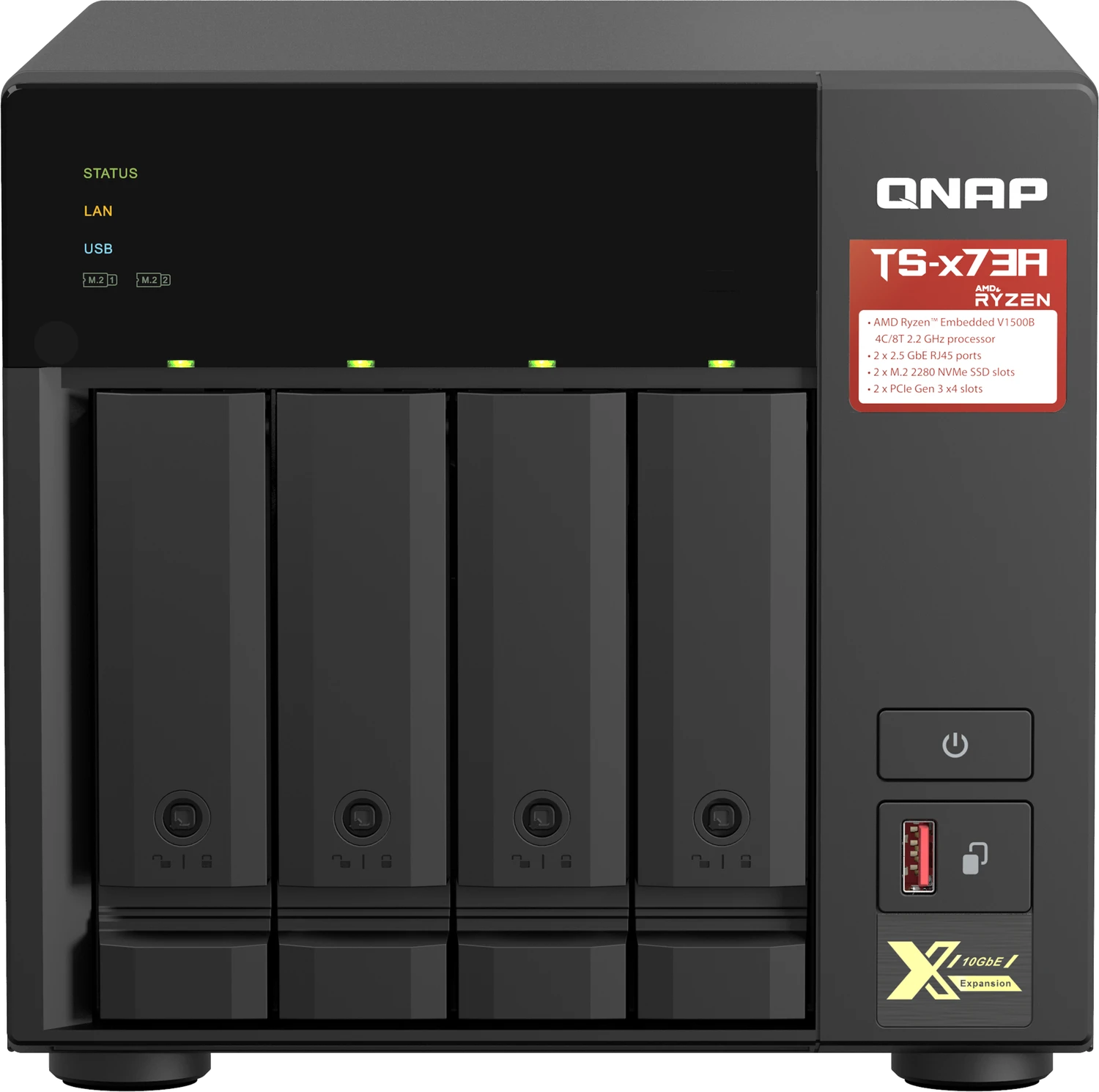
QNAP TS-410E: The Silent Powerhouse for SMB Storage
The QNAP TS-410E represents a significant leap in middle-range Network Attached Storage solutions, specifically engineered for small to medium-sized businesses and users who demand performance without the noise. This fanless NAS device is powered by an Intel Celeron J6412 quad-core processor running at 2.0 GHz, delivering robust computing capabilities while maintaining a whisper-quiet operation. Its unique design makes it ideal for environments where sound levels are critical, such as home offices, creative studios, or quiet server rooms.
At the heart of the TS-410E lies its impressive hardware configuration. It features four hot-swappable drive bays that support both traditional hard drives and modern 2.5-inch SSDs, offering flexibility for various storage needs. The system comes with 8 GB of onboard memory, which cannot be expanded, ensuring stable performance out of the box. Connectivity is handled through dual 2.5 Gigabit Ethernet ports, allowing for high-speed data transfers that exceed standard Gigabit limits. Additionally, the rear panel includes four USB 3.2 Gen 2 Type-A ports and an HDMI output capable of displaying up to 4K resolution at 30 Hz, making this unit versatile enough to serve as a media center or a direct display node.
Setting up the TS-410E is streamlined through the intuitive QTS operating system. Users can install the OS locally using the Qfinder Pro utility or remotely via a cloud key method. The installation process guides administrators through network configuration, time zone settings, and security setup, including the recommendation to disable the default admin account to prevent brute-force attacks. Once configured, the system supports advanced features like SSD caching, RAID reconstruction, and seamless NAS migration from older models, ensuring data integrity and minimal downtime during upgrades.
Security and reliability are paramount in the TS-410E. The device includes a Kensington security lock slot and supports remote management through myQNAPcloud Link. For disaster recovery, the unit allows for hot-swapping of failed drives in RAID configurations, automatically rebuilding the array without manual intervention. The audio alarm system provides audible feedback on system status, ranging from startup chimes to warnings about disk failures or full capacity. Whether you are backing up critical business data or managing a personal media library, the QNAP TS-410E offers a reliable, efficient, and silent storage solution tailored for modern demands.
Key Notes
- Ensure all drive data is backed up before installing QTS as the process wipes existing data.
- Use only authorized power supplies and batteries to maintain warranty validity.
- Keep the device away from children due to the internal lithium button battery hazard.
Search for 67,706 Manuals online


Type-in Brand or Model