
QNAP SMB Entry-Level Series Manual
PDF manual · 50 Pages
English



Quick check
Incorrect answer, please try again.
Chat with your QNAP SMB Entry-Level Series manual using AI
Get instant AI answers from your QNAP SMB Entry-Level Series manual
Ask anything about the QNAP SMB Entry-Level Series. Answers come from this manual, with the pages they are based on.
Ask a Question
Do you recommend SMB Entry-Level Series?
Yes NoFrequently Asked Questions
The TS-431KX is aimed at small and medium-sized businesses, storage administrators, and users who need centralized storage, backups, file sharing, and fast network access in a compact four-bay system.
Is this answer helpful?
It supports four SATA 6 Gbps bays that can accept 3.5-inch SATA hard drives, 2.5-inch SATA hard drives, and 2.5-inch SATA SSDs. Check the QNAP compatibility list before purchasing drives.
Is this answer helpful?
Yes. It includes one 10 GbE SFP+ port for high-speed transfers, along with two Gigabit Ethernet RJ45 ports for standard network connectivity.
Is this answer helpful?
Yes, hot swapping is supported for certain RAID scenarios, including one failed drive in RAID 1 or RAID 5 and up to two failed drives in RAID 6. Use a replacement drive with equal or greater capacity.
Is this answer helpful?
The system includes 2 GB of DDR3L memory and supports up to 8 GB in its single SODIMM slot. QNAP-compatible memory modules are recommended for reliability and system stability.
Is this answer helpful?
QTS can be installed locally with Qfinder Pro or through cloud initialization using a Cloud Key and myQNAPcloud account. Both methods use the Smart Installation Guide. Initializing drives erases their data.
Is this answer helpful?
Advantages and Disadvantages
Advantages

- Four SATA 6 Gbps bays support 3.5-inch HDDs plus 2.5-inch HDDs and SSDs for flexible storage planning.
- Built-in 10 GbE SFP+ and two Gigabit Ethernet ports support fast transfers and varied network setups.
- AES 256-bit hardware encryption helps protect sensitive business data without relying solely on software.
- USB One Touch Copy supports convenient incremental backups between the NAS and a front USB device.
- Compatible USB expansion units allow storage growth without immediately replacing the NAS.
Disadvantages

- The standard 2 GB RAM may be limiting for heavier multitasking, although expansion up to 8 GB is supported.
- 10 GbE uses an SFP+ interface, so compatible networking equipment and transceivers may be required.
- Memory replacement requires substantial chassis disassembly rather than a simple external access panel.
- QTS installation deletes data on installed drives, requiring careful backup and migration preparation.
- USB expansion support is limited to a maximum of two compatible expansion units.
Product Specification
Hard drive
N/A
USB writing mode
Link
Product Description
QNAP KMU / SMB - Entry-Level NAS - Read, Download & Print Free
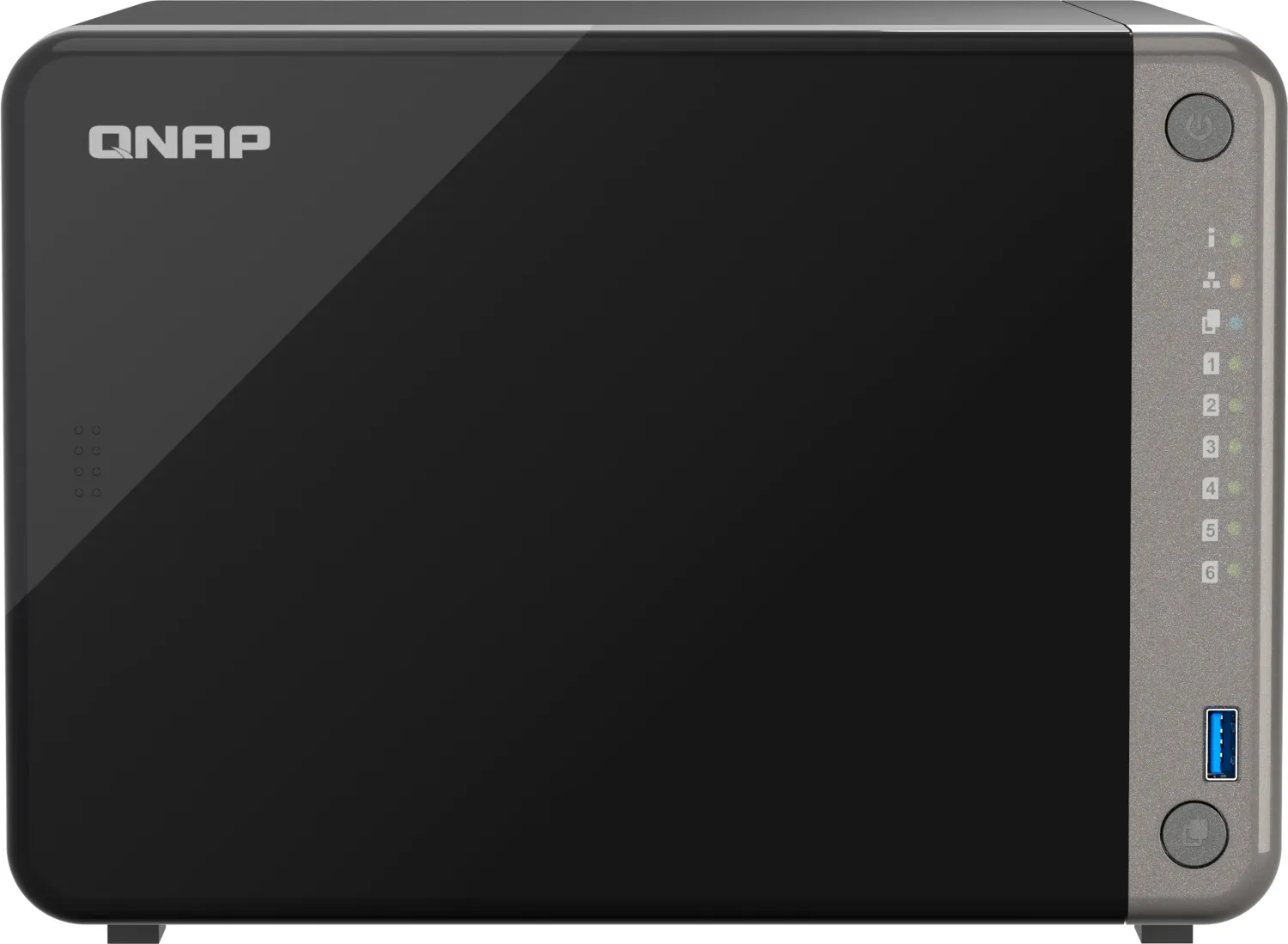
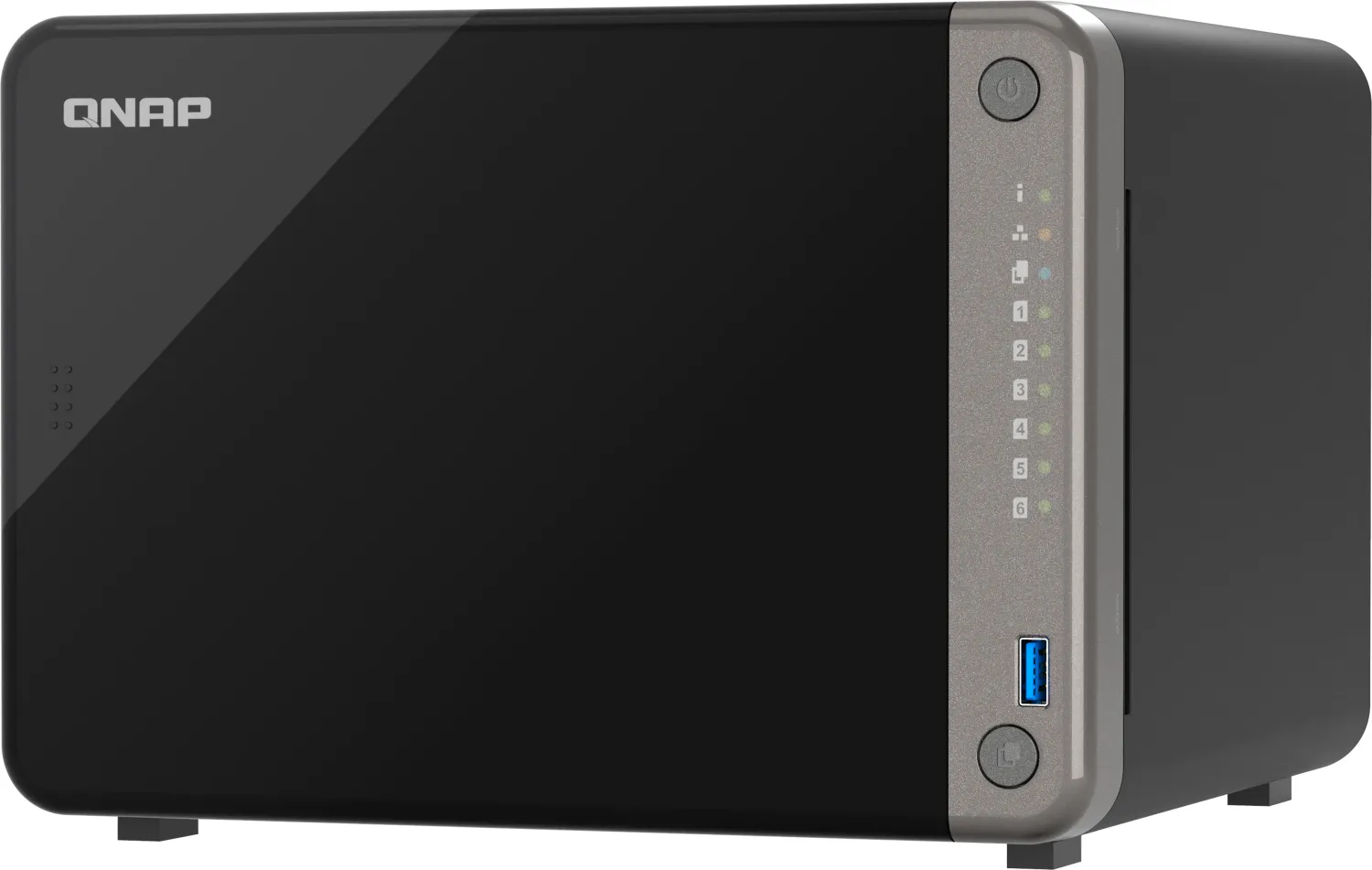
The QNAP TS-431KX is a practical four-bay network storage solution designed for small and medium-sized businesses that need dependable file storage, backup, sharing, and streamlined network access. Powered by a quad-core Annapurna Labs Alpine AL-214 ARM processor at 1.7 GHz, this compact tower NAS handles everyday multitasking and smooth data streaming while keeping deployment approachable for growing teams.
Built for Centralized Business Storage
With four SATA 6 Gbps drive bays, the TS-431KX supports 3.5-inch hard drives as well as 2.5-inch hard drives and SSDs. This flexibility lets organizations balance capacity, performance, and cost according to their workloads. Hot-swappable bays help reduce downtime when replacing a failed drive in supported RAID configurations, while SSD cache acceleration can improve responsiveness for frequently accessed data.
Integrated AES 256-bit encryption helps protect sensitive business information, making the system suitable for shared folders, routine backups, and internal archives. The NAS supports RAID recovery options for several configurations, adding resilience when healthy drives are accidentally removed. As with any storage platform, a separate backup plan remains essential for protecting critical data.
Fast Connectivity and Simple Expansion
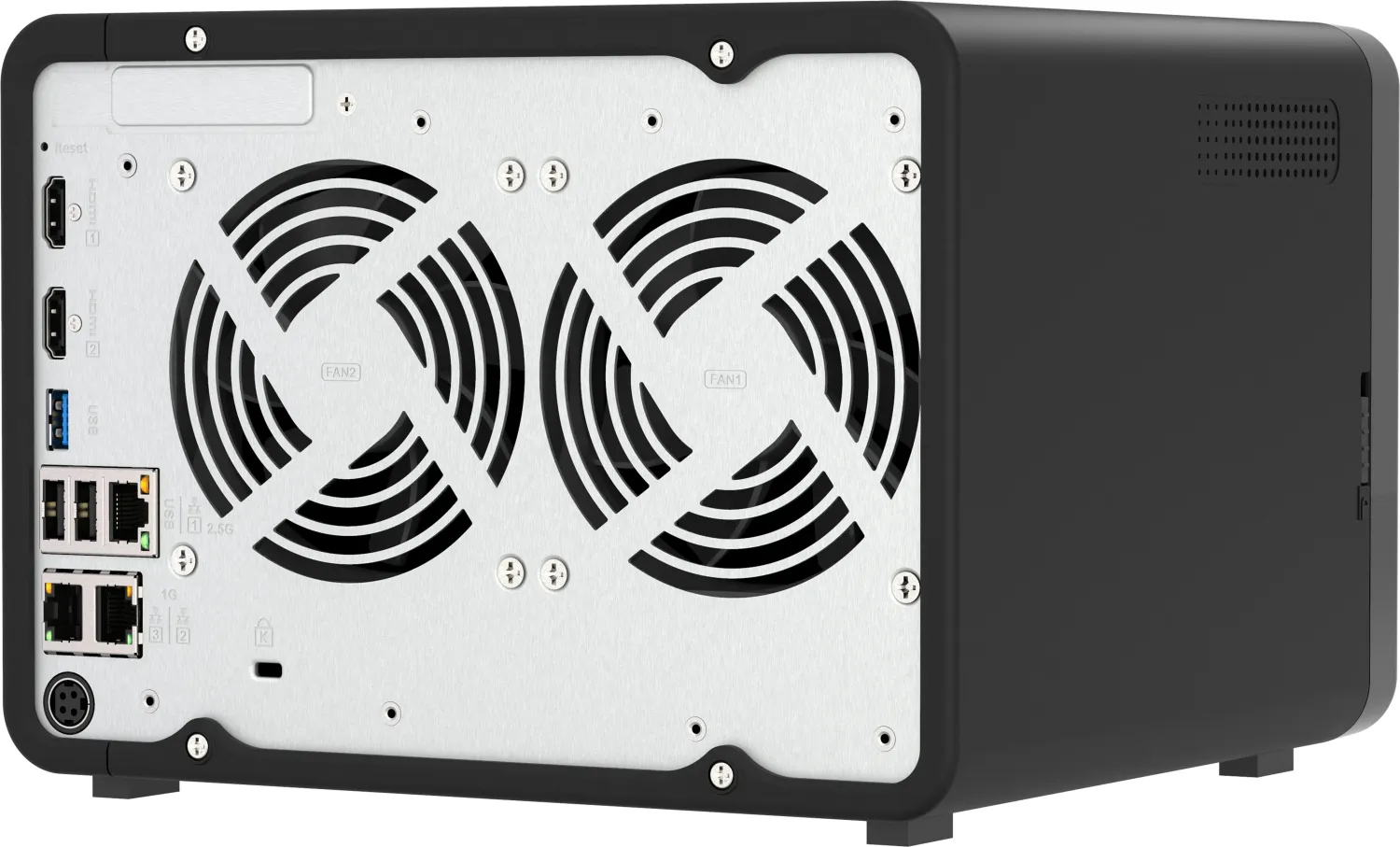
A key advantage is the built-in 10 GbE SFP+ port, which provides high-speed connectivity for demanding transfers, large media assets, and multiple users. Two additional Gigabit Ethernet ports offer flexible connections for standard office networks. The front USB 3.2 Gen 1 port includes One Touch Copy, enabling convenient incremental transfers between a connected USB device and the NAS.
Three USB 3.2 Gen 1 ports also support compatible USB expansion units. Businesses can attach up to two supported units to increase storage capacity as needs evolve, helping extend the life of the initial deployment without replacing the core system immediately.
Straightforward Setup and Administration
The QTS operating system can be installed through Qfinder Pro on a local network or through cloud-based initialization. During setup, administrators configure the device name, password, time settings, network preferences, and shared-folder access requirements. Clear status LEDs, audible alerts, reset options, and storage management tools simplify daily monitoring.
The TS-431KX includes 2 GB of DDR3L memory and supports up to 8 GB using a compatible QNAP memory module. Its compact tower design, 120 mm smart fan, and reported 19.5 dB(A) noise level make it a sensible fit for office environments.
Notes
- Installing QTS or initializing drives can erase existing data, so back up data first.
- Use compatible drives and approved memory modules for stable operation.
- Connect the NAS to a properly grounded power outlet and keep ventilation unobstructed.
Search for 67,706 Manuals online


Type-in Brand or Model