

Free TRENDnet Manuals – Read, Download & Print
71 Manuals
Manuals
4 Pages
65 Pages
54 Pages
17 Pages
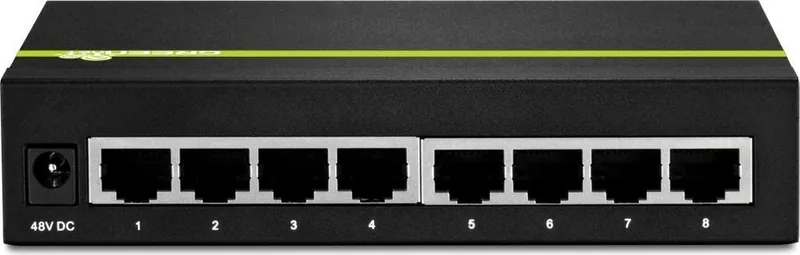
4 Pages
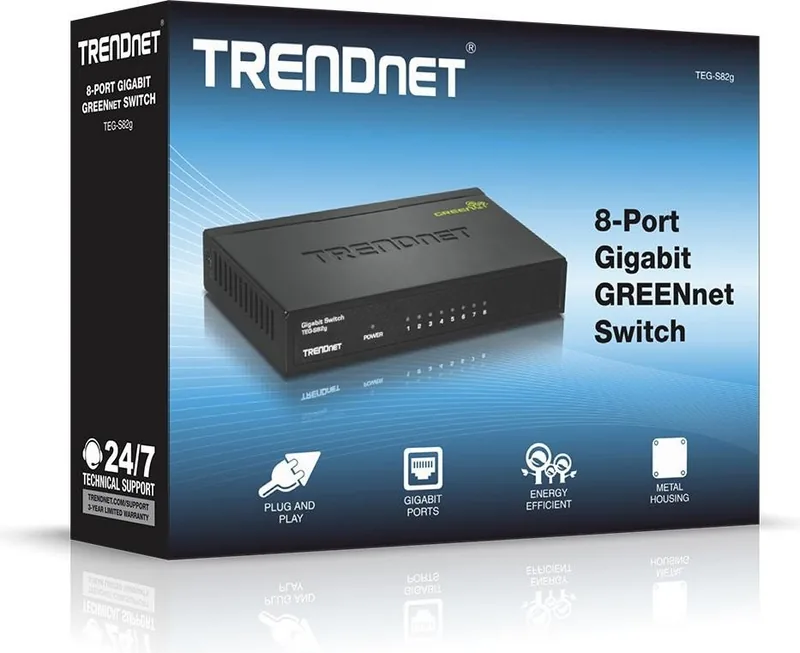
12 Pages
8 Pages
9 Pages
2 Pages

8 Pages
9 Pages
108 Pages
12 Pages
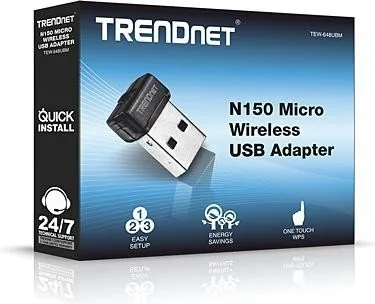
28 Pages
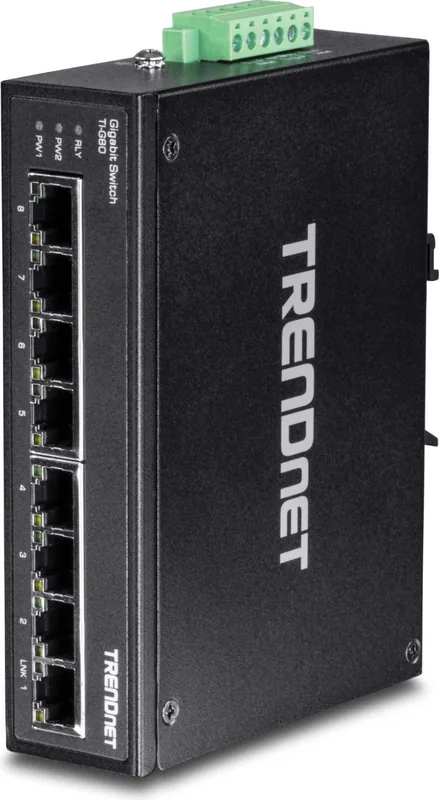
8 Pages
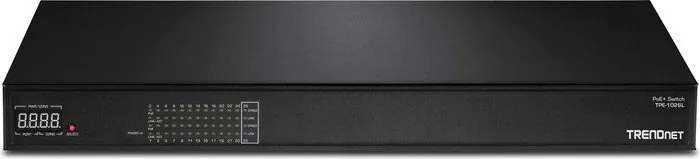
8 Pages
103 Pages

8 Pages
46 Pages
7 Pages
9 Pages
5 Pages
2 Pages
20 Pages
64 Pages
2 Pages
2 Pages
104 Pages
13 Pages
6 Pages
9 Pages
2 Pages
27 Pages
5 Pages
7 Pages
2 Pages

7 Pages
9 Pages
5 Pages
6 Pages
55 Pages
173 Pages
169 Pages
50 Pages
293 Pages
11 Pages
32 Pages
11 Pages
154 Pages
155 Pages
Categories


Free TRENDnet Manuals - Read, Download & Print
Find Helpful Documentation for TRENDnet Devices
TRENDnet manuals provide practical guidance for setting up, configuring, maintaining, and troubleshooting a wide range of networking and connectivity products. Whether you need instructions for a wireless router, Ethernet switch, access point, network camera, powerline adapter, USB adapter, or another TRENDnet device, a clear manual can make installation and daily use much easier.
Use free TRENDnet manuals to review product features, understand hardware connections, locate indicator lights, and follow recommended setup steps. Documentation is especially useful when the original printed guide is missing, when a device is being installed in a new location, or when an administrator needs to confirm a specific setting.
Read TRENDnet Manuals Online
Reading a TRENDnet manual online is a convenient way to quickly look up information without installing additional software or searching through paper documents. Online manuals can help users identify ports, buttons, LEDs, mounting points, antenna connectors, reset controls, and other physical components before beginning configuration.
Many manuals include clear diagrams and labeled illustrations. These visuals are valuable when connecting a modem to a router, attaching a switch to an existing network, installing a wireless access point, or connecting a camera to power and Ethernet. Reviewing the hardware overview first can reduce setup mistakes and help ensure that cables are connected to the correct ports.
Online documentation is also useful for locating specific sections, such as wireless security, DHCP configuration, VLAN settings, firmware updates, port forwarding, camera recording options, or factory reset procedures. Instead of reading the entire document, users can search within the manual for the feature or error they need to address.
Common Information Found in TRENDnet Manuals
A typical TRENDnet user guide may include:
- Product specifications and package contents
- Hardware installation instructions
- LED status descriptions
- Network connection diagrams
- Initial login and configuration steps
- Wireless network setup guidance
- Security recommendations
- Advanced management settings
- Troubleshooting information
- Warranty and support details
The exact contents vary by product model and device category. A managed switch manual, for example, will normally include more advanced network settings than a basic home router guide. Similarly, a network camera manual may focus on video streaming, motion detection, recording, user permissions, and mobile viewing features.
Download TRENDnet Manuals for Offline Access
Downloading a TRENDnet manual makes it possible to keep important product information available when an internet connection is unavailable. Saved manuals can be useful during on-site installations, equipment replacements, travel, office moves, or network maintenance tasks.
An offline copy also gives users a simple way to build a reference library for multiple devices. This can be particularly helpful in homes and small businesses where several TRENDnet products are in use. Keeping manuals organized by model number makes it easier to compare features, check compatibility, and return to configuration instructions when needed.
Before downloading documentation, confirm the exact product model shown on the label or underside of the device. Similar-looking products may have different setup procedures, management interfaces, firmware requirements, or supported features. The model number is often the most reliable way to locate the correct manual.
Why Model Numbers Matter
TRENDnet product names can include multiple versions, revisions, or closely related models. A manual for one device may not apply completely to another, even if both products share a similar name or purpose. Using the wrong document can lead to incorrect wiring, unavailable menu options, or unsupported configuration steps.
Check the device label for details such as:
- Full product model number
- Hardware version or revision
- Serial number
- Power requirements
- Default network address or login details
- Regulatory information
When possible, match these details with the manual title before following technical instructions. If a guide refers to a different hardware revision, review the information carefully and use documentation intended for the exact version of the product.
Print a TRENDnet Manual When You Need a Paper Copy
Printing a TRENDnet manual can be useful for installers, technicians, educators, and users who prefer a physical reference during setup. A printed guide is easy to keep near networking equipment, in a maintenance binder, or with other product documentation.
For long manuals, consider printing only the pages that are most relevant to the task at hand. Hardware diagrams, quick installation instructions, reset procedures, connection examples, and troubleshooting pages are often the most useful sections to have nearby. This approach saves paper while still providing an accessible reference.
Printed copies can also be helpful when configuring equipment in areas where a laptop, tablet, or phone is inconvenient to use. For example, a paper guide may be easier to review while working in a wiring closet, mounting an access point, installing a camera, or connecting cables behind a desk.
TRENDnet Router and Wireless Network Manuals
TRENDnet router manuals commonly explain how to connect the internet source, power on the device, access the web-based setup page, and create a wireless network. They may also cover network names, passwords, encryption methods, guest networks, parental controls, firewall settings, and firmware maintenance.
When setting up a router, use a strong administrator password and secure wireless settings. Default credentials should be changed promptly. Wireless networks should generally use the strongest security mode supported by the connected devices, along with a unique password that is not easily guessed.
Router documentation can also help with advanced tasks such as port forwarding, DNS selection, DHCP reservation, traffic controls, VPN-related settings, and remote management. These features should be configured carefully, especially when they expose services to the internet or change how devices communicate on the local network.
TRENDnet Switch and Business Networking Manuals
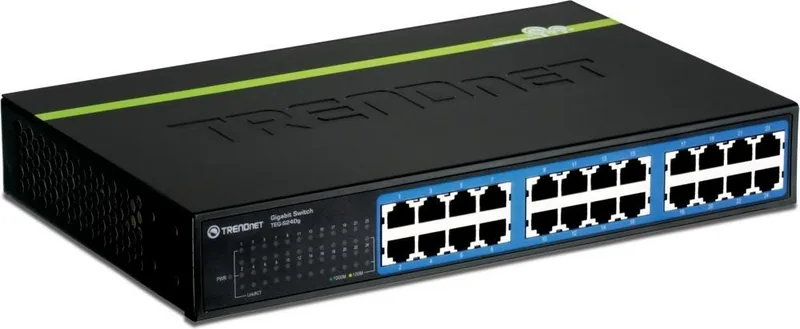
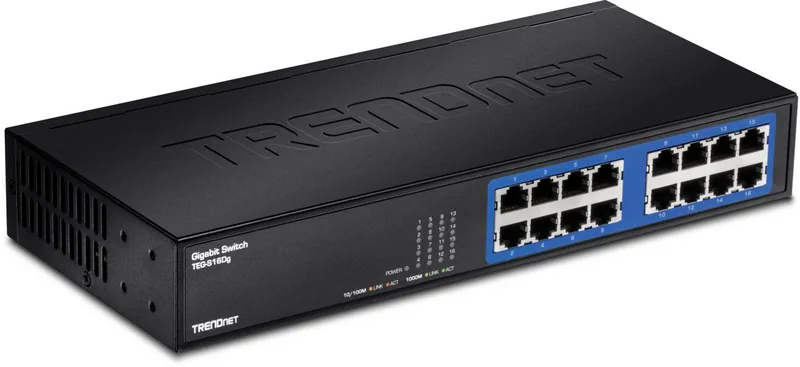
TRENDnet switch manuals are valuable for both simple and advanced network deployments. Unmanaged switches typically require little more than power and Ethernet connections, while smart and managed switches can offer detailed control over traffic and access.
Manuals for managed networking equipment may explain VLAN configuration, Quality of Service settings, link aggregation, port mirroring, SNMP monitoring, loop prevention, access control lists, PoE controls, and firmware upgrades. These features can improve performance and organization, but they should be configured by users who understand the needs of the network.
For Power over Ethernet equipment, the manual can help confirm power budgets, port capabilities, cable recommendations, and compatible powered devices. This is important when connecting cameras, access points, VoIP phones, or other devices that receive power through an Ethernet cable.
TRENDnet Camera and Surveillance Manuals
TRENDnet camera manuals often include instructions for physical mounting, network connection, video setup, user access, motion detection, recording schedules, storage options, and remote viewing. Documentation may also describe image controls, alert settings, privacy features, and supported applications.
Before installing a network camera, review the manual for placement and power requirements. Indoor and outdoor cameras may have different environmental ratings, mounting considerations, and cable requirements. Proper placement can improve video coverage while helping protect the device from weather, glare, and accidental damage.
Security is especially important for connected cameras. Change default passwords, keep firmware current, limit remote access where appropriate, and review account permissions regularly. The product manual can identify available security settings and explain how to apply them.
Troubleshooting With TRENDnet Documentation
A manual is often the first place to look when a TRENDnet device is not working as expected. Troubleshooting sections can explain LED patterns, connection checks, reset steps, default settings, and common setup problems.
Start with basic checks: confirm that the device has power, verify cable connections, inspect LED indicators, restart connected equipment if appropriate, and ensure that the correct network settings are being used. If a device cannot be reached through its management page, the guide may list the default IP address, login method, or recovery procedure.
A factory reset can solve some configuration issues, but it also removes customized settings. Review the manual before resetting a device so you understand what will be lost and how to set it up again afterward.
Use Manuals to Get More From Your Equipment
Free TRENDnet manuals are useful resources for new installations, replacement devices, routine maintenance, and advanced configuration. Reading online offers quick access, downloading provides offline convenience, and printing creates a practical paper reference for hands-on work.
Always use documentation that matches your exact TRENDnet model and hardware version. With the right manual available, you can install equipment more confidently, understand available features, improve network security, and resolve common issues with less guesswork.
Search for 67,732 Manuals online


Type-in Brand or Model