
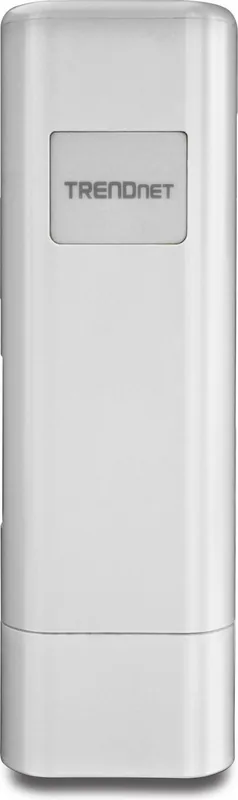
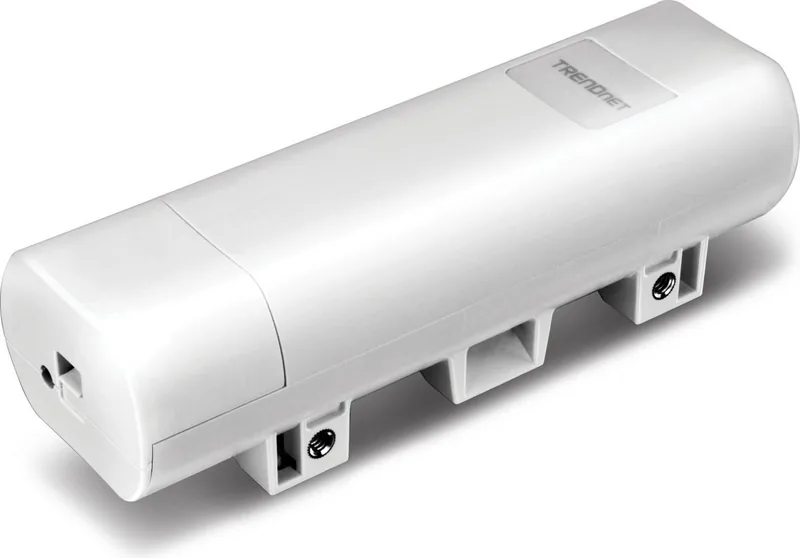
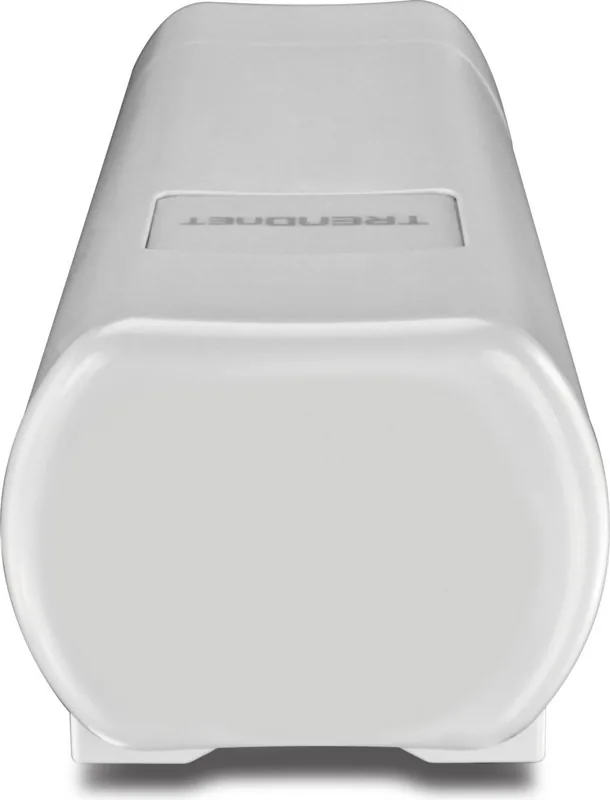
TRENDnet TEW-730APO Manual
PDF manual · 64 Pages
English



Quick check
Incorrect answer, please try again.
Chat with your TRENDnet TEW-730APO manual using AI
Get instant AI answers from your TRENDnet TEW-730APO manual
Ask anything about the TRENDnet TEW-730APO. Answers come from this manual, with the pages they are based on.
Ask a Question
Do you recommend TEW-730APO?
Yes NoFrequently Asked Questions
It is designed for outdoor wireless extension, especially when you need long-range coverage, bridge links, or managed access point deployments. It works well in homes, small businesses, and campus-style setups.
Is this answer helpful?
Yes. It supports WPA2, which is the recommended option for the best mix of security and performance. It also includes older options like WEP and WPA for legacy compatibility.
Is this answer helpful?
Yes. In Fat AP mode, it can operate as an access point, wireless client, bridge, or AP repeater. That flexibility makes it useful for both simple and more advanced network designs.
Is this answer helpful?
Yes. It has an IP55-rated enclosure and includes pole-mounting hardware and a PoE injector, which are ideal for outdoor mounting and cable-friendly installation.
Is this answer helpful?
It supports N300 wireless performance on the 2.4 GHz band, with theoretical speeds up to 300 Mbps. Actual performance depends on interference, distance, and surrounding materials.
Is this answer helpful?
You access the management interface through a web browser and can adjust system mode, wireless settings, security, logs, time settings, firmware, and access controls from there.
Is this answer helpful?
Advantages and Disadvantages
Advantages

- Multiple operating modes support AP, bridge, repeater, client, and controller-based deployments.
- Outdoor IP55-rated housing and 9 dBi directional antenna help deliver stronger long-range coverage.
- PoE injector and pole-mount hardware simplify installation in hard-to-reach locations.
- Security and management tools include WPA2, filtering, logs, firmware updates, and remote access.
Disadvantages

- 2.4 GHz only, so it may face more interference than dual-band outdoor equipment.
- The proprietary PoE injector is not 802.3af compliant, which can limit flexibility.
- Advanced configuration can be complex for users who want a simple plug-and-play setup.
- Best results depend heavily on placement, channel choice, and environmental conditions.
Product Specification
LAN
1x 100Base-TX (PoE PD)
Wireless
WLAN 802.11b/g/n (Wi-Fi 4)
Data Rate
300Mbps (2.4GHz)
Security
64/128bit WEP, WPA, WPA2
Antennas
internal
Connections
N/A
Power Consumption
12W (consumption, operation), no specification (max. power supply output)
Dimensions
8.07x2.52x2.40in
Special Features
IP55, Outdoor, VLAN
Band Capability
Single Band
Manufacturer Warranty
three years
Product Description
TRENDnet TEW-730APO Manual: A Practical Guide to Outdoor Wireless Networking
The TRENDnet TEW-730APO is built for networks that need more than a simple indoor access point. Designed for outdoor use, it combines a rugged IP55-rated enclosure with a directional 9 dBi antenna to support longer-range 2.4 GHz wireless links. For homes, offices, warehouses, or small campuses, it offers a flexible way to extend connectivity where standard Wi‑Fi gear may fall short.
Versatile Modes for Real-World Installations
One of the strongest points of the TEW-730APO is its multi-mode design. In Fat AP mode, it can work as a standard access point, wireless client, bridge, repeater, or CPE+AP setup. Thin AP mode lets it be centrally managed, while Virtual AC and Virtual AC + Thin AP modes make it suitable for larger deployments that need coordinated control across multiple compatible access points.
Built for Outdoor Performance
This model supports wireless N300 speeds on the 2.4 GHz band and is compatible with older 802.11b/g devices. That makes it a practical upgrade path for mixed networks. The included proprietary PoE injector simplifies installation by carrying power and data over a single cable, which is especially useful when mounting the unit on a pole or in places without nearby outlets.
Security, Management, and Tuning
The TEW-730APO Manual highlights a broad set of configuration tools, including SSID profiles, MAC filtering, firewall controls, port forwarding, DMZ, logging, firmware updates, and remote management. Wireless security options include WEP, WPA, WPA-Auto, and WPA2, with WPA2 recommended for the best protection and performance. Advanced users can also fine-tune channels, output power, beacon intervals, and bridge settings.
Notes
- Best suited for outdoor wireless extension and point-to-point or point-to-multipoint links.
- Works well when signal path, antenna placement, and interference are carefully planned.
- WPA2, proper channel selection, and secure admin credentials are strongly recommended.
- Backup settings before firmware updates or major configuration changes.
In short, the TEW-730APO stands out as a flexible outdoor access point with serious deployment options. It is not just about extending Wi‑Fi; it is about shaping a wireless network that can adapt to bridges, repeaters, managed thin AP setups, and secure router-style operation when needed.
Search for 67,732 Manuals online


Type-in Brand or Model