
TRENDnet TU3-ETGH3 V1 Manual
PDF manual · 12 Pages
English



Quick check
Incorrect answer, please try again.
Chat with your TRENDnet TU3-ETGH3 V1 manual using AI
Get instant AI answers from your TRENDnet TU3-ETGH3 V1 manual
Ask anything about the TRENDnet TU3-ETGH3 V1. Answers come from this manual, with the pages they are based on.
Ask a Question
Do you recommend TU3-ETGH3 V1?
Yes NoFrequently Asked Questions
It adds a Gigabit Ethernet port and three USB 3.0 ports through one USB connection, giving a computer both wired networking and extra peripheral expansion.
Is this answer helpful?
Yes. It supports Windows and Mac systems, though the installation steps differ by platform. Windows users should install the driver before plugging in the adapter.
Is this answer helpful?
Not always. It is optional, but it becomes useful when you connect devices that need more power than the USB port can supply on its own.
Is this answer helpful?
Check the link LED. A green light usually means the adapter has a proper physical connection to the network.
Is this answer helpful?
Yes. The adapter is backward compatible with USB 2.0 and 1.1, although the fastest performance is only available on USB 3.0 ports.
Is this answer helpful?
Remove the device from the system, delete the driver software if available, unplug the adapter, and repeat the installation steps carefully.
Is this answer helpful?
Advantages and Disadvantages
Advantages

- Combines Gigabit Ethernet and a 3-port USB 3.0 hub in one compact accessory.
- Backward compatible with USB 2.0 and 1.1, making it useful with older devices.
- Flexible 10 cm cable helps with tight desktop and laptop setups.
- Optional power adapter supports more demanding USB peripherals.
Disadvantages

- Windows setup requires driver installation before the adapter is connected.
- Top USB transfer speeds depend on using a USB 3.0 host port.
- Some power-hungry accessories may still need the external adapter.
- Older operating systems and driver steps may feel less convenient for beginners.
Product Specification
Type
LAN adapter, USB hub
Design
1x external wired (connection cable not detachable)
Interface
1x USB-A 3.0 (connector via cable, 5Gb/s)
Ports
1x RJ-45, 3x USB-A 3.0 (socket)
Transfer
1x RJ-45 (10/100/1000Base-T), 3x USB-A 3.0 (socket, 5Gb/s)
Power supply
Power supply only via interface
Dimensions
1.57x0.98x4.13in (WxHxD)
Weight
0.14 lb
Compatibility
universal
Manufacturer's warranty
two years
USB notation
Link
Product Description
TRENDnet TU3-ETGH3: A Compact Way to Add Speed and Ports
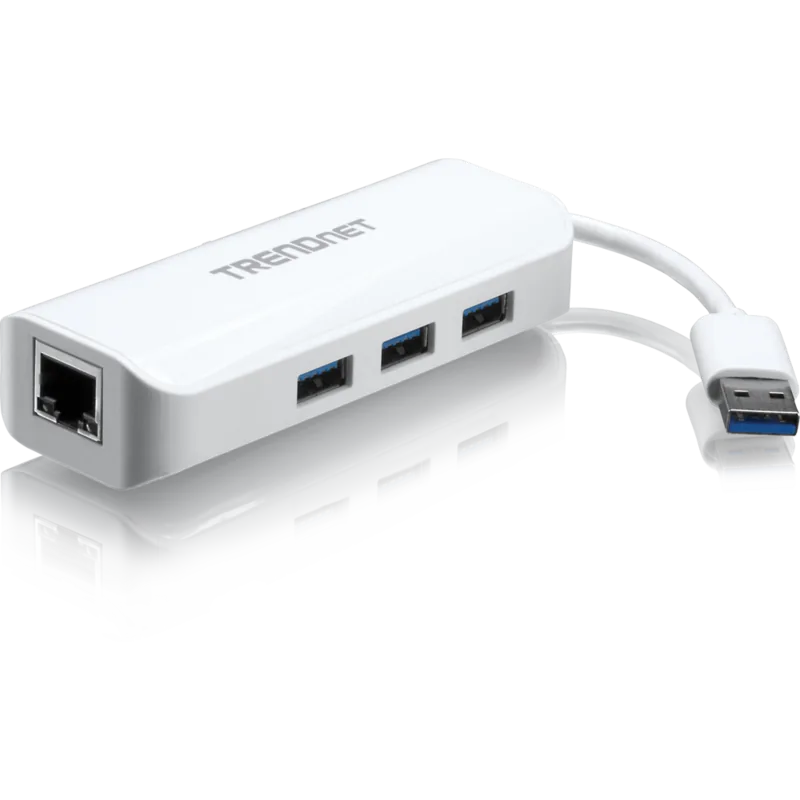
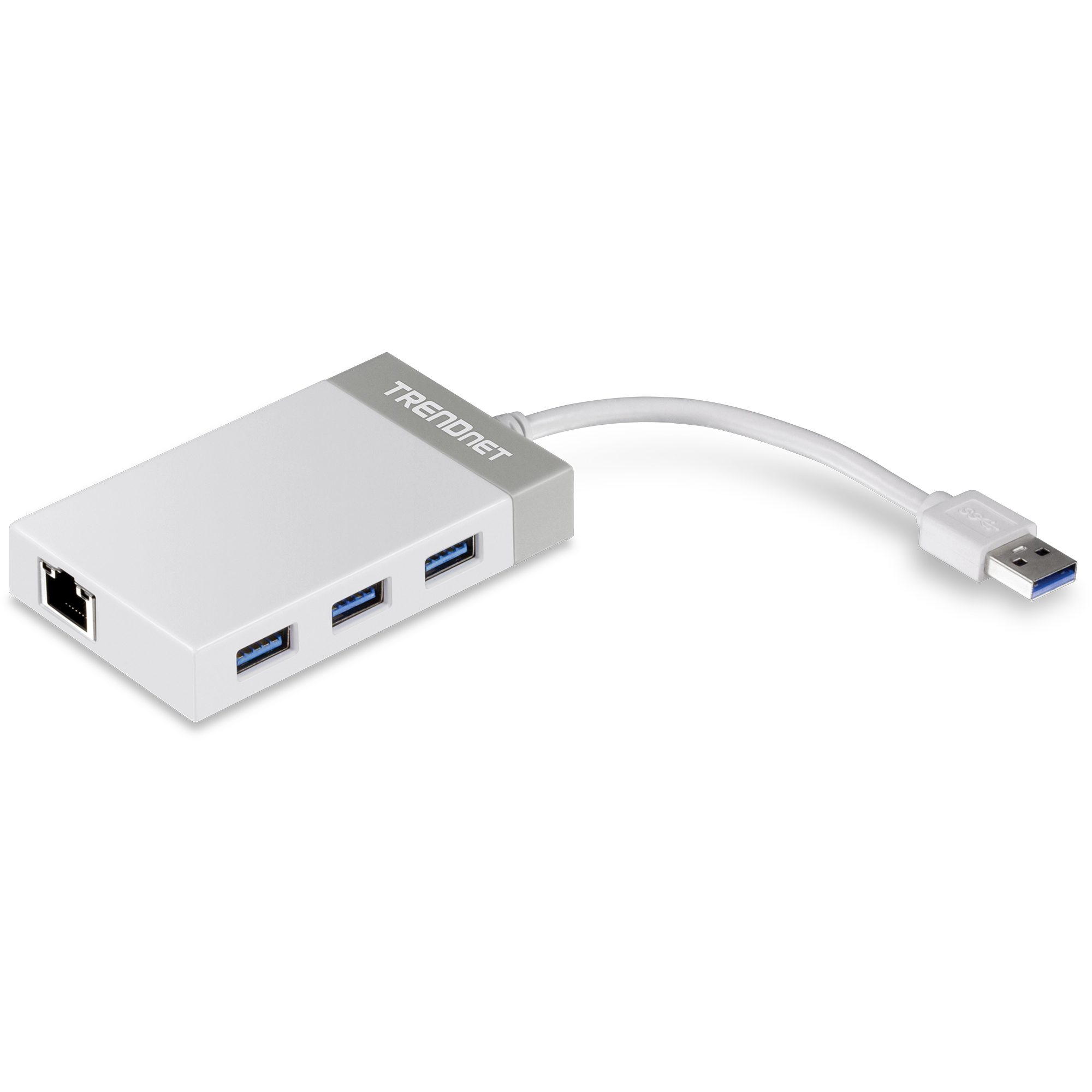
The TRENDnet TU3-ETGH3 (v1.0R) RJ-45, USB-A 3.0 plug Manual points to a product that is built for practical everyday use: a USB 3.0 to Gigabit Ethernet adapter with an integrated 3-port USB hub. Instead of carrying separate accessories for networking and expansion, users get one small device that can improve both connectivity and desk organization. It is a smart match for laptops, mini PCs, and workstations that need a little more flexibility.
At the center of the TU3-ETGH3 is a Gigabit Ethernet port, which gives users a dependable wired connection when Wi-Fi is unstable, congested, or simply not fast enough. Alongside that, the three USB 3.0 ports support SuperSpeed transfer rates when connected to a compatible USB 3.0 host. That makes it a useful companion for flash drives, external storage, printers, card readers, and other accessories that benefit from direct access and steady power.
One of the most appealing details is the compact design. The attached 10 cm flexible cable makes placement easier on crowded desks and around tight laptop layouts, while the RJ-45 port and USB-A 3.0 connection keep the setup familiar. The optional 5V power adapter is especially helpful when users connect power-hungry peripherals or need a more stable hub experience. In practice, that means less strain on a single USB port and fewer compromises when several devices are active at once.
The TU3-ETGH3 is also broad in compatibility. It works with Windows and Mac systems and remains backward compatible with USB 2.0 and 1.1 ports, which helps extend its value across older and newer hardware. Setup is straightforward once the driver is installed, and the link LED gives a quick visual check that the network side is active. For remote workers, students, and office users, this combination of speed, simplicity, and extra ports makes the adapter a very sensible upgrade.
Notes
- Install the driver first on Windows before connecting the network side.
- Use the power adapter when connected USB devices need extra current.
- A green link LED usually confirms a solid Ethernet connection.
Search for 67,732 Manuals online


Type-in Brand or Model