
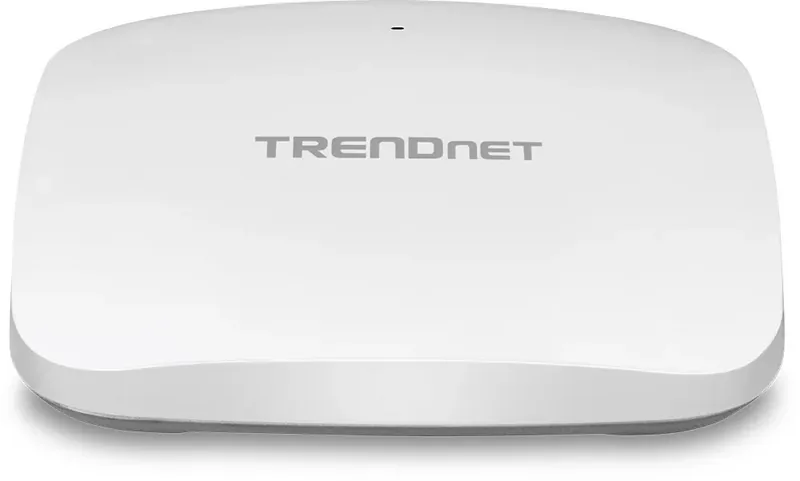
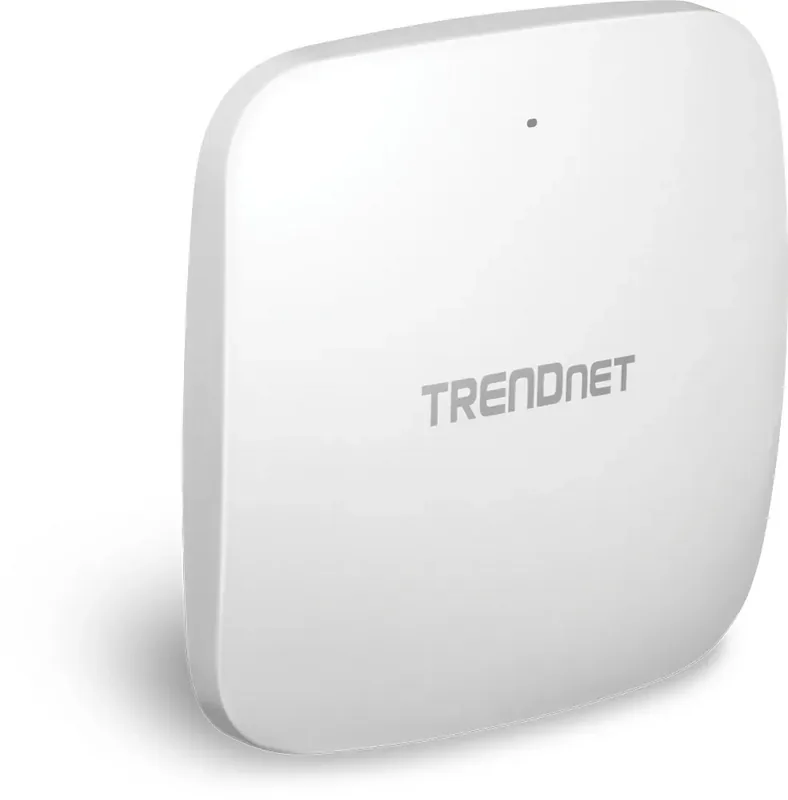
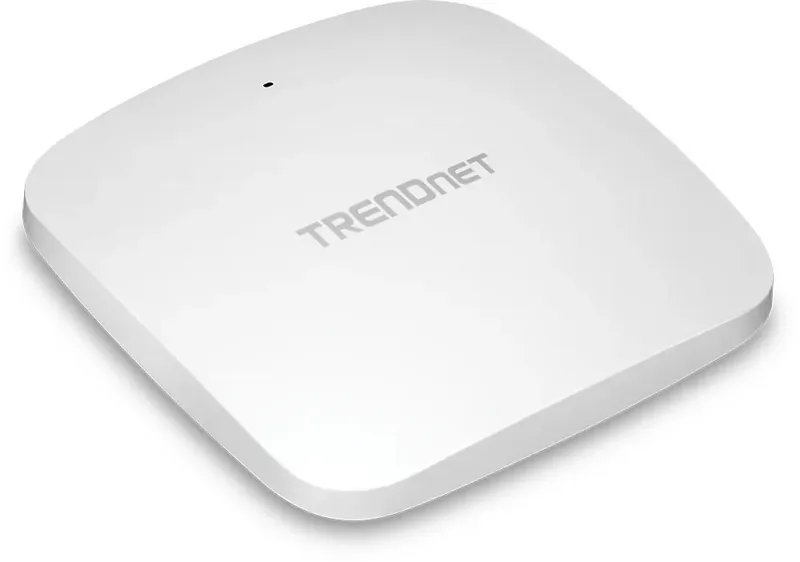
TRENDnet TEW-923DAP Manual
PDF manual · 50 Pages
English



Quick check
Incorrect answer, please try again.
Chat with your TRENDnet TEW-923DAP manual using AI
Get instant AI answers from your TRENDnet TEW-923DAP manual
Ask anything about the TRENDnet TEW-923DAP. Answers come from this manual, with the pages they are based on.
Ask a Question
Do you recommend TEW-923DAP?
Yes NoFrequently Asked Questions
It supports 802.11ax, 802.11ac, 802.11n, 802.11a, 802.11b, and 802.11g standards for broad compatibility with all modern devices.
Is this answer helpful?
Press and hold the reset button on the bottom of the unit for 15 seconds using a sharp tool until the LED indicator flashes.
Is this answer helpful?
Yes, it supports Repeater mode which allows the wireless interface to repeat signals and expand coverage to areas with weak signals.
Is this answer helpful?
The default management page IP address is http://192.168.10.100 which can be accessed through a web browser.
Is this answer helpful?
Yes, it supports IEEE 802.3at PoE+ with a 2.5GBASE-T port to provide both data connectivity and electrical power through a single cable.
Is this answer helpful?
You can create up to 8 SSIDs per band, totaling 16 total wireless profiles for managing different user groups and guest access.
Is this answer helpful?
No, the housing is designed for indoor environments only and should not be exposed to weather or direct sunlight outdoors.
Is this answer helpful?
Advantages and Disadvantages
Advantages

- WiFi 6 technology for significantly faster speeds and network efficiency
- Power over Ethernet Plus support reduces cable clutter and installation time
- Supports up to 16 SSIDs for flexible network segmentation and guest access
- Low-profile design blends discreetly into most indoor environments easily
- Robust security features including WPA3 encryption for enhanced protection
Disadvantages

- External power adapter is not included for setups not using PoE
- Requires a wired connection for optimal performance and configuration
- Maximum speeds depend largely on the capabilities of connected clients
- Configuration interface requires a web browser for administrative access
- LED lights can be disabled but cannot be physically removed from unit
Product Specification
LAN
1x 2.5GBase-T (PoE+ PD)
Wireless
WLAN 802.11a/b/g/n/ac/ax (Wi-Fi 6), simultaneous
Data Rate
574Mbps (2.4GHz), 2402Mbps (5GHz)
Security
WPA, WPA2, WPA3
Antennas
Internal
Power Consumption
No specification (operating consumption), 17.4W (max. consumption), 12V/1.5A/18W (max. power supply rating)
Dimensions
6.30 x 6.30 x 1.18 in
Features
MU-MIMO, VLAN
Band Capability
Dual Band (Simultaneous)
Manufacturer Warranty
3 years
Data Rate 802.11n (Wi-Fi 4) 2.4GHz
300Mbps
Data Rate 802.11ac (Wi-Fi 5) 5GHz
867Mbps
Data Rate 802.11ax (Wi-Fi 6 / Wi-Fi 6E) 2.4GHz
574Mbps (Spatial Streams: 2x2, Bandwidth: 40MHz, Modulation: 1024-QAM)
Data Rate 802.11ax (Wi-Fi 6 / Wi-Fi 6E) 5GHz
2402Mbps (Spatial Streams: 2x2, Bandwidth: 160MHz, Modulation: 1024-QAM)
Note
Data rate specification for 802.11ax at 2.4GHz and 5GHz. (802.11ax (2.4GHz) 2x2 40MHz 1024-QAM: 574Mbps, 802.11ax (5GHz) 2x2 160MHz 1024-QAM: 2402Mbps). In some cases, the manufacturer's maximum power specification corresponds only to the maximum output power of the power supply and is therefore not a meaningful indication of power consumption in daily life.
Product Description
Elevate Your Network with the TRENDnet TEW-923DAP AX3000
Achieving seamless connectivity requires a robust foundation built for modern demands. The TRENDnet TEW-923DAP AX3000 stands out as a high-performance dual-band WiFi 6 access point designed to maximize networking speeds. This device features two concurrent WiFi bands that provide exceptional throughput, delivering speeds up to 2402Mbps on the 5GHz band and 573Mbps on the 2.4GHz band. By leveraging the latest WiFi 6 technology, including MU-MIMO and OFDMA, it processes multiple data streams simultaneously, ensuring real-time performance even when numerous devices access the network.
Installation and power management are simplified with Power over Ethernet Plus support. The 2.5GBASE-T PoE+ port allows for flexible deployment, significantly reducing the need for extra power outlets near the access point. The low-profile housing blends discreetly into most environments, and the included wall or ceiling mounting plate makes integration effortless. Security remains a top priority with support up to WPA3 encryption standards, protecting your sensitive data from unauthorized access while maintaining the highest possible connection speeds for compatible clients.
Configuring your device is intuitive and accessible via a standard web browser. Users can access the management interface to adjust settings tailored to specific network requirements. Features such as band steering automatically direct capable clients to the less congested 5GHz band, alleviating network strain and improving efficiency. Multiple SSIDs allow up to 16 total networks, catering to guest access and separating critical user groups. Traffic shaping capabilities further enhance the experience by managing bandwidth allocation per SSID for each band.
When seeking detailed guidance on operation and advanced features, the TRENDnet TEW-923DAP AX3000 Manual provides comprehensive instructions. This resource ensures users maximize their hardware potential without technical hurdles regarding setup. Whether operating in repeater or access point mode, the unit adapts to expand coverage into areas where current access points struggle. Regular maintenance features allow users to set reboot schedules to clear caching issues and restore system stability proactively.
Robust monitoring tools include system logs and diagnostics that offer administrators deep insights into network health and connected clients. These tools help identify and resolve connectivity issues quickly, ensuring uptime remains high in environments. With support for SNMP and SSH management, IT professionals gain granular control over the infrastructure. The device also supports LLDP for link layer discovery, simplifying network mapping tasks.
Ultimately, this access point delivers reliability and speed suitable for high-density environments. Its ability to handle numerous connections makes it ideal for offices and large residences alike. The combination of advanced wireless standards and versatile management tools creates a stable network foundation. Users should follow the configuration steps carefully to unlock full capabilities and ensure secure connections for all connected devices within the home or office.
Search for 67,732 Manuals online


Type-in Brand or Model