

Free EK Water Blocks Manuals – Read, Download & Print
112 Manuals
Manuals
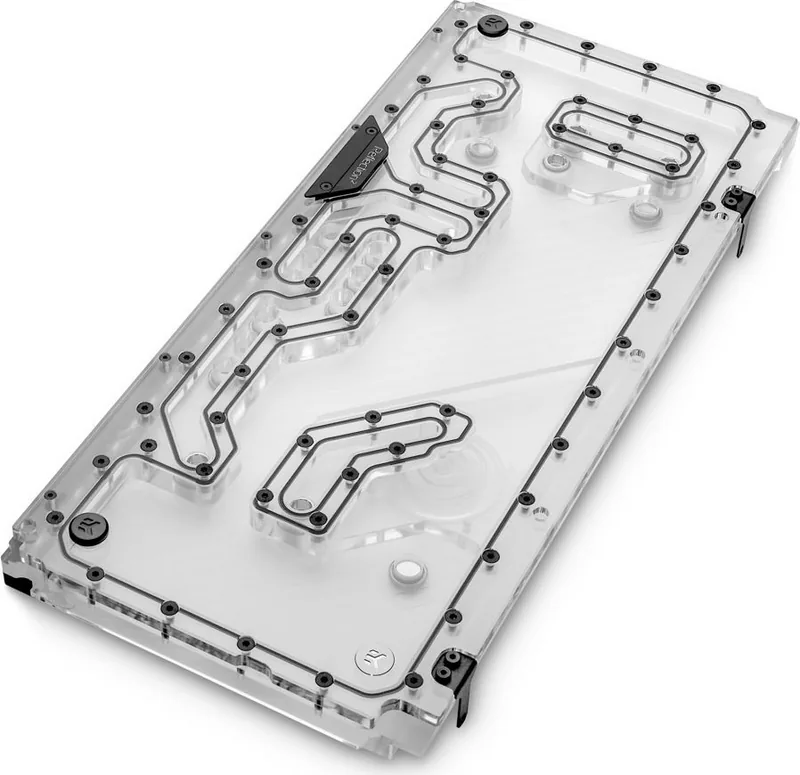
17 Pages
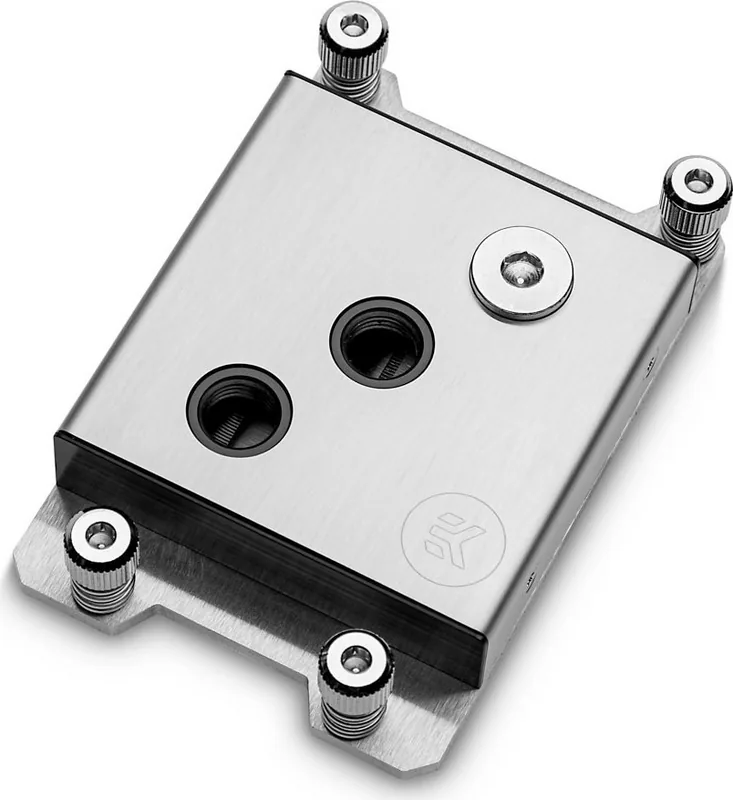
9 Pages
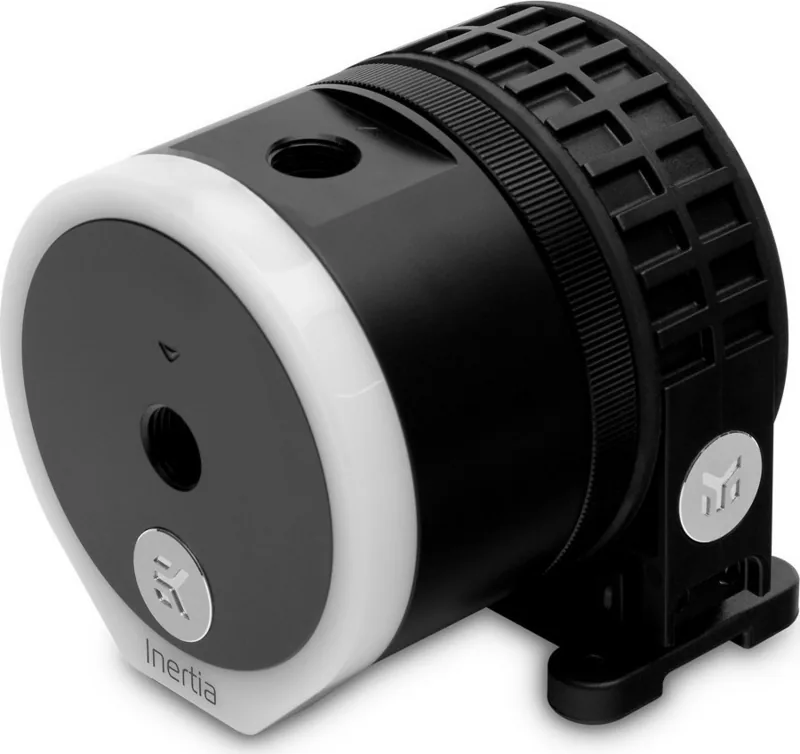
11 Pages
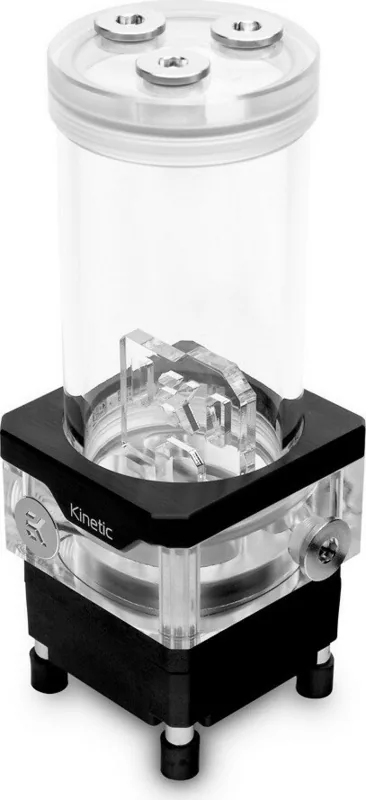
11 Pages
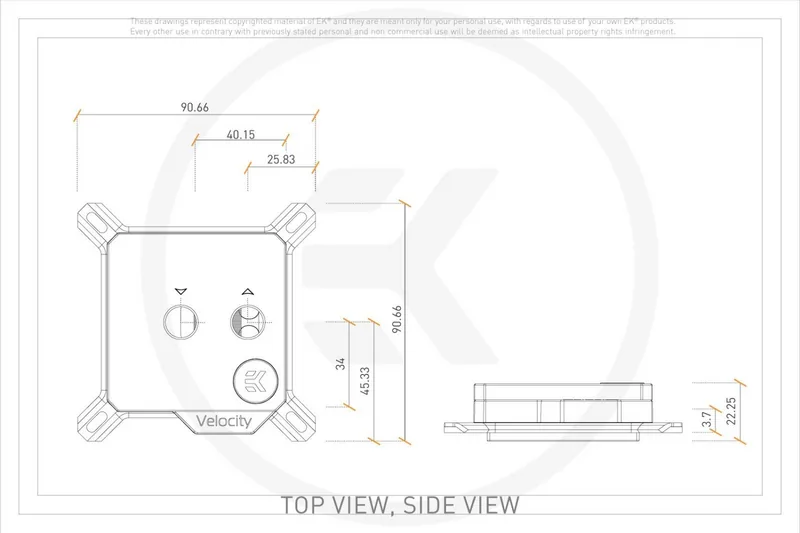
12 Pages
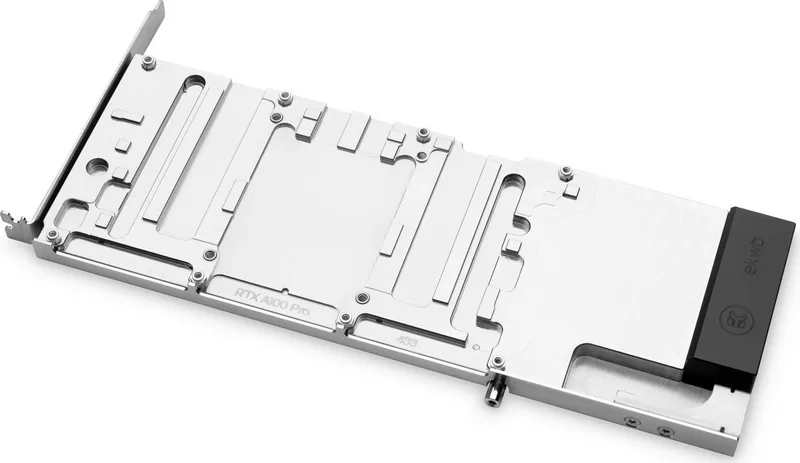
13 Pages
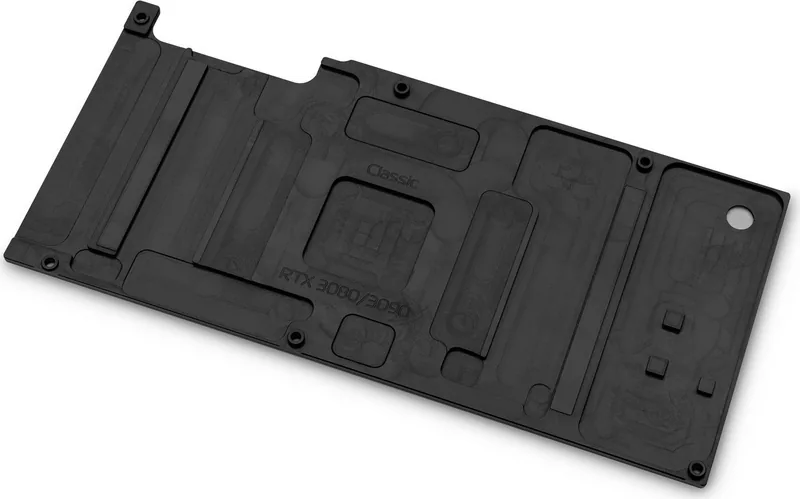
10 Pages

102 Pages
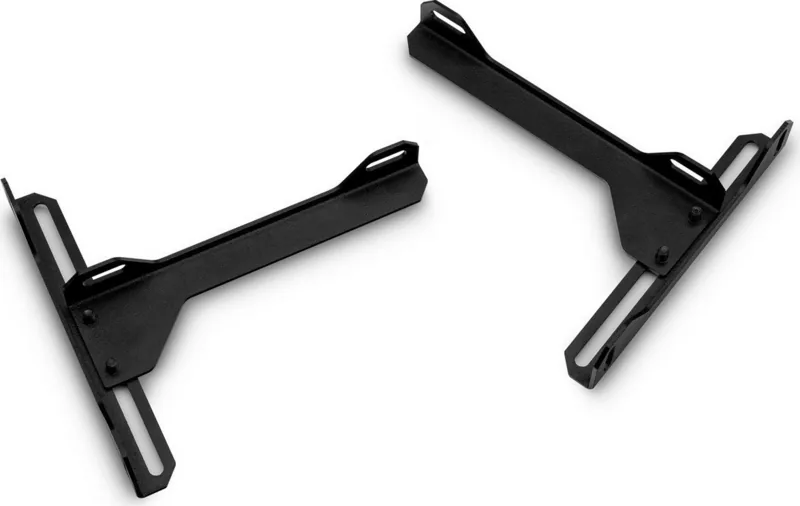
10 Pages
2 Pages
14 Pages
16 Pages
13 Pages
21 Pages
16 Pages
11 Pages

32 Pages
51 Pages
8 Pages
11 Pages
11 Pages
2 Pages
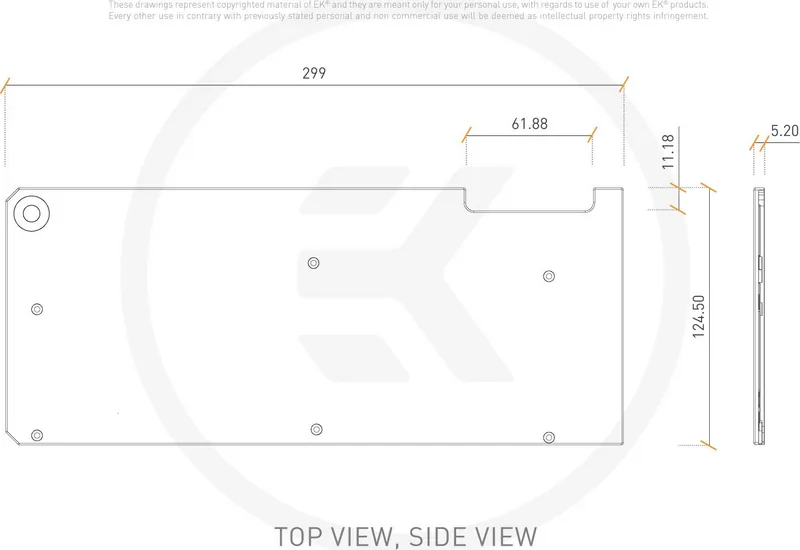
2 Pages
2 Pages
2 Pages
2 Pages
2 Pages
2 Pages
6 Pages
6 Pages
6 Pages
6 Pages
6 Pages
6 Pages
6 Pages
6 Pages
20 Pages
11 Pages
11 Pages
10 Pages
10 Pages
7 Pages
3 Pages

11 Pages
7 Pages
3 Pages

12 Pages
6 Pages
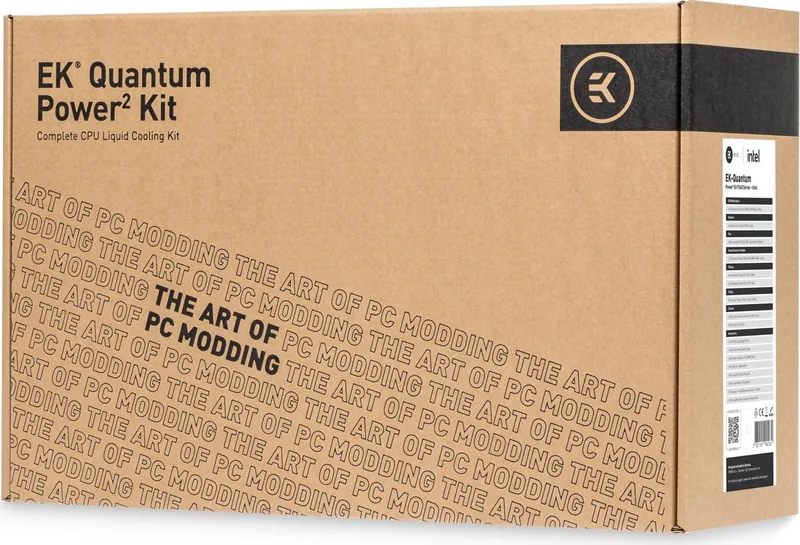
39 Pages
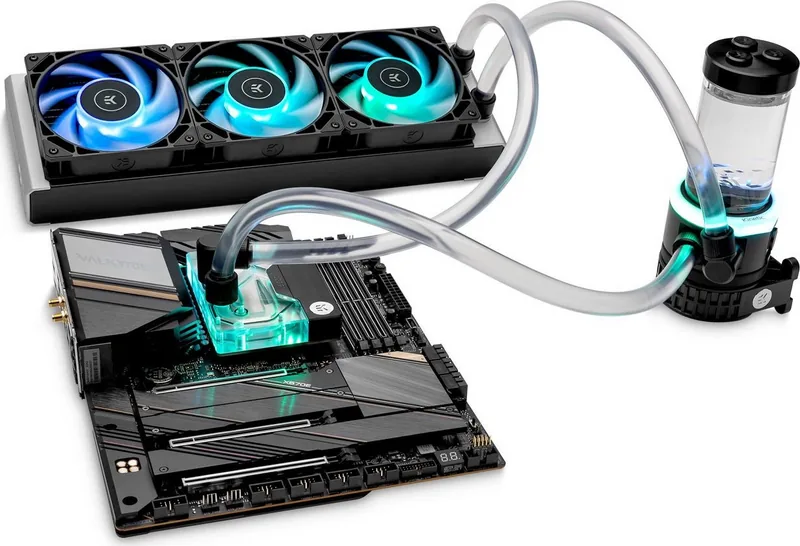
39 Pages
Categories

Free EK Water Blocks Manuals - Read, Download & Print
Find EK Water Blocks Manuals for Your PC Cooling Setup
Free EK Water Blocks manuals help PC builders, gamers, overclockers, and system integrators understand how to install, use, and maintain custom liquid cooling hardware. Whether you are fitting a CPU water block, GPU water block, pump-reservoir combo, radiator, fittings, or a complete EK cooling loop, the correct manual provides essential product-specific guidance before you begin.
EK Water Blocks documentation typically covers compatible components, hardware lists, mounting orientation, thermal pad placement, coolant recommendations, cleaning instructions, and leak testing procedures. Reading the instructions before opening your case can prevent common issues such as using the wrong screws, overtightening a mount, blocking a port, or installing a water block on unsupported graphics card hardware.
This page is designed for users looking for free EK Water Blocks manuals to read online, download for offline reference, and print for use at a workbench. Manuals are especially useful when building a loop step by step, troubleshooting a cooling issue, replacing seals, or preparing an existing system for an upgrade.
Why EK Water Blocks Manuals Matter
Custom liquid cooling requires careful planning. Unlike standard air cooling, a water-cooling loop contains multiple interconnected parts that must be compatible, correctly installed, and tested before the computer is powered on. An EK Water Blocks manual can clarify the intended assembly order and identify the accessories supplied with a specific product.
Instructions may include diagrams that show where standoffs, washers, springs, mounting plates, terminals, plugs, and fittings belong. These illustrations are valuable because many components look similar but are not interchangeable. For GPU blocks, the documentation may also show the exact locations for thermal pads and the correct pad thicknesses. This information helps maintain proper contact between the block, graphics processor, memory chips, and power delivery components.
Using the official instructions is also helpful when comparing revisions. EK products can have different mounting hardware or compatibility requirements depending on their generation, model, finish, or target platform. Always verify the exact product name and part number on your packaging or component before following a guide.
Manuals Available for Common EK Cooling Components
CPU Water Blocks
CPU water block manuals explain how to attach the block to desktop processor sockets such as Intel and AMD platforms. They commonly include separate mounting directions for each socket type, details about backplates and standoffs, and recommendations for thermal paste application. A CPU block guide may also explain which ports can be used as inlet or outlet ports, depending on the model.
Before installation, review the socket compatibility section. Some mounting mechanisms support several socket generations, while others require a specific mounting kit. The manual can help you identify included hardware and avoid mixing parts from different blocks.
GPU Water Blocks
GPU water block manuals are among the most important documents for a custom loop builder. Full-cover graphics card blocks are often designed around a particular PCB layout, not simply a GPU chip family. The documentation can identify supported graphics card models, show disassembly steps, and provide thermal pad templates.
Carefully follow every thermal pad diagram and screw placement instruction. Incorrect pads, missing pads, or uneven screw pressure can affect cooling performance. The guide may also identify which original card components must be removed and whether a backplate should be installed with the block.
Pump, Reservoir, and Distribution Plate Manuals
Pump and reservoir documentation provides information on mounting positions, port usage, fill procedures, drain planning, electrical connections, and safe operation. For D5 and DDC pump products, manuals may describe power connections, speed control options, and installation limits.
Distribution plate manuals are useful for cases with predefined tube routing. They can show port labels, recommended inlet and outlet paths, mounting locations, and compatible case layouts. Refer to these details before cutting tubing or tightening fittings, especially in compact systems.
Radiators, Fans, and Accessories
Radiator manuals can explain screw lengths, fan installation, clearance requirements, and safe mounting practices. Using screws that are too long can damage radiator fins or internal channels, so it is important to use the hardware specified in the instructions.
Accessory manuals may cover fittings, plugs, valves, flow indicators, leak testers, controllers, RGB lighting products, and coolant additives. Even small components can have important installation requirements, including thread type, sealing method, electrical connector orientation, or recommended maintenance intervals.
Read EK Water Blocks Manuals Online
Reading a manual online is a convenient option when you need quick installation details or want to confirm compatibility before making changes to your loop. Digital documentation is easy to search, allowing you to locate terms such as "thermal pad," "drain port," "mounting," "maintenance," or "RGB" without scanning every page manually.
When reviewing an online manual, start with the product overview and included parts list. Confirm that all listed hardware is present before beginning installation. Then check the compatibility section, installation diagrams, and warnings. If you are replacing a component in an existing loop, also review the disassembly and maintenance instructions.
For the best results, use documentation from the manufacturer or an authorized source. Official manuals are more likely to include current revisions, accurate drawings, and relevant safety notices. If a product has been revised, compare the manual revision with your hardware rather than relying on photos from an unrelated build guide.
Download Manuals for Offline Use
Downloading an EK Water Blocks manual gives you a reliable reference when your computer is disassembled or when internet access is unavailable. A saved PDF can be opened on a phone, tablet, or second computer while you work. It also makes it easier to zoom into detailed diagrams for thermal pads, port layouts, and mounting assemblies.
Create a folder for your custom loop documentation and save manuals for every major part, including the CPU block, GPU block, pump, radiator, reservoir, fittings, controller, and case. Give each file a clear name that includes the model and revision if available. Keeping these files together can save time later when you clean the system, replace coolant, upgrade a graphics card, or rebuild the loop.
Before downloading, check that the manual matches your exact model. Similar product names can refer to different generations or variants. A small difference in terminal design, PCB compatibility, mounting hardware, or port arrangement can make an otherwise useful guide unsuitable for your component.
Print Instructions for Bench-Side Reference
Printing a manual is practical when assembling a liquid-cooled PC away from a screen. A paper copy can remain on the work surface while you organize screws, apply thermal pads, mount hardware, and route tubing. Printed pages are also useful for checking off steps during a multi-stage build.
Consider printing only the pages you need, such as the parts list, compatibility table, thermal pad map, mounting instructions, and maintenance section. This reduces paper use while keeping the most important information close at hand. Print diagrams in color when possible, especially when the guide uses colors to distinguish pad sizes, ports, or component locations.
Keep printed instructions clean and dry. Coolant, thermal paste, and fingerprints can make diagrams difficult to read. If you regularly build or service systems, place frequently used manuals in a binder or protective sleeves for future reference.
Safe Installation and Maintenance Tips
Always turn off the system, disconnect power, and work on a clean, static-safe surface before installing or servicing water-cooling hardware. Follow the manual's instructions for component handling, screw tightening, and cable connections. Do not force fittings or use incompatible threads.
Plan a drain point before filling the loop. A properly placed drain valve can make future maintenance much easier and reduce the risk of spills. After assembly, perform a leak test according to the recommended procedure before powering the motherboard, graphics card, or other internal components.
Inspect tubing, fittings, seals, and coolant periodically. Maintenance schedules vary by coolant type and loop configuration, so consult the relevant EK Water Blocks manuals for product-specific recommendations. If you notice discoloration, buildup, reduced flow, unusual pump noise, or rising temperatures, review the maintenance and troubleshooting sections before continuing to use the system.
Get the Right Manual Before You Build
Free EK Water Blocks manuals provide the technical details needed to install and maintain custom PC liquid cooling components with greater confidence. Read the guide online for fast answers, download a copy for offline access, or print key pages for your workspace. By matching the manual to the exact EK product and following the recommended procedures, you can build a cleaner, safer, and more reliable cooling loop.
Search for 67,706 Manuals online


Type-in Brand or Model