
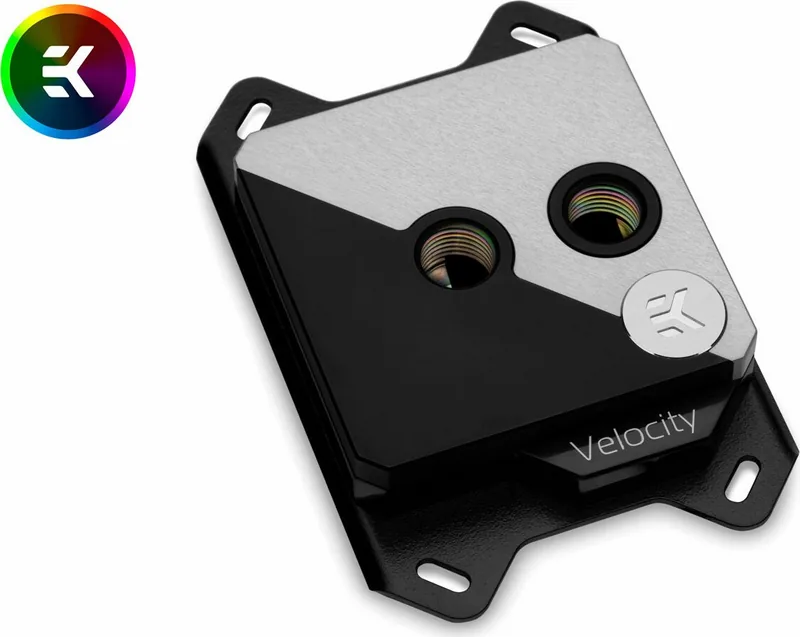

EK Water Blocks EK-Quantum Velocity Strike Manual
PDF manual · 12 Pages
English



Quick check
Incorrect answer, please try again.
Chat with your EK Water Blocks EK-Quantum Velocity Strike manual using AI
Get instant AI answers from your EK Water Blocks EK-Quantum Velocity Strike manual
Ask anything about the EK Water Blocks EK-Quantum Velocity Strike. Answers come from this manual, with the pages they are based on.
Ask a Question
Do you recommend EK-Quantum Velocity Strike?
Yes NoFrequently Asked Questions
The block is designed for modern Intel desktop motherboards with these sockets: LGA-115x and LGA-2011(-3)/2066. The included mounting hardware and backplate selection are matched to these platforms.
Is this answer helpful?
Use the socket-based pairing from the Velocity Strike guidance: LGA-115x uses Jet J1 (1.0 mm), while LGA-2011 and LGA-2066 use Jet J2 (0.8 mm). During replacement, keep insert orientation correct and ensure the O-ring gasket is seated.
Is this answer helpful?
No. The instructions recommend against pure distilled water and instead call for corrosion-inhibiting coolants. For best results, EK recommends EK-CryoFuel coolants for liquid cooling systems.
Is this answer helpful?
For EK-Velocity series blocks, you must use the port nearest the center of the water block as the inlet. Mixing inlet and outlet ports can lead to less-than-ideal thermal performance.
Is this answer helpful?
Match the connector to the correct motherboard header and pinout. For RGB (+12V G R B), ensure the arrow on the connector goes to +12V. For D-RGB (+5V, Digital, empty, Ground), ensure the arrow aligns with +5V. Incorrect voltage or ordering can damage components.
Is this answer helpful?
The instructions emphasize bleeding air thoroughly from the water block. Trapped air can prevent full coolant contact and reduce cooling efficiency, so proper bleeding helps you reach optimal performance.
Is this answer helpful?
Advantages and Disadvantages
Advantages

- Supports Intel LGA-115x and LGA-2011(-3)/2066 with the included mounting mechanism and backplate solutions.
- Includes replaceable jet plates and inserts to match socket-specific configurations (J1 vs J2).
- Uses sealing via rubber O-ring gaskets and clear assembly guidance for stable, leak-safe operation.
- Promotes strong thermal practices: clean CPU, thin even paste application, and thorough air bleeding for peak results.
- Optional RGB/D-RGB connectivity with explicit header pinout expectations for safer lighting setup.
Disadvantages

- Installation is intended for expert users; improper installation can damage equipment.
- Jet plate and insert orientation must be correct; mistakes can hurt performance or require rework.
- The recommended inlet port placement is mandatory; mixing ports can reduce thermal performance.
- Wrong RGB or D-RGB header connection can damage the motherboard or LED strip.
- Requires careful system prep such as air bleeding and correct coolant selection.
Product Specification
Type
CPU
Material
Copper (nickel-plated), POM (black)
Connectors
G1/4"
Lighting
LED (RGB)
Product Description
EK Water Blocks Quantum Line EK-Quantum Velocity Strike (EK Water Blocks Quantum Line EK-Quantum Velocity Strike Manual)
Precision CPU cooling with a focus on clarity and compatibility
EK Water Blocks Quantum Line EK-Quantum Velocity Strike is a high-performance liquid cooling water block designed for modern Intel desktop CPUs. Built around EKs Quantum Velocity platform, it is pre-assembled for reliable use with supported motherboard socket types, offering a clean path from mounting to final tuning. The EK Water Blocks Quantum Line EK-Quantum Velocity Strike Manual emphasizes careful installation practices, correct component orientation, and the small details that keep thermals consistent.
What the kit brings
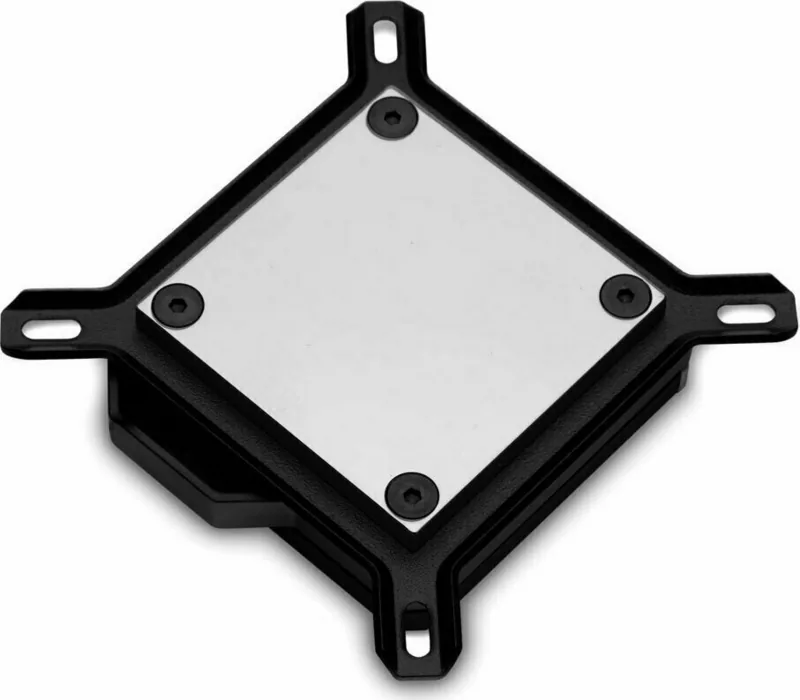
Each Velocity Strike package includes the EK-Quantum Velocity universal CPU water block, a PreciseMount universal CPU mounting mechanism, the appropriate backplate and rubber gasket for Intel LGA-115x, an Allen key, and the included thermal interface material (EKWB Thermal Grizzly Hydronaut). For fine-tuning the internal flow path, the kit also provides replaceable jet plates and inserts (notably Jet J1 for 1.0 mm and Jet J2 for 0.8 mm configurations depending on your socket).
Getting the best performance step-by-step
The manual-based guidance highlights safe mounting habits, including removing the graphics card to reduce strain and protect the GPU and PCB during installation. For thermal performance, it stresses proper CPU surface cleaning, a thin even layer of thermal paste, and fully bleeding trapped air from the loop. It also warns that the water block expects the correct inlet port: with EK-Velocity series blocks, the port nearest the center must be used as inlet to avoid less-than-ideal thermal results.
Jet plate tuning and correct gasket placement
For best fit and flow behavior, the jet plate and insert combination must match your socket type. When replacing the jet plate, pay close attention to insert orientation and ensure the preformed gasket (O-ring) is seated correctly between the mounting plate and the water block top. The instructions also recommend tightening steps without over-force.
Optional RGB control (RGB or D-RGB versions)
Some versions include lighting support. When connecting, the RGB or D-RGB header pinout must match the connector labeling: RGB typically uses +12V G R B, while D-RGB uses +5V, Digital, empty, and Ground. The guidance is clear that using the wrong header voltage or ordering can damage the motherboard or LEDs.
Key results
- Socket-ready cooling for Intel LGA-115x and LGA-2011(-3)/2066 with the right backplate and mounting parts
- Tunable jet plate setup to match your CPU socket for consistent flow behavior
- Correct inlet port selection (center-nearest) to protect thermal performance
- Safer RGB lighting through strict adherence to header pinout and connector direction
Notes
- EK recommends corrosion-inhibiting coolants and does not recommend pure distilled water.
- Protect the seal by ensuring the rubber gasket is used every installation.
- Use only the included mounting hardware and follow the specified tightening and reassembly order.
Search for 67,706 Manuals online


Type-in Brand or Model