
EK Water Blocks EK-Quantum Vector Strix RTX 2070 Manual
PDF manual · 2 Pages
English



Quick check
Incorrect answer, please try again.
Chat with your EK Water Blocks EK-Quantum Vector Strix RTX 2070 manual using AI
Get instant AI answers from your EK Water Blocks EK-Quantum Vector Strix RTX 2070 manual
Ask anything about the EK Water Blocks EK-Quantum Vector Strix RTX 2070. Answers come from this manual, with the pages they are based on.
Ask a Question
Do you recommend EK-Quantum Vector Strix RTX 2070?
Yes NoFrequently Asked Questions
It is designed for ASUS ROG Strix GeForce RTX 2070 cards when used with the EK-Vector Strix RTX 2070 series water block. It is not intended as a universal backplate for other coolers or third-party heatsinks.
Is this answer helpful?
Yes. The backplate is meant to work only with the compatible EK-Vector Strix RTX 2070 series water blocks. EK does not officially support other cooling solutions in this application.
Is this answer helpful?
The included thermal pads help provide passive cooling for the PCB and nearby components. They improve heat transfer from the backplate assembly and are a required part of proper installation.
Is this answer helpful?
It is relatively simple for experienced PC builders, but EK recommends installation by expert users or a qualified technician. Careful screw handling and correct pad placement are important.
Is this answer helpful?
No. Position all screws first, then tighten them evenly. The backplate has milled standoffs, which helps prevent over tightening, but force should still be kept moderate.
Is this answer helpful?
Yes. EK strongly recommends a 24-hour leak test before powering on the computer. It helps protect hardware and confirms that the cooling loop is sealed properly.
Is this answer helpful?
Advantages and Disadvantages
Advantages

- Tailor-made for EK-Vector Strix RTX 2070 water block builds.
- Adds passive cooling through included thermal pads.
- Creates a cleaner, more premium GPU appearance.
- Milled standoffs help reduce the risk of overtightening.
Disadvantages

- Limited compatibility with supported EK water blocks only.
- Requires careful installation and attention to screw placement.
- Thermal pads may need trimming for a perfect fit.
- A full leak test adds time before the system can be powered on.
Product Specification
Type
Backplate
Material
Aluminium
Compatibility
NVIDIA GeForce RTX 2070 ASUS ROG Strix
Product Description
EK Water Blocks Quantum Line EK-Quantum Vector Strix RTX 2070 Backplate Manual
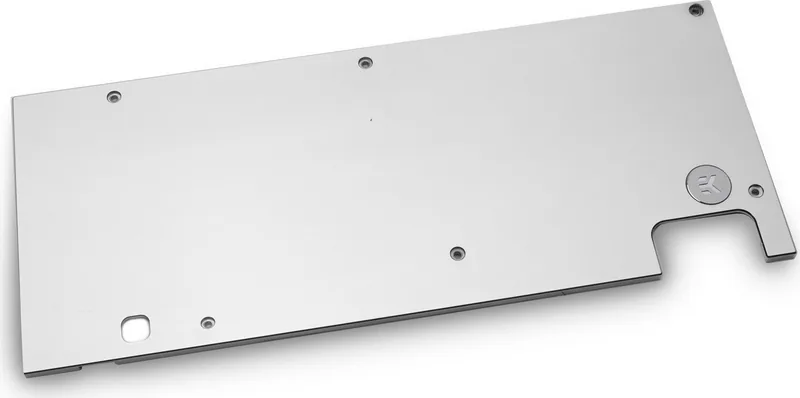
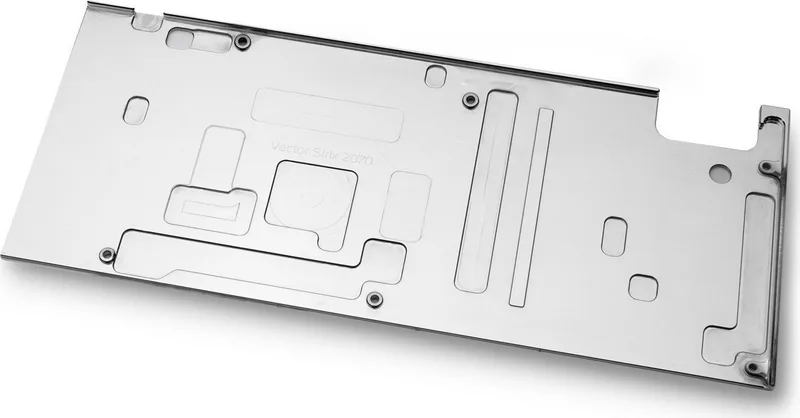
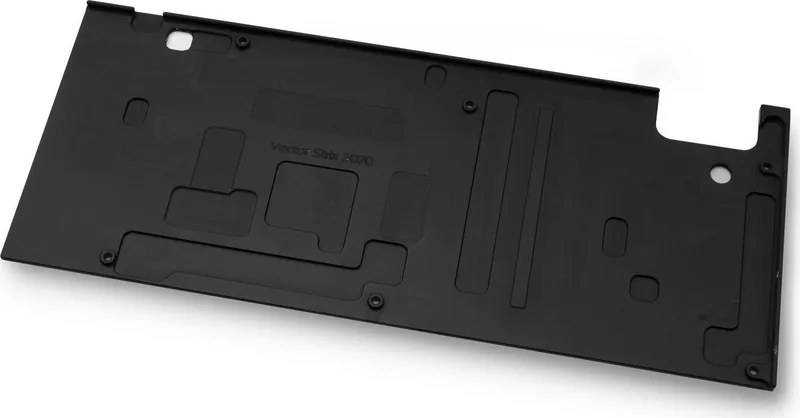
The EK Water Blocks Quantum Line EK-Quantum Vector Strix RTX 2070 Backplate is a purpose-built finishing piece for custom GPU cooling setups, designed specifically for ASUS ROG Strix GeForce RTX 2070 cards paired with EK-Vector Strix water blocks. More than a cosmetic add-on, it helps complete the look of a high-end loop while adding passive support for the PCB and key components.
What makes this backplate interesting is its balance of style and function. It uses thermal pads to transfer heat away from the graphics card’s rear side, helping the PCB shed warmth more evenly. That makes it a smart match for enthusiasts who want a cleaner build and a more polished thermal solution. The milled standoffs also simplify mounting, giving the plate a secure fit without needing excessive force.
Installation is straightforward for experienced builders, but it still demands care. The process begins by confirming that the proper EK-Vector Strix RTX 2070 water block is already installed, then removing the specified M2.5x4 screws and replacing them with the included M2.5x7 screws. The thermal pads are an essential part of the setup, and trimming them neatly can help ensure a clean finish and proper contact. As with most premium cooling hardware, precision matters.
The manual also makes one thing very clear: this product is intended for use only with the supported EK-Vector Strix RTX 2070 series water blocks. That narrow compatibility is not a limitation so much as a reminder that the backplate is engineered as part of a complete cooling system. For anyone building around that platform, it delivers a refined visual upgrade and a practical layer of passive cooling.
Before powering on the system, a 24-hour leak test is strongly recommended. That extra step may feel time-consuming, but it is one of the smartest habits in custom water cooling. It protects the hardware, verifies the loop, and gives peace of mind before the first boot.
Notes
- Use only the recommended tools, including a Philips head screwdriver and scissors for thermal pad trimming.
- Do not overtighten the screws; the standoffs are designed to help prevent overcompression.
- Warranty coverage depends on proper use, correct liquids, and following the installation guidance.
Search for 67,706 Manuals online


Type-in Brand or Model