
EK Water Blocks EK-Quantum Vector FTW3 RTX 2080 Manual
PDF manual · 2 Pages
English



Quick check
Incorrect answer, please try again.
Chat with your EK Water Blocks EK-Quantum Vector FTW3 RTX 2080 manual using AI
Get instant AI answers from your EK Water Blocks EK-Quantum Vector FTW3 RTX 2080 manual
Ask anything about the EK Water Blocks EK-Quantum Vector FTW3 RTX 2080. Answers come from this manual, with the pages they are based on.
Ask a Question
Do you recommend EK-Quantum Vector FTW3 RTX 2080?
Yes NoFrequently Asked Questions
It is used to complete the EK-Vector FTW3 RTX 2080 cooling setup, improve the card’s appearance, and support passive cooling of the PCB and nearby components with the included thermal pad.
Is this answer helpful?
Officially, no. It is designed only for EK-Vector FTW3 RTX 2080 series water blocks, and EK does not provide support for third-party cooling hardware in this application.
Is this answer helpful?
The manual instructs users to remove six M2.5x4 screws and their PVC washers from the graphics card before mounting the backplate and the matching water block setup.
Is this answer helpful?
Yes. The included 1.5 mm thermal pad is mandatory because it helps cool the PCB and components passively. Both protective films must be removed before placing it.
Is this answer helpful?
The backplate has milled standoffs that help reduce overtightening risk, but it is still important to tighten the screws evenly and avoid using excessive force.
Is this answer helpful?
Yes. A 24-hour leak test is recommended before powering up the computer. This helps verify the cooling circuit is sealed and reduces the risk of damage.
Is this answer helpful?
Advantages and Disadvantages
Advantages

- Improves the visual finish of the FTW3 RTX 2080 cooling setup.
- Includes a thermal pad for passive cooling of PCB components.
- Milled standoffs help reduce the chance of over-tightening.
- Designed specifically for EK-Vector FTW3 RTX 2080 water blocks.
Disadvantages

- Installation is intended for expert users, not beginners.
- It is not officially compatible with third-party coolers or heat sinks.
- A leak test is strongly recommended, adding extra setup time.
- Incorrect handling or non-approved liquids can affect warranty coverage.
Product Specification
Type
Backplate
Material
Aluminium
Compatibility
NVIDIA GeForce RTX 2080
Product Description
EK Water Blocks Quantum Line EK-Quantum Vector FTW3 RTX 2080 Backplate Manual
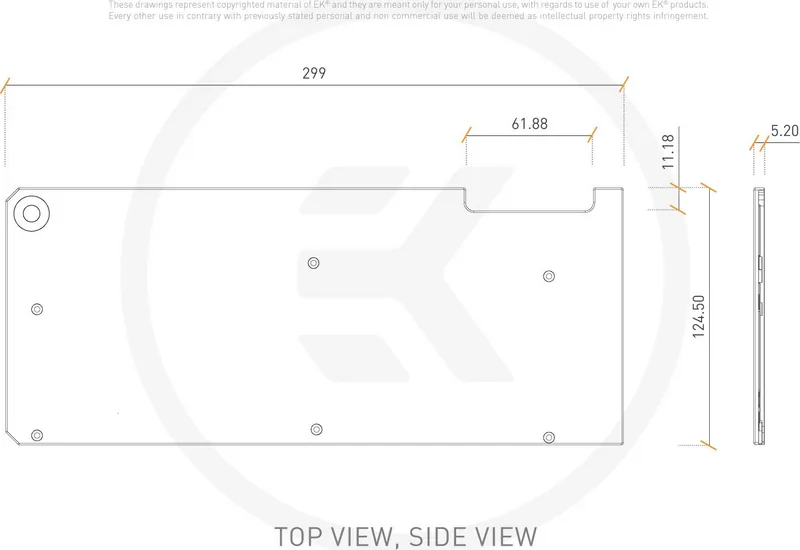
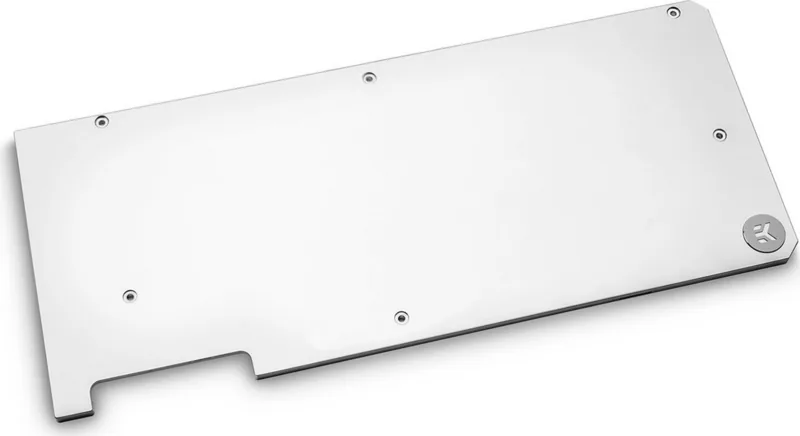
The EK Water Blocks Quantum Line EK-Quantum Vector FTW3 RTX 2080 Backplate is designed to complete a high-end GPU cooling setup with a cleaner look and practical thermal support. Built for the EK-Vector FTW3 RTX 2080 series, it works as a dedicated companion piece to the matching water block and helps give the graphics card a more finished, unified appearance. For builders who care about both performance and presentation, this backplate adds a refined touch while supporting the overall cooling layout.
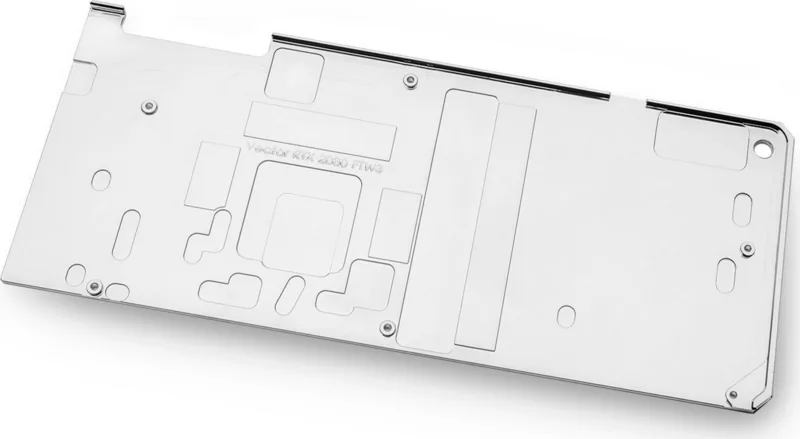
Beyond aesthetics, the backplate plays an important role in passive cooling. The included thermal pad must be installed so the printed circuit board and nearby components can transfer heat more effectively. This makes the accessory more than just a cosmetic add-on—it contributes to thermal management where it matters. The installation process also reflects EK’s focus on precision, with clearly defined screw placement and a fit meant specifically for the FTW3 RTX 2080 platform.
The manual emphasizes careful preparation before mounting. Users first need to install the EK-Vector FTW3 RTX 2080 water block, then remove the specified screws and washers, apply the 1.5 mm thermal pad, and secure the backplate with the provided M2.5x7 screws. The backplate features milled standoffs, which helps reduce the risk of over-tightening. Still, the instructions are clear: work slowly, use the right tools, and avoid unnecessary force.
Compatibility is intentionally narrow, and that is one of the product’s defining characteristics. It is meant to be used only with EK-Vector FTW3 RTX 2080 series water blocks, with no official support for third-party coolers or heat sinks. The guidance also highlights important safety practices, including a recommended 24-hour leak test before powering on the system. EK’s warranty terms reinforce the need for proper installation, careful handling, and the use of suitable liquids only.
Notes
- Remove the protective film from both sides of the thermal pad before installation.
- Check screw placement carefully before tightening.
- Use a Philips screwdriver and scissors for the cleanest setup.
- Allow enough time for leak testing before first boot.
Search for 67,706 Manuals online


Type-in Brand or Model