
EK Water Blocks EK-Quantum Velocity D-RGB Manual
PDF manual · 12 Pages
English



Quick check
Incorrect answer, please try again.
Chat with your EK Water Blocks EK-Quantum Velocity D-RGB manual using AI
Get instant AI answers from your EK Water Blocks EK-Quantum Velocity D-RGB manual
Ask anything about the EK Water Blocks EK-Quantum Velocity D-RGB. Answers come from this manual, with the pages they are based on.
Ask a Question
Do you recommend EK-Quantum Velocity D-RGB?
Yes NoFrequently Asked Questions
Out of the box it supports Intel LGA-115x, LGA-2011(-3) and LGA-2066 sockets. The included mounting hardware and backplate accommodate these Intel desktop sockets.
Is this answer helpful?
Use J1 (1.0 mm) for LGA-115x and J2 (0.8 mm) for LGA-2011/2066 per EK’s recommendations. The jet plate selection optimizes flow and thermal performance for different socket and CPU configurations.
Is this answer helpful?
No. D-RGB requires a +5V digital header with the correct pinout. Connecting D-RGB to a 12V RGB header may damage the LEDs or motherboard; ensure the arrow aligns with the +5V pin.
Is this answer helpful?
EK recommends corrosion-inhibiting coolants such as EK-CryoFuel. Avoid using pure distilled water; proper coolant extends component life and prevents corrosion or biological growth.
Is this answer helpful?
Clean the CPU IHS, apply a thin, even line or layer of thermal paste (e.g., included Thermal Grizzly Hydronaut) and spread lightly to cover the IHS. Excessive paste can reduce thermal performance.
Is this answer helpful?
Always remove protective foils, use the supplied rubber gasket and washers, tighten thumb nuts in a cross pattern by hand, and avoid over-torquing screws. Use the included backplate and ensure springs and washers are correctly positioned.
Is this answer helpful?
Thoroughly bleed the loop after installation, ensure fittings are sealed with O-rings, and use the recommended inlet port nearest the block center. Air pockets reduce contact and lower cooling efficiency.
Is this answer helpful?
Advantages and Disadvantages
Advantages

- Interchangeable jet plates (J1/J2) allow tuning flow and performance per socket.
- Solid copper cold plate and precise mounting for efficient heat transfer.
- Addressable D-RGB lighting for customizable aesthetics with compatible headers.
- Comprehensive mounting kit and backplate included for secure installation.
- Recommended use with corrosion-inhibiting EK-CryoFuel improves longevity.
Disadvantages

- Intended for expert users; improper installation risks hardware damage.
- D-RGB requires specific +5V header; wrong connection can damage LEDs or motherboard.
- Can be sensitive to inlet/outlet orientation — mixing ports reduces performance.
- Requires careful bleeding of air and proper coolant selection to perform optimally.
- Not suitable for inexperienced builders without guidance or technician help.
Product Specification
Type
CPU
Connections
G1/4"
Lighting
LED (RGB)
Product Description
EK Water Blocks Quantum Line EK-Quantum Velocity D-RGB Manual
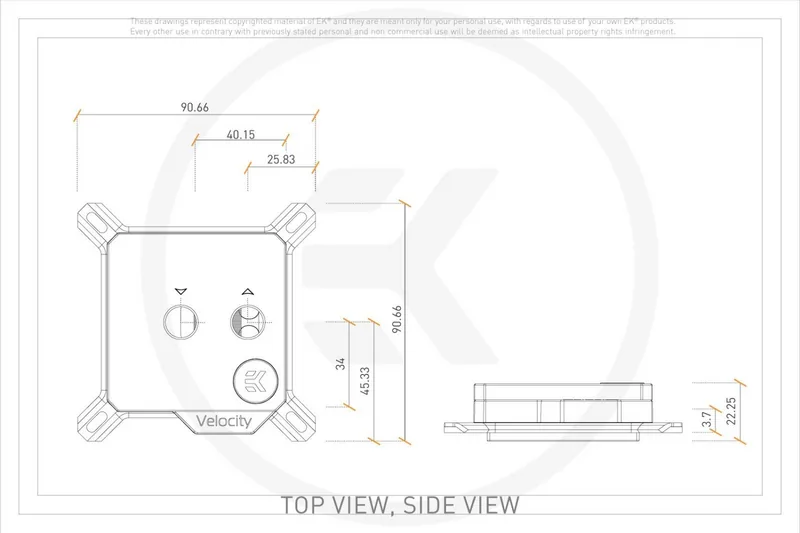
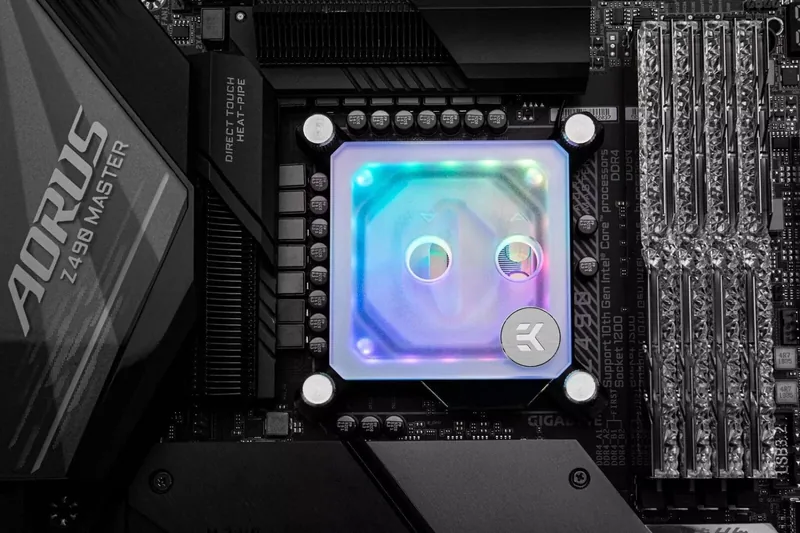
The EK Water Blocks Quantum Line EK-Quantum Velocity D-RGB is a high-performance CPU water block designed for enthusiast liquid-cooling systems. Targeted at experienced builders, this block combines precision cooling, modular customization, and addressable RGB lighting to deliver both thermal efficiency and visual flair. Featuring a copper cold plate, interchangeable jet plates and inserts, and a robust mounting system, the Velocity D-RGB is tuned for modern Intel sockets including LGA-115x, LGA-2011(-3) and LGA-2066.
Installation emphasizes careful preparation: clean and evenly apply thermal compound, remove protective foils, and use the included PreciseMount hardware with backplate and rubber gasket for secure mounting. The package includes multiple jet plates (J1/J2) to optimize flow for specific sockets and thermal loads; J1 (1.0 mm) suits LGA-115x while J2 (0.8 mm) suits LGA-2011/2066. Users can swap jet plates by disassembling the block with the supplied 2.5 mm Allen key, ensuring the preformed gasket is seated correctly and screws are tightened evenly.
Fluid compatibility and system care are stressed: use corrosion-inhibiting coolants (EK recommends EK-CryoFuel), avoid pure distilled water, and thoroughly bleed air from the loop for optimal performance. The block mandates using the port nearest the center as the inlet to preserve intended flow dynamics and peak cooling efficiency.
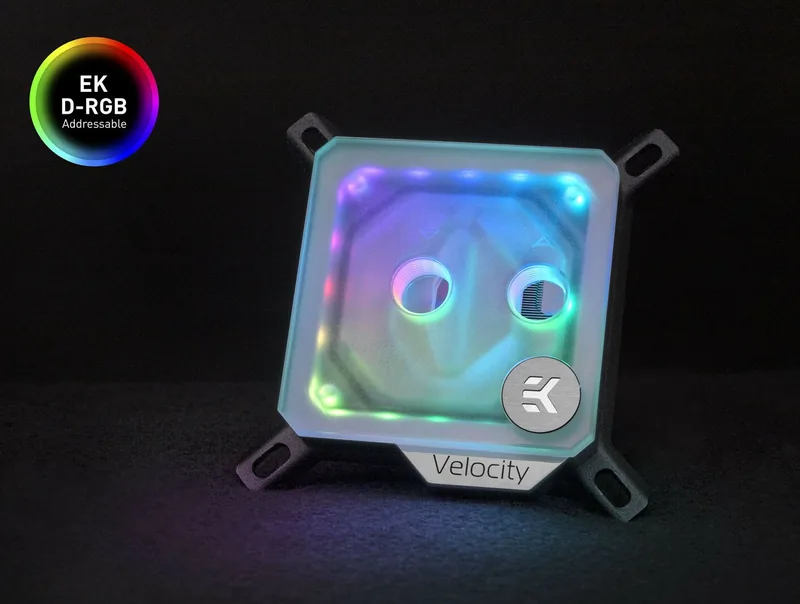
The EK-Quantum Velocity D-RGB also offers D-RGB illumination. Connect the 3-pin digital RGB to a compatible +5V D-RGB header following polarity markings. Standard 4-pin 12V RGB headers are incompatible with D-RGB and may cause damage if mismatched; likewise, ensure connector arrows align with motherboard voltage lines. The product includes thermal compound (Thermal Grizzly Hydronaut 1.0 g) and various mounting accessories to support safe, repeatable installation.
As a precision component for water-cooled systems, this Velocity block assumes installer competence; improper installation can harm components. EK provides support resources and updates online, and users are encouraged to reference official guidance when performing maintenance, jet plate swaps, or RGB connections.
Notes:
- Use the inlet port closest to the center for best performance.
- Do not connect D-RGB to 12V RGB headers; match +5V D-RGB pins exactly.
- Apply a thin, even thermal paste layer and bleed air thoroughly from the loop.
- Keep included rubber gaskets and washers in place for secure mounting.
Search for 67,706 Manuals online


Type-in Brand or Model