

Free AeroCool Manuals – Read, Download & Print
36 Manuals
Manuals
2 Pages
10 Pages
2 Pages
2 Pages
2 Pages
2 Pages

9 Pages
2 Pages
2 Pages
10 Pages
2 Pages
2 Pages
2 Pages
2 Pages
2 Pages
10 Pages
2 Pages
2 Pages
2 Pages
2 Pages
2 Pages
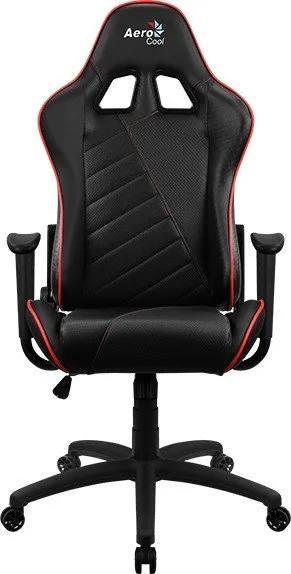
13 Pages
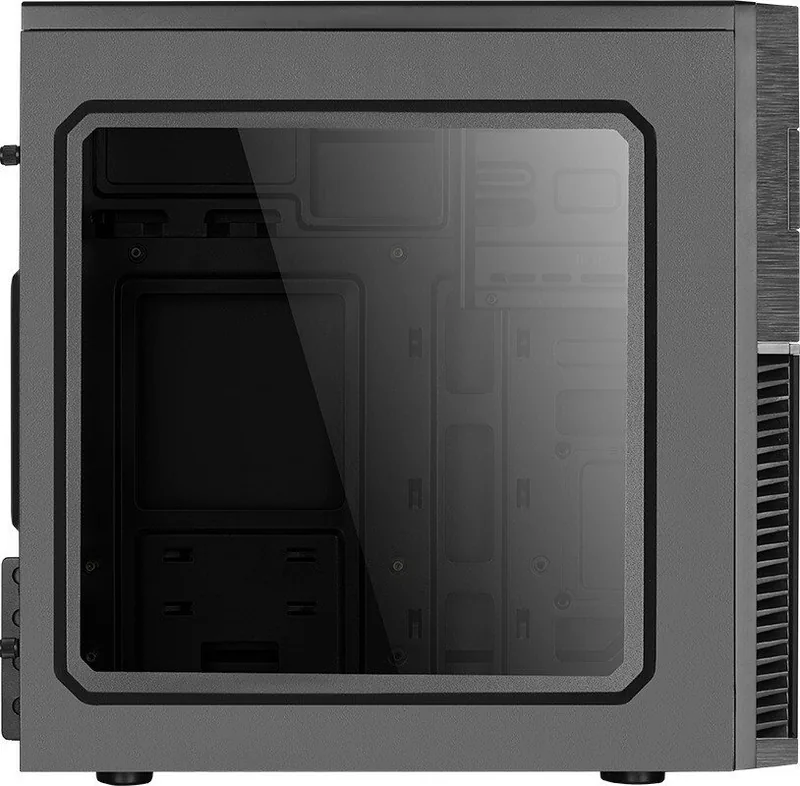
2 Pages
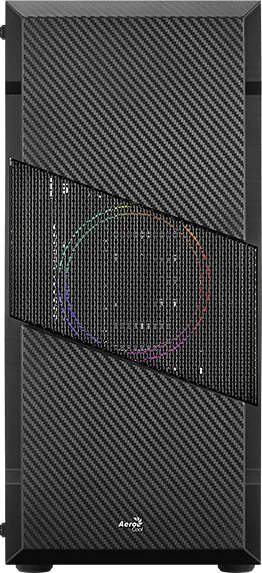
2 Pages
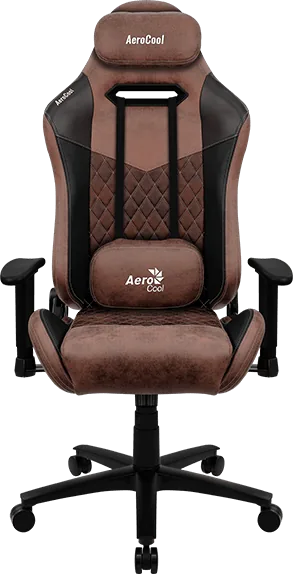
13 Pages
2 Pages
2 Pages
2 Pages
2 Pages
1 Pages
2 Pages
2 Pages
2 Pages
2 Pages
2 Pages
1 Pages
Categories


Free AeroCool Manuals - Read, Download & Print
Find free AeroCool manuals for computer cases, power supplies, cooling systems, gaming accessories, and other PC hardware. Whether you are assembling a new desktop, replacing a fan, connecting RGB lighting, or troubleshooting a power supply, the correct manual can help you complete the job safely and efficiently. This collection makes it easy to read AeroCool product instructions online, download them for later use, or print the pages you need for your workspace.
AeroCool products are designed for PC builders, gamers, and users who want practical cooling, stylish case designs, and dependable system components. Manuals provide the essential details that may not be obvious from a product photo or package label. They can explain compatible motherboard sizes, fan mounting locations, front-panel connectors, RGB controller functions, cable routing options, installation steps, electrical specifications, and warranty information.
Browse AeroCool Product Manuals
AeroCool manuals are useful for both first-time builders and experienced hardware enthusiasts. Product documentation can provide a clear reference when you need to identify ports, compare supported components, or confirm the right installation method. Instead of guessing where a cable belongs or which screw type to use, consult the manual for diagrams and step-by-step guidance.
Available documentation may include manuals for popular AeroCool product categories such as:
- PC cases and gaming chassis
- Power supply units and modular power cables
- Case fans and RGB fan kits
- CPU air coolers and liquid cooling products
- RGB hubs, controllers, and lighting accessories
- Gaming chairs, desks, and related accessories
- Fan controllers and display panels
Each product manual may vary by model, revision, region, and included accessories. Always check the exact product name and model number before following installation instructions or using technical specifications.
Read AeroCool Manuals Online
Reading an AeroCool manual online is a convenient way to quickly locate important product details. Digital manuals often include diagrams, labeled parts, warnings, specifications, and setup instructions in an easy-to-reference format. This is especially helpful while comparing cases, planning a build, or checking whether a cooler will fit in your chassis.
Online manuals can help answer common questions, including:
- Which motherboard form factors are supported?
- What is the maximum graphics card length?
- How many fans can be installed?
- Where are radiator mounting points located?
- Which front-panel cables connect to the motherboard?
- How is RGB lighting connected and controlled?
- What wattage and connector types does a power supply provide?
- What clearance is available for CPU coolers and cable management?
For complex products, reading the manual before opening the box can save time. You can verify that you have the required tools, check the included hardware list, and understand the recommended sequence for installation.
Find the Correct Model Number
The most important step is identifying your exact AeroCool model. Similar products may have different dimensions, connector layouts, supported fan sizes, or controller functions. Look for the model number on the product packaging, product label, invoice, or specification sticker. For cases, the label may be located on the rear or inside the chassis. For power supplies, the model information is typically printed on the side label.
If a product name includes terms such as RGB, ARGB, Pro, Plus, Mini, or a wattage rating, include those details in your search. For example, an ARGB fan hub manual may differ significantly from an older RGB controller manual, even when the products have a similar name.
Download AeroCool Manuals for Offline Use
Downloading an AeroCool manual lets you keep product information available without an internet connection. A saved manual is useful during a PC build, while moving equipment, or when working in a location where online access is limited. You can store the file on a computer, tablet, phone, or USB drive for fast access whenever you need it.
Offline copies are also helpful for maintaining a record of your hardware. If you own several AeroCool components, create a folder for manuals, receipts, warranty details, and product photos. This can make future upgrades, repairs, and support requests easier to manage.
Before downloading, make sure the document corresponds to the exact item you own. Check the cover page, model number, revision date, and product images where available. A manual for a related product may contain information that does not apply to your configuration.
Benefits of Saving a Manual
A downloaded manual gives you a reusable technical reference. It can help you revisit installation information after a system upgrade or identify the original connector layout after cables have been removed. Keeping an offline copy can be particularly useful for:
- Rebuilding or cleaning a PC
- Replacing a fan or RGB controller
- Installing a new motherboard
- Adding storage drives or graphics cards
- Checking power supply cable requirements
- Measuring component clearances
- Reviewing safety instructions
- Preparing a warranty or support request
Use the search feature in a digital document to quickly find terms such as "installation," "connector," "reset switch," "fan hub," "radiator," "specifications," or "warranty." This can be faster than browsing every page manually.
Print AeroCool Instructions When You Need Them
Printing selected AeroCool manual pages can be practical during hands-on installation. A printed wiring diagram or case layout can remain visible beside your workspace while your computer is powered down. This reduces the need to repeatedly switch between devices and can help you keep track of small connectors and mounting parts.
You may want to print pages covering the front I/O panel, motherboard header connections, fan installation, RGB wiring, power supply safety, or radiator placement. For larger manuals, print only the relevant pages to reduce paper use.
Useful Pages to Print
The following manual sections are often the most useful to have on paper:
- Component overview diagrams
- Included accessory and screw lists
- Case dimensions and clearance charts
- Motherboard standoff locations
- Front-panel connector diagrams
- Fan and radiator mounting instructions
- RGB or ARGB controller wiring diagrams
- Power supply connector information
- Important safety warnings
Keep printed pages clean and away from liquids, metal parts, and static-prone surfaces. If you make notes during installation, record the product model and date so the information remains useful later.
AeroCool Case and Cooling Setup Guidance
AeroCool cases and cooling products often include multiple mounting options, making the manual an important planning tool. Before installing components, review airflow diagrams and compatibility tables. Proper airflow helps maintain stable temperatures, reduce noise, and support reliable performance during gaming, rendering, or everyday computing.
In general, intake fans draw cooler air into the case, while exhaust fans remove warm air. The exact layout depends on the chassis design, installed hardware, radiator placement, and room conditions. Consult your product documentation for supported fan sizes and locations. Do not force screws, cables, or brackets into positions that are not shown as compatible.
For RGB and ARGB products, confirm the connector type before attaching lighting cables. Standard RGB and addressable RGB systems use different connection methods and voltages. Connecting incompatible lighting hardware incorrectly may damage LEDs, controllers, or motherboard headers. The manual can help identify the correct ports, button functions, sync options, and supported control methods.
Power Supply Manual Safety Information
Power supply documentation is especially important because a PSU handles electrical power for the entire computer. Review the manual before installation and use only the cables supplied with that specific power supply model. Modular cables from another unit may look similar but can have different wiring configurations.
Never open a power supply enclosure. Internal components can retain hazardous electrical charge even when the unit is disconnected. If a power supply shows signs of damage, unusual odor, overheating, or repeated shutdowns, stop using it and consult qualified support or service guidance.
Check that the PSU wattage, available connectors, input voltage settings where applicable, and ventilation requirements match your system. Install the unit according to the case and PSU instructions, and ensure its fan intake is not blocked by carpet, dust buildup, or an enclosed surface.
Get More Value From Your AeroCool Product
A free AeroCool manual is more than a basic setup sheet. It is a practical resource for installation, maintenance, upgrades, troubleshooting, and safe operation. By reading the instructions, downloading a copy, and printing key pages when needed, you can keep important product information close at hand.
Use manuals to verify compatibility before buying new hardware, organize cables correctly, maintain efficient airflow, and understand your product features. Whether you are building a gaming PC from scratch or making a simple fan upgrade, the right AeroCool documentation can help you work with greater confidence and avoid common installation mistakes.
Search for 67,706 Manuals online


Type-in Brand or Model