

Free NZXT Manuals – Read, Download & Print
46 Manuals
Manuals
39 Pages
2 Pages
27 Pages
35 Pages
25 Pages

36 Pages

28 Pages

2 Pages
2 Pages

2 Pages
26 Pages

2 Pages
2 Pages
2 Pages
28 Pages
2 Pages
2 Pages
2 Pages
2 Pages
2 Pages
40 Pages
23 Pages
36 Pages

19 Pages
62 Pages
59 Pages
38 Pages
37 Pages
35 Pages

29 Pages
29 Pages
2 Pages
61 Pages
20 Pages
56 Pages
2 Pages
2 Pages
22 Pages
2 Pages
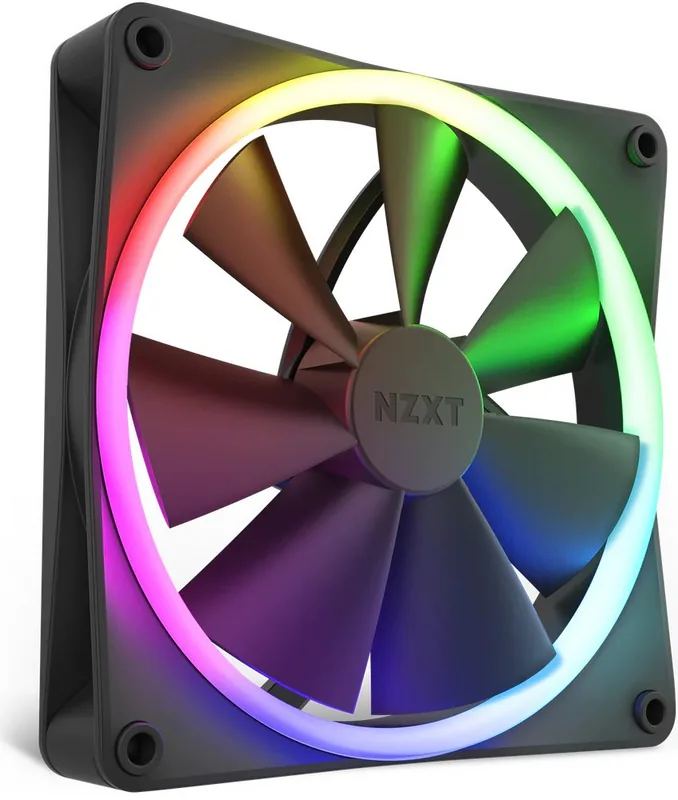
18 Pages
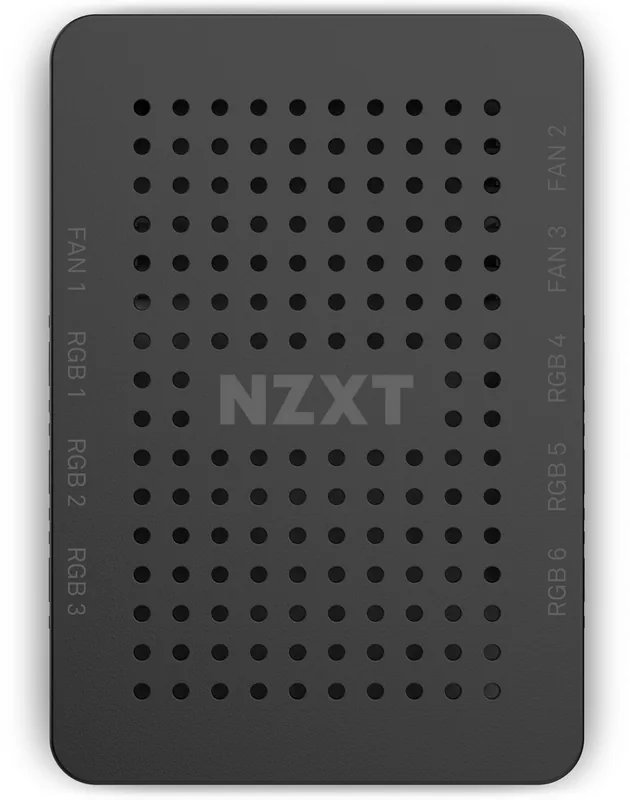
26 Pages
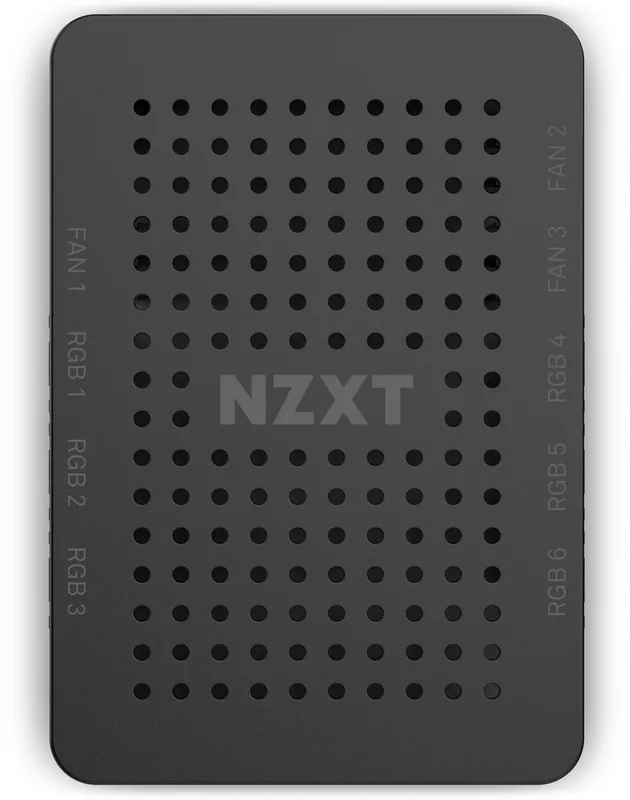
26 Pages
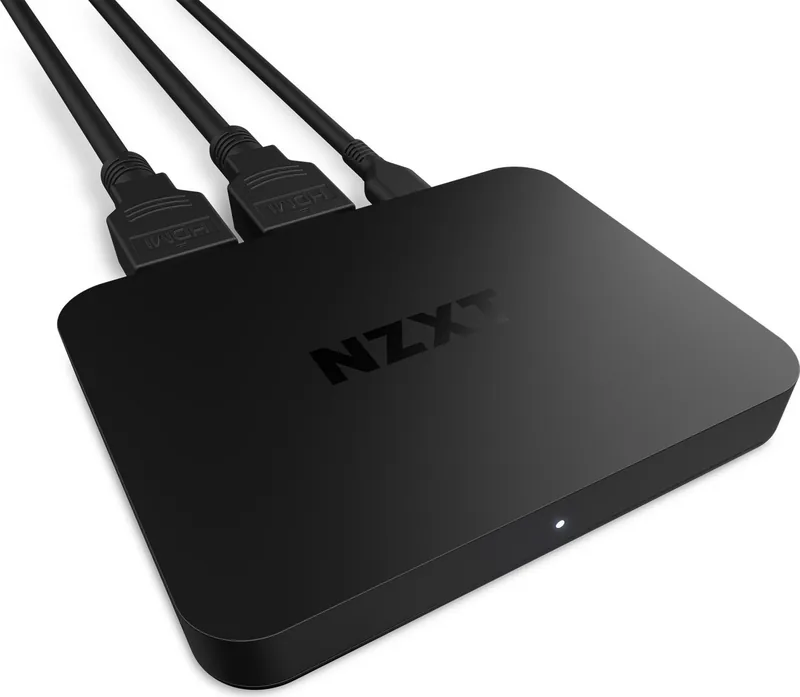
27 Pages
60 Pages
20 Pages
22 Pages
Categories


Free NZXT Manuals - Read, Download & Print
Find NZXT Product Manuals in One Place
Looking for an NZXT manual for your PC case, cooling system, motherboard, power supply, lighting accessory, monitor, or gaming device? This collection helps users locate and review product documentation for popular NZXT hardware. Manuals are useful for first-time setup, component installation, cable routing, software configuration, maintenance, troubleshooting, and understanding warranty-related guidance.
NZXT products are designed for desktop PC builders, gamers, streamers, and creators who want clean-looking, performance-focused systems. Whether you are assembling a new gaming computer or replacing a single component, the correct manual can save time and reduce installation mistakes. Product documents often include diagrams, specifications, connection layouts, compatibility notes, and important safety instructions.
Read NZXT Manuals Online
Reading an NZXT manual online is a convenient way to access setup information from any device. You can review instructions before beginning a build, compare dimensions while selecting components, or quickly check a connector diagram while working inside a case. Online manuals are especially helpful when the original printed booklet has been misplaced.
Most hardware manuals are organized into clear sections that may cover the following topics:
- Product overview and included accessories
- Technical specifications and dimensions
- Safety warnings and handling guidance
- Installation steps and mounting instructions
- Cable connections and port locations
- Software setup and firmware information
- RGB lighting and fan control details
- Cleaning, maintenance, and troubleshooting
- Warranty terms and support resources
Before following any instructions, make sure the manual matches the exact NZXT model and revision you own. Similar products can have different port layouts, supported hardware, mounting brackets, or power requirements. Checking the product name, model number, and visual layout can help confirm that you have selected the right document.
Download NZXT Manuals for Offline Access
Downloading a manual can be useful when you need reliable access without an internet connection. A saved PDF is easy to keep on a computer, phone, tablet, or USB drive for future reference. Offline copies can be particularly convenient during a PC build, when the system may not yet be fully configured or connected to the internet.
A downloaded NZXT manual can help you prepare before installation. For example, you can review radiator clearance in a PC case, identify the proper mounting hardware for a CPU cooler, verify motherboard header connections, or check recommended fan placement. Keeping documentation nearby also makes it easier to revisit instructions if you upgrade components later.
When saving manuals, use descriptive file names that include the product model. This makes it easier to locate the correct document when multiple NZXT products are used in the same system. It is also a good idea to keep the manual together with purchase details, serial number information, and warranty records.
Print Setup Guides and Reference Pages
Printing an NZXT manual or selected pages can make the building process simpler. A printed guide is easy to place next to your work area and reference without switching between windows or handling a device with dusty hands. You may only need to print important pages, such as connector diagrams, installation illustrations, hardware lists, or troubleshooting tables.
For a more efficient printout, consider printing double-sided or selecting only the pages needed for your project. For example, a case installation guide may contain separate sections for front-panel connectors, drive mounting, fan support, and liquid cooling compatibility. Printing the relevant pages can reduce paper use while keeping key instructions available.
If you are building a computer for someone else, a printed manual can also be useful for future maintenance. Include it with the completed system so the owner can identify ports, controls, supported upgrades, and basic care instructions.
Common NZXT Manual Categories
PC Case Manuals
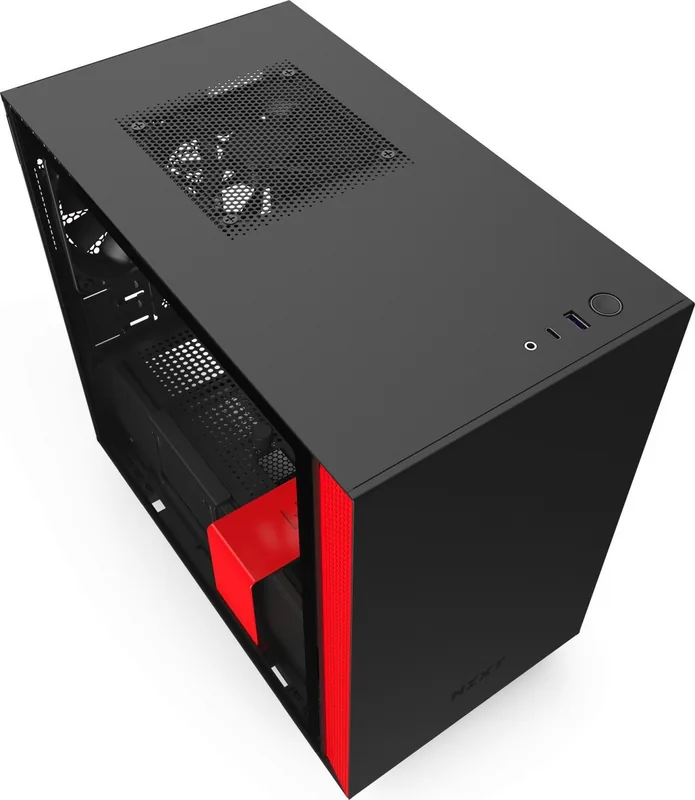
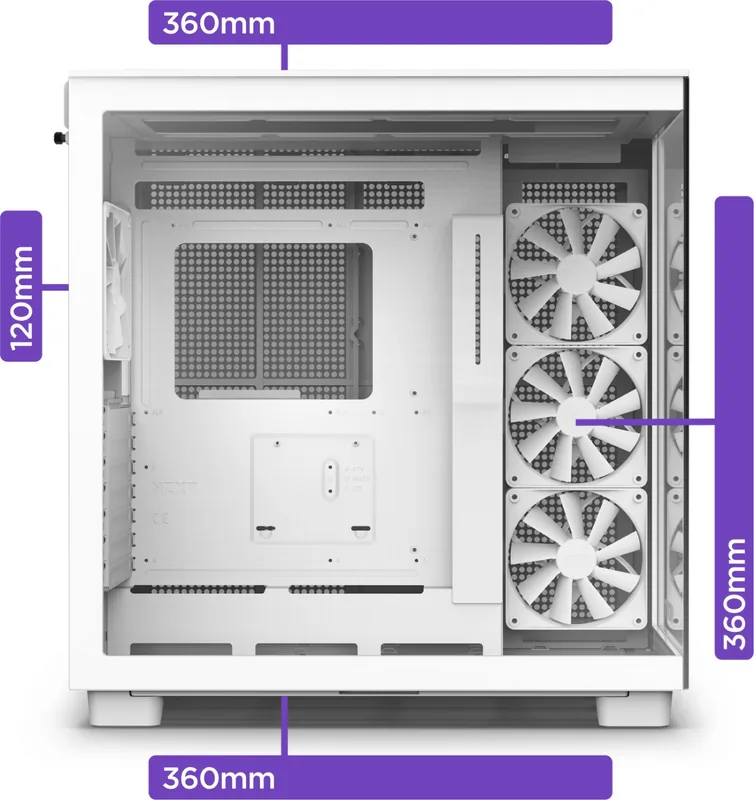
NZXT case manuals explain how to install and organize PC components inside a chassis. These documents commonly include motherboard support, GPU clearance, CPU cooler height, radiator compatibility, fan mounting locations, storage bays, front-panel I/O connections, and cable management features.
A case manual is especially important when planning a custom build. It can help determine whether a graphics card, liquid cooling radiator, power supply, or additional fan configuration will fit correctly. It may also show how to remove panels, install standoffs, use included screws, and access dust filters.
CPU Cooler and Liquid Cooling Manuals
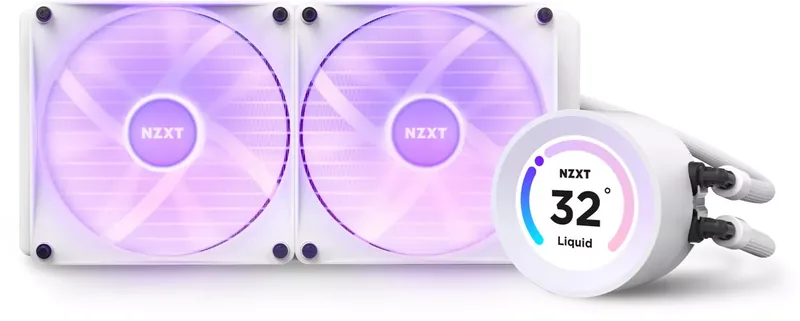
NZXT cooling manuals provide instructions for installing air coolers, all-in-one liquid coolers, radiators, fans, pumps, and related mounting hardware. Installation details can vary based on CPU socket type, so always verify compatibility with your Intel or AMD processor platform.
Cooling documentation may explain how to attach brackets, apply thermal paste, mount a radiator, connect pump and fan cables, and configure control software. Proper installation is essential for system temperature, noise levels, and long-term reliability. If temperatures seem unusually high after installation, consult the troubleshooting section and confirm that protective film, mounting pressure, cable connections, and airflow direction are correct.
Motherboard Manuals
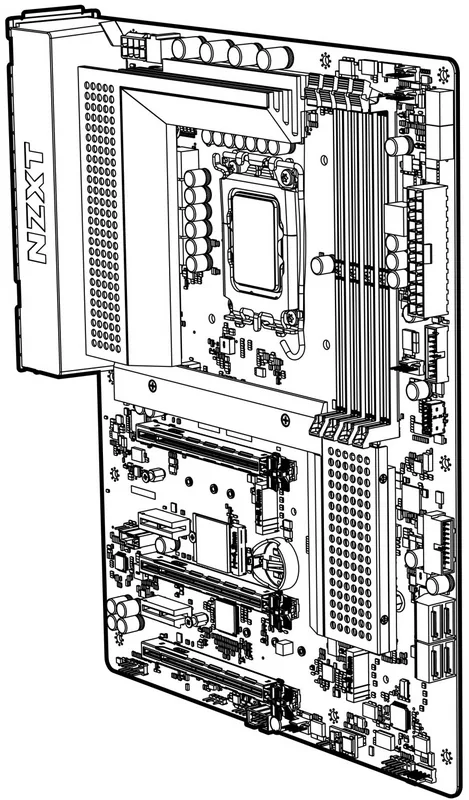
NZXT motherboard manuals are valuable for identifying headers, slots, ports, BIOS features, memory support, storage connections, and front-panel wiring. These documents often include detailed board diagrams that show the location of CPU power, ATX power, USB headers, fan headers, RGB connections, SATA ports, M.2 slots, and audio connectors.
Review the motherboard manual before assembling your system. It can help you install RAM in the recommended slots, connect the front-panel buttons and LEDs correctly, choose suitable M.2 storage positions, and understand BIOS update procedures. It may also provide guidance for memory profiles, boot settings, and system diagnostics.
Power Supply Manuals
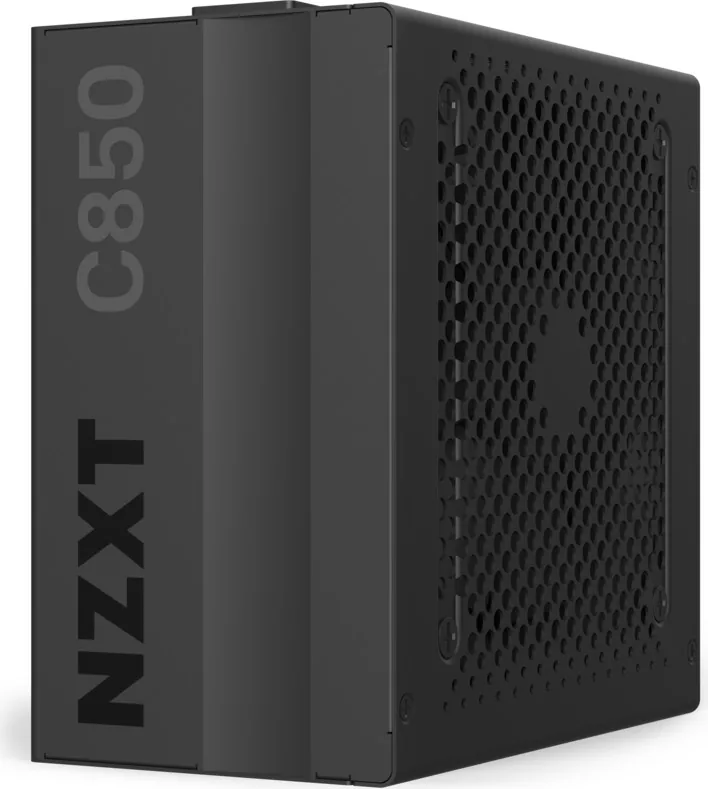
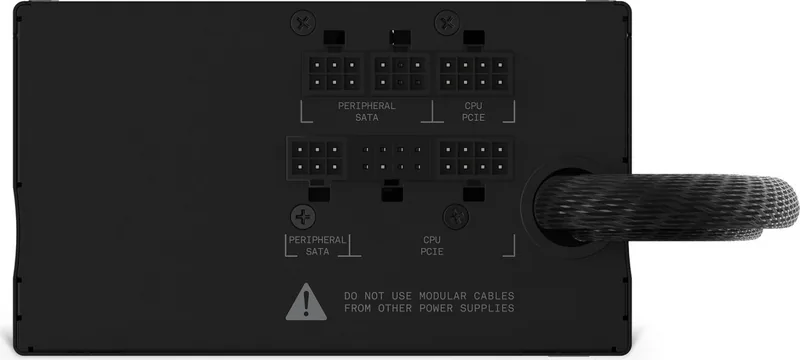
NZXT power supply manuals explain output ratings, modular cable layouts, connector types, safety guidance, and installation recommendations. Use only the cables supplied with the specific power supply model whenever possible. Modular PSU cables are not universally interchangeable, even when connectors appear similar.
The manual can help you identify the correct cables for the motherboard, CPU, graphics card, storage drives, and peripherals. It may also include wattage information and ventilation recommendations. Install the power supply with appropriate airflow and avoid blocking its intake or exhaust path.
RGB, Fan, and Controller Manuals
NZXT lighting and fan controller documentation helps users connect RGB accessories, manage fan channels, and configure compatible devices. These guides may explain daisy-chain limits, controller ports, USB connections, SATA power requirements, and supported software functions.
Follow the recommended connection order and do not exceed channel limits listed in the manual. Incorrect wiring can prevent lighting or fans from operating as expected. If a device is not detected, check power connections, internal USB headers, firmware status, and software settings.
Troubleshooting With NZXT Documentation
Manuals are often the best starting point for diagnosing a hardware issue. If a fan does not spin, RGB lighting is missing, a cooler is not detected, or front-panel USB ports do not work, the documentation can help verify each connection step by step.
Start with basic checks:
- Confirm that all power cables are fully seated.
- Verify that cables are connected to the correct headers.
- Check that components are compatible with the selected hardware.
- Review mounting orientation and clearance requirements.
- Look for firmware, BIOS, or software update guidance.
- Consult warning notes before removing or reconnecting components.
For persistent issues, record the product model, serial number, purchase information, and any error messages before contacting NZXT support. Clear details can help support teams identify the correct solution more quickly.
Use Manuals Safely and Accurately
Always power off and unplug a desktop computer before installing, removing, or reconnecting internal components. Avoid forcing connectors into ports, and handle sensitive hardware carefully. Follow anti-static precautions when working with motherboards, memory, graphics cards, and other electronic parts.
Product manuals may change as hardware revisions, firmware, and software features are updated. For the most accurate instructions, refer to the documentation associated with your exact NZXT product model. Official support resources are also useful for current downloads, compatibility updates, warranty assistance, and replacement part information.
Keep Your NZXT Build Organized
A complete set of NZXT manuals can make PC building and maintenance more organized. Save digital copies, print important setup pages, and keep model details available for future upgrades. From installing a new cooler to adding RGB accessories or troubleshooting an internal connection, the right manual provides practical guidance at every stage of your build.
Use NZXT manuals to read installation instructions, download reference documents, and print the pages you need for a smoother PC building experience.
Search for 67,706 Manuals online


Type-in Brand or Model