
NZXT T120 Manual
PDF manual · 23 Pages
English



Quick check
Incorrect answer, please try again.
Chat with your NZXT T120 manual using AI
Get instant AI answers from your NZXT T120 manual
Ask anything about the NZXT T120. Answers come from this manual, with the pages they are based on.
Ask a Question
Do you recommend T120?
Yes NoFrequently Asked Questions
The cooler supports Intel LGA 1700, 1200, and 115X sockets. It is also compatible with AMD AM5, AM4, STRX4, and TR4 sockets. This broad compatibility ensures it fits most modern desktop motherboards.
Is this answer helpful?
You need to download and install the NZXT CAM software. The application provides interfaces to adjust colors and fan speeds. For some motherboards, use the included ARGB to NZXT RGB adapter for proper connection.
Is this answer helpful?
Yes, the NZXT T120 comes with a two-year warranty for parts. Proof of purchase is required to claim warranty service. This covers defects but excludes damage from misuse or accidental mishandling.
Is this answer helpful?
No. The T120 RGB adapter converts 5V ARGB signals. Connecting directly to 12V RGB headers on the motherboard may cause hardware failure or damage the lighting components.
Is this answer helpful?
The package includes Intel and AMD mounting backplates. It also comes with F-Series fans, screw sets, sleeves, and a tube of thermal paste. Pre-installed brackets simplify the installation process.
Is this answer helpful?
Software like NZXT CAM is optional but recommended for full RGB and fan curve control. Basic fan speeds can often be set via BIOS settings without installing the CAM application.
Is this answer helpful?
Contact NZXT support via email at [email protected]. You can also visit support.nzxt.com for technical documentation. Include a detailed explanation and proof of purchase for faster service.
Is this answer helpful?
Advantages and Disadvantages
Advantages

- High performance dual fan cooling design for CPU heat dissipation.
- Compatible with wide range of Intel and AMD socket types.
- Full RGB customization supported via NZXT CAM software application.
- Included two years warranty coverage for cooler and fans parts.
- Quiet static pressure fans maintain temperature without excessive noise.
Disadvantages

- RGB adapter required for some motherboard specific lighting connections.
- Must install CAM software to access lighting and fan controls.
- No water cooling pump included with this air cooler design.
- Original thermal paste must be applied correctly during install.
- Requires 4-pin PWM header for fan speed control signals.
Product Specification
Type
Tower Cooler
Dimensions with Fan
4.72x6.26x2.60in (WxHxD)
Fan
1x 4.72x4.72x1.02in, 500-1800rpm, 13.94-50.18 CFM, 17.2-27.5dB(A), Fluid Dynamic Bearing (FDB)
AMD Socket
AM5, AM4
Intel Socket
1700, 1150/1151/1155/1156/1200
Features
4 Heatpipes, Direct-Touch Heatpipes
Manufacturer Warranty
2 Years
Product Description
NZXT T120 CPU Cooler Overview
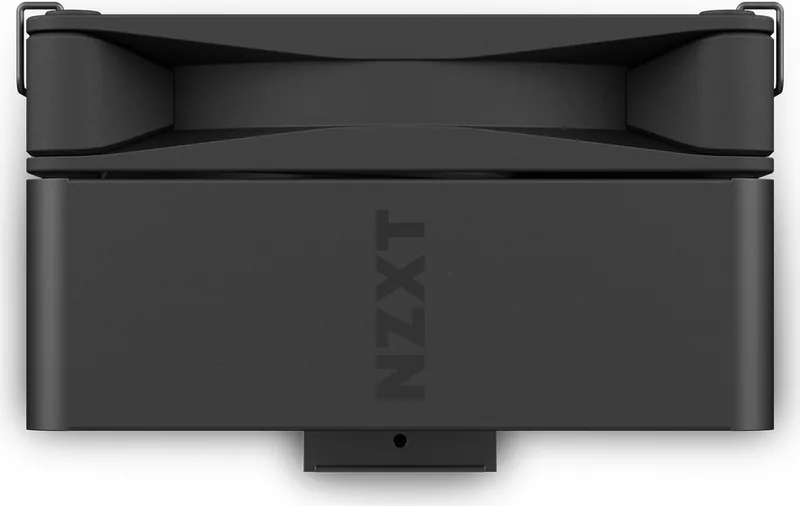
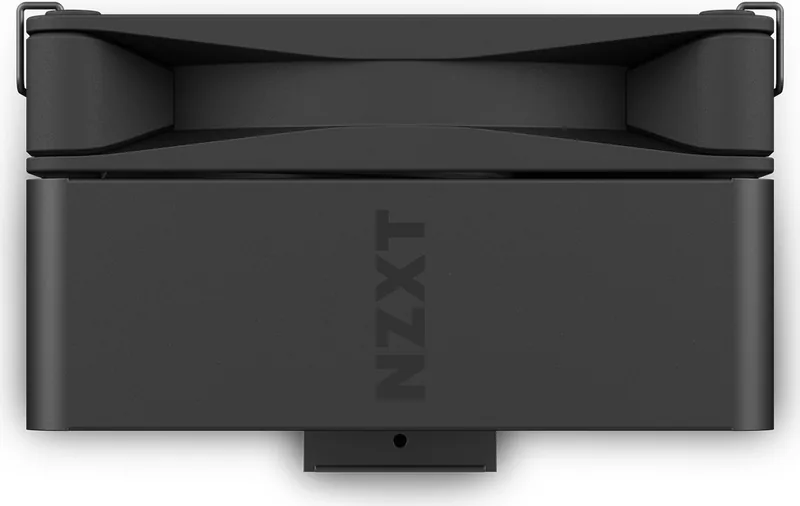
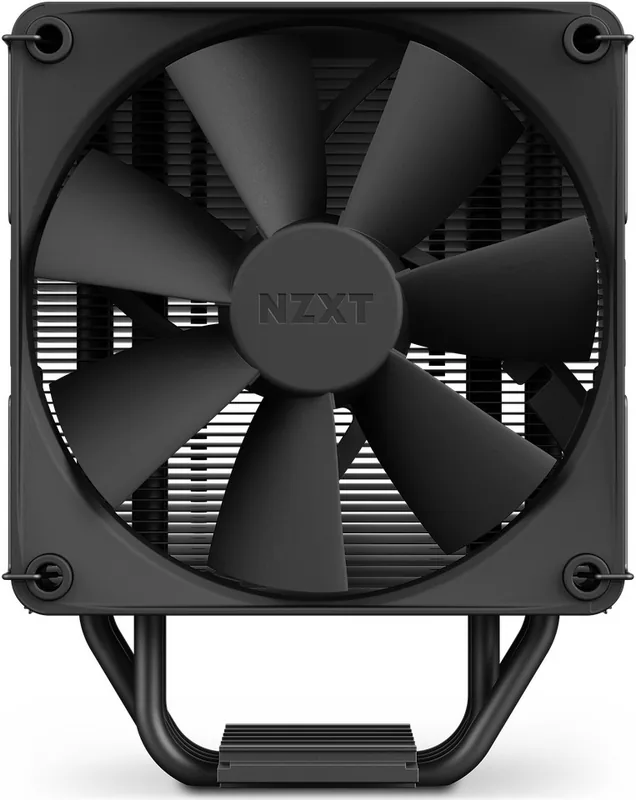
The NZXT T120 is engineered to deliver reliable high performance cooling for modern desktop processors. This air cooler combines efficient thermal management with a professional aesthetic designed for any PC build. Whether you are a casual gamer or a professional workstation user, maintaining optimal temperatures is essential for system stability and component longevity. Referencing the NZXT T120 Manual is highly recommended during the initial setup phase to ensure all components are handled correctly and safely. Proper understanding of the installation steps prevents physical damage to the motherboard or the cooling unit itself.
Components and Thermal Performance
The unit features a dense heatsink paired with high-static pressure F-Series fans. The T120 RGB model adds vibrant lighting control via the NZXT CAM software integration. This allows users to customize colors and fan curves based on real-time processor data effectively. The fans are specifically tuned to move air through the heatsink fins with minimal acoustic noise output. This ensures quiet operation even under heavy computational loads or during extended gaming sessions. The package includes multiple mounting solutions for different CPU sockets including Intel LGA 1700.
Installation and Compatibility
Compatibility covers a vast array of Intel and AMD motherboards. Users can install on Intel LGA 1700, 1200, or 115X sockets easily thanks to pre-installed brackets. AMD support extends to AM5, AM4, and TR4 configurations. The package includes necessary mounting hardware such as screws and sleeves for secure attachment. Careful attention to the motherboard backplate alignment prevents damage and ensures secure attachment. Ensure you remove old thermal paste thoroughly before applying new thermal paste provided with the unit.
Software Integration and Control
Full functionality requires installing the NZXT CAM application software from the official website. This tool enables lighting adjustments and fan speed monitoring within a single dashboard interface. A specific adapter is provided for RGB connectivity on certain motherboards requiring conversion. It converts 5V ARGB signals to match the NZXT standard lighting channel specifications. Do not connect directly to 12V RGB headers as this may cause hardware failure. Proper configuration guarantees seamless control over your cooling system and lighting effects.
Warranty and Support Information
NZXT stands behind its products with a two-year warranty for the cooler and fans. Registered purchases gain access to premium support resources and technical service lines. The company offers dedicated service lines for technical issues and replacement parts. Documentation provides detailed troubleshooting steps for various scenarios encountered during usage. This commitment ensures that customers receive reliable assistance whenever needed for repairs. Proof of purchase is required for any warranty service claims processed through their team.
Search for 67,706 Manuals online


Type-in Brand or Model