

NZXT High-Performance Thermal Paste Manual
PDF manual · 19 Pages
English



Quick check
Incorrect answer, please try again.
Chat with your NZXT High-Performance Thermal Paste manual using AI
Get instant AI answers from your NZXT High-Performance Thermal Paste manual
Ask anything about the NZXT High-Performance Thermal Paste. Answers come from this manual, with the pages they are based on.
Ask a Question
Do you recommend High-Performance Thermal Paste?
Yes NoFrequently Asked Questions
The kit includes the high-performance thermal paste with an applicator and a cleaning wipe soaked in Isopropyl alcohol to ensure surfaces are ready before application.
Is this answer helpful?
Warranty periods vary by product type. Cases and fans typically have two years, while specific coolers and power supplies may have up to ten years of coverage under the global policy.
Is this answer helpful?
No, the paste is strictly for cooling hardware use. Avoid ingestion and contact with skin or eyes. Keep out of reach of children and pets to ensure safety.
Is this answer helpful?
Clean surfaces first, then apply the paste following the size pattern guide for your CPU. Avoid manual spreading if the correct amount is used, and install the cooler immediately.
Is this answer helpful?
Returns for NZXT.com store purchases qualify for a refund or exchange within 30 days of purchase if the item is returned with an approved RMA number.
Is this answer helpful?
Advantages and Disadvantages
Advantages

- High thermal conductivity ensures efficient cooling performance
- Includes cleaning wipes for proper surface preparation
- Clear application patterns provided for different CPU sizes
- Backed by industry leading global warranty policies
- Compatible with major Intel and AMD processor architectures
Disadvantages

- Tube size is limited to small volume amounts
- Strict safety precautions required during handling
- Warranty does not cover accidental damage
- Installation requires precise application technique
- Return shipping costs may apply outside specific regions
Product Specification
Type
Thermal Paste
Packaging
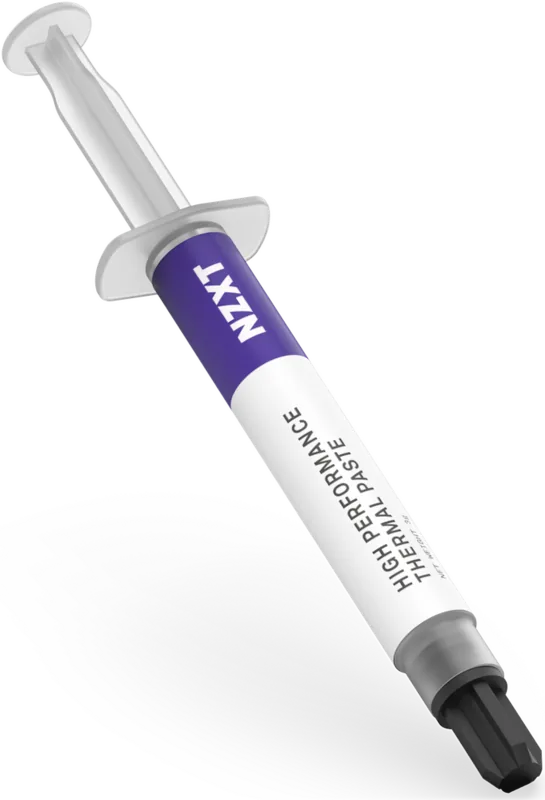
Syringe
Thermal Conductivity
6.3 W/mK
Product Description
Achieve Peak Cooling Performance
Maintaining optimal temperatures is crucial for any serious computing setup or enthusiast build. The NZXT High-performance Thermal Paste offers a reliable solution for transferring heat between your processor and cooling hardware. This specialized compound ensures efficient thermal conductivity, allowing your system to run cooler under heavy load. Whether you are building a new gaming rig or maintaining an existing workstation, proper thermal management prevents overheating and extends the overall lifecycle of critical components like CPUs and VRMs.
Essential Application Steps
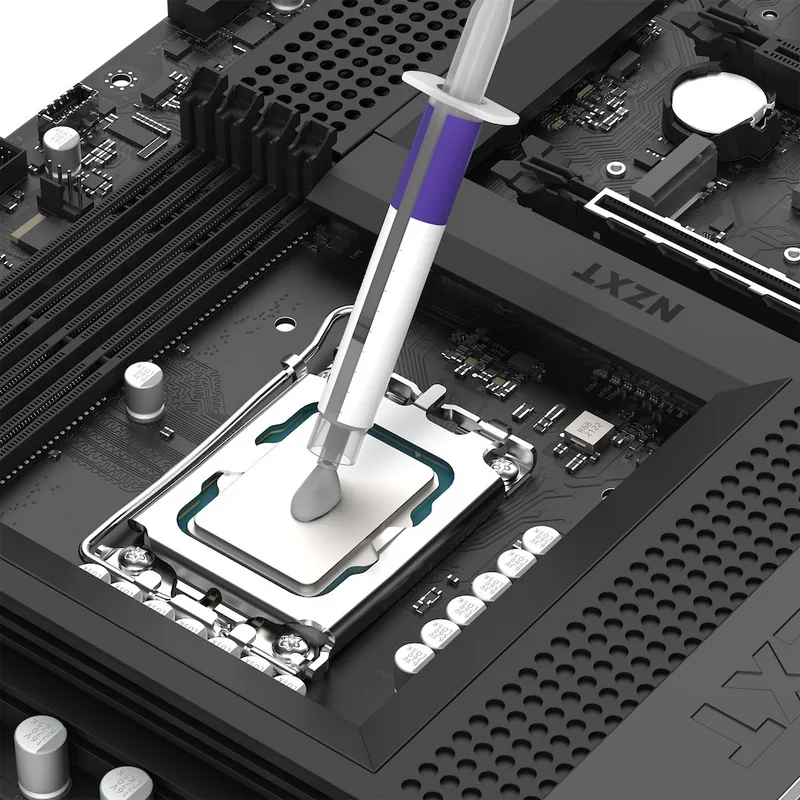
Preparation is the absolute key to success when installing cooling hardware. Begin by thoroughly cleaning both the CPU and cooler contact surfaces. Use the provided Isopropyl alcohol wipe to remove old residue. When applying the paste, follow specific patterns based on your processor size. Refer to the NZXT High-performance Thermal Paste Manual guidance to determine the correct dot size or spread pattern for Intel LGA or AMD sockets. It is not mandatory to manually spread the paste across the surface if the correct amount is used initially. Once applied, securely install the cooling unit according to the specific manufacturer specifications for your system.
Safety and Long-Term Protection
Safety is a top priority during handling and installation. This product is not for consumption and direct contact with skin or eyes should be avoided at all times. Store the tube safely out of reach of children and pets. Your purchase is backed by a robust global warranty policy covering various hardware categories. Coverage varies significantly by product type, ranging from two years to ten years for specific power supplies. If issues arise, customer support is available to assist with troubleshooting or replacement requests through their official support portal.
Conclusion and Recommendations
Using high-quality thermal compound makes a significant difference in system stability and noise levels. Ensure you have the right amount of paste for your specific hardware configuration to avoid air gaps. Regular maintenance checks help maintain efficiency over time. For further assistance or spare parts, consult the official support resources available on the brand website for detailed service terms and contact information regarding your specific purchase location.
Support Resources
Customers can access help via multiple channels. Email inquiries are supported by the dedicated team. Phone lines are available during standard business hours. Online portals provide access to tracking and service details. Always prepare your serial number before reaching out.
Note regarding safety precautions. Check warranty validity before contacting support. Keep purchase proof for service requests. Verify local distributor rules for repairs.
Search for 67,706 Manuals online


Type-in Brand or Model