Dalla parte anteriore della scheda madre, installare le quattro viti distanziali Socket 2011.
Desde la parte frontal de la placa base, instala los cuatro tornillos de separador 2011 del zócalo.
УСТАНОВКА СТОЕК
INSTALLAZIONE DEI DISTANZIATORI
INSTALAR OS ESPAÇADORES
스탠드오프 설치
スタンドオフの取り付け
安装支架
安裝銅柱
INSTALLING THE STANDOFFS
INSTALAR LOS SEPARADORES
INSTALLER LES ENTRETOISES
ABSTANDHALTER INSTALLIEREN
2.3.
D
CORRECT
4.
INTEL SOCKET 2011/ 2066
E
D
G
ПОДГОТОВКА ЗАДНЕЙ ПЛАСТИНЫ
СНЯТИЕ ОРИГИНАЛЬНОГО КРОНШТЕЙНА AMD
PREPARAZIONE DELLA PIASTRA
PREPARAR A PLACA DE SUPORTE
후면판 준비
バックプレートの準備
准备背板
準備背板
RIMOZIONE DELLA STAFFA AMD STOCK
COMO REMOVER O SUPORTE DE FÁBRICA AMD
기존의 AMD브래킷 제거하기
ストック付き
AMD ブラケットの取り外し
移除
AMD备用支架
移除
AMD原廠固定架
СМЕНА КРЕПЕЖНОЙ СКОБЫ
SOSTITUZIONE DELLA STAFFA DI CONTENIMENTO
MUDAR O SUPORTE DE RETENÇÃO
고정 브래킷 교환
保持ブラケットの交換
更换固定架
變更固定支架
PREPARATION
STEP 1
1.
Correct
Incorrect
PREPARING THE BACKPLATE
PREPARAR LA PLACA POSTERIOR
PRÉPARER LA PLAQUE ARRIÈRE
RÜCKPLATTE VORBEREITEN
RETIRADA DEL SOPORTE DE SERIE AMD
EXTRACTION DU SUPPORT DE FIXATION AMD
ENTFERNEN DER AMD-STANDARD-SCHIENE
REMOVING THE AMD STOCK BRACKET
CHANGING THE RETENTION BRACKET
CAMBIAR EL SOPORTE DE RETENCIÓN
CHANGER LE SUPPORT DE MAINTIEN
RETENTIONSHALTERUNG WECHSELN
STEP 2
C
C
B
B
E
D
G
H
F
54mm
75mm
75mm
48mm
90mm96mm
AMD SOCKET
75mm x 75mm
Intel 115X
90mm x 54mm
AMD AM4
AMD FM2+, FM2, FM1,AM3+, AM3,
AM2
96mm x 48mm
AMD SOCKET
AMD SOCKETINTEL SOCKET 115X
/2
%
Quick check
I'm not a robot
Incorrect answer, please try again.
Chat with your NZXT Kraken M22 manual using AI
Get instant AI answers from your NZXT Kraken M22 manual
Ask anything about the NZXT Kraken M22. Answers come from this manual, with the pages they are based on.
Ask a Question
0/1000
Do you recommend Kraken M22?
YesNo
0
Annamaria Costantini
8 months ago
Does the Kraken M22 AIO work reliably on AM4 boards, and will the included backplate fit without hitting components (for example Asus B550-I or B450I ITX)?
0
Manual.ly
8 months ago
AM4 compatibility depends on the exact motherboard and mounting hardware revision. Some customers report that the included backplate can misalign or press on rear components, which makes a safe, level installation difficult. Before mounting, verify the backplate sits flush and does not touch any parts on the rear side. If it does not fit, please stop the installation and contact NZXT/our support with your motherboard model and mounting photos. We can advise the correct mounting method and provide the appropriate replacement/updated backplate hardware so you can mount it safely.
M: OA-GPT-5-NAN
M: OA-GPT-5-NAN
Frequently Asked
Questions
A
It is best suited for compact PC builds, mainstream gaming systems, and users who want liquid cooling in a small, clean-looking package with software control.
Is this answer helpful?
A
Yes. The mounting hardware includes support for multiple Intel and AMD socket types, but you must verify the correct backplate holes and bracket orientation before installing.
Is this answer helpful?
A
CAM enables Kraken controls, letting you manage monitoring and cooling settings through software. The cooler connects to the motherboard by Mini-USB for this purpose.
Is this answer helpful?
A
Connect the pump’s 3-pin cable to CPU_OPT, PUMP, or AIO_PUMP, depending on what your motherboard offers. The guide recommends setting the pump to full speed in BIOS.
Is this answer helpful?
A
The cooler uses a 3-pin pump power cable, a 4-pin fan cable for CPU_FAN, and a Mini-USB cable from the pump to an internal USB 2.0 header.
Is this answer helpful?
A
Make sure the backplate, standoffs, spacers, and brackets are installed in the correct positions. The manual also stresses using the proper screws and washers to prevent damage.
Is this answer helpful?
M: OA-GPT-54-NAN
Advantagesand
Disadvantages
Advantages
Compact AIO design fits smaller builds without adding visual clutter.
Supports multiple Intel and AMD socket layouts for broader compatibility.
CAM software adds monitoring and control through a USB connection.
Clear mounting hardware and labeled parts help guide installation.
VS
Disadvantages
Installation has many steps and requires careful attention to orientation.
The pump depends on software support for the full NZXT experience.
Correct screw, washer, and bracket selection is essential to avoid issues.
Warranty coverage excludes damage from misuse, modification, or improper setup.
NZXT Kraken M22: Compact Cooling for Cleaner, Quieter Builds
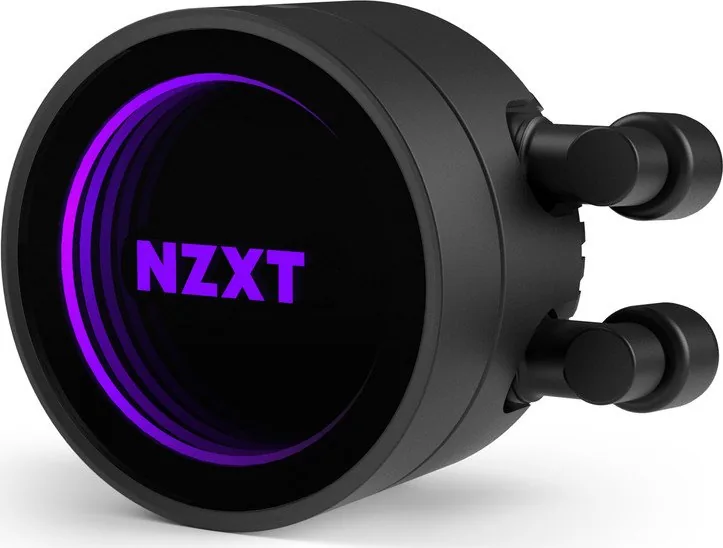
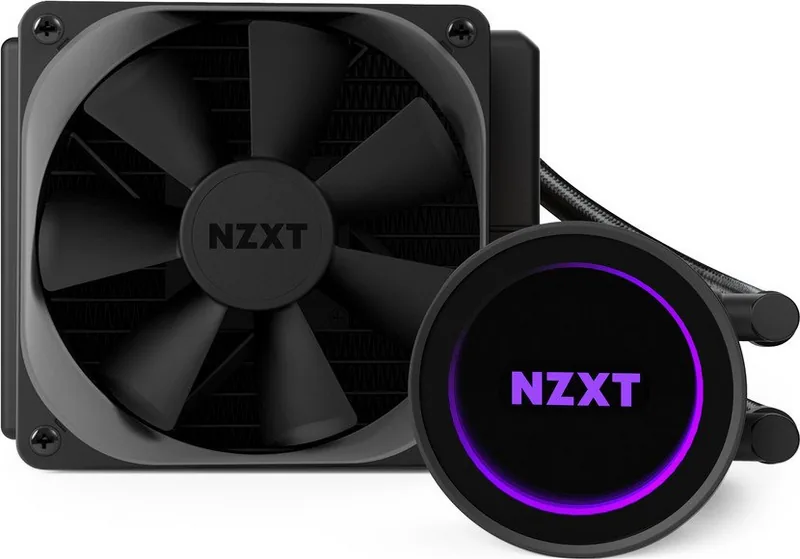
The NZXT Kraken M22 Manual makes one thing clear: this small liquid cooler is designed to simplify CPU cooling without sacrificing style or control. The Kraken M22 is a compact all-in-one solution aimed at builders who want a tidy installation, reliable thermal performance, and a look that fits modern gaming or productivity systems.
At the heart of the cooler is a water block with a pre-installed Intel retention bracket, plus an AMD bracket for platform changes. The mounting system supports several socket types, and the instructions emphasize checking the backplate and standoff placement before tightening anything down. That attention to compatibility helps reduce installation mistakes and keeps the cooler adaptable across different builds.
One of the most practical details is how the M22 connects to the motherboard. The pump uses a 3-pin power cable, the fan connects to CPU_FAN, and the Mini-USB link enables NZXT CAM software control. Through CAM, users can monitor and adjust the cooler, giving the M22 a more modern, software-driven feel than a basic air cooler. For many users, that adds convenience as well as better visibility into cooling behavior.
The radiator and fan mounting steps also show how flexible the unit can be. Depending on the case layout, you can mount the fan directly to the radiator first or place the fan between the radiator and chassis. The guide repeatedly reminds builders to use the right screws and washers, which is a small but important detail that protects both the cooler and the case.
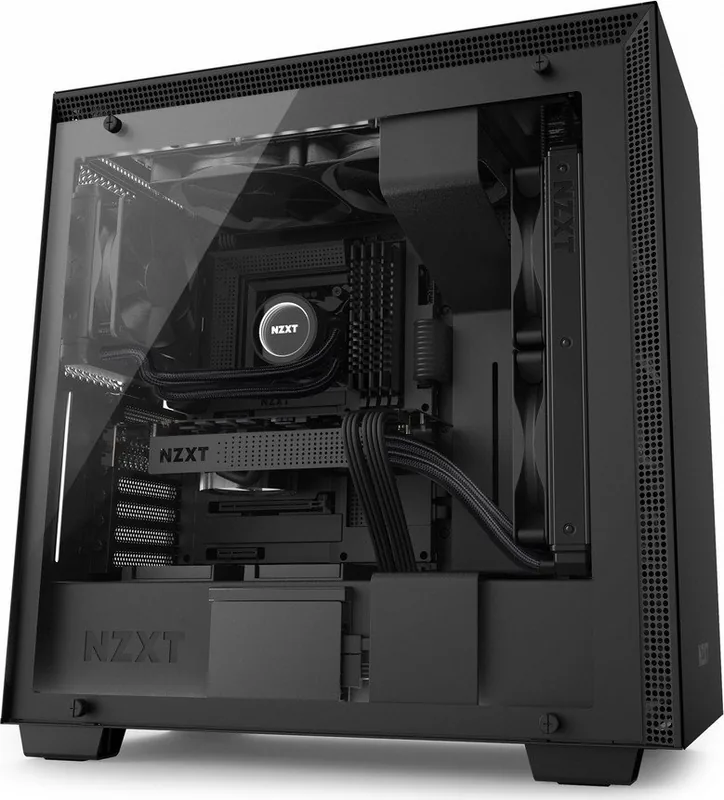
In everyday use, the Kraken M22 stands out as a neat option for compact systems, modest gaming rigs, and builders who value a clean internal layout. It is not the most complex cooler in NZXT’s lineup, but that is part of its appeal: straightforward hardware, broad socket support, and software tuning in a compact package.
Notes
Double-check socket compatibility before installation.
Use washers whenever instructed to avoid damage.
Set pump speed to full in BIOS for best results.
CAM software is required for full control features.




Annamaria Costantini
8 months ago
Does the Kraken M22 AIO work reliably on AM4 boards, and will the included backplate fit without hitting components (for example Asus B550-I or B450I ITX)?
Manual.ly
8 months ago
AM4 compatibility depends on the exact motherboard and mounting hardware revision. Some customers report that the included backplate can misalign or press on rear components, which makes a safe, level installation difficult. Before mounting, verify the backplate sits flush and does not touch any parts on the rear side. If it does not fit, please stop the installation and contact NZXT/our support with your motherboard model and mounting photos. We can advise the correct mounting method and provide the appropriate replacement/updated backplate hardware so you can mount it safely.