
NZXT RGB & Fan Controller Manual
PDF manual · 26 Pages
English



Quick check
Incorrect answer, please try again.
Chat with your NZXT RGB & Fan Controller manual using AI
Get instant AI answers from your NZXT RGB & Fan Controller manual
Ask anything about the NZXT RGB & Fan Controller. Answers come from this manual, with the pages they are based on.
Ask a Question
Do you recommend RGB & Fan Controller?
Yes No
Wilmer Adams
6 months ago
Can I synchronize RGB effects across all my NZXT fans simultaneously without using third-party software?
Frequently Asked Questions
The NZXT RGB & Fan Controller supports a maximum of 40 LEDs per individual channel. The combined total across all six RGB channels should not exceed 120 LEDs to ensure stable operation and proper brightness.
Is this answer helpful?
No, you should not mix 3-pin and 4-pin PWM fans on the same channel. Doing so can cause stability issues or improper fan speed control. It is best to keep fan types separate per channel.
Is this answer helpful?
Yes, you must download and install the NZXT CAM software from the official website to enable control over both the RGB lighting effects and the fan speeds. Without the software, the fans will run at maximum speed.
Is this answer helpful?
The controller has built-in magnets on the rear side, allowing it to attach to any magnetic surface. Alternatively, you can use the included 3M Velcro tape to secure it to a flat surface inside your case.
Is this answer helpful?
If the USB cable is connected but the SATA power cable is missing, the LED on the front of the controller will blink to indicate a power issue. The fans will not receive power and will not spin.
Is this answer helpful?
Yes, the NZXT Global Warranty Policy covers this product for 2 years on parts. Proof of purchase is required for any warranty service, repairs, or replacements.
Is this answer helpful?
Advantages and Disadvantages
Advantages

- Consolidates control for 6 RGB channels and 3 fan channels in one device
- Includes mounting magnets and Velcro for flexible installation
- Compatible with all major NZXT RGB products and software ecosystem
- Provides detailed fan curve control via NZXT CAM software
- Backed by a comprehensive 2-year warranty on parts
Disadvantages

- Requires internal USB 2.0 header availability on the motherboard
- Cannot mix different types of lighting accessories within a single channel
- Limited to 40 LEDs per channel, restricting very long strip setups
- Velcro tape is intended for one-time use and difficult to reposition
- No physical buttons on the controller for manual adjustments without software
Product Specification
Type
Fan control, light control
Form factor
Custom form
Fans
9
Channels
3 (RPM), 6 (Lighting, 6x proprietary NZXT)
Display
N/A
Power supply
1x 15-pin SATA
Fan connector
3x 4-pin
Control via
1x USB-In (USB 2.0 header, software control)
Front I/O
N/A
Features
Fans can be turned off
Product Description
Master Your PC Aesthetics with the NZXT RGB & Fan Controller
Building a custom PC is about more than just performance; it is about creating a visual masterpiece that reflects your personal style. The NZXT RGB & Fan Controller stands as a pivotal component for enthusiasts seeking to unify their lighting and cooling systems under one intelligent hub. This device elegantly solves the clutter often associated with managing multiple fans and LED strips by consolidating control into a single, sleek unit.
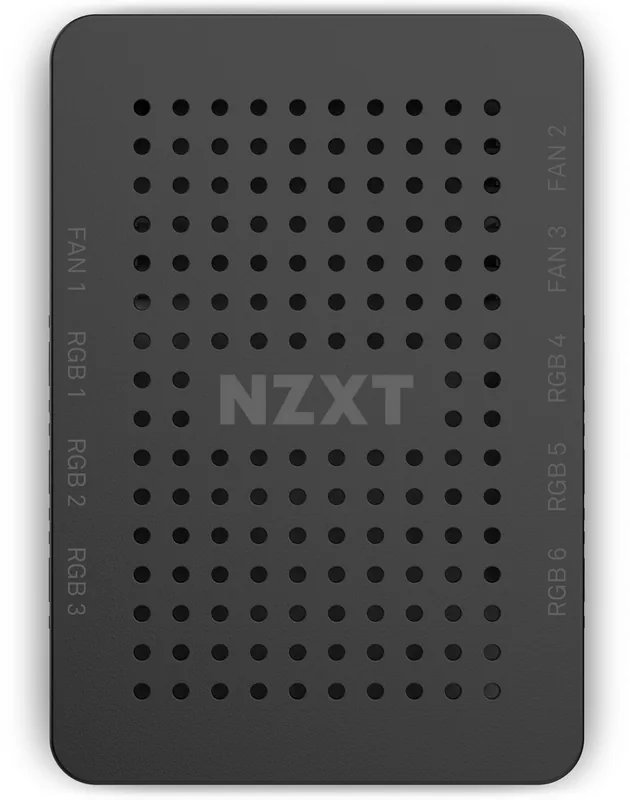
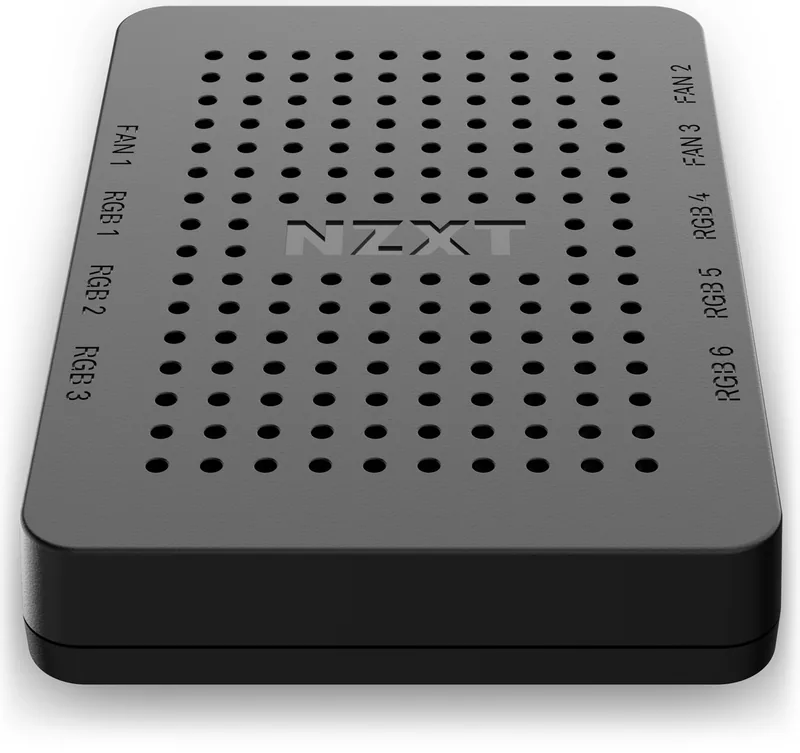
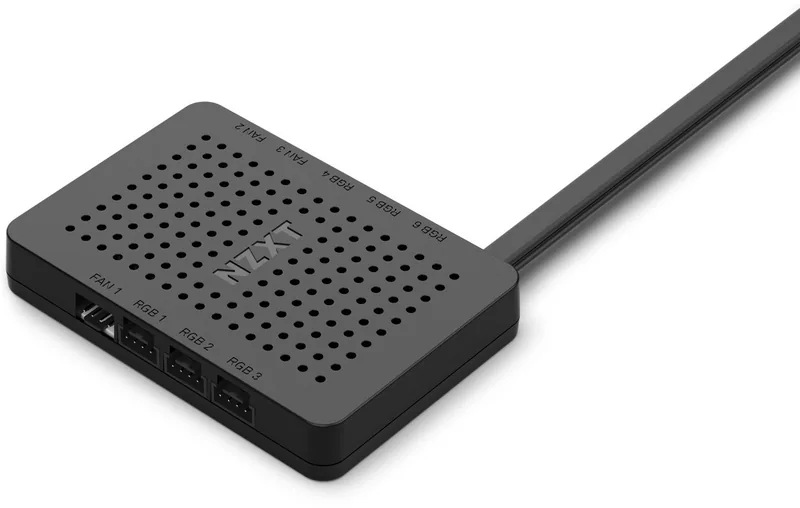
The controller features nine distinct channels: six dedicated to RGB lighting and three designed specifically for fan speed management. This separation allows users to create complex lighting scenes without worrying about power limitations or interference between different types of devices. Whether you are running high-performance Kraken coolers or standard case fans, the three fan channels provide precise PWM control, ensuring your system stays cool while operating quietly. For lighting, the six channels support up to 40 LEDs per channel, offering vibrant customization options through the NZXT CAM software.
Installation is straightforward, thanks to the included SATA power cable and internal USB connection. Once connected, the controller can be mounted easily using built-in magnets or the provided Velcro tape, keeping your build clean and organized. The hardware introduction highlights the thoughtful design, including clear labeling for each port to prevent connection errors during setup.
To unlock the full potential of this device, users must install the NZXT CAM software. This intuitive application serves as the command center, allowing real-time adjustments to fan curves and lighting effects. You can synchronize colors across all connected devices, create dynamic patterns, and even monitor temperatures directly from your desktop. The compatibility warning ensures that users mix compatible NZXT accessories correctly, adhering to specific LED counts per channel for optimal performance.
This product is backed by a robust global warranty policy, covering parts for two years on most components. With dedicated support channels and a clear return policy, NZXT ensures that your investment is protected. By integrating this controller, you gain not only better thermal management but also a cohesive visual identity for your rig.
Key Notes
- Ensure no mixing of 3-pin and 4-pin fans on the same channel.
- Maximum of 120 total LEDs across all six RGB channels.
- Software installation is mandatory for full functionality.
Pros and Cons
Pros
- Consolidates control for 6 RGB channels and 3 fan channels in one device.
- Includes mounting magnets and Velcro for flexible installation.
- Compatible with all major NZXT RGB products and software ecosystem.
- Provides detailed fan curve control via NZXT CAM software.
- Backed by a comprehensive 2-year warranty on parts.
Cons
- Requires internal USB 2.0 header availability on the motherboard.
- Cannot mix different types of lighting accessories (e.g., fans and strips) within a single channel.
- Limited to 40 LEDs per channel, which may restrict very long strip setups.
- Velcro tape is intended for one-time use and difficult to reposition.
- No physical buttons on the controller for manual adjustments without software.
Search for 67,706 Manuals online


Type-in Brand or Model
voluptas56
5 months ago
Why do my NZXT fans run at full speed during startup and shutdown despite the fan curve settings?
Manual.ly
5 months ago
This behavior can occur if the controller does not fully initialize before the system boots or if there is a conflict with existing software. We recommend ensuring all NZXT CAM software is updated to the latest version and that no conflicting RGB applications are running. If the issue persists after a clean reinstall of the CAM software, please verify that the PWM splitter cables are securely connected to both the controller and the motherboard headers.