
NZXT Signal HD60 Manual
PDF manual · 27 Pages
English



Quick check
Incorrect answer, please try again.
Chat with your NZXT Signal HD60 manual using AI
Get instant AI answers from your NZXT Signal HD60 manual
Ask anything about the NZXT Signal HD60. Answers come from this manual, with the pages they are based on.
Ask a Question
Do you recommend Signal HD60?
Yes NoFrequently Asked Questions
The capture card supports maximum input and pass-through resolutions of 3840x2160p at 60fps. It also handles 1440p and 1080p at 60fps, as well as various interlaced formats like 1080i and 720p.
Is this answer helpful?
Yes, the device is fully compatible with modern consoles including PS5 and Xbox Series X. It supports HDCP 2.2, allowing you to capture protected content without black screens.
Is this answer helpful?
No, the Signal HD60 is an external capture card that passes raw video to your computer. You must use software like OBS or Streamlabs on your PC to encode and stream the footage.
Is this answer helpful?
The front LED indicator shows the status. A solid white light means it is connected and working on USB 3.2. Red flashing indicates USB 2.0 detection, while red solid means an HDCP error occurred.
Is this answer helpful?
Yes, accessories purchased from NZXT come with a two-year global warranty. Proof of purchase is required for any service claims or replacements under the policy.
Is this answer helpful?
The package includes one 150cm HDMI cable for connecting your source device and one 100cm USB-C to USB-A cable for connecting to your computer.
Is this answer helpful?
You can find the latest software and firmware updates on the official NZXT website at www.nzxt.com/downloads to ensure your device runs at the highest level.
Is this answer helpful?
Advantages and Disadvantages
Advantages

- Supports 4K resolution at 60fps with zero-lag HDMI pass-through
- Plug-and-play UVC compatibility works with most streaming software
- HDCP 1.4 and 2.2 support allows capture of protected console content
- Includes necessary HDMI and USB cables for immediate setup
- LED indicator chart simplifies troubleshooting connection issues
Disadvantages

- Requires USB 3.2 Gen 1 port which may not be available on older PCs
- No built-in encoding capabilities relies on external software processing
- Firmware updates required to resolve HDCP errors on some consoles
- Pass-through output is optional and requires a second HDMI cable
- Warranty does not cover accidental damage or unauthorized modifications
Product Specification
Compression
N/A
Resolution
1920x1080p (60fps recording, 60fps pass-through), 3840x2160p (60fps pass-through)
Inputs
HDMI 2.0
Outputs
HDMI 2.0
Interface
USB-C 3.0
Dimensions
6.81x5.63x2.36 inches
Weight
9.91 oz
Manufacturer warranty
two years
Product Description
Elevate Your Streaming with the NZXT Signal HD60
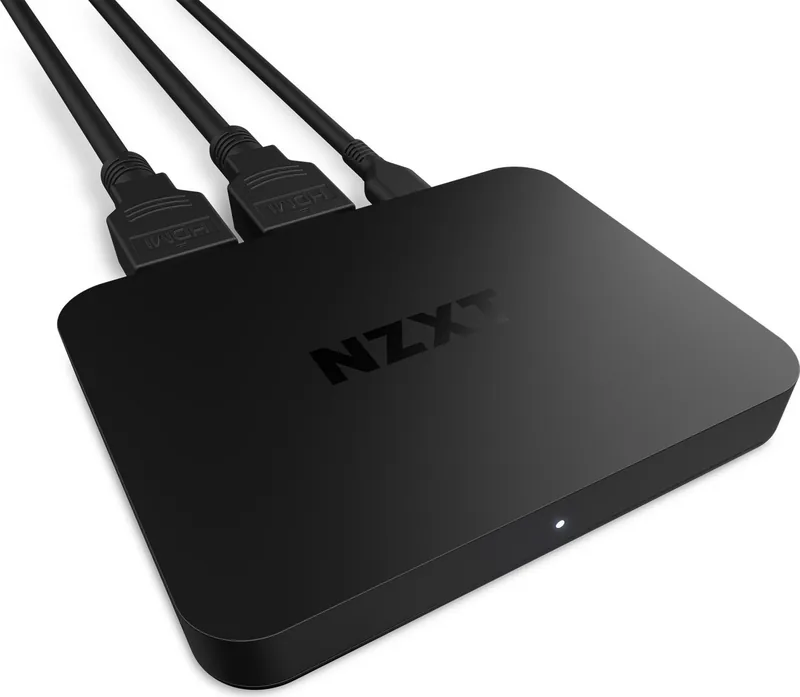
The NZXT Signal HD60 External Capture Card represents a significant leap forward for content creators who demand reliability and high performance. Designed to bridge the gap between your gaming hardware and your streaming setup, this device ensures that your audience sees every frame in stunning clarity. Whether you are capturing gameplay from a console or a dedicated gaming PC, the Signal HD60 handles the heavy lifting so you can focus on creating engaging content.
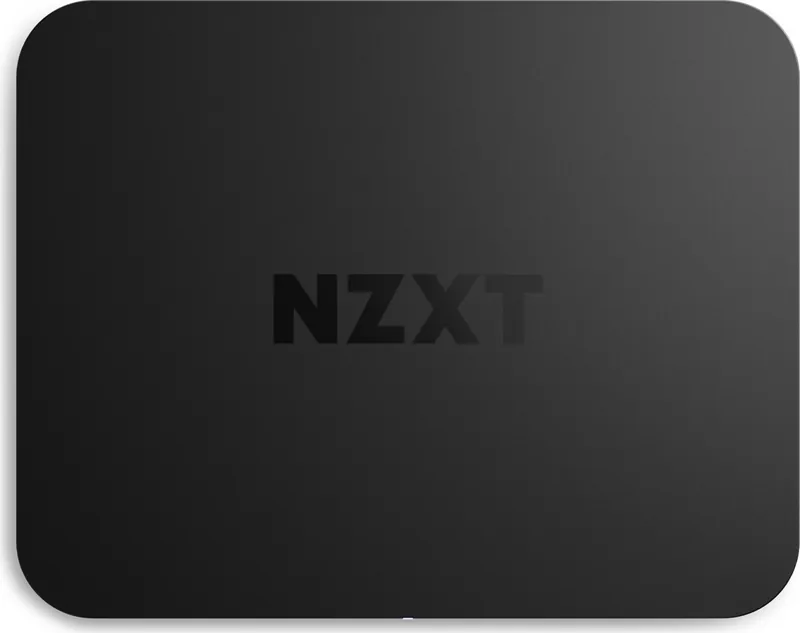
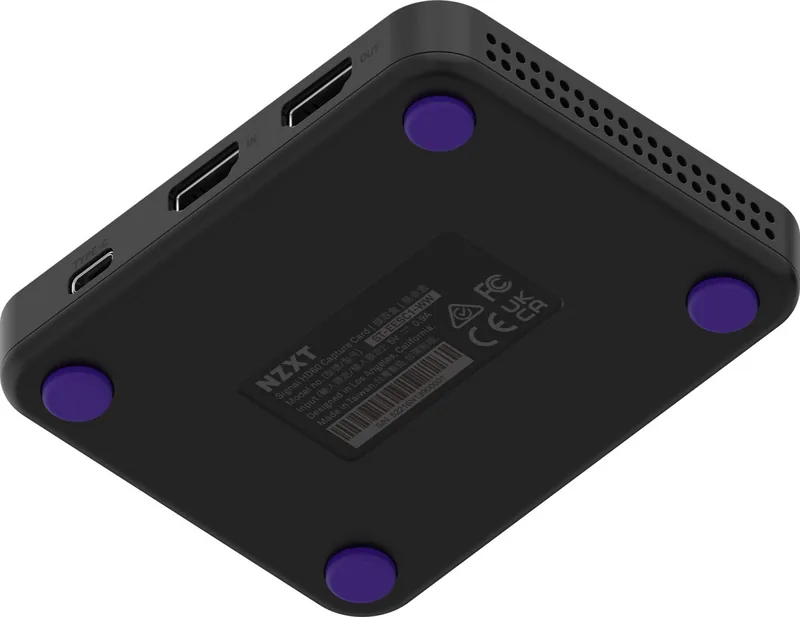
At the heart of this capture card is its impressive capability to support 4K resolution at 60 frames per second with zero-lag pass-through. This feature is crucial for gamers who need to see their screen instantly without any input delay while simultaneously recording or streaming the footage. The unit connects seamlessly via USB-C to your computer and accepts HDMI inputs from various devices including PlayStation, Xbox, Nintendo Switch, cameras, and mobile devices. Its compact design fits easily into any desk setup without taking up valuable space.
Setup is intuitive and requires no complex drivers for basic functionality thanks to UVC support. Simply connect the included HDMI cable to your source, plug the Type-C connector into your PC, and select the device in your preferred streaming software like OBS or Streamlabs. The LED indicator provides instant visual feedback on connection status, HDCP compliance, and firmware updates, making troubleshooting straightforward. With support for HDCP 1.4 and 2.2, you can capture protected content from modern consoles without interruption.
Key Highlights
- Supports up to 4K60 passthrough for lag-free monitoring
- Includes high-quality cables for immediate use out of the box
- Compatible with major streaming platforms and software
- Robust build quality backed by a comprehensive global warranty
Important Notes
Ensure you use a USB 3.2 Gen 1 port for optimal data transfer speeds. Always check for firmware updates regularly to maintain peak performance and security. Keep ventilation holes clear to prevent overheating during long streaming sessions.
Search for 67,706 Manuals online


Type-in Brand or Model