
NZXT Function 2 MiniTKL Manual
PDF manual · 39 Pages
English



Quick check
Incorrect answer, please try again.
Chat with your NZXT Function 2 MiniTKL manual using AI
Get instant AI answers from your NZXT Function 2 MiniTKL manual
Ask anything about the NZXT Function 2 MiniTKL. Answers come from this manual, with the pages they are based on.
Ask a Question
Do you recommend Function 2 MiniTKL?
Yes NoFrequently Asked Questions
The keyboard ships with NZXT Swift linear optical switches and includes extra switches: four 35 g yellow and four 45 g red linear optical switches for hot-swap customization.
Is this answer helpful?
Yes. Default polling is 1,000 Hz but NZXT CAM lets you adjust from 125 Hz up to 8,000 Hz. The Swift switches default to a 1.0 mm actuation point and can be set to 1.5 mm via CAM.
Is this answer helpful?
Yes. The Function 2 MiniTKL has four onboard profiles to store lighting, macros, and key remaps so those settings remain active without running CAM.
Is this answer helpful?
Yes. It supports hot-swapping switches and includes a keyswitch removal tool and a keycap puller for safe removal and replacement of switches and keycaps.
Is this answer helpful?
It connects via USB-C (cable included) and features a volume wheel, mute/deafen button, Win-lock, brightness control, and profile shortcuts (FN + F1–F4). A magnetic wrist rest and adjustable rear feet are included.
Is this answer helpful?
No. CAM is required for advanced setup (per-key RGB, macros, polling and actuation adjustments), but once profiles are saved to the keyboard, those settings work without CAM running.
Is this answer helpful?
Contact NZXT support via support.nzxt.com or [email protected] with proof of purchase. Submit an RMA request if a technician deems the product defective; follow NZXT’s RMA and shipping instructions for warranty service.
Is this answer helpful?
Advantages and Disadvantages
Advantages

- Compact tenkeyless design saves desk space while retaining full TKL functionality.
- Linear optical Swift switches with adjustable actuation (1.0mm to 1.5mm) for fast, consistent input.
- Up to 8,000 Hz polling rate via CAM for ultra-low input latency when needed.
- Hot-swap switch support with extra switches and removal tools included for easy customization.
- Four onboard profiles allow lighting, macros, and remaps to be stored without running software.
Disadvantages

- High polling rates may be unnecessary for many users and require compatible hardware/software.
- Compact layout sacrifices a dedicated numpad, which may bother users who need extensive number input.
- Advanced customization requires NZXT CAM software, adding dependency on proprietary software.
- Hot-swapping and switch handling require care—incorrect technique can damage pins or plate.
- Onboard profile count limited to four, which may be restrictive for users with many configurations.
Product Specification
Layout
DE
Type
mechanical-optical
Switch designation
Gateron x NZXT Swift Optical PURPLE
Lighting
RGB, per-key
Keycap design
raised, frameless
Keycap format
regular
Keycap shape
concave
Numpad
N/A
Arrow keys block
offset
Control keys
proprietary
F-keys
Standard (top row, no gap below, ungrouped)
Enter key
Standard
Delete key
Standard
Status indicator
Caps Lock
Palm rest
N/A
Case
Metal
Connection
wired (6.56ft), USB-A 2.0, cable detachable (USB-C port)
Power supply
USB
Dimensions (WxHxD)
13.33x1.59x4.86in
Weight
1.58lb
Special features
3 multimedia keys (side), 1x volume dial (horizontal scroll wheel, left side), Anti-Ghosting (N-Key-Rollover), changeable switches (Hot-Swap, incl. switch and keycap remover), FN key, 8x additional switches included (4x 0.08lbf, 4x 0.10lbf), adjustable polling rate (up to 8000Hz), sound-dampened (foam), switches pre-lubed
Switch manufacturer
Gateron
Switch model
Swift Optical PURPLE
Switch characteristic
linear
Tactile feedback
none
Dampening
none
Actuation force
0.09lbf ~ 0.09lbf
Key travel
0.12in
Tactile point force
N/A
Pre-travel
0.04-0.06in (adjustable)
Lifespan
100 million
Product Description
NZXT Function 2 MiniTKL — Compact power for gamers
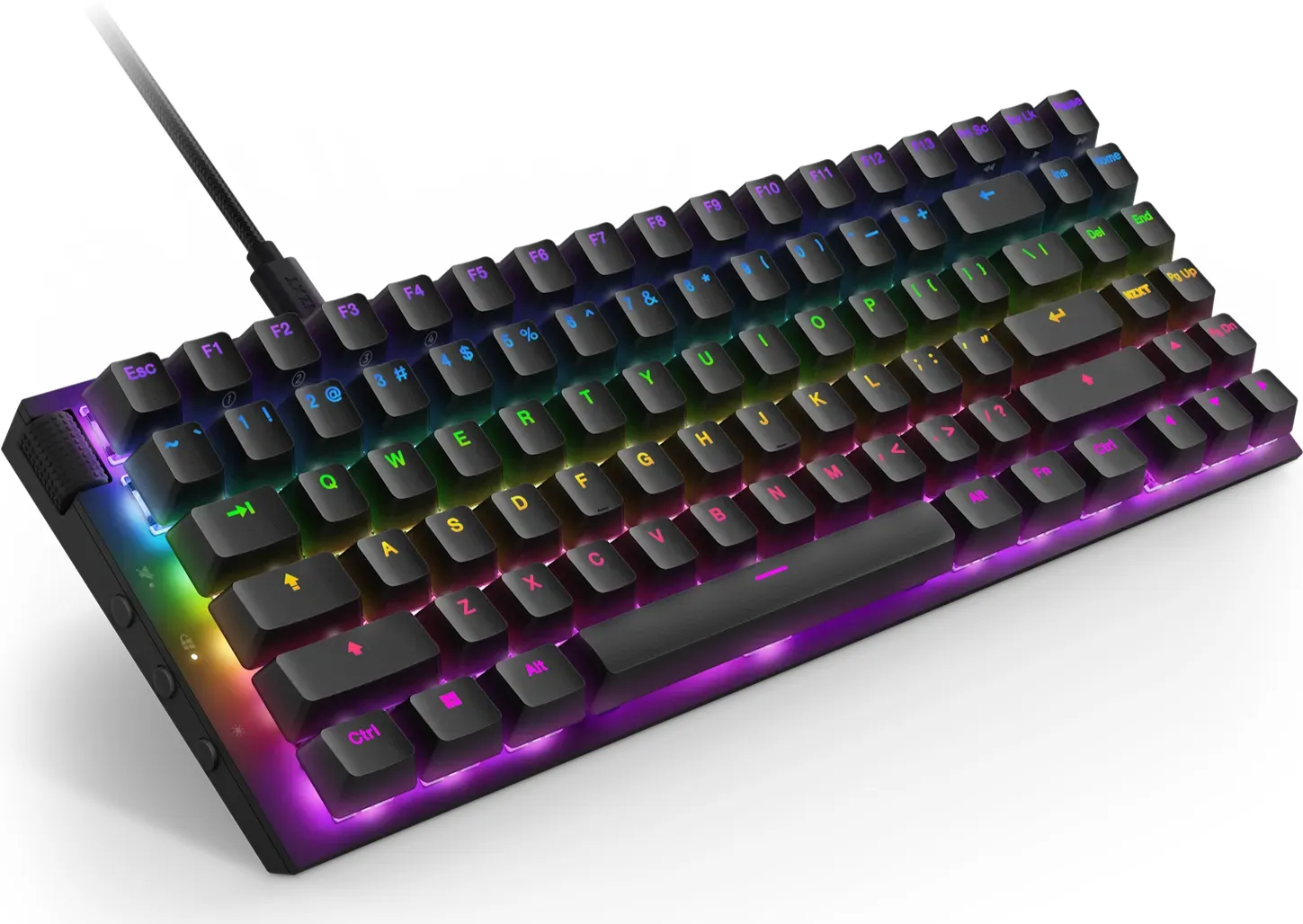
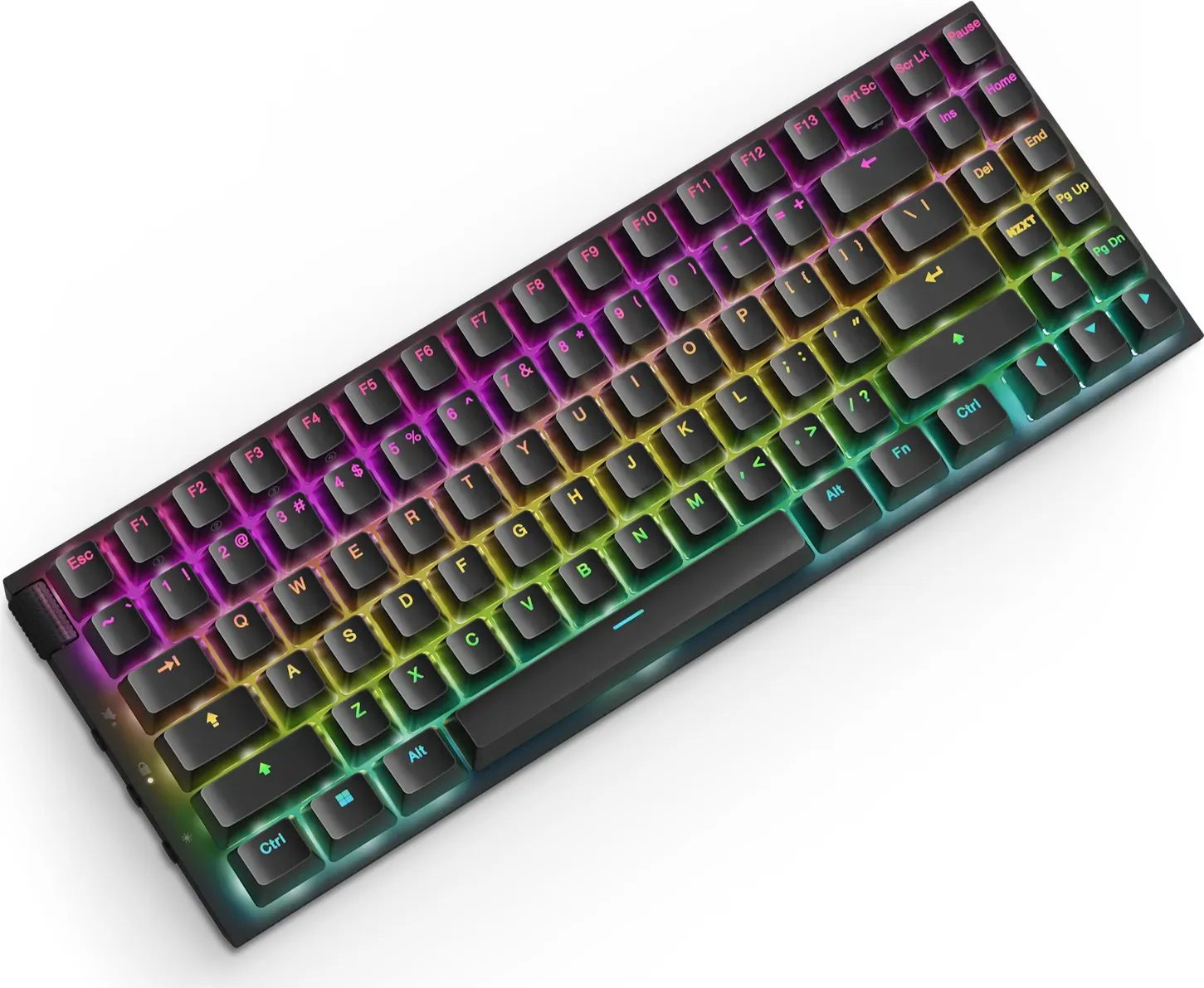
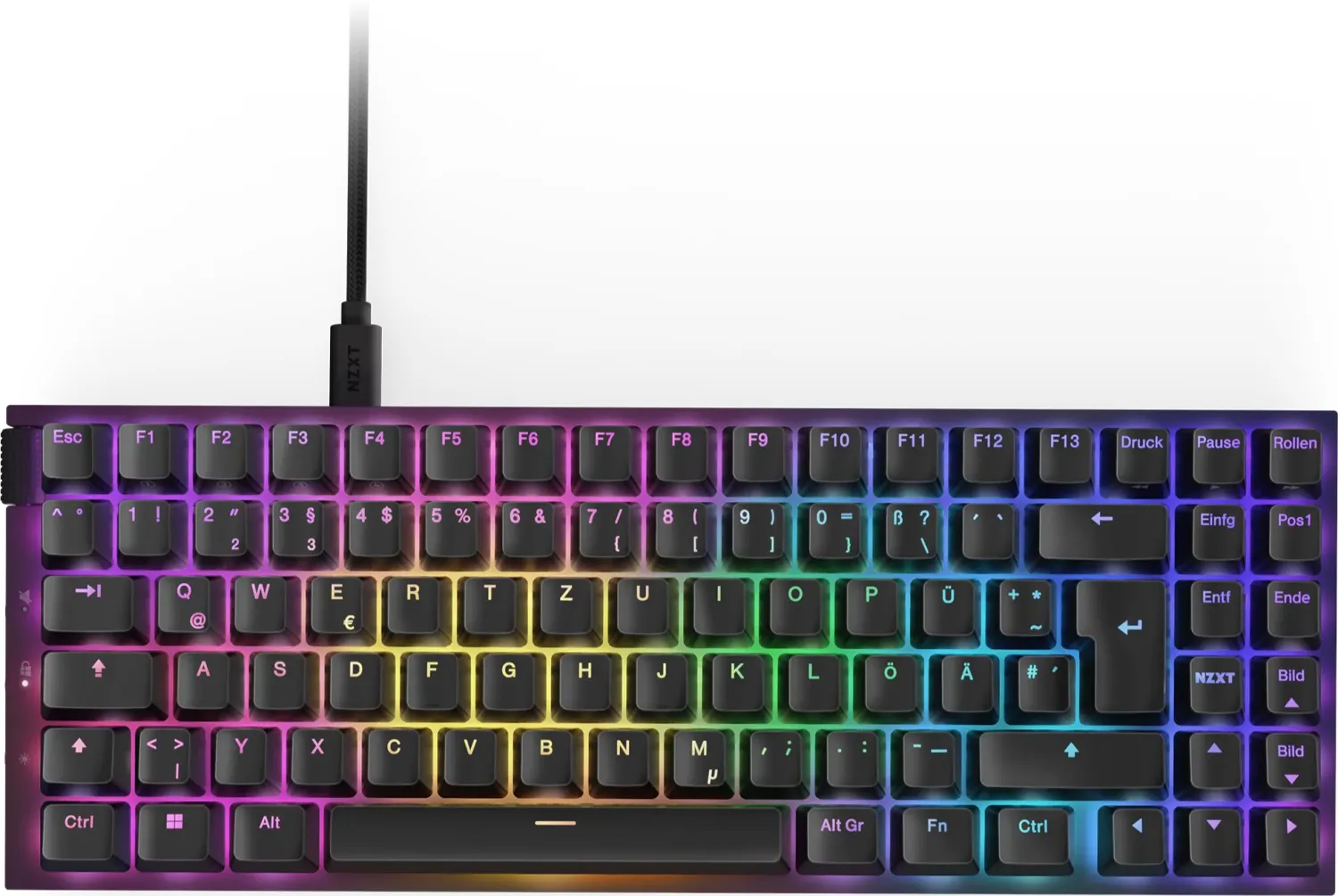
The NZXT Function 2 MiniTKL is a space-saving, tenkeyless optical gaming keyboard that packs high-end performance into a minimal footprint. Built around NZXT’s Swift linear optical switches and an ultra-high polling capability, it targets gamers and creators who want low-latency responsiveness without compromising desk space.
This MiniTKL variant preserves the full TKL key layout while prioritizing a smaller chassis and magnetic wrist rest for comfortable long sessions. The keyboard ships with extra 35 g (yellow) and 45 g (red) linear optical switches and tools for hot-swapping and keycap removal, making tactile customization and switch replacement straightforward.
Performance and customization are central to the Function 2 MiniTKL. The optical switches default to a 1.0 mm actuation point (adjustable to 1.5 mm via NZXT CAM), and the device supports polling rates up to 8,000 Hz (default 1,000 Hz) for extremely fast input registration. Onboard storage holds up to four profiles so lighting, macros, and remaps can stay with the keyboard without the CAM app running.
Connectivity is modern and simple: a USB-C port and included braided USB-C cable connect to any USB 2.0 (or faster) port. The keyboard includes dedicated controls such as a volume wheel, mute/deafen, Win-lock, brightness, and four profile shortcuts (FN + F1–F4). A magnetic wrist rest snaps into place for ergonomic support, and two-stage rear feet offer adjustable typing angles.
NZXT CAM software expands the experience with per-key RGB customization, macro creation, key remapping, polling-rate adjustments, and actuation-point toggling. Users can set and save lighting modes, complex macros, and custom key maps across the four onboard profiles for quick hardware-mode switching.
Durability and compliance are addressed with a global warranty, RoHS/REACH conformity, FCC/ISED compliance, and clear warranty/service procedures. NZXT provides step-by-step instructions for safe keycap and keyswitch removal/reinstallation and guidance on warranty claims, RMA requests, and support contact channels.
Notes:
- Hot-swap ready with included switch and keycap pullers; handle switches by the plastic housing near the bottom to avoid damage.
- Default polling is 1,000 Hz; use CAM to reach up to 8,000 Hz if your system and use case benefit from ultra-low latency.
- Onboard profiles store lighting, macros, and remaps so CAM isn't required for daily use.
Search for 67,706 Manuals online


Type-in Brand or Model