
NZXT IUSBH-M3 Manual
PDF manual · 20 Pages
English



Quick check
Incorrect answer, please try again.
Chat with your NZXT IUSBH-M3 manual using AI
Get instant AI answers from your NZXT IUSBH-M3 manual
Ask anything about the NZXT IUSBH-M3. Answers come from this manual, with the pages they are based on.
Ask a Question
Do you recommend IUSBH-M3?
Yes No
GamerGirl_X
4 months ago
Will this unit overload my motherboard's USB port since it draws power from SATA?

Christian Davies
7 months ago
Is this USB hub easy to install and does it have protective features for the ports?

Manual.ly
7 months ago
Yes, this USB hub is designed for easy installation using strong magnets, which significantly reduces setup time. It includes protective rubber covers for all connectors to prevent dust and damage when not in use. The package also contains adhesive velcro pads and cable ties for a neat cable management solution. Additionally, an LED indicator shows correct functionality, ensuring reliable operation without overloading your motherboard's USB port.
Micaela Brown
7 months ago
Does the product come with any extra accessories for mounting or cable organization?
Frequently Asked Questions
First, power off your PC. Mount the hub to a steel surface inside the case using the built-in magnets. Connect the SATA power cable to the hub and your power supply. Then, plug the USB connection cable into the hub and the corresponding USB 2.0 header on your motherboard. Finally, connect your devices to the internal ports.
Is this answer helpful?
Yes, as long as your motherboard has an available internal USB 2.0 header. The hub connects via a standard 9-pin USB 2.0 connector. Check your motherboard manual to locate the correct header before purchasing.
Is this answer helpful?
Yes. Once installed and powered, the hub will appear in Windows Device Manager under Universal Serial Bus controllers as NZXT Internal USB Hub. It is also visible within the NZXT CAM application as Internal USB Hub Device.
Is this answer helpful?
NZXT provides a two-year warranty for accessories like this internal USB hub. This covers manufacturing defects but excludes damage from misuse, accidents, or unauthorized modifications. Proof of purchase is required for any service claims.
Is this answer helpful?
No special drivers are needed. The hub operates using standard USB 2.0 protocols supported natively by Windows and most operating systems. It should be recognized automatically upon successful physical installation.
Is this answer helpful?
If the LED is off, check that both the SATA power cable and the USB connection cable are securely connected to the hub and their respective sources. If connections are secure and the issue persists, you may need to contact support for an RMA.
Is this answer helpful?
The hub is designed for internal connections only. It provides ports inside the case for components like optical drives or card readers. It does not provide external USB ports for peripherals like keyboards or mice.
Is this answer helpful?
Advantages and Disadvantages
Advantages

- Magnetic mounting allows for quick and tool-free installation inside the case
- Provides four additional internal USB 2.0 ports for expanded connectivity
- LED indicator clearly shows power status at a glance
- Includes complete installation kit with SATA power and USB cables
- Compatible with NZXT CAM software for easy monitoring
Disadvantages

- Only supports USB 2.0 speeds which are slower than modern standards
- Limited to internal use requiring specific case compatibility
- Requires a free USB 2.0 header on the motherboard
- No external ports available for direct user access
- Relies on internal SATA power which may be occupied in some builds
Product Specification
Type
USB-Hub
Form factor
1x internal (with enclosure)
Connection
1x USB 2.0 9-pin pin socket (female, 480Mbps), 1x USB 2.0 9-pin connector socket (male via cable)
Interface
4x USB 2.0 9-pin pin socket (female)
Transmission
4x USB 2.0 9-pin pin socket (female, 480Mbps)
Power supply
Power supply not via connection, mains connection (1x SATA 15-pin power female socket)
Dimensions
3.23 x 0.79 x 1.61 in (WxDxH)
Enclosure color
black
Compatibility
universal
Manufacturer warranty
two years
USB spelling
Link
Product Description
Upgrade Your PC Internally with the NZXT IUSBH-M3 Hub
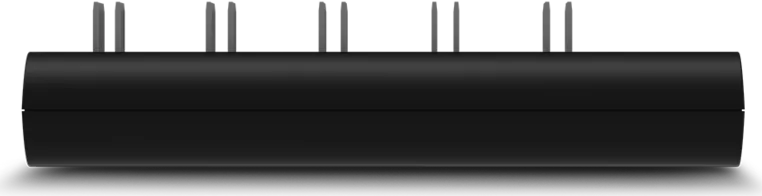
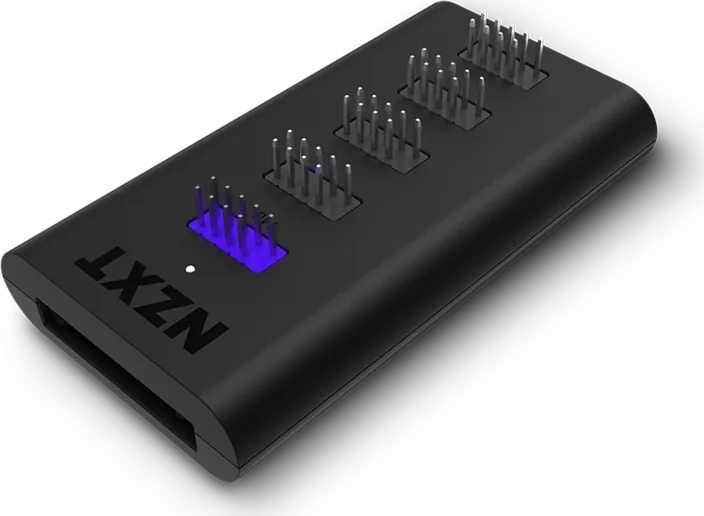
The NZXT IUSBH-M3 internal USB Hub is a sleek and efficient solution for users who need additional connectivity inside their computer case. Designed specifically for internal installation, this hub expands your system's capabilities by providing four internal USB 2.0 ports alongside an additional connector for seamless integration. It eliminates the need for messy external adapters or limited motherboard headers.
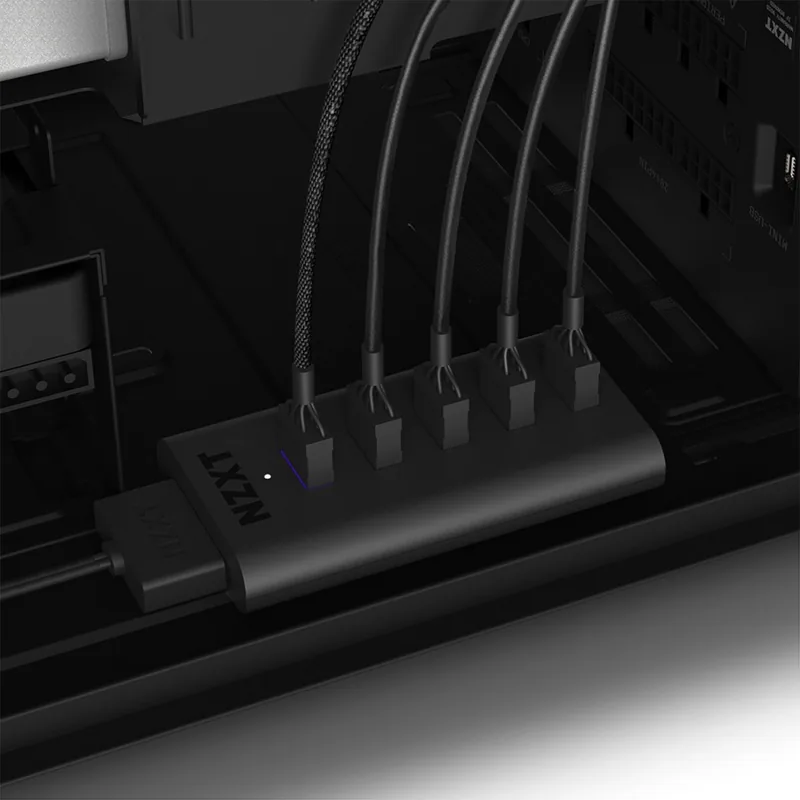
Installation is straightforward thanks to the included magnetic mounting feature. You can easily secure the hub to any steel surface within your chassis using the embedded magnets on the bottom. The package includes a SATA power cable for reliable power delivery and a dedicated USB connection cable that plugs directly into your motherboard's USB 2.0 header. An LED indicator provides clear visual feedback on power status, ensuring you know exactly when the device is active.
This product is ideal for builders who want to connect internal components like optical drives, card readers, or custom lighting without cluttering the exterior of their build. By utilizing the internal space efficiently, it maintains a clean aesthetic while maximizing functionality. The hub integrates perfectly with NZXT CAM software, allowing users to monitor the device status directly from their desktop. Whether you are upgrading an old rig or building a new high-performance machine, the NZXT IUSBH-M3 offers a robust and easy-to-manage expansion option.
Key Features
- Four internal USB 2.0 connectors for versatile device attachment.
- Magnetic base for tool-free installation on steel surfaces.
- Includes all necessary cables and mounting hardware.
- Compatible with Windows Device Manager and NZXT CAM.
- Backed by a comprehensive two-year warranty for accessories.
Search for 67,706 Manuals online


Type-in Brand or Model
Zoe Green
4 months ago
Does this USB hub use magnets for easy installation and does it protect unused ports?
Manual.ly
4 months ago
Yes, the device features a magnetic design that significantly simplifies installation. It also includes protective rubber covers for all connectors to shield unused ports. The package further contains adhesive Velcro pads and cable ties for organized mounting.