
NZXT H5 Manual
PDF manual · 35 Pages
English



Quick check
Incorrect answer, please try again.
Chat with your NZXT H5 manual using AI
Get instant AI answers from your NZXT H5 manual
Ask anything about the NZXT H5. Answers come from this manual, with the pages they are based on.
Ask a Question
Do you recommend H5?
Yes NoFrequently Asked Questions
The case supports ATX, Micro-ATX, and mini-ITX form factors, providing flexibility for various system builds.
Is this answer helpful?
Yes, the front position supports mounting radiators up to 280mm in size for effective liquid cooling setups.
Is this answer helpful?
Connect the 5V ARGB female end to an available 5V 3-pin ARGB header on your motherboard for lighting control.
Is this answer helpful?
NZXT backs this product with a two-year global warranty policy for original consumers.
Is this answer helpful?
Yes, there is clearance for graphics cards up to 365mm in length.
Is this answer helpful?
Release the two screws and lift the air duct to remove the bottom fan assembly.
Is this answer helpful?
The cable management system allows for a maximum cable depth of 23mm behind the motherboard tray.
Is this answer helpful?
Advantages and Disadvantages
Advantages

- Mesh front panel improves airflow significantly for better cooling performance.
- Supports large radiator up to 280mm front for advanced liquid cooling.
- Tempered glass side panel enhances aesthetic visibility of internal components.
Disadvantages

- Only one 3.5 inch drive bay limits large storage options for multiple drives.
- Top fan mounting location can restrict very tall cooler installation options.
- Bottom fan removal requires some disassembly steps to access the air duct.
Product Specification
External
N/A
Internal
1x 2.5"/3.5", 1x 2.5"
Connectors
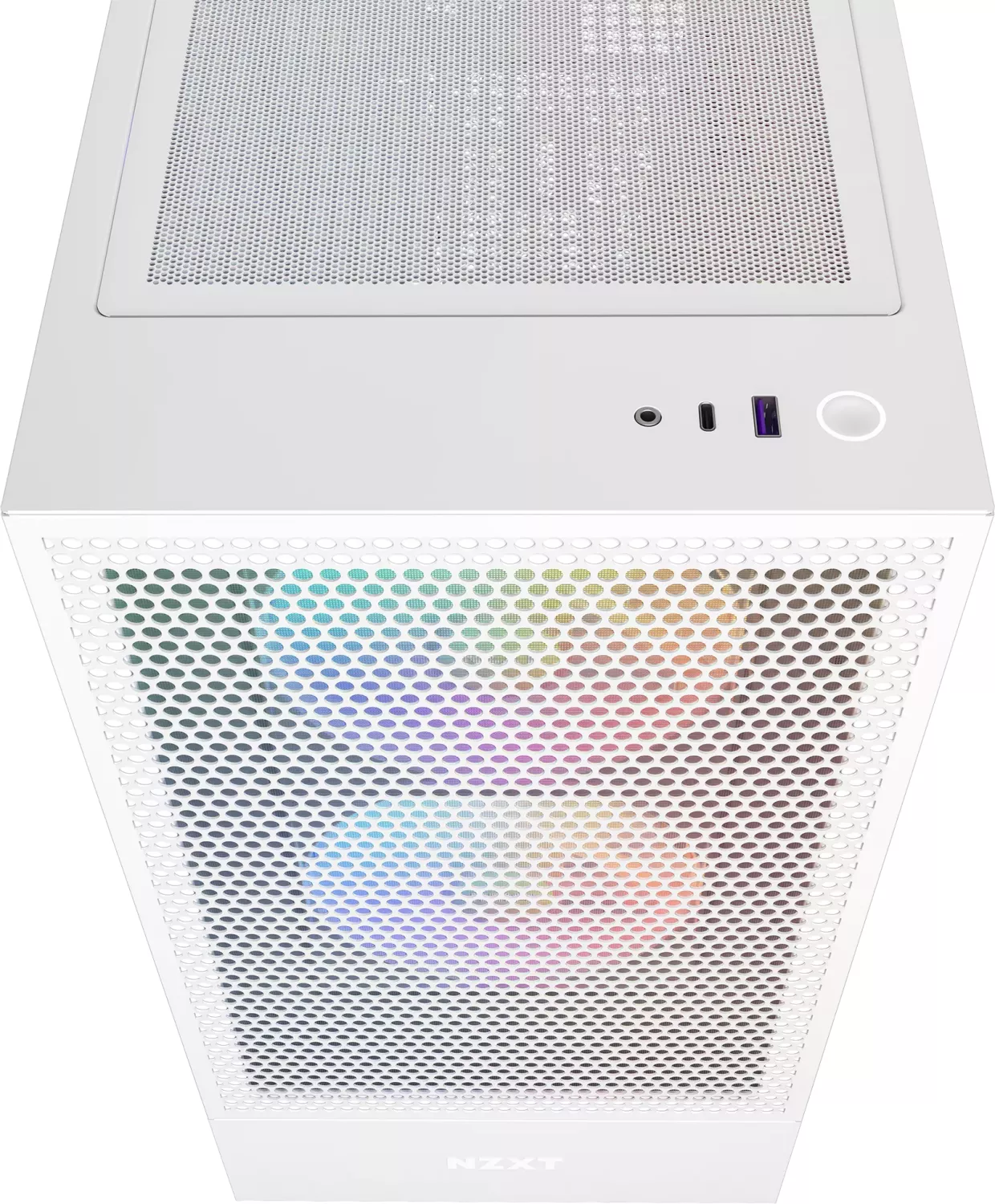
1x USB-C 3.1 (10Gb/s, 20-Pin Key-A Header), 1x USB-A 3.0 (5Gb/s), 1x 3.5mm Jack (Line-Out)
PCI Slots
7
Fan (Left)
N/A
Fan (Right)
N/A
Fan (Top)
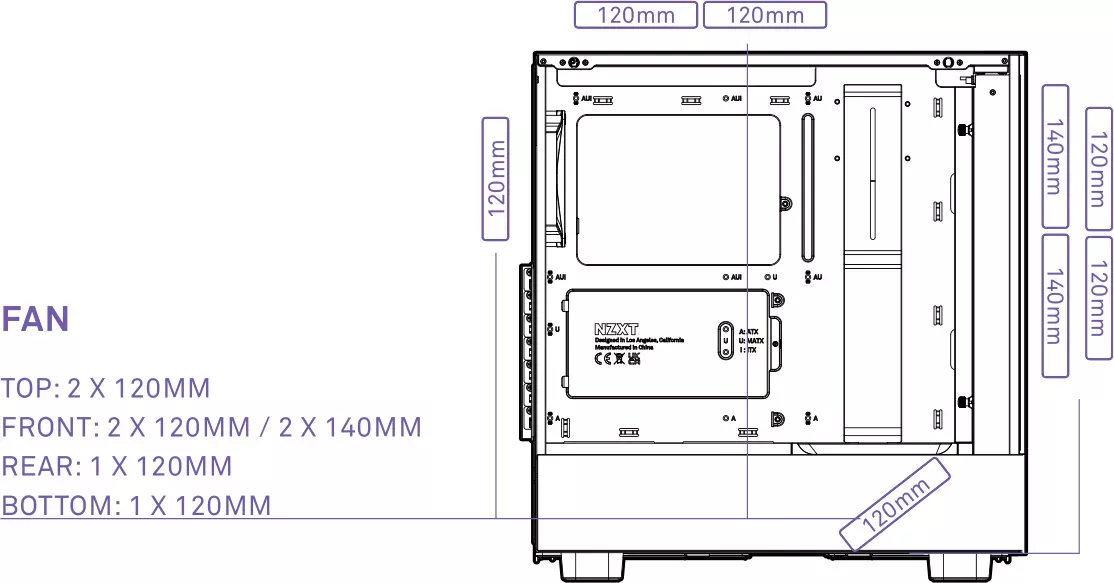
2x 4.72 inch (optional)
Fan (Bottom)
N/A
Fan (Other)
1x 4.72 inch, 1200rpm, 0.04 inH2O, 62.21 CFM (105.71 m3/h), 25.1 dB(A)
Radiator Sizes
4.72/5.51/9.45/11.02 inches front, 4.72/9.45 inches top, 4.72 inches rear
Motherboard
up to ATX
Supported Motherboards
Mini-ITX (6.7"x6.7")/microATX (9.6"x9.6")/ATX (12"x9.6")
Power Supply
ATX
Power Supply Position
Bottom
CPU Cooler
max. 6.50 inch height
Graphics Cards
max. 14.37 inch
Dimensions (Width x Height x Depth)
8.94 x 18.27 x 17.56 inch
Volume
2866.75 cubic inch
Chassis Type
Mid-Tower
Top
Partially closed, mostly fan grille, dust filter outside
Bottom
Partially closed, fan grille front, fan grille rear, dust filter outside
Left
Closed, mostly glass
Rear
Partially closed, fan grille top right, PCI Slots (7x horizontal)
Front I/O Position
Case face: Top, Height: Front, Position: Right
Features
Cable management, dust filter, GPU vertical mounting (optional), Glass window
USB Naming
Left
Product Description
The NZXT H5 Flow Redefines Compact Cooling
The NZXT H5 Flow stands as a testament to efficient mid-tower design that prioritizes airflow without compromising on aesthetics. This enclosure brings the signature style of the H5 series with a mesh front panel designed specifically for improved ventilation. For builders seeking a compact yet powerful system, the H5 Flow offers a compelling solution for housing high-performance components. The setup follows the NZXT H5 Manual standards for optimal performance and stability.
Superior Airflow Performance
One of the defining features of this chassis is its optimized airflow capability. The front intake design accommodates up to two 140mm fans or two 120mm fans. There is also support for a 280mm radiator at the front. This configuration ensures that heat dissipates rapidly from your components. The rear exhaust features a 120mm fan, while the top position can house up to two 120mm fans or a 240mm radiator. Additionally, a 120mm fan can be mounted at the bottom for added intake. Each fan is equipped with RGB lighting to add a vibrant touch to any setup. The fan air ducts are designed to direct airflow efficiently towards key components inside the case.
Cable Management and Build Quality
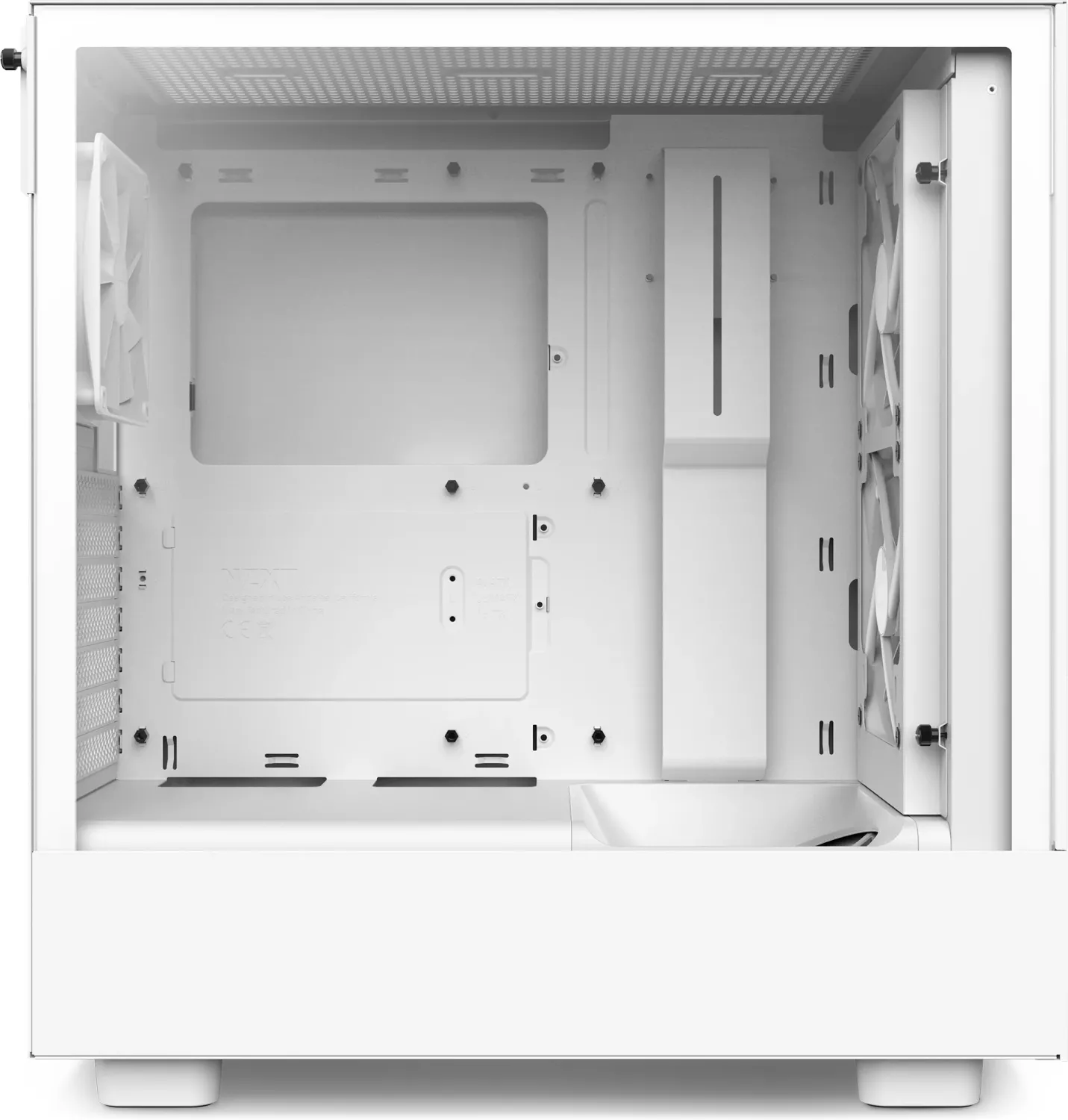
Managing cables inside the case is made significantly easier with the included cable management system. The internal depth allows for up to 23mm of cable depth behind the motherboard tray. This helps in maintaining a clean look and proper air circulation. The chassis includes a tempered glass side panel which showcases your internal build. Installation of the motherboard, power supply, and storage drives is straightforward. The accessory box includes all necessary screws for different drive types. Panel removal tools are not required as hand tightening is sufficient for standard screws.
Storage and Expansion Options
While compact, the H5 Flow does not skimp on storage or expansion capabilities. It supports multiple motherboard form factors including ATX, Micro-ATX, and mini-ITX. You can install one 3.5 inch hard drive and up to two 2.5 inch SSDs. There are seven expansion slots available for graphics cards and other peripherals. The case supports graphics cards up to 365mm in length and CPU coolers up to 165mm tall. Radiator clearance for the front is set at 45mm to ensure proper fitment of mounting hardware.
Connectivity and Warranty
The front I/O panel provides convenient access to modern connectivity. It features a USB 3.2 Gen 2 Type-C port and a USB 3.2 Gen 1 Type-A port. An audio jack and power switching buttons are also present. NZXT backs this product with a two-year global warranty, providing peace of mind for your investment. The product adheres to various international regulations regarding hazard substances, ensuring safety and compliance. Whether you are a gamer or a creative professional, this case delivers the necessary space and style for your custom build.
Notes
Always ensure proper clearance for your GPU and CPU cooler before installation. Refer to the full manual guide for detailed assembly steps. Power the ARGB LEDs via a 5V 3-pin header for synchronized lighting effects.
Search for 67,706 Manuals online


Type-in Brand or Model