
NZXT RGB & Fan Controller Manual
PDF manual · 26 Pages
English



Quick check
Incorrect answer, please try again.
Chat with your NZXT RGB & Fan Controller manual using AI
Get instant AI answers from your NZXT RGB & Fan Controller manual
Ask anything about the NZXT RGB & Fan Controller. Answers come from this manual, with the pages they are based on.
Ask a Question
Do you recommend RGB & Fan Controller?
Yes No
nam_beatae
5 months ago
Is there a way to group RGB effects across all connected fans simultaneously without using separate adapters?
Frequently Asked Questions
The NZXT RGB & Fan Controller features six independent RGB lighting channels, allowing for detailed customization of up to 120 LEDs in total.
Is this answer helpful?
Yes, you can connect standard PC fans using the provided split cables, but you must avoid mixing 3-pin and 4-pin PWM fans on the same channel.
Is this answer helpful?
While basic power functions work without software, full control over lighting effects and fan speeds requires downloading and installing NZXT CAM.
Is this answer helpful?
If the USB cable is disconnected, the fans will run at maximum speed, and the RGB lights may not function correctly until the connection is restored.
Is this answer helpful?
You can use the integrated magnets on the back to attach it to a magnetic surface or apply the included 3M Velcro strips to other surfaces.
Is this answer helpful?
No, you cannot mix different types of lighting accessories like LED strips and fans on the same channel to ensure stable operation.
Is this answer helpful?
Advantages and Disadvantages
Advantages

- Centralized control for 6 RGB channels and 3 fan channels reduces cable clutter
- Built-in magnets allow for quick and secure mounting without screws
- Seamless integration with NZXT CAM software for advanced customization
- Supports up to 120 total LEDs across all lighting channels
- Includes splitter cables to expand fan connectivity beyond the base limits
Disadvantages

- Incompatible with mixing different types of lighting accessories on one channel
- Cannot mix 3-pin and 4-pin PWM fans on the same fan channel
- Requires NZXT CAM software installation for full feature access
- Velcro strips are designed for single-use attachment only
- Limited to specific NZXT lighting product compatibility for optimal results
Product Specification
Type
Fan control, light control
Form factor
Custom form
Fan
9
Channels
3 (RPM), 6 (Lighting, 6x proprietary NZXT)
Display
N/A
Power supply
1x 15-pin SATA
Fan connector
3x 4-pin
Control via
1x USB-In (USB 2.0 header, software control)
Front I/O
N/A
Features
Fans can be turned off
Product Description
Master Your PC Aesthetics with the NZXT RGB & Fan Controller
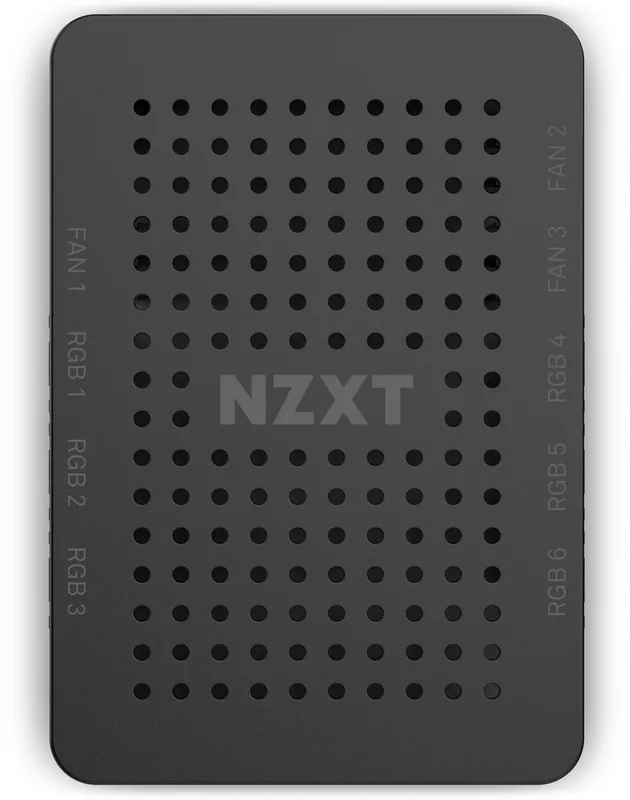
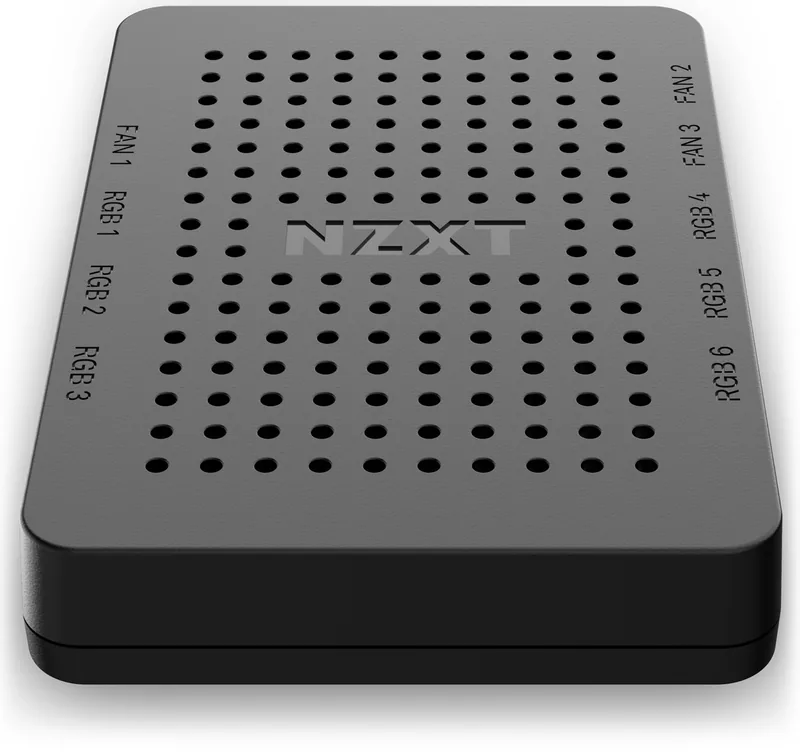
Transform your computer build into a visual masterpiece with the NZXT RGB & Fan Controller. This versatile hub is designed for enthusiasts who demand precise control over their system's lighting and cooling performance. By consolidating management into a single device, it eliminates cable clutter and simplifies the setup process for complex builds.
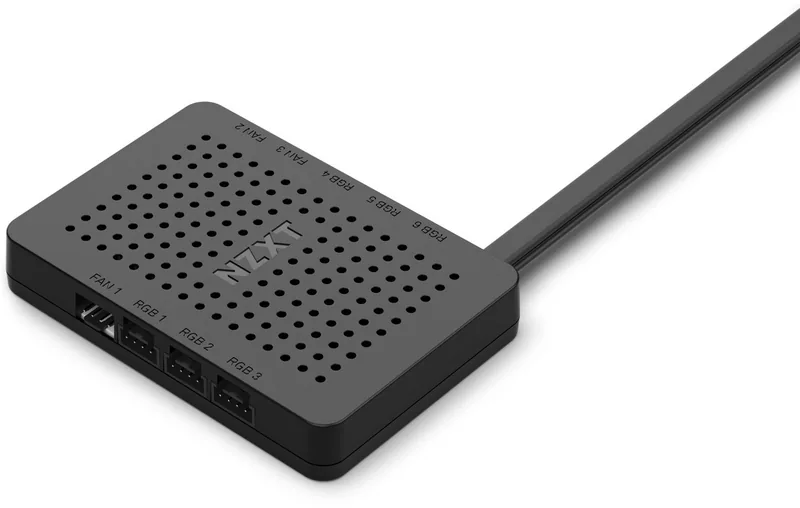
The controller features nine distinct channels: six dedicated to RGB lighting and three for fan speed regulation. This configuration allows users to sync up to 120 LEDs across all channels while managing airflow efficiently. The hardware includes integrated magnets for easy mounting on magnetic surfaces, along with 3M Velcro strips for non-magnetic cases. Installation is straightforward, requiring only a SATA power connection and an internal USB header link to the motherboard.
Software integration is seamless via the NZXT CAM application. Once installed, this powerful tool grants full customization capabilities, enabling real-time adjustments to color schemes, brightness levels, and fan curves. Whether you are aiming for a subtle ambient glow or high-impact gaming aesthetics, this controller provides the flexibility to match any style. It supports various NZXT lighting products, ensuring compatibility across your entire ecosystem of accessories.
Key Features Overview
- 9-Channel Control: Manage 6 RGB zones and 3 fan speeds independently.
- Easy Mounting: Utilize built-in magnets or included Velcro straps.
- Software Driven: Full functionality unlocked through NZXT CAM.
- Expandable: Supports splitter cables to connect multiple fans per channel.
- LED Capacity: Handles up to 40 LEDs per channel safely.
Important Notes
Ensure you do not mix different types of lighting accessories on a single channel to maintain stability. Always verify that your fans are compatible before connecting them; mixing 3-pin and 4-pin PWM fans on the same channel is not recommended. Proper installation requires the PC to be powered off to prevent electrical issues during setup.
Search for 67,706 Manuals online


Type-in Brand or Model
Joe Marshall
5 months ago
Does this controller fully support NZXT RGB fans, including synchronization and fan curve control during startup and shutdown?
Manual.ly
5 months ago
The controller is designed to integrate with NZXT RGB fans and allows up to nine fans to be connected via included splitter cables. However, some users report issues where the controller does not recognize specific NZXT models or fails to apply fan curves correctly during system start and shutdown, causing fans to run at maximum speed. We recommend ensuring the latest CAM software is installed and checking compatibility lists for your specific fan model. For advanced synchronization across multiple headers, please note that native grouping features may require additional configuration or third-party solutions.