
NZXT Kraken 2023 Series Manual
PDF manual · 36 Pages
English



Quick check
Incorrect answer, please try again.
Chat with your NZXT Kraken 2023 Series manual using AI
Get instant AI answers from your NZXT Kraken 2023 Series manual
Ask anything about the NZXT Kraken 2023 Series. Answers come from this manual, with the pages they are based on.
Ask a Question
Do you recommend Kraken 2023 Series?
Yes NoFrequently Asked Questions
The Kraken 2023 Series supports Intel LGA 1700, 1200, 115x and AMD AM5, AM4, with additional instructions for TR4/Threadripper and sTRX4 where a specific retention bracket is required.
Is this answer helpful?
Connect the breakout cable to the pump, plug the pump 3-pin connector into the CPU_FAN or AIO_PUMP header, attach the 4-pin PWM fan cable to the fan splitter, connect SATA power for the pump, and hook the pump USB to an internal USB 2.0 header for NZXT CAM control.
Is this answer helpful?
Yes. Physical pump orientation is recommended at the 6 o’clock tube exit; the LCD can be rotated in 90° increments using NZXT CAM software to match your preferred orientation.
Is this answer helpful?
Use 30mm fan screws and washers to mount fans; for radiator-to-case mounting, use 5mm case screws with washers for direct mounts. Always use washers to prevent damage and choose screws based on your chosen direct or indirect mounting configuration.
Is this answer helpful?
NZXT CAM is recommended and required to customize the pump LCD, monitor temperatures, and manage fan/pump curves. Download and install CAM after hardware setup to access Kraken controls at nzxt.com/camapp.
Is this answer helpful?
The Kraken 2023 Series has a six-year warranty. To request warranty service, contact NZXT Support, provide proof of purchase, submit an RMA request via support.nzxt.com, and follow shipping instructions once an RMA number is issued.
Is this answer helpful?
If you do not use the CPU_FAN header, disable fan-fail warnings in the motherboard BIOS to prevent false alerts. Also verify fan headers and pump detection after connecting the Kraken to ensure correct PWM control and monitoring.
Is this answer helpful?
Advantages and Disadvantages
Advantages

- Customizable LCD display with 90° orientation via NZXT CAM.
- Broad socket compatibility: Intel LGA 1700/1200/115x and AMD AM5/AM4/TR4/STX4.
- Includes complete hardware kit: standoffs, brackets, fans, screws, and breakout cables.
- Straightforward power and connectivity: SATA power, pump 3-pin, USB 2.0 internal for CAM.
- Six-year warranty and global support resources for troubleshooting and RMA.
Disadvantages

- Requires internal USB 2.0 header and available SATA power connector on motherboard/PSU.
- May need BIOS adjustment to disable fan-fail warning if CPU_FAN is unused.
- Installation complexity increases for TR4/Threadripper sockets requiring different bracket.
- Radiator mounting needs correct screw selection and washers to prevent damage.
- Device compliance and operating limits (max coolant temps) necessitate careful monitoring.
Product Specification
Type
internal (closed system)
Heatsink
CPU, Copper
Compatibility
1150, 1151, 1155, 1156, 1200, 1700, AM4, AM5, TR4, sTRX4, sWRX8, SP3
Reservoir
N/A
Pump
12V
Connections
N/A
Manufacturer's Warranty
6 Years
Note
AMD TR4 conversion kit is included with Threadripper CPU.
Product Description
NZXT Kraken 2023 Series Manual: Overview and Highlights
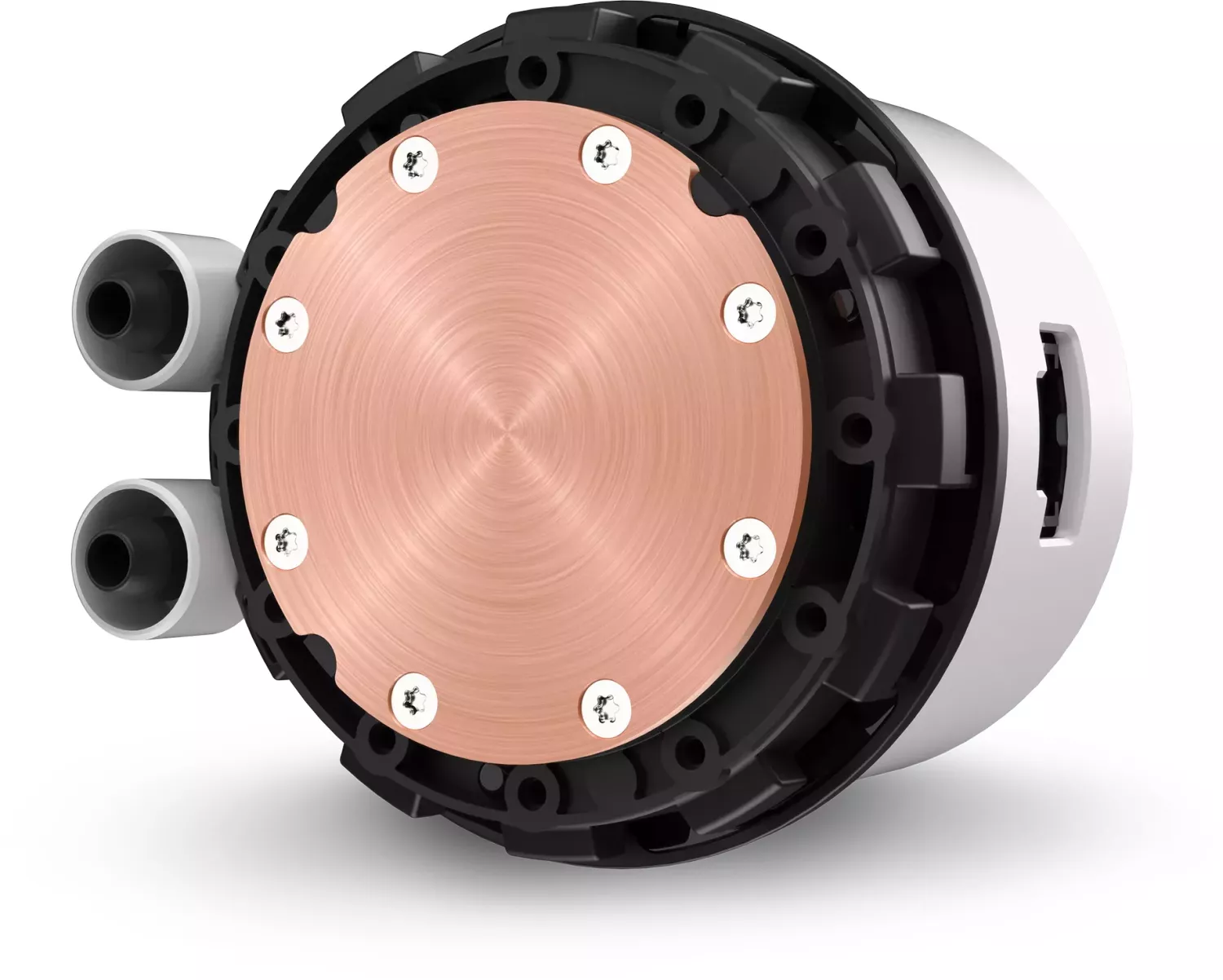
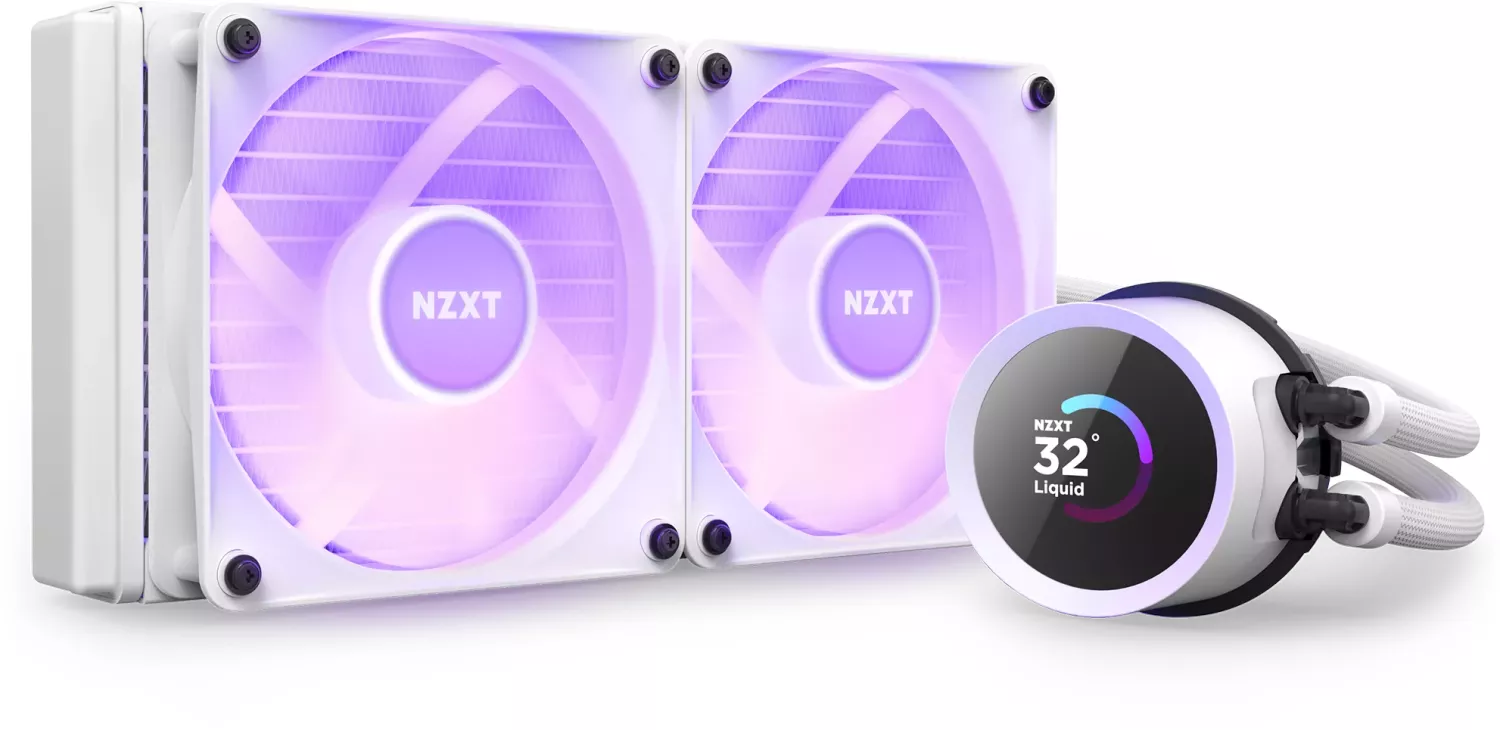
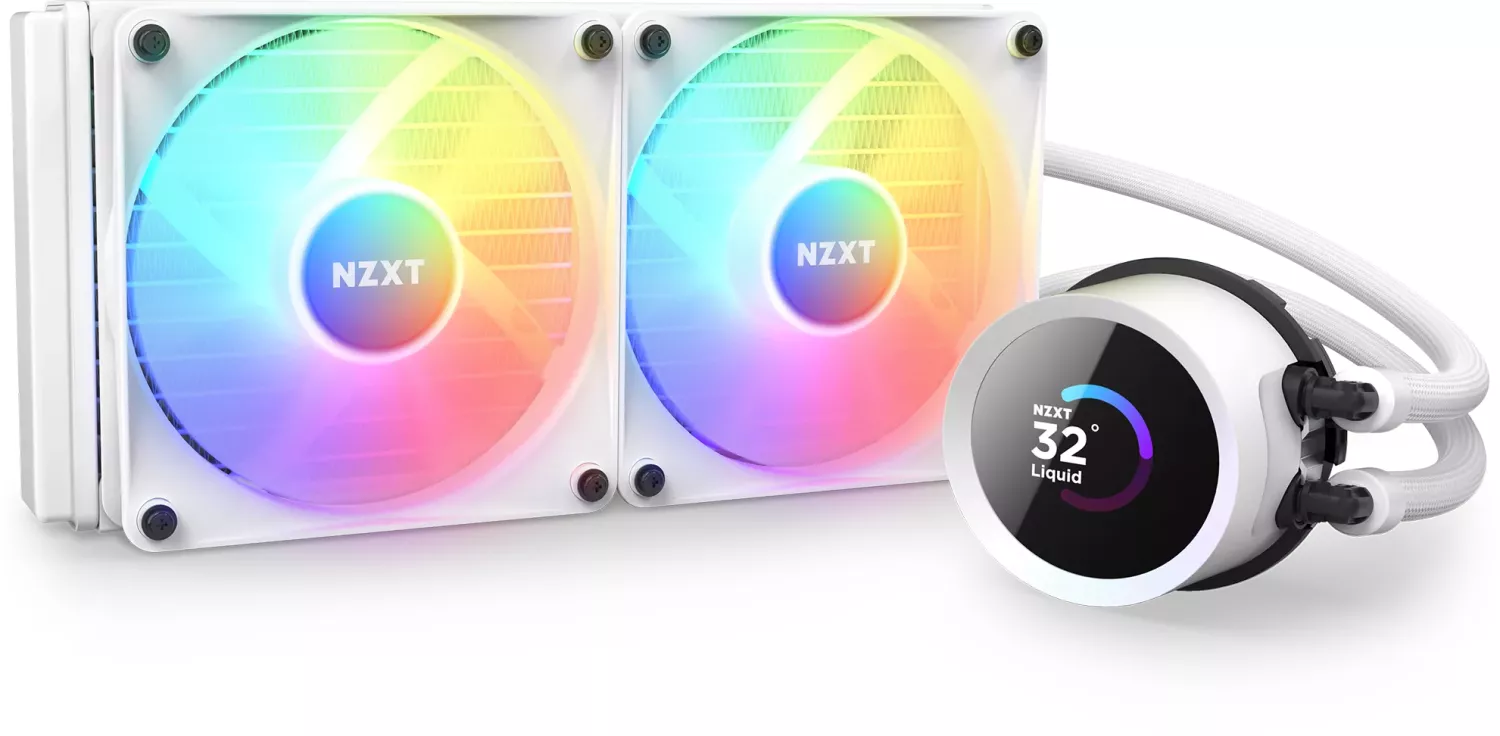
The NZXT Kraken 2023 Series brings refined AIO liquid cooling with integrated LCD display, improved compatibility, and an installation process optimized for modern CPU sockets. Available in 240mm, 280mm, and 360mm sizes, the series pairs the Kraken pump head’s customizable screen with NZXT’s F-series static-pressure fans and a robust radiator to deliver strong cooling performance and visual customization for gaming and creator PCs.
What the Kraken 2023 Series Offers
Kraken units ship with model-specific components—radiator, pump with pre-installed Intel retention bracket, or AMD bracket options, screws, washers, standoffs, thumbscrews, and a breakout cable set. The pump includes a three-pin pump connector, SATA power, and an internal USB header for NZXT CAM control. The display orientation can be rotated in 90° increments using NZXT CAM for clean cable routing and aesthetic alignment.
Installation supports Intel LGA 1700/1200/115x and AMD AM5/AM4/TR4/STX4 platforms. The manual details step-by-step guidance: adjust Intel backplate sliders for socket type, fit standoffs from the motherboard front, orient pump tubing (recommended at 6 o’clock), swap retention brackets for AMD when required, and secure thumb nuts in the specified order. Radiator mounting covers direct and indirect mounting scenarios and recommends using washers to prevent damage. Fans should be mounted first when the radiator is installed directly to a case.
Powering and software integration are straightforward: connect the breakout cable to the pump, attach the 4-pin PWM fan cable to the fan splitter, plug the pump’s 3-pin into CPU_FAN or AIO_PUMP, connect SATA power and the internal USB 2.0 header, then install NZXT CAM to manage pump, fan curves, and customize the LCD display content.
Warranty, Safety, and Compliance
The Kraken 2023 Series carries a six-year NZXT warranty with procedures for RMA and support. The manual outlines warranty exclusions and regional consumer-rights details. Regulatory statements include FCC/CE/UKCA compliance, RoHS and REACH notices, WEEE disposal guidance, and maximum operating temperature guidelines.
Notes:
- Use washers on radiator/fan screws to avoid damage.
- Recommended tube orientation is 6 o’clock; rotate display via NZXT CAM if needed.
- Disable motherboard fan-fail warning in BIOS if CPU_FAN header is unused.
- Keep proof of purchase for warranty and RMA requests.
Search for 67,706 Manuals online


Type-in Brand or Model