
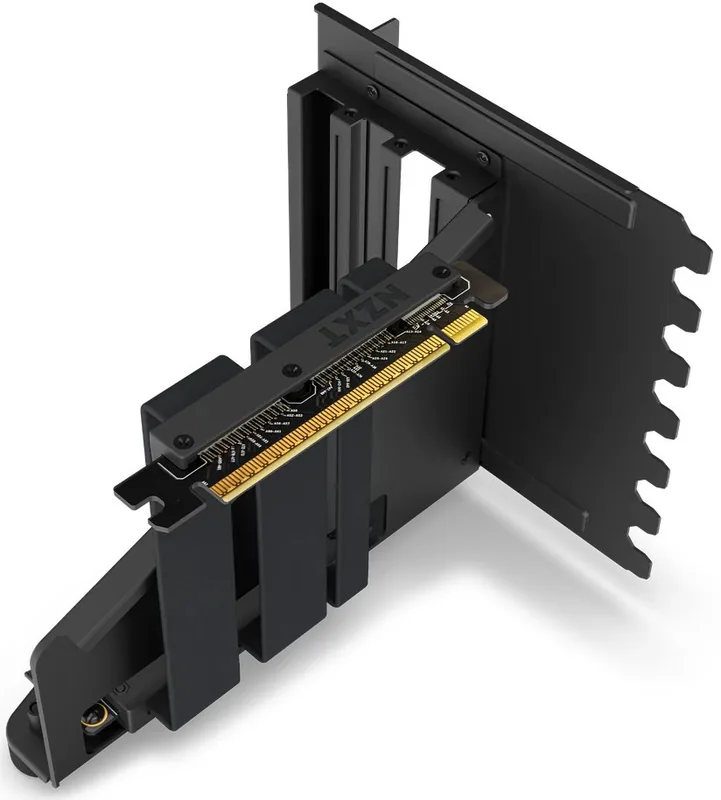
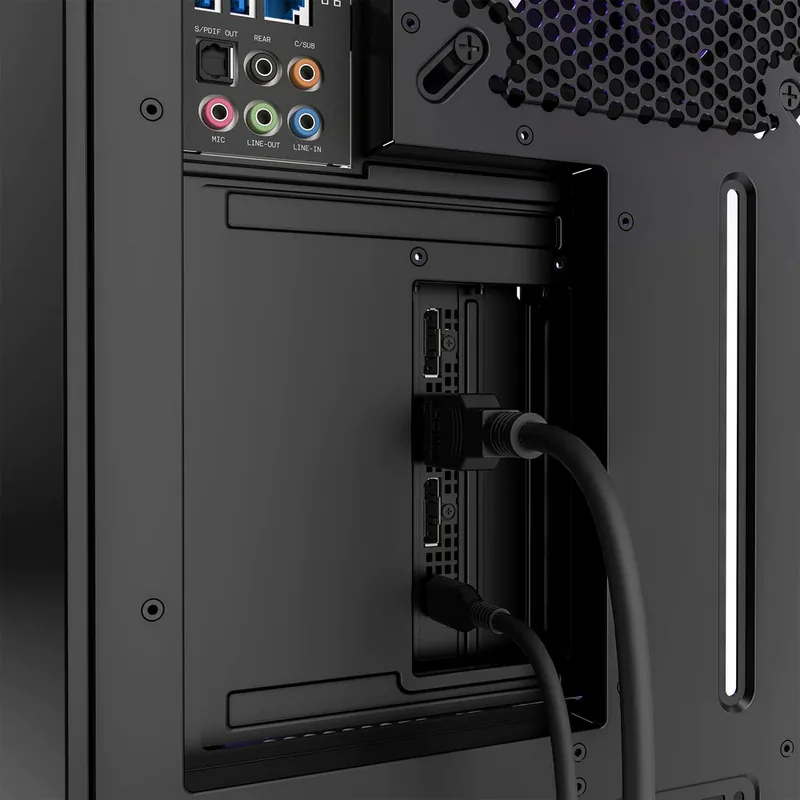
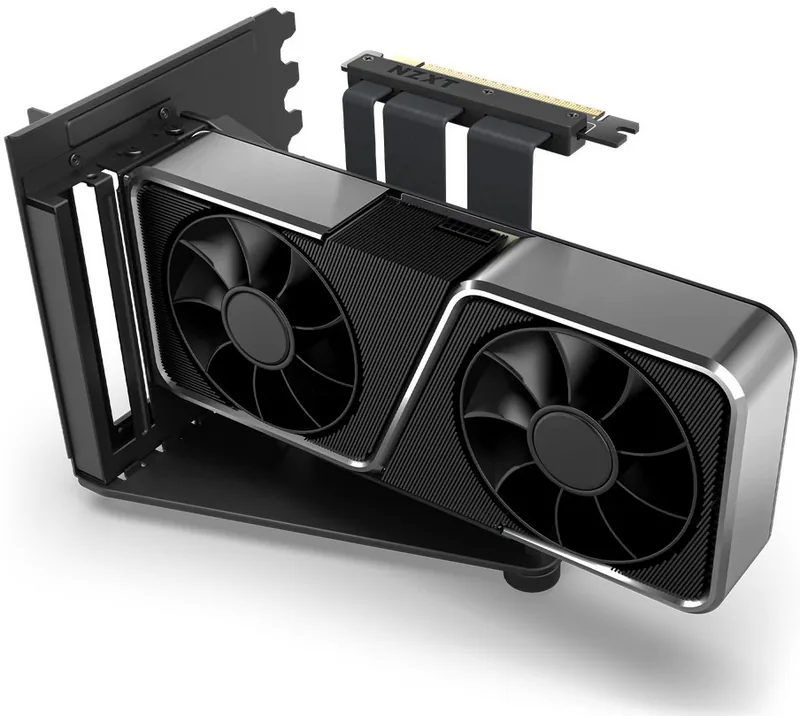
NZXT Vertical GPU Mounting Kit Manual
PDF manual · 22 Pages
English



Quick check
Incorrect answer, please try again.
Chat with your NZXT Vertical GPU Mounting Kit manual using AI
Get instant AI answers from your NZXT Vertical GPU Mounting Kit manual
Ask anything about the NZXT Vertical GPU Mounting Kit. Answers come from this manual, with the pages they are based on.
Ask a Question
Do you recommend Vertical GPU Mounting Kit?
Yes NoFrequently Asked Questions
The kit contains a steel GPU bracket, a 175mm PCIe 4.0 16x riser cable, and three #6-32 UNC screws for securing the card.
Is this answer helpful?
It works with most standard-sized graphics cards, but you should verify your case supports vertical mounting and check clearance for the riser cable.
Is this answer helpful?
Yes, for PCIe 4.0 cards, ensure your BIOS is set to Auto Mode to maintain full speed and stability with the riser cable.
Is this answer helpful?
Accessories like this kit generally come with a two-year warranty when purchased from an authorized dealer or directly from NZXT.
Is this answer helpful?
If bought from the NZXT store, returns are accepted within 30 days with an RMA number. Other dealers have different policies.
Is this answer helpful?
You can contact support via email at [email protected] or visit nzxt.com/customer-support for detailed assistance and troubleshooting.
Is this answer helpful?
Advantages and Disadvantages
Advantages

- Enables stylish vertical GPU display to showcase RGB lighting
- Includes high-speed PCIe 4.0 riser cable for optimal performance
- Comes with sturdy steel bracket and adjustable support stand
- Simple five-step installation process for easy setup
- Backed by comprehensive NZXT global warranty coverage
Disadvantages

- Requires specific case compatibility for vertical mounting
- May need additional cables if standard length is insufficient
- BIOS settings must be adjusted correctly for PCIe 4.0 cards
- Riser cable adds slight distance which may affect airflow
- Installation requires removing existing GPU mounting hardware
Product Specification
Quantity
1x
Specification
PCIe 4.0
Connection
PCIe x16 PCIe x16
Form
wired angled
Cable Length
6.89 inches
Cable Connection
flat ribbon cable fixed
Additional Power Supply
N/A
Power Cable Included
N/A
Features
case-specific (NZXT H7), includes slot cover, includes graphics card holder
Product Description
Elevate Your Build with the NZXT Vertical GPU Mounting Kit
Transform your PC gaming experience by showcasing your graphics card in all its glory. The NZXT Vertical GPU Mounting Kit is designed for enthusiasts who want to display their hardware beautifully while maintaining optimal performance. This kit allows you to mount your GPU vertically, turning it into a centerpiece that highlights the RGB lighting and sleek design of modern cards.
The package includes everything needed for a secure installation. You receive a robust steel bracket specifically engineered to hold your graphics card firmly in place. Accompanying this is a high-speed PCIe 4.0 16x riser cable measuring 175 mm, ensuring minimal signal loss and maximum bandwidth for next-generation GPUs. The kit also provides necessary #6-32 UNC screws to secure the card to the bracket and stabilize the assembly within your case.
Installation is straightforward and follows a logical five-step process. First, insert your graphics card into the connector on the riser cable until it clicks securely. Next, use the provided screws to fasten the card to the steel bracket. Then, connect the riser cable to an available PCIe slot on your motherboard, preferably a PCIe 4.0 slot for best results. Afterward, slide the entire assembly into your computer case and fix it using the mounting points on the chassis. Finally, adjust the included support stand to provide extra stability and prevent any sagging over time.
For users running PCIe 4.0 graphics cards, it is crucial to ensure the BIOS is set to Auto Mode to guarantee proper communication between the card and the system. This attention to detail ensures that your vertical setup runs as smoothly as a traditional horizontal one. With this kit, you not only improve the aesthetics of your build but also gain peace of mind knowing your expensive hardware is supported by a product backed by NZXT's global warranty policies.
Search for 67,706 Manuals online


Type-in Brand or Model