

Free APC Manuals – Read, Download & Print
56 Manuals
Manuals
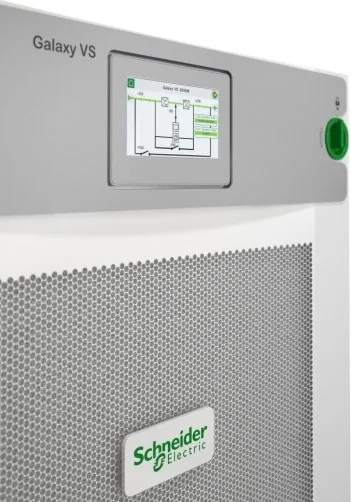
68 Pages
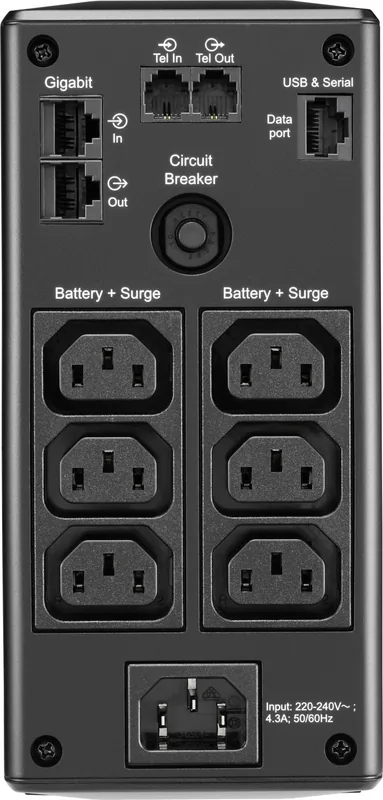
12 Pages
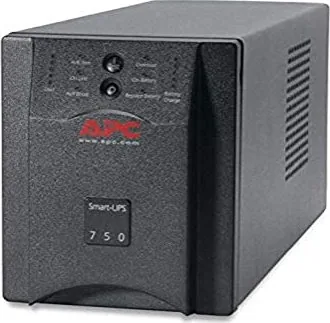
17 Pages
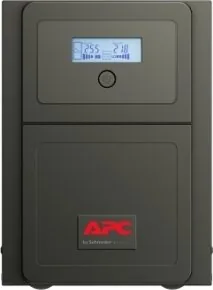
8 Pages
16 Pages
18 Pages

112 Pages

1 Pages
8 Pages
28 Pages
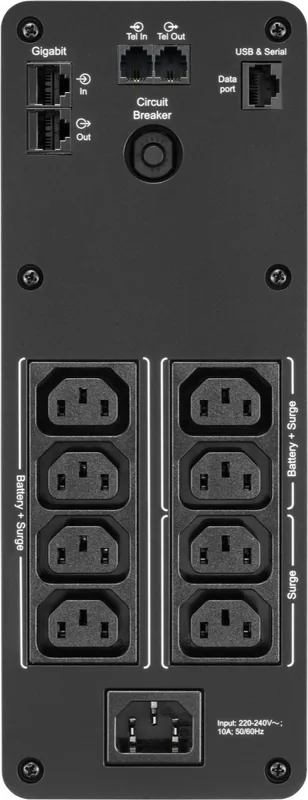
12 Pages
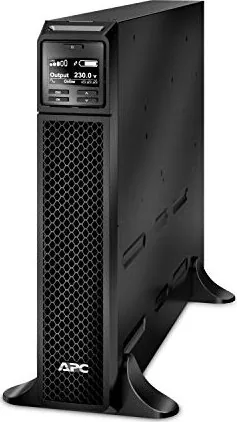
33 Pages

12 Pages
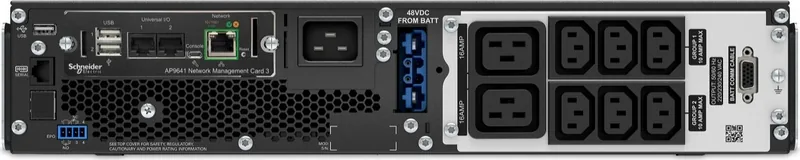
12 Pages
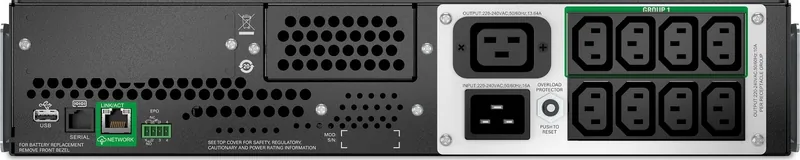
34 Pages
8 Pages

166 Pages
12 Pages
22 Pages

18 Pages
172 Pages
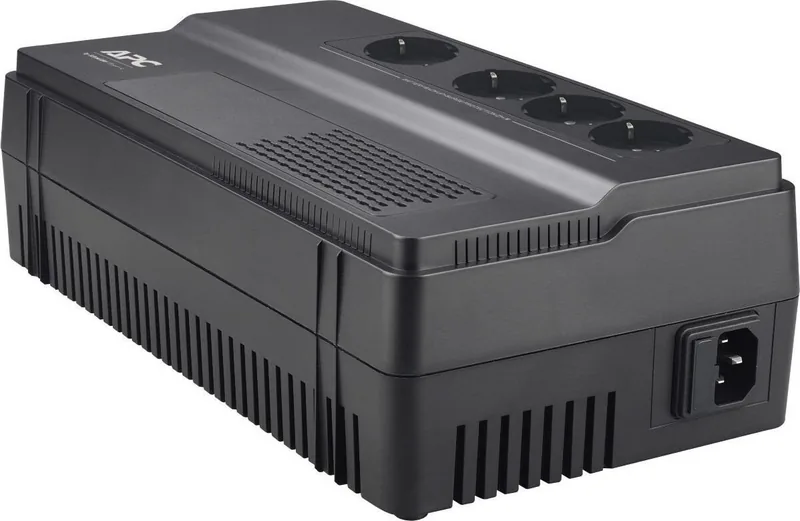
6 Pages
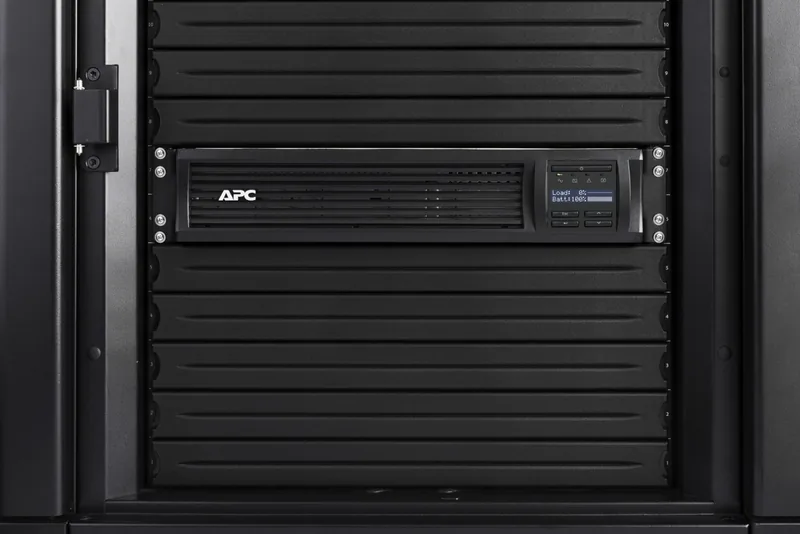
30 Pages
2 Pages
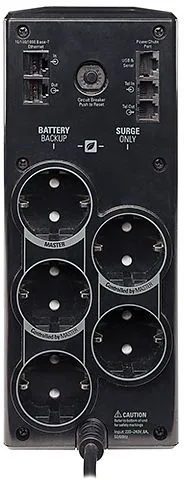
10 Pages

7 Pages

3 Pages
1 Pages
9 Pages
29 Pages
4 Pages
56 Pages
1 Pages
2 Pages

10 Pages
8 Pages
8 Pages
6 Pages
1 Pages
16 Pages
9 Pages
1 Pages

12 Pages
7 Pages

40 Pages

6 Pages

20 Pages

2 Pages
6 Pages
14 Pages
Categories


Free APC Manuals - Read, Download and Print
Find free APC manuals for uninterruptible power supplies, surge protectors, power distribution units, cooling equipment, racks, network management devices, and related accessories. Product documentation helps owners, IT teams, facility managers, and installers understand how to set up equipment safely, use available features, troubleshoot common conditions, and maintain reliable power protection.
APC manuals are useful whether you are installing a new Back-UPS unit at home, configuring a Smart-UPS system for business equipment, managing a data center PDU, or replacing batteries in an existing device. Many documents are available in PDF format, making them convenient to read online, download for offline reference, or print for use at an installation site.
Locate the Right APC Manual
The best way to identify the correct documentation is to start with the exact APC model number. This number is commonly printed on a label on the rear, underside, side panel, or packaging of the equipment. It may include letters and numbers such as SMT, SMC, BR, BX, SRT, SUA, or AP followed by a model-specific code.
Check the model number carefully before selecting a manual. Similar-looking APC products may have different battery types, outlet layouts, input voltage requirements, communication ports, firmware functions, or installation procedures. Using documentation for the exact model helps ensure that instructions, warnings, replacement part details, and technical specifications apply to your equipment.
If a model number is difficult to read, look for additional identifying information such as the product family name, output capacity in VA or watts, rack height, voltage rating, serial number, or front-panel display design. These details can help narrow down the appropriate manual.
Types of APC Documentation
APC products may have several documents available for the same model. Each document serves a different purpose, so it can be helpful to review more than one when planning an installation or resolving an issue.
User Manuals
A user manual explains normal operation and essential product features. It may cover front-panel indicators, buttons, display menus, audible alarms, outlet groups, battery operation, shutdown behavior, and basic troubleshooting. User manuals are especially helpful for learning what status lights, warning symbols, or alarm tones mean during everyday use.
Installation Guides
Installation guides focus on setting up equipment correctly and safely. They may include rack-mounting steps, tower placement requirements, input and output connections, grounding instructions, startup procedures, cable routing, and environmental recommendations. For high-capacity UPS systems, PDUs, and cooling equipment, installation documentation should be reviewed before connecting power.
Quick Start Guides
Quick start guides provide a shorter overview for basic setup. They are useful when you need to unpack, position, connect, and start a compatible device quickly. A quick start guide is not always a replacement for the full manual, particularly when the equipment supports advanced configuration, network management, external batteries, or rack installation.
Technical Specifications and Data Sheets
Technical documents list important product characteristics, including power capacity, input voltage, output voltage, battery runtime information, outlet types, dimensions, weight, operating temperature, communication interfaces, and regulatory information. These details are valuable when comparing models, planning a rack layout, calculating loads, or verifying compatibility with connected equipment.
Service and Battery Replacement Information
Some APC manuals include battery replacement instructions, service guidance, and recycling information. UPS batteries can be heavy and may present electrical safety concerns. Always follow model-specific procedures and use compatible replacement battery cartridges or approved alternatives as identified in the documentation.
Common APC Product Families
APC offers equipment for home offices, small businesses, enterprise IT environments, and industrial or facility applications. Manuals may be organized by product family as well as model number.
Back-UPS Manuals
Back-UPS systems are commonly used to provide backup power and surge protection for computers, networking devices, entertainment systems, and home office equipment. Manuals often explain battery backup outlets, surge-only outlets, power-saving features, audible alarms, USB connectivity, software support, and battery replacement.
Smart-UPS Manuals
Smart-UPS models are designed for more demanding business and IT applications. Documentation may cover LCD menu options, load measurements, extended runtime batteries, automatic voltage regulation, configurable outlet groups, serial or USB communication, network management, and rack-mount installation. Read the relevant manual before changing configuration settings or connecting critical equipment.
Easy UPS Manuals
Easy UPS products provide practical power protection for a range of applications. Available guides may include setup instructions, display and alarm references, battery guidance, load connection information, and troubleshooting steps. Features differ by series and region, so confirm the exact model before following instructions.
Rack PDU Manuals
Rack power distribution unit manuals provide details about mounting, input connection, outlet configuration, current ratings, environmental monitoring, and network access where applicable. Metered, switched, monitored, and managed PDUs can offer different capabilities. Documentation may explain web interface access, user accounts, SNMP settings, alert configuration, and firmware updates.
Network Management Card Manuals
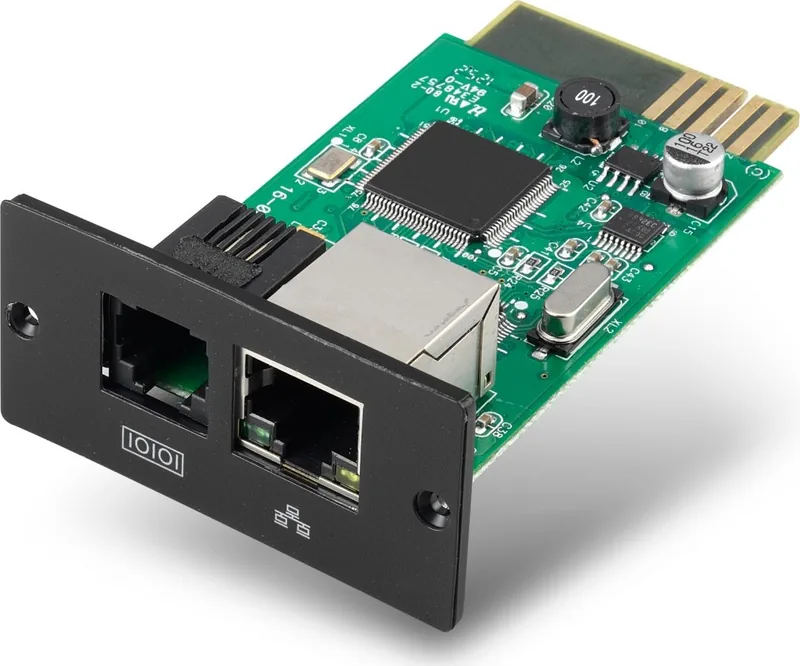
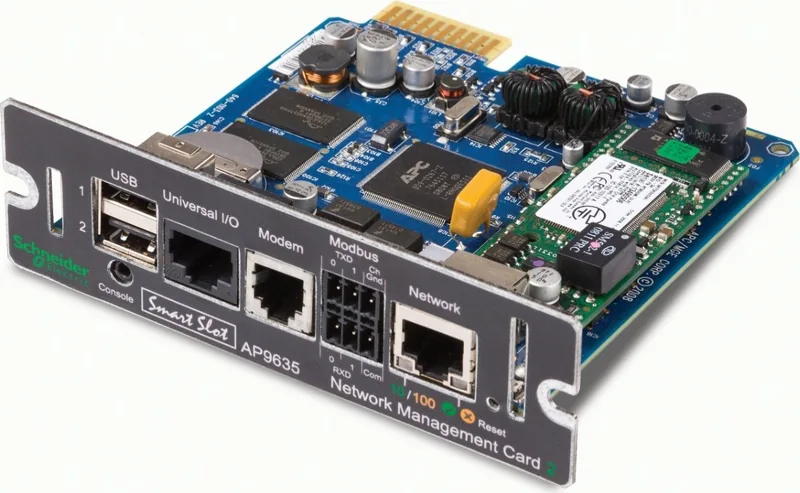
APC network management devices allow supported equipment to be monitored and controlled through a network. Manuals may cover initial IP configuration, web browser access, command line options, SNMP, email notifications, event logging, security settings, user permissions, and integration with monitoring platforms. Follow current security recommendations when configuring network-connected power equipment.
How to Read, Download and Print Manuals
PDF manuals can be read directly in a browser or opened in a PDF reader. Reading digitally makes it easy to search for terms such as "battery," "alarm," "overload," "runtime," "network," or "installation." Use the document search feature to quickly find a specific warning code, display message, connector, or configuration menu.
Downloading a copy can be useful when working in a server room, storage area, workshop, or remote location with limited internet access. Save the file using a clear name that includes the model number and document type, such as "APC-SMT1500-User-Manual.pdf." This makes future reference easier, especially when multiple APC devices are installed.
For printed copies, use the PDF print settings to select only the pages you need. Printing installation diagrams, wiring references, rack mounting instructions, or troubleshooting tables can be convenient during hands-on work. Consider printing double-sided to reduce paper use, while ensuring diagrams and warning labels remain readable.
Safe Use and Installation Considerations
Power protection equipment should be installed according to its rated capacity and intended environment. Do not exceed the UPS or PDU load rating. Before connecting equipment, calculate the expected power demand and allow reasonable capacity for startup loads, future expansion, and battery runtime needs.
Keep ventilation openings clear and install equipment in a clean, dry, temperature-appropriate location. UPS batteries and electronics can be affected by excessive heat, moisture, dust, and poor airflow. Rack-mounted units should be properly supported, secured with the correct hardware, and installed in accordance with the manual's weight and placement recommendations.
Always review electrical safety warnings before connecting or servicing APC equipment. Some systems use high voltage, large battery packs, external battery modules, or hardwired input connections. Disconnecting equipment does not necessarily remove all electrical hazards. Refer servicing, internal repairs, and hardwired work to qualified personnel when required.
Troubleshooting With an APC Manual
An APC manual can help identify common operating conditions without unnecessary guesswork. Typical topics include no power output, continuous alarm tones, overload indications, low battery warnings, failed self-tests, communication errors, display alerts, and network connectivity issues.
Start by checking the manual's status indicator or alarm reference. Note the exact LED color, LCD message, icon, or audible pattern. Then verify basic conditions such as utility power availability, input connection, circuit breaker position, load level, battery connection, ventilation, and cable connections.
If a UPS reports an overload, disconnect nonessential equipment and compare the connected load with the unit's rated output. If battery runtime is unexpectedly short, check battery age, ambient temperature, load level, and charging time. Battery performance naturally declines over time, and the manual may provide guidance on expected replacement intervals and compatible battery options.
Use Current and Model-Specific Information
APC documentation may be updated as products, firmware, safety guidance, and support procedures change. When possible, use the latest model-specific manual from an official APC or Schneider Electric support source. Older equipment may have archived documentation, but verify that the document matches the hardware revision and installed accessories.
Keep a copy of the most relevant manual with your equipment records. For business installations, include the model number, serial number, battery replacement date, firmware version, network address, rack location, and maintenance history. Accurate documentation makes future troubleshooting, replacement planning, and support requests much easier.
Get More From Your APC Equipment
The right APC manual turns product information into practical guidance. Use it to install equipment correctly, understand alerts, configure supported features, maintain batteries, protect connected devices, and plan for reliable operation. Whether you need a brief setup guide or detailed technical documentation, reading, downloading, and printing the correct manual provides a useful reference whenever you need it.
Search for 67,706 Manuals online


Type-in Brand or Model