
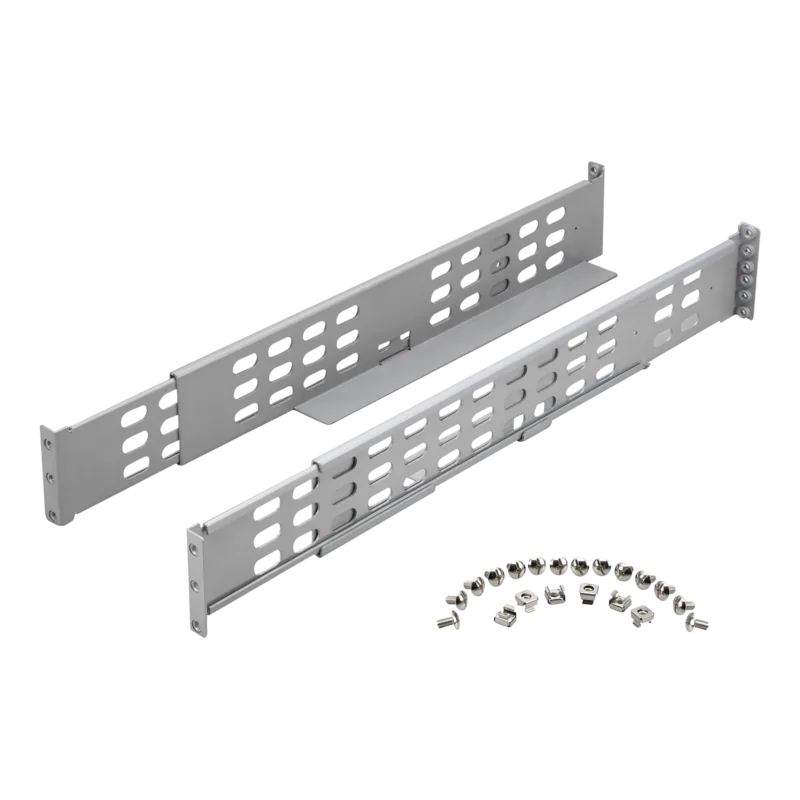
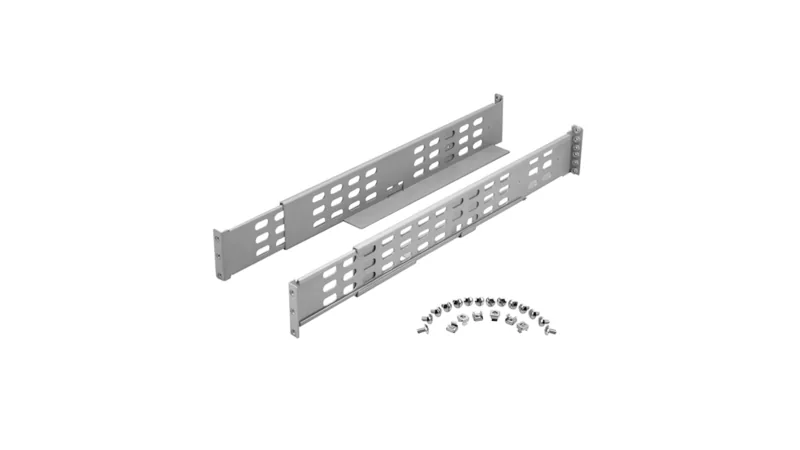
APC Smart-UPS RT 19" Rail Kit 2 Manual
PDF manual · 8 Pages
English



Quick check
Incorrect answer, please try again.
Chat with your APC Smart-UPS RT 19" Rail Kit 2 manual using AI
Get instant AI answers from your APC Smart-UPS RT 19" Rail Kit 2 manual
Ask anything about the APC Smart-UPS RT 19" Rail Kit 2. Answers come from this manual, with the pages they are based on.
Ask a Question
Do you recommend Smart-UPS RT 19" Rail Kit 2?
Yes NoFrequently Asked Questions
The rail kit converts tower-configured APC Smart-UPS RT units to standard 19" rack-mountable form, providing mounting brackets, cleats, and hardware to secure the UPS in a server rack while preserving ventilation and service access.
Is this answer helpful?
Compatibility varies by model and series (e.g., SURT3000/5000/6000, SURT7500/8000/10000, SURT192XLBP, SURT48RMXLBP and related RT variants). Always verify the kit part number against your UPS model and consult manufacturer guidance for exact fit and any preinstalled cleats.
Is this answer helpful?
Installation is generally straightforward: remove tower supports, attach rails/cleats to the UPS, and secure the unit in the rack using provided hardware. Larger UPS units may require two technicians due to weight; following the manual ensures safe and efficient installation.
Is this answer helpful?
No—when installed correctly, the rail kit maintains proper grounding and clearances for transformers and surge suppression. Installers should follow recommended grounding procedures, torque specs, and any model-specific safety steps to preserve protective features.
Is this answer helpful?
Yes. The rail kit design typically allows the UPS to be partially extended or slid forward for maintenance without full removal, facilitating access to battery compartments, connectors, and controls while minimizing service downtime.
Is this answer helpful?
Some racks or older configurations may need adapter brackets or hardware to fit the rack rails. Verify rack depth and compatibility; if your rack uses non-standard rails, plan for possible adapters or modifications.
Is this answer helpful?
Advantages and Disadvantages
Advantages

- Provides secure 19" rack mounting for tower-configured Smart-UPS RT units, optimizing rack space.
- Durable construction designed for repeated installations and heavy UPS models.
- Simplifies installation with bracket/cleat alignment; some units include factory-installed cleats.
- Allows partial extension or sliding for maintenance without full UPS removal.
- Maintains proper grounding and clearance for transformers and surge suppression components.
Disadvantages

- Requires confirming model compatibility; not all Smart-UPS variants use the same mounting parts.
- Installation may need two technicians for larger UPS units due to weight and alignment.
- Additional rack space and hardware needed; may conflict with existing rack layouts.
- Does not replace model-specific instructions; installer must follow manufacturer torque/grounding specs.
- Some older or non-standard racks may need adapter brackets or modifications.
Product Description
APC Smart-UPS RT 19" Rail Kit 2 Manual
The APC Smart-UPS RT 19" Rail Kit 2 is an essential accessory for data centers and IT environments that need to convert tower Smart-UPS RT units to reliable rack-mounted installations. Designed by APC by Schneider Electric, this rail kit provides a robust, tool-friendly solution for mounting compatible Smart-UPS RT models securely within a standard 19-inch server rack. It streamlines transitions between tower and rack configurations while maintaining ventilation, alignment, and load-bearing capacity for heavier UPS models.
Built for compatibility and durability
Engineered to fit multiple Smart-UPS RT models, the Rail Kit 2 supports precise alignment of cleats and mounting brackets—often preinstalled depending on the UPS model—to speed up installation. The components are built from rugged materials to withstand the stresses of rack environments and repeated maintenance cycles. This kit helps maintain proper grounding and clearances for transformers and surge suppression components, ensuring the UPS retains its protective characteristics after conversion.
Ease of installation and serviceability
Installation steps are straightforward: detach the UPS from tower supports, attach the rail brackets to the unit, and slide the assembly into the rack while securing with provided hardware. For select models, factory-installed cleats reduce prep time. The kit facilitates both initial installation and future servicing, allowing technicians to slide or partially extend the UPS for access without full removal.
Ideal use cases
This rail kit is especially useful for organizations consolidating equipment into racks, upgrading physical infrastructure, or optimizing data center space. It’s suitable for medium- to large-capacity UPS units (3U–6U and larger variants depending on model) used in server rooms, network closets, and enterprise environments where uptime and orderly rack layout are priorities.
Notes
- Verify model compatibility before ordering; some models ship with cleats preinstalled.
- Follow recommended torque specs and grounding procedures when installing.
- Keep installation instructions or manufacturer guidance on hand for model-specific steps.
Search for 67,706 Manuals online


Type-in Brand or Model