
APC Back-UPS BX Series Manual
PDF manual · 9 Pages
English



Quick check
Incorrect answer, please try again.
Chat with your APC Back-UPS BX Series manual using AI
Get instant AI answers from your APC Back-UPS BX Series manual
Ask anything about the APC Back-UPS BX Series. Answers come from this manual, with the pages they are based on.
Ask a Question
Do you recommend Back-UPS BX Series?
Yes NoFrequently Asked Questions
The standard warranty lasts for two years from the date of purchase.
Is this answer helpful?
No, the battery cannot be replaced by the user. An authorized service center must perform this task.
Is this answer helpful?
The unit activates Automatic Voltage Regulation first. If compensation fails, it switches to battery mode to protect the load.
Is this answer helpful?
You should allow the battery to charge for at least 16 hours upon initial installation.
Is this answer helpful?
No, the UPS is designed exclusively for indoor use and has an IP20 rating.
Is this answer helpful?
Typical battery life is three to five years, depending on temperature and usage conditions.
Is this answer helpful?
Advantages and Disadvantages
Advantages

- Built-in Automatic Voltage Regulation protects against low and high grid voltages.
- Includes data line surge protection for communications cables.
- Supports PowerChute Personal Edition software for PC monitoring.
- Features automated daily battery testing to ensure reliability.
Disadvantages

- Internal battery cannot be replaced by the user.
- Critical alarm notifications cannot be permanently silenced.
- Operating height limited to 3000 meters above sea level.
- Indoor use only due to lack of weatherproofing.
Product Specification
Type
Tower
Classification
Class VI (Line-Interactive)
Voltage
230V
Input
Type-E
Interfaces
USB
Data Line Protection
2 x RJ-45
Charging Time
8 hours
Rack Units
N/A
Depth 19" Insert
N/A
Manufacturer Warranty
2 Years
Product Description
Protect Your Electronics Today
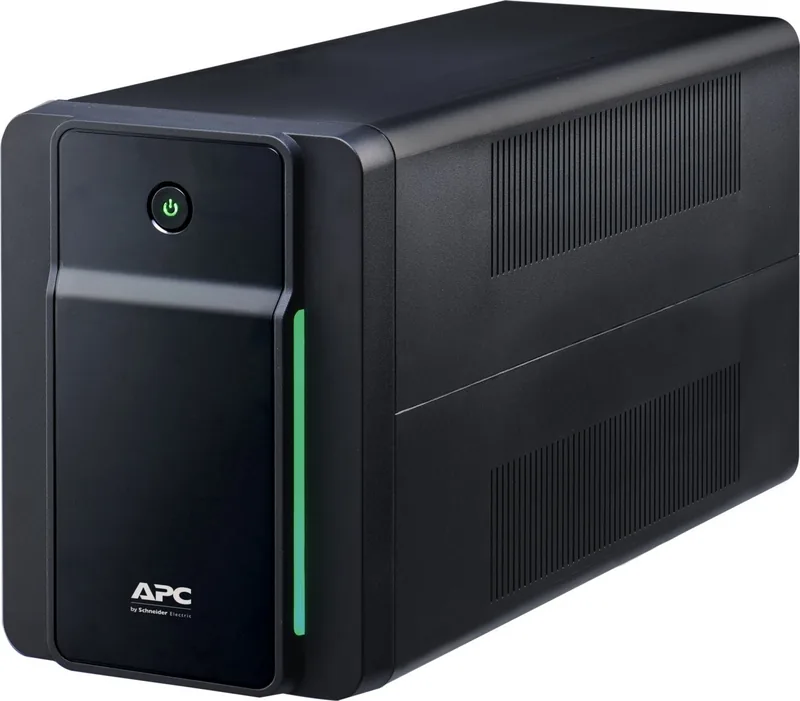
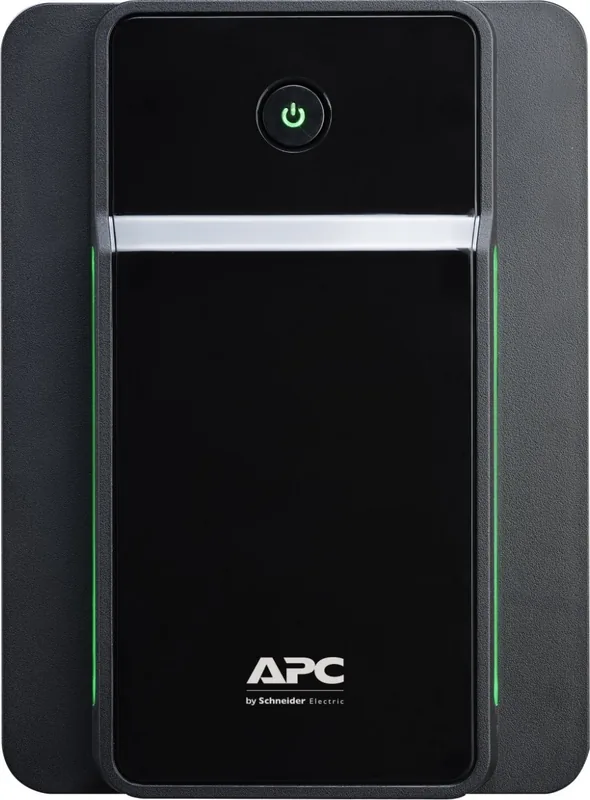
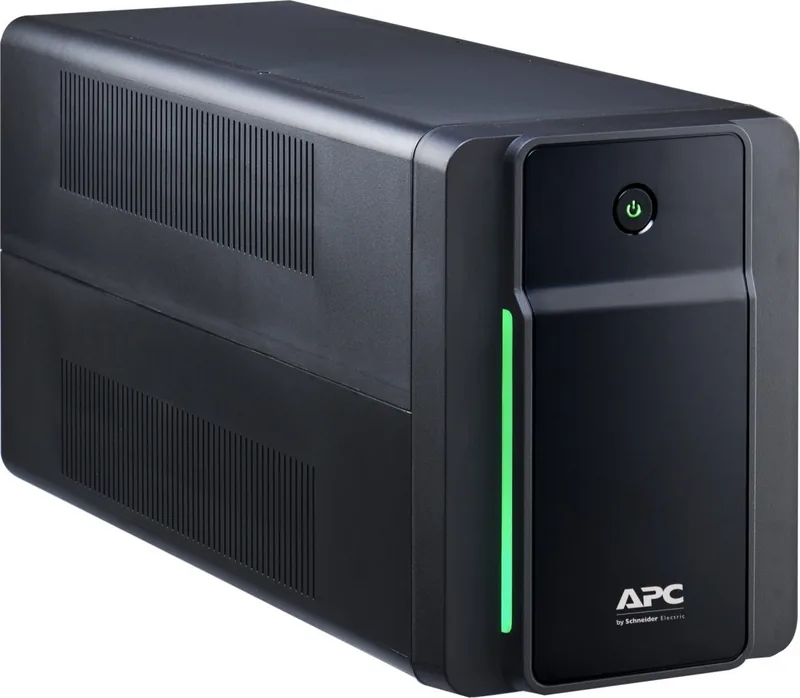
Reliable power management is essential for maintaining business continuity and protecting valuable digital assets. The APC Back-UPS Type-E offers guaranteed performance and overvoltage protection for wireless networks, computers, game consoles, and other electronics in your company environment. This uninterruptible power supply ensures continuous protection during sudden outages and unstable voltage fluctuations. It also safeguards against dangerous surges and spikes effectively. Additionally, it features integrated data line surge protection to shield your devices and precious files from surges entering through the communication cables. It serves as the ideal solution for protecting sensitive electronic equipment from unexpected disruptions.
Setup and Operation Guidelines
Installation demands strict adherence to specific placement rules found in standard guides. Do not expose the device to direct sunlight, excessive heat, moisture, or dust accumulation. Always place it on the floor when operating for stability. Connect the internal battery handle up before pressing into the device case. Plug devices and power supply into the UPS outlets directly. Do not use extension cords to avoid voltage drop issues. Connect the power cord directly to a wall outlet, never to another surge protector. Turn the device on using the dedicated On/Off button. The green operation light confirms readiness. Allow charging for at least 16 hours for adequate runtime initially. The battery charges automatically once connected to the grid. Never unplug the battery connector while in online mode to prevent damage.
Advanced Features and Maintenance
Automatic Voltage Regulation increases or reduces grid voltage when limits are exceeded dynamically. This allows connected loads to work continuously even with low or high grid voltage variations. The unit switches to battery mode if regulation cannot compensate for the issue. You can connect via USB for PowerChute Personal Edition software installation on your computer. Users can temporarily mute correctable alarms like low battery warnings easily. To reset the alarm state, press the On/Off button briefly. A double beep confirms activation successfully. Holding the button longer than two seconds powers off the device completely. Critical events like battery change notifications cannot be muted silently.
Important Notes
Battery replacement involves significant safety risks. Internal batteries should never be opened or destroyed by users due to toxic electrolyte content. Dispose of used batteries according to local hazardous waste regulations strictly. Replace the battery at least every five years or immediately if the unit indicates failure. Ensure proper grounding of the power outlet for safety compliance. Do not use styrofoam chips for return shipping if repair is needed under warranty conditions. Contact technical support for authorized service centers nearby. Keep this guide safe. Refer to APC Back-UPS Type-E Manual for complete protocols.
Search for 67,706 Manuals online


Type-in Brand or Model